

Software as a Service, or SaaS, is everywhere these days. You’re probably using it without even thinking about it! It’s basically software you access online through a subscription, instead of buying and installing it yourself. Think of it like renting an apartment versus owning a house – someone else handles the upkeep. This article breaks down some common software as a service saas examples that make our work and lives easier.
Key Takeaways
- SaaS means you access software online via a subscription, with the provider handling hosting and updates.
- This model is different from PaaS (platforms for developers) and IaaS (cloud infrastructure).
- Many popular tools like Microsoft 365, Google Workspace, and Slack are prime software as a service saas examples.
- SaaS providers often use tiered subscription plans, offering free trials or basic versions to attract users.
- Companies like Salesforce, Zendesk, and HubSpot use SaaS for managing customer relationships and support.
Understanding Software as a Service Examples
So, what exactly is Software as a Service, or SaaS? Think of it like renting a fully furnished apartment instead of buying a whole house. You get to use the space and all its amenities without the hassle of maintenance, repairs, or even buying the furniture yourself. In the tech world, this means accessing software over the internet, usually through a web browser, instead of installing it directly onto your computer. The company providing the software handles all the behind-the-scenes stuff – updates, security, and keeping the lights on, so to speak.
What Constitutes Software as a Service?
At its core, SaaS is about accessing licensed software that’s hosted somewhere else, typically in the cloud. You pay a recurring fee, often monthly or yearly, to use it. This model has become super popular because it’s flexible. You can usually pick a plan that fits what you need, whether you’re an individual or a big company. It’s a big shift from the old days of buying a software disc, installing it, and hoping it didn’t break your computer. This subscription-based approach means you’re always using the latest version of the software without having to do anything yourself. Many people use SaaS daily without even realizing it, from checking email to managing projects. It’s a pretty common way to get software these days.
The Subscription-Based Business Model
This is where the "renting" analogy really shines. SaaS companies make money by charging users a subscription fee. This isn’t a one-time purchase; it’s ongoing access. Companies offer different tiers, kind of like choosing between a basic hotel room or a suite. You pay for what you need, and often, you can try it out for free or at a lower cost before committing. This model benefits both sides. Users get access to powerful tools without a huge upfront cost, and companies get a predictable revenue stream. It also allows them to keep improving the software because they have a steady income. Some common ways they charge include:
- Monthly or Annual Fees: The most straightforward approach, paying regularly for access.
- Tiered Plans: Different levels of features, storage, or user access at varying price points.
- Per-User Pricing: Charging based on the number of people using the software.
- Feature Add-ons: Offering extra functionalities for an additional cost.
SaaS vs. PaaS vs. IaaS: A Quick Distinction
It’s easy to get cloud computing terms mixed up. While SaaS is about ready-to-use applications, there are other models too:
- SaaS (Software as a Service): This is what we’re talking about – end-user applications you access online. Think of email clients or project management tools.
- PaaS (Platform as a Service): This provides a platform for developers to build and deploy their own applications. It’s like a workshop with all the tools, but you build the product.
- IaaS (Infrastructure as a Service): This offers basic computing resources like servers and storage over the internet. It’s like renting the land and basic utilities; you build everything else yourself.
Understanding these differences helps you see where SaaS fits into the bigger picture of cloud services. It’s the most user-facing of the three, providing direct applications for everyday tasks. You can find out more about cloud computing services to get a clearer picture.
Essential Productivity and Collaboration SaaS Examples
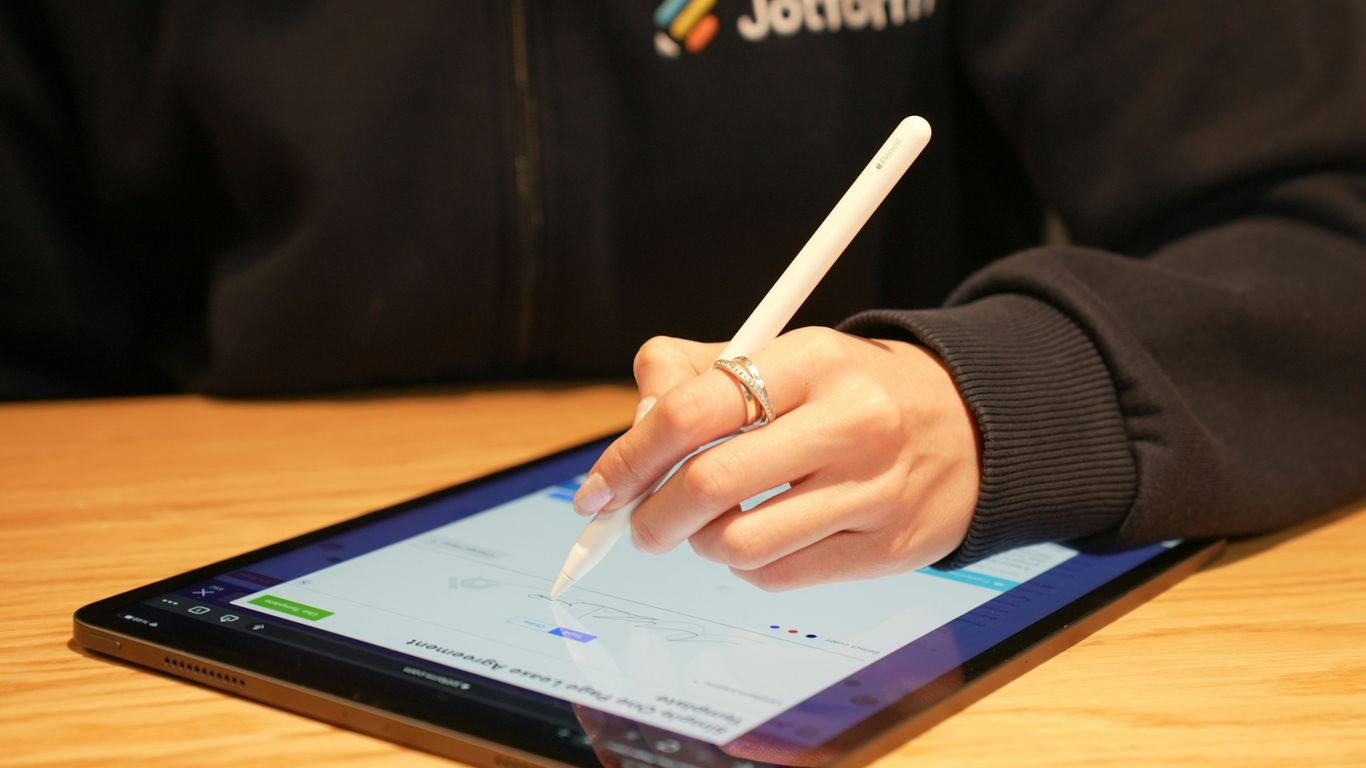
When you’re trying to get work done, especially with a team, having the right tools makes a huge difference. Luckily, there are tons of Software as a Service (SaaS) options out there that can really streamline how you and your colleagues communicate, share information, and manage tasks. These aren’t just fancy apps; they’re designed to make your workday smoother and more productive.
Microsoft 365: The Office Suite in the Cloud
Remember when you had to buy software boxes for Word and Excel? Microsoft 365 is basically that, but way more flexible and accessible. It’s a collection of familiar applications like Word, Excel, PowerPoint, Outlook, and Teams, all available online. You can work on documents from anywhere, and multiple people can even edit the same file at the same time. This makes collaborating on reports or presentations much less of a headache. Plus, Microsoft handles all the updates, so you’re always using the latest version without having to do anything yourself.
Google Workspace: Streamlining Teamwork
Similar to Microsoft 365, Google Workspace bundles together tools like Gmail, Google Drive, Docs, Sheets, Slides, and Meet. It’s built for collaboration from the ground up. Think about sharing a Google Doc with your team – everyone can see changes in real-time, leave comments, and chat right within the document. It’s pretty neat for keeping everyone on the same page. Google Workspace offers different plans, starting with a free option for basic use, and then paid tiers that give you more storage and features for businesses.
Slack: Revolutionizing Team Communication
If your team struggles with endless email chains, Slack might be a game-changer. It’s a messaging app designed for workplaces. Instead of emails getting lost, you can create different channels for specific projects or topics. This keeps conversations organized and easy to find later. You can also direct message people, share files, and even integrate other apps you use, like Google Drive or Trello. Slack has a free version that’s great for smaller teams, and paid plans offer more features and history.
Here’s a quick look at what makes these tools so useful:
- Real-time Collaboration: Multiple users can work on the same document or project simultaneously.
- Accessibility: Access your work from any device with an internet connection.
- Automatic Updates: The provider handles software updates, so you don’t have to.
- Centralized Communication: Keep conversations and files organized in one place.
These platforms are more than just software; they’re designed to change how teams work together, making things faster and less complicated.
Customer Relationship Management and Support SaaS Examples
When you’re running a business, keeping track of who’s who and what they need can get complicated fast. That’s where Customer Relationship Management (CRM) and support software comes in. These tools are designed to help you manage all your interactions with current and potential customers. Think of it as a digital rolodex, but way smarter.
Salesforce: Powering Sales and Marketing
Salesforce is a big name in the CRM world. It’s built to help companies manage their sales processes, marketing campaigns, and customer service all in one place. It tracks potential customers as they move through the sales process, giving you insights and tools to build better relationships and hopefully make more sales. They have different plans, often priced per user per month, depending on what features you need for sales, marketing, or just general business use. It’s a robust platform, and many businesses rely on it to keep their customer data organized and actionable.
Zendesk: Enhancing Customer Service
Zendesk focuses more on the customer support side of things. If you’ve ever submitted a support ticket or used a website’s chat feature, there’s a good chance Zendesk was powering it. Their software helps companies manage help desk requests, track customer issues, and provide support through various channels. They offer different service tiers, usually with monthly or annual subscription options, and even a free trial to get started. It’s all about making sure your customers get the help they need, when they need it. A good customer service effort can make a big difference in how people see your business.
HubSpot: Integrated Marketing and Sales Solutions
HubSpot is another player that tries to do a lot. It offers tools for marketing, sales, and customer service, aiming to bring everything together. You can manage contacts, track leads, run email campaigns, and handle customer support tickets. They have a free set of tools to start with, and then paid plans that add more features as your business grows. The idea is to give you a unified view of your customer interactions across different parts of your business. This kind of integrated approach can really help streamline how you connect with people.
Project Management and Workflow Optimization SaaS Examples
Keeping projects on track and making sure everyone on the team knows what they’re supposed to be doing can feel like juggling chainsaws sometimes. Luckily, there are some pretty neat software tools out there that help make sense of all the chaos. These platforms are designed to help teams organize tasks, track progress, and generally just get things done more smoothly.
Monday.com: Flexible Work Operating System
Monday.com really positions itself as a "work operating system." What that means is it’s super adaptable. You can use it for all sorts of things, not just traditional project management. Think graphic design, software development, marketing campaigns, HR stuff, you name it. The big selling point here is customization. You can tweak your dashboards and how you see your work to fit exactly how your team operates. Plus, it plays nice with a bunch of other software you might already be using.
- Customizable Boards: Build boards that look and function how you want.
- Multiple Views: Switch between Kanban, Gantt, calendar, and other views.
- Automations: Set up rules to automate repetitive tasks.
- Integrations: Connect with tools like Slack, Google Drive, and more.
They offer a free plan if you just want to dip your toes in, and then paid plans start around $9 per user per month, going up to about $19 per user per month for more features. For really big companies, they have custom enterprise solutions.
ClickUp: The All-In-One Productivity Platform
ClickUp aims to be the one place for everything your team needs to do. It bundles a lot of features into one package, which can be a big win if you’re tired of bouncing between different apps. You get task management, project tracking, document creation, and even built-in chat. It’s designed to be pretty flexible, letting you adjust things to your team’s workflow.
Key features often include:
- Task Management: Assign tasks, set due dates, and track progress.
- Docs: Create and collaborate on documents within the platform.
- Goals: Set and track team or individual objectives.
- Whiteboards: Visualize ideas and brainstorm with your team.
ClickUp has a free version that’s pretty decent for smaller teams or individuals. Paid plans start at $7 per user per month for their Unlimited plan, and the Business plan is $12 per user per month. They also have options for larger organizations.
These tools can really change how a team works together. The trick is finding the one that best fits your specific needs and how your team likes to get things done.
Data Storage and File Sharing SaaS Examples
When you think about cloud services, storing your files and sharing them with others is probably one of the first things that comes to mind. It’s like having a digital filing cabinet that you can access from anywhere, and it’s made a huge difference in how we work and collaborate. Instead of emailing large attachments back and forth, or worrying about losing a USB drive, these services let you keep everything in one place.
Dropbox: Seamless Cloud Storage and Collaboration
Dropbox is a name many people know. It’s been around for a while and really set the standard for how we think about cloud storage. Basically, you upload your files to Dropbox, and then you can get to them from your computer, your phone, or any web browser. It’s pretty straightforward.
What makes it more than just a place to dump files is the sharing aspect. You can create links to share files or folders with anyone, even if they don’t have a Dropbox account. This is super handy for sending big project files to clients or sharing photos with family. They also have features for backing up folders from your computer automatically, so you don’t have to remember to do it.
Here’s a quick look at what they offer:
- Free Tier: You get a small amount of storage to start with, usually a couple of gigabytes. It’s enough to get a feel for the service.
- Paid Plans: For more space, you can upgrade. Plans typically offer much more storage, like several terabytes, and often come with extra features for teams, such as advanced admin controls and better security.
- Collaboration Tools: Features like shared folders and commenting on files make it easier for groups to work together on documents without leaving the platform.
It’s a solid choice if you need a reliable way to store and share files, whether you’re working solo or with a team.
Wrapping It Up
So, we’ve looked at a bunch of software examples that run as a service. It’s pretty clear that this way of getting software is everywhere now, from how we work to how we connect with people. You probably use some of these without even thinking about it, like when you check your email or use a cloud storage service. The main idea is that you pay a regular fee instead of buying a big license upfront, and the company handles all the updates and keeping things running. It just makes things simpler for most people and businesses. As technology keeps changing, expect to see even more of this kind of service pop up, making our digital lives easier, one subscription at a time.
Frequently Asked Questions
What exactly is Software as a Service (SaaS)?
Think of SaaS like renting a tool instead of buying it. Instead of getting a software program and putting it on your computer, you use it over the internet. A company keeps the software on its computers, and you pay a fee, usually every month or year, to use it. It’s like subscribing to a streaming service for movies, but for computer programs.
Why do companies use the subscription model for SaaS?
Companies like offering SaaS with subscriptions because it gives them a steady income. For you, the customer, it means you can often start using the software without paying a huge amount upfront. You can also pick a plan that fits what you need, so you’re not paying for stuff you’ll never use. It’s a win-win because customers pay for what they need, and companies get regular payments.
How is SaaS different from PaaS and IaaS?
Imagine building a house. SaaS is like renting a fully furnished apartment – you just move in and use it. PaaS (Platform as a Service) is like renting an empty apartment with utilities ready; you can decorate and set it up how you like. IaaS (Infrastructure as a Service) is like renting the land and basic building materials; you have to build everything yourself. SaaS is for using software, PaaS is for building software, and IaaS is for managing the computer systems that software runs on.
Can you give some everyday examples of SaaS I might already use?
Absolutely! If you use email like Gmail or Outlook online, or tools like Google Docs or Microsoft Word online, you’re using SaaS. Social media sites like Facebook and Instagram are also SaaS. Even streaming services like Netflix are a form of SaaS because you pay a subscription to access their content online.
What are the main benefits of using SaaS?
The biggest plus is convenience! You don’t have to worry about installing software, updating it, or fixing it if something breaks – the company you subscribe to handles all that. It’s usually cheaper to start using because you pay as you go, and you can access your software from almost any device with internet. Plus, companies are always updating it with new features.
Are there any downsides to using SaaS?
The main thing to remember is that you rely on the company providing the service. If their service goes down, you can’t use the software. Also, your data is stored on their servers, so you need to trust them to keep it safe and private. It’s important to choose reliable SaaS providers you can trust.