
Essential SaaS Management Platforms For 2025
So, your company is using a bunch of software-as-a-service apps, right? It’s pretty common these days. Almost everyone is using them. But keeping track of all these different tools can get messy fast. IT folks are dealing with apps popping up without permission, costs going up, security worries, and just a general mess of software. That’s where SaaS management platforms, or SMPs, come in. They’re basically tools designed to help you get a handle on everything.
Understanding the Need for SaaS Management
Think about it: you’ve got apps for project management, customer service, marketing, HR – the list goes on. Without a good system, it’s easy for things to slip through the cracks. You might have people using apps that aren’t approved (that’s the ‘shadow IT’ thing), or you’re paying for licenses that nobody is actually using. Some studies show that unauthorized software is a big part of IT security concerns. It’s like having a bunch of keys floating around without knowing which door they open or if they even should. SMPs help you see all your apps in one place, control who has access, and make sure you’re not wasting money.
Key Features of Top SaaS Management Tools
When you’re looking at these platforms, there are a few things that really matter. You want a tool that can find all the apps your company is using, not just the ones IT officially signed off on. This often involves different ways of finding apps, like browser extensions or connecting to your existing systems.
Here are some must-have features:
- Application Discovery: Finds all SaaS apps, even the ones you didn’t know about. It should show you who’s using what and how often.
- Usage Tracking: Tells you if people are actually using the apps you’re paying for. This is super important for cutting costs.
- Cost Management: Gives you a clear picture of all your SaaS spending in one spot. You can see license costs and usage side-by-side.
- Integrations: Connects with your other systems, like your company directory (think Google Workspace or Microsoft Entra ID), to make managing users easier.
- Actionable Controls: Lets you do things like disable access to apps when someone leaves the company or reassign licenses.
Choosing the Right SaaS Management Platform
So, how do you pick the best one? It really depends on what your company needs most. Some platforms are great at finding every single app and keeping tabs on usage. Others focus more on cutting down costs by spotting duplicate or unused software. And some are really strong on the security side, making sure only approved apps are in use. It’s a good idea to think about your biggest pain points – is it cost, security, or just the general chaos of too many apps? Then, look for a platform that tackles those issues head-on. For example, if you’re drowning in unused licenses, a tool that excels at license optimization would be a good bet. If security is your main worry, find one that’s really good at spotting and flagging risky apps.
Optimizing SaaS Investments Through Cost Management
Look, we all know SaaS tools are great. They help us get things done faster and avoid building stuff from scratch. But here’s the thing: having too many can really start to drain your budget. It’s easy to lose track of what you’re paying for, especially when subscriptions auto-renew or you have multiple people signing up for the same thing.
Cloud Cost Intelligence Platforms
This is where cloud cost intelligence platforms come in. Think of them as your financial detectives for all things cloud and SaaS. They dig into your spending, showing you exactly where the money is going. They help you see costs broken down by customer, product, or even specific features, which is pretty wild when you think about it. This kind of detail lets you figure out if a particular feature is costing you a fortune but not bringing in much value. Some tools even flag unusual spending spikes before they get out of hand, saving you from those nasty surprises.
License Optimization and Usage Tracking
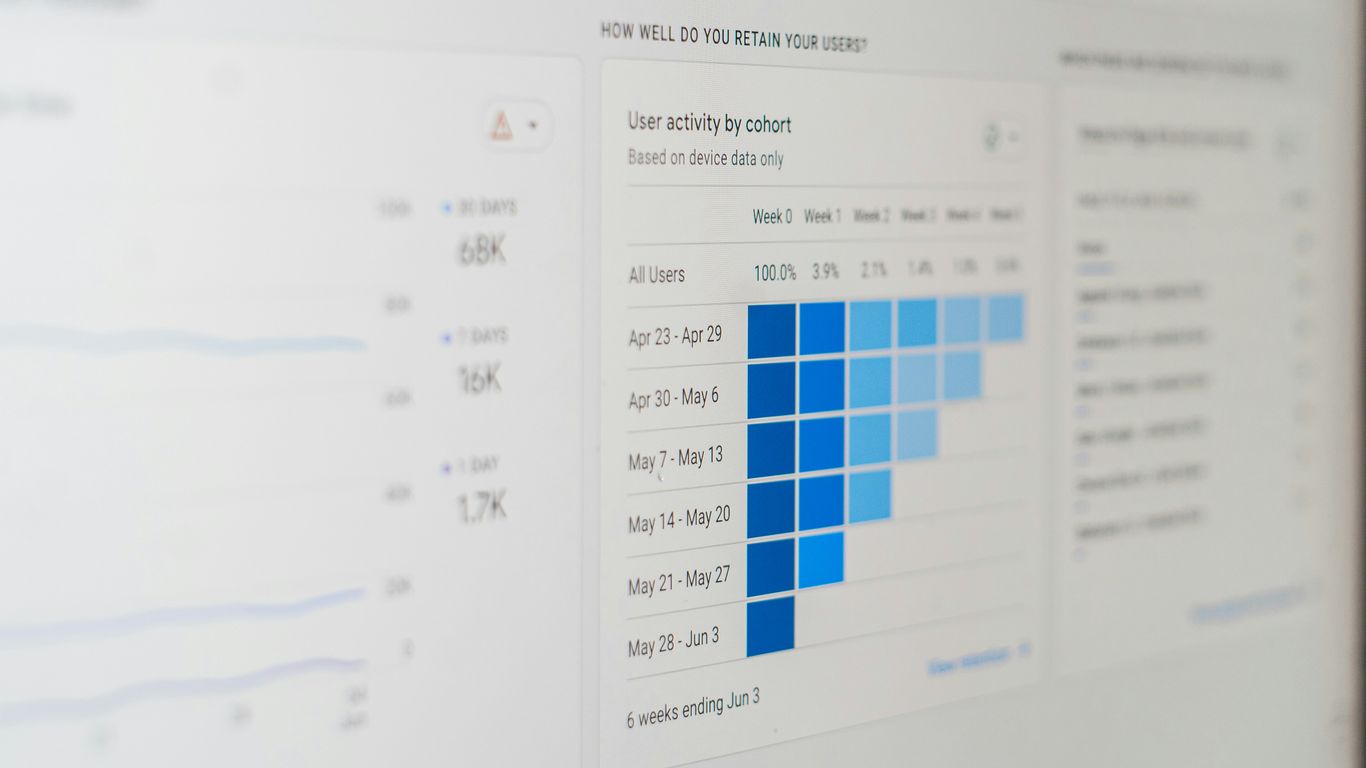
Ever wonder if you’re paying for software nobody uses? Yeah, me too. A big part of managing SaaS costs is making sure you’re not overpaying for licenses. Tools that track usage can show you which applications are gathering digital dust. You might find that half your team uses a project management tool daily, but the other half hasn’t logged in for months. That’s a clear sign you can probably cut back on licenses or even ditch the tool altogether.
Here’s a quick look at what to watch for:
- Identify Underused Apps: Find software that’s paid for but rarely opened.
- Spot Duplicate Subscriptions: See if multiple teams are paying for the same or very similar tools.
- Track License Allocation: Know who has access to what, and if those licenses are actually needed.
- Monitor Renewal Dates: Get alerts before subscriptions automatically renew, giving you time to decide if you still need them.
Negotiating Better SaaS Deals
Once you know what you’re actually using and what you can probably live without, you’re in a much stronger position to negotiate. Armed with data on your usage patterns and a clear understanding of your needs, you can talk to vendors about better pricing. You can point out if you’re not using certain features they’re charging you for, or if you’re willing to commit to a longer contract for a discount. It’s not just about cutting costs; it’s about making sure you’re getting the best bang for your buck. Don’t be afraid to shop around or ask for a better deal – especially if you’ve got data to back you up.
Enhancing Security and Compliance in Your SaaS Stack
So, you’ve got all these SaaS apps running, which is great for getting stuff done. But let’s be real, it also opens up a whole can of worms when it comes to security and making sure you’re following the rules. It’s easy for apps to sneak in without anyone really noticing, and that’s where things can get dicey.
Discovering and Managing Shadow IT
Shadow IT is basically any software or app that employees use for work without the IT department’s official approval or knowledge. Think about it – someone signs up for a project management tool because it looks cool, or uses a file-sharing service because it’s faster. While they might have good intentions, these unmanaged apps can be a big security risk. They might not have the right security settings, could be storing sensitive company data, or might not meet privacy regulations. Finding and controlling these rogue applications is a top priority.
Here’s how you can start getting a handle on it:
- Use discovery tools: Many SaaS management platforms can scan your network and integrations to find apps that are being used, even if IT didn’t set them up. This includes looking at things like browser extensions, network traffic, and even credit card statements for software purchases.
- Set clear policies: Let everyone know what’s okay to use and what’s not. Make it easy for employees to request new software so they don’t feel the need to go rogue.
- Regular audits: Periodically check your app inventory to see what’s being used, who’s using it, and if it’s still needed or approved.
Threat Detection and Prevention in SaaS Applications
Once you know what apps you have, you need to make sure they’re not going to cause a security headache. This means actively looking for threats within those applications. We’re talking about things like unauthorized access, data leaks, or malware trying to sneak in through a connected app.
Some platforms can automatically monitor your SaaS apps for suspicious activity. They might use AI to spot unusual patterns, like someone trying to download a huge amount of data all at once, or a login from a strange location. If something looks off, the system can flag it, and sometimes even block the action before it causes damage. It’s like having a security guard for your software.
Ensuring Data Privacy and Regulatory Compliance
This is a big one, especially with all the different data privacy laws out there, like GDPR or CCPA. You have to make sure that the way you’re using SaaS apps doesn’t violate these rules. This means knowing where your sensitive data is stored, who has access to it, and that the apps themselves are compliant.
For example, if you’re using a CRM, you need to be sure it handles customer data according to privacy laws. If you’re using a cloud storage service, you need to know if it encrypts data and where those servers are located. Getting this wrong can lead to hefty fines and a lot of bad press. So, keeping track of your apps and their compliance status is super important.
Streamlining Operations with Workflow Automation
Look, nobody likes doing the same thing over and over. It’s boring, it wastes time, and frankly, it’s a good way to make mistakes. That’s where workflow automation comes in. It’s all about setting up systems so that your software tools can talk to each other and handle repetitive tasks without you having to lift a finger. Think of it as giving your business a personal assistant that never sleeps.
Connecting Your SaaS Tools Seamlessly
So, how do you get your apps to play nice? You need a central hub, a kind of translator that lets different software speak the same language. Tools like Zapier are pretty popular for this. You set up these "zaps" – basically, if this happens in App A, then do that in App B. It’s like building little bridges between your different services. For example, when a new lead comes in through your website form, a zap can automatically add them to your CRM and send a notification to your sales team. No more copy-pasting.
Automating Repetitive Tasks
This is where you really start to see the time savings. Imagine tasks like:
- Onboarding new employees: Automatically creating accounts in different systems, assigning training materials, and sending welcome emails.
- Processing invoices: When an invoice is received, automatically extracting key data, routing it for approval, and updating your accounting software.
- Generating reports: Setting up daily or weekly reports that pull data from various sources and compile them into a single document.
These are the kinds of things that eat up hours in a week. Automating them frees up your team to focus on more important, less mind-numbing work. It’s not about replacing people; it’s about making their jobs easier and more productive.
Improving Cross-Team Collaboration
When your tools are connected and tasks are automated, information flows more freely. This means fewer communication breakdowns and less time spent chasing down updates. For instance, if your marketing team uses a project management tool and your sales team uses a CRM, an automated workflow can ensure that when a marketing campaign generates leads, those leads are immediately visible to sales. Everyone’s on the same page, working with the most current information. This kind of smooth operation helps teams work together more effectively, leading to better outcomes for the business overall.
Boosting Visibility and Control Over Your Software

It feels like every week a new app pops up that someone in the company needs. Before you know it, you’ve got a whole bunch of software tools scattered everywhere. Keeping track of all of it can be a real headache, right? You need to know what you have, who’s using it, and if it’s actually doing what it’s supposed to. That’s where having good visibility and control comes in.
Real-Time Software Stack Visibility
Imagine trying to manage your company’s software without knowing exactly what’s installed or being used. It’s like trying to cook without knowing what ingredients you have in the pantry. You end up buying duplicates or missing something important. Getting a clear picture of your entire software setup, as it stands right now, is super important. This means seeing all the applications your teams are using, whether they were approved or not. Tools that show you this information in real-time help you spot trends, identify underused apps, and make sure you’re not paying for things nobody touches.
Centralized IT Asset Management
Having all your software information in one spot makes life so much easier. Instead of digging through spreadsheets or asking around, a centralized system acts as your main hub for everything related to your software assets. This includes details like:
- Application Name: What is it called?
- License Type: Is it a per-user license, a site license, or something else?
- Cost: How much are we paying for it?
- Renewal Date: When does the contract expire?
- Assigned Users: Who is supposed to be using this software?
- Usage Data: How often is it actually being used?
This kind of organized data helps you manage renewals better, avoid surprise costs, and make smarter decisions about which tools to keep or get rid of. It really cuts down on the guesswork.
Automated User Provisioning and Deprovisioning
When someone joins the company, they need access to certain tools. When they leave, their access needs to be removed. Doing this manually for every single application is time-consuming and, honestly, a bit risky. Automated provisioning and deprovisioning systems handle this for you. When a new employee is added to your HR system, they can automatically get accounts created in the necessary software. Likewise, when someone leaves, their access is automatically shut off across all platforms. This process significantly reduces the risk of unauthorized access and saves your IT team a ton of time. It’s a big win for both security and efficiency.
Leveraging SaaS for Business Growth and Efficiency
So, you’ve got a bunch of SaaS tools humming along, which is great. But are they actually helping your business grow and run smoother? That’s the real question. It’s not just about having the tools; it’s about using them smart. Think about it: if your team is bogged down with manual tasks or can’t find the right customer info when they need it, your growth is going to hit a wall, no matter how many apps you subscribe to.
Project Management and Collaboration Tools
These are the backbone of getting things done. Tools like Asana, Trello, or Monday.com aren’t just fancy to-do lists. They help teams actually work together, track progress, and hit deadlines. When everyone knows what they’re supposed to be doing and when, projects move faster. Plus, clear communication channels mean fewer misunderstandings and less time wasted chasing people for updates. A well-organized project means a more efficient team, and that directly impacts your bottom line.
Here’s a quick look at what good project management tools offer:
- Task assignment and tracking: Clearly see who’s doing what and if it’s on schedule.
- Communication features: Built-in chat or comment sections keep conversations tied to specific tasks.
- File sharing and storage: All project-related documents in one accessible place.
- Reporting and analytics: Get a sense of team performance and project bottlenecks.
Customer Relationship Management Solutions
Your customers are the lifeblood of your business, right? CRM software, like Salesforce, HubSpot, or Zoho CRM, is all about managing those relationships. It keeps all your customer data in one spot – contact info, past interactions, purchase history, you name it. This means your sales, marketing, and support teams can give customers a more personal and consistent experience. No more asking the same questions over and over. It helps you spot opportunities, keep customers happy, and ultimately, sell more.
Think about the difference:
- Before CRM: Sales team has notes scattered in spreadsheets, support team doesn’t know what sales promised.
- After CRM: Everyone sees the full customer picture, leading to better service and targeted sales efforts.
Payment Processing and Subscription Management
If you’re selling anything, especially on a recurring basis, how you handle payments and subscriptions matters a lot. Tools like Stripe, PayPal, or specialized subscription management platforms (like Chargebee or Recurly) make this process smooth. They handle everything from taking payments securely to managing different subscription tiers and renewals. This not only makes life easier for your customers but also for your finance and operations teams. Getting this right means fewer payment errors, less churn, and more predictable revenue. It’s a big part of keeping the business engine running without a hitch.
Engineering and Development SaaS Tools
Building and maintaining software is a complex dance, and the right SaaS tools can make all the difference. For engineering and development teams, having a solid toolkit means faster iteration, fewer bugs, and a smoother workflow. It’s not just about writing code; it’s about managing that code, automating processes, and designing products that people actually want to use.
Code Repository and Version Control
Think of your code as a living document. You need a way to track every change, collaborate with others, and roll back if something goes wrong. That’s where version control systems come in. GitHub is probably the most well-known platform for this, offering a cloud-based space for teams to build, ship, and maintain code. It’s great for open-source projects too, thanks to its huge community. Other options like GitLab and Bitbucket offer similar features, sometimes with different deployment models (cloud or on-premise).
Key aspects to look for:
- Branching and Merging: The ability to work on features independently and combine them later.
- History Tracking: Seeing who changed what and when.
- Collaboration Features: Pull requests, code reviews, and issue tracking.
- Integration: How well it plays with other development tools.
Open-Source Automation for Development
Repetitive tasks are the bane of any developer’s existence. Automation tools help streamline the build, test, and deployment phases of the software development lifecycle. Jenkins, for example, is a popular open-source option that can automate a wide range of tasks. It’s pretty flexible and can run on various systems. CircleCI is another strong contender, focusing on continuous integration and deployment, and it’s known for its speed and reliability. These tools help teams get code changes out the door faster and with more confidence.
Common automation tasks include:
- Automated builds whenever code is committed.
- Running unit and integration tests automatically.
- Deploying code to staging or production environments.
- Managing infrastructure as code.
Product Design and Wireframing Tools
Before you write a single line of code, you need a clear idea of what you’re building. Product design and wireframing tools help teams visualize ideas, map out user flows, and gather feedback early on. Tools like ProductBoard help align teams around roadmaps and prioritize features. For more visual design, tools that allow for creating interactive prototypes and user story maps, like StoriesOnBoard, can be incredibly useful. This early-stage planning prevents costly rework down the line and ensures the final product actually meets user needs.
Wrapping Up
So, that’s a look at some of the tools out there that can really help your business in 2025. It’s a lot to take in, I know. Picking the right software can feel like a puzzle, especially with so many options popping up all the time. But the main idea is to find things that actually make your work easier, save you money, and help your team focus on what matters most. Don’t just grab the first thing you see; think about what you really need. A little research now can save you a big headache later, and honestly, who doesn’t want that? Keep an eye on what’s new, but stick with what works for you.