So, you want to learn Python, huh? It’s a pretty popular language these days, used for all sorts of things like making websites, crunching data, and even AI. The good news is, you don’t need to spend a fortune to get started. We’ve been digging around on Reddit to see what folks are recommending as the best free Python course options out there. If you’re looking for solid places to learn Python without opening your wallet, you’ve come to the right spot. We’ve rounded up some top picks that people are actually using and talking about.
Key Takeaways
- Khan Academy offers a free, structured Python course with hands-on projects in each unit, making it easy to follow along and build things.
- The official Python tutorial from Python.org is a text-based resource for self-learners, providing detailed explanations and code examples directly from the source.
- JetBrains’ Introduction to Python lets you learn and practice coding directly within a professional development environment, PyCharm, with interactive challenges.
- Python for Everybody by Dr. Charles Severance is a beginner-friendly course on Coursera that covers Python basics and data handling, ideal for those interested in data analysis.
- Think Python by Allen B. Downey is a free e-book that offers a systematic, academic-style approach to learning Python with exercises to solidify understanding.
1. Khan Academy Python Course
Khan Academy has a Python course that’s pretty good for getting started. It’s broken down into six main parts, and they try to show you how Python is used in real situations. You’ll watch videos, read some text, and then get to do exercises where you can actually build things like recommendation systems or simple games. It feels like they want you to use what you learn right away.
They cover the basic stuff you need to know about Python. You start with how to write simple commands and then move on to more complicated ways to organize data. The idea is that each part builds on the last one, so you’re always adding to what you already know. It’s a solid way to go from knowing nothing to being able to make programs that do things.
Here’s a quick look at what makes it stand out:
- Structured learning path: It’s laid out with 21 specific skills to learn.
- Hands-on projects: You get to build something in every section.
- Built-in coding space: You can write and run code right on their site.
- Clear progression: It’s easy to see how you’re moving forward.
2. Official Python Tutorial
When you’re looking for the most direct source of information about Python, you can’t really beat the official documentation. The Python Tutorial, found on Python.org, is maintained by the folks who actually develop the language. This means it’s always up-to-date with the latest features and best practices.
It’s a text-heavy resource, which is great if you prefer reading and working through concepts at your own speed. You’ll start with the basics, like how to run Python code, and then move on to more complex stuff such as data structures, classes, and modules. Each section usually comes with code examples you can try out yourself. It’s a solid place to go when you need to look up how something specific works or want a detailed explanation of a language feature. You can even download it to use offline, which is handy if you don’t always have internet access. For anyone serious about understanding Python from the ground up, checking out the official language documentation is a smart move.
3. JetBrains Introduction to Python
JetBrains, the company behind the popular PyCharm IDE, offers a free introductory Python course. This is a pretty neat option if you like learning by doing, especially within a professional coding environment. It guides you through Python basics while you actually use PyCharm, which is a big deal for getting used to real-world development tools.
The course breaks down into a manageable set of lessons and challenges:
- 10 Lessons: Covering the core concepts you need to get started.
- 76 Coding Challenges: These are where you’ll really practice what you learn.
- 8 Theory Tasks: For reinforcing the concepts with a bit more explanation.
What’s cool is that you’re not just watching videos or reading text; you’re writing code directly in an IDE that has features like code completion and debugging. This setup gives you immediate feedback, which is super helpful when you’re just starting out and trying to avoid common mistakes. It’s a good way to get a feel for how developers actually work.
4. Python for Everybody
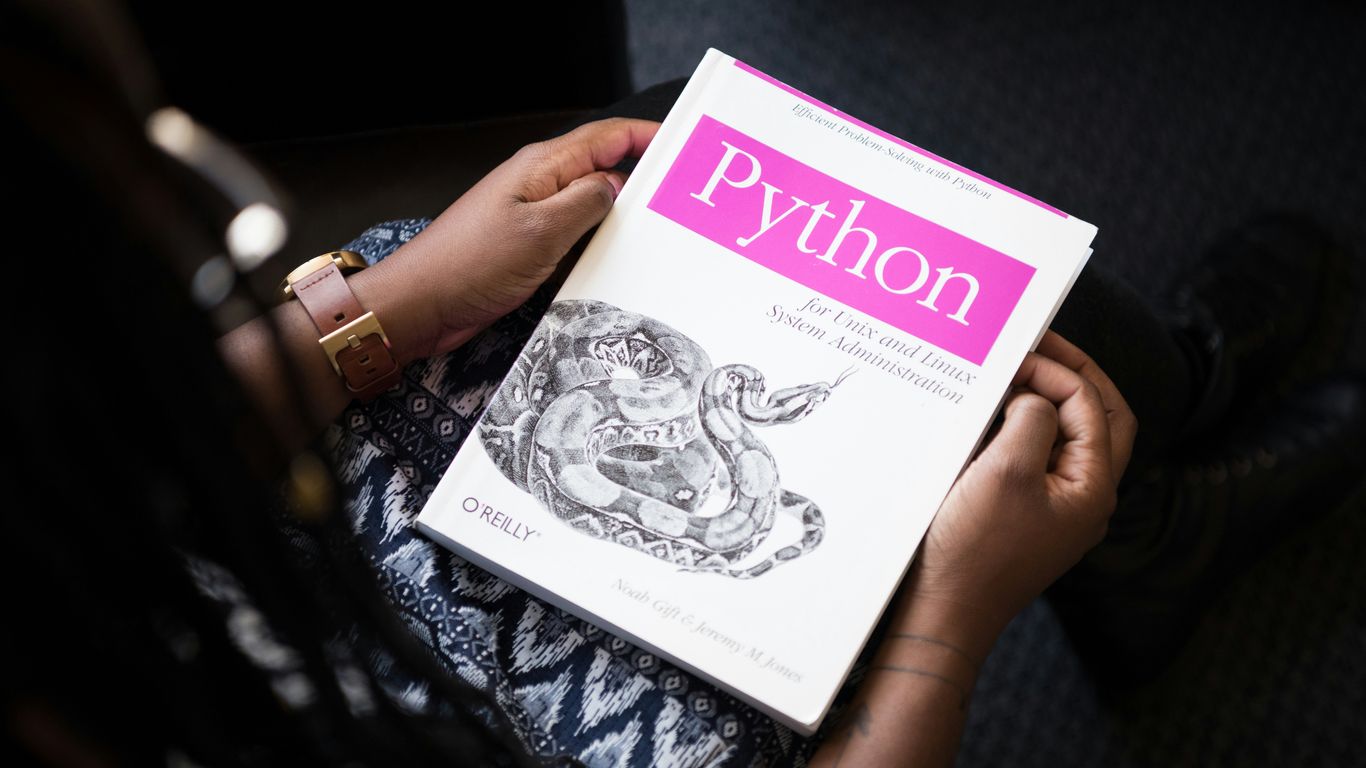
If you’re looking for a structured way to learn Python, especially if you’re interested in data analysis or automation down the line, "Python for Everybody" is a solid pick. Taught by Dr. Charles Severance, this course is available on Coursera and is often mentioned on Reddit as a great starting point. It really does begin with the absolute basics and gradually moves into more involved topics like handling data.
What makes it stand out is its clear progression:
- It starts with the absolute fundamentals, assuming no prior coding knowledge.
- You’ll work through video lectures, quizzes, and practical assignments. This hands-on approach helps cement what you’re learning.
- The course is designed by a well-known educator in the Python community.
While you can access all the learning materials for free, Coursera does offer a paid certificate if you want something to show for it. It’s a good option if you prefer a more academic, step-by-step learning path.
5. Think Python
If you’re someone who likes to learn by doing and prefers a structured, book-like approach, then Think Python by Allen B. Downey might be right up your alley. It’s an open-access ebook, which is pretty cool because it means you can get your hands on it without any cost. The book breaks down Python concepts in a way that’s easy to follow, and it doesn’t just talk about theory – there are plenty of examples and exercises to help you actually practice what you’re learning.
The whole idea behind Think Python is to teach you how to think like a computer scientist. It starts with the absolute basics, like variables and functions, and then gradually moves into more complex stuff such as recursion and data structures. It’s a systematic way to learn, and it’s great if you enjoy a more academic style of learning. You’ll find exercises at the end of each chapter, which are super helpful for making sure the concepts stick.
Here’s a quick look at what makes it stand out:
- Completely Free E-book: Accessible to anyone with an internet connection.
- Systematic Introduction: Covers Python from the ground up in a logical order.
- Chapter Exercises: Reinforce your learning with practical problems after each topic.
It’s a solid choice if you’re looking to build a strong foundation in programming logic alongside learning Python itself. It’s a bit like how AI agents are starting to democratize coding, allowing more people to get involved [da31].
6. Mimo Python Course
Mimo is a pretty neat app that lets you learn coding right on your phone, and their Python course is a solid choice if you like learning by doing. It’s designed for people who want quick feedback and enjoy interactive lessons. You’re not just watching videos; you’re actually writing code and seeing if it works, which is super helpful when you’re just starting out.
Mimo’s approach is all about bite-sized lessons, so you can squeeze in some learning even if you only have a few minutes. They’ve got a free version that gives you access to a good chunk of the material. If you get into it, they do have paid options that unlock more advanced stuff and career tracks, but the free part is definitely enough to get your feet wet with Python.
Here’s what makes Mimo stand out:
- Interactive coding exercises: You write code directly in the app and get instant feedback.
- Mobile-friendly learning: Learn Python on your phone or tablet, anytime, anywhere.
- AI-powered hints: If you get stuck, the app can offer some help to get you moving again.
- Project-based learning: You’ll build small projects as you go, which helps solidify what you’re learning.
7. Educative Python 101
Educative’s Python 101 course is a solid pick, especially if you’re tired of messing with installations and just want to start coding. The biggest win here is that you write code directly in your browser, which means no confusing setup or software to install. It’s pretty straightforward: you read a bit, then you code right there. This interactive, text-based approach can actually be faster than watching videos and feels more engaging than just reading a plain tutorial.
What you’ll get out of it:
- Basic Python rules and how to write code.
- Ways to organize data and solve problems.
- How to use functions and object-oriented ideas.
- A chance to build actual small programs.
- Quizzes and coding challenges to check your progress.
They have a few courses that are good for beginners. ‘Learn Python from Scratch’ is a great starting point, and ‘Python 101: Interactively Learn How to Program with Python 3’ is also beginner-friendly, though a bit more involved. The core courses are free, which is awesome. If you want access to everything, they have an ‘Educative Unlimited’ plan, but you can get a lot done with the free options.
8. Codecademy Learn Python 3
Codecademy’s ‘Learn Python 3’ course is a solid choice if you like a clear path and lots of practice right in your browser. You don’t need to install anything to get started, which is a big plus when you’re just trying to jump in and code. It’s designed for beginners, breaking down Python concepts into manageable chunks.
The course offers a structured curriculum where each new topic builds on what you’ve already learned. This makes it easier to follow along and build your knowledge step-by-step. You’ll find interactive lessons paired with a built-in code editor, so you can try out what you’re learning immediately. They even have an AI assistant that can help you spot and fix errors as you go, which is pretty handy.
Here’s a quick look at what you can expect:
- Interactive Lessons: Code directly in your browser with immediate feedback.
- Structured Progression: Clear milestones and a curriculum that builds logically.
- AI-Powered Help: Get assistance spotting and fixing coding mistakes.
- Projects: Work on small projects, like calculators and text-based games, to practice your skills.
While the free plan gives you access to the core lessons and projects, keep in mind that certificates and more advanced practice materials might require a paid subscription. Still, for getting your feet wet with Python without any setup hassle, Codecademy is a great place to begin your coding journey.
9. Corey Schafer YouTube Tutorials
If you’re someone who learns best by watching, Corey Schafer’s YouTube channel is a goldmine for Python learners. Seriously, this guy breaks down Python concepts in a way that just makes sense. He covers a ton of ground, from the absolute basics of syntax all the way up to more involved stuff like web development with Python and even data visualization.
His videos are really well-made and easy to follow. He doesn’t just show you how to do something; he explains why you’re doing it, which is super helpful when you’re trying to build your own projects.
Here’s what makes his channel stand out:
- Clear, in-depth explanations on a wide variety of Python topics.
- High-quality video and audio, making it pleasant to watch.
- Organized playlists that help you find exactly what you’re looking for, whether it’s a beginner topic or something more advanced.
It’s a fantastic free resource if you prefer learning through video demonstrations. Many people on Reddit mention him as a go-to for learning Python, especially for getting a solid grasp on Python programming concepts.
10. Dave Gray Python Tutorial
If you’re looking for a solid, free video course to get into Python, Dave Gray’s tutorial is definitely worth checking out. It’s about 9 hours long and came out in 2023, so it covers pretty current stuff. He starts with the basics, like how Python works, and then moves on to more complex ideas such as closures and recursion.
What’s cool is that he doesn’t just talk about concepts; there are exercises and coding challenges mixed in to help you actually practice what you’re learning. The whole thing builds up to a project where you create a Flask web application. This is a great way to see how Python is used in the real world for building websites.
Here’s a quick rundown of why people seem to like it:
- It’s organized like a textbook, with clear sections.
- It teaches modern Python practices.
- You get to build a real web app.
- There’s a good amount of focus on virtual environments, which is super important.
It’s a good option if you prefer learning through videos and want to build something tangible by the end.
Wrapping Up Your Python Journey
So, there you have it. We’ve looked at a bunch of places where people on Reddit suggest you can learn Python without spending a dime. From structured courses on platforms like Coursera and Khan Academy to hands-on practice with JetBrains and official docs, there’s really something for everyone. Don’t forget about the communities like Reddit itself or Discord where you can actually ask questions and get help when you’re stuck. The biggest takeaway here is that you don’t need to break the bank to start coding. Just pick one of these free options that fits how you like to learn and dive in. Seriously, stop looking and start coding!
Frequently Asked Questions
What’s the best way to start learning Python if I have no coding experience?
For absolute beginners, starting with interactive platforms like Codecademy or Mimo is a great idea. They let you write code right away without needing to install anything, making it super easy to jump in and see results quickly.
Are these free Python courses good enough to get a job?
These courses provide a strong foundation. While they teach you a lot, getting a job often requires building your own projects to show what you can do. Combining a course with personal projects is a winning strategy.
How long does it take to learn Python?
Learning Python takes time and practice! For the basics, you might feel comfortable in a few weeks. To become really good and ready for complex tasks or jobs, it could take several months to a year, depending on how much you practice and build things.
Can I learn Python just by watching videos?
Watching videos is helpful, especially for seeing how things are done. However, you learn best by actually writing code yourself. Try to find courses that mix videos with hands-on coding exercises or projects.
What if I get stuck while learning Python?
Don’t worry, getting stuck is normal! Many of these courses have communities or forums where you can ask questions. Websites like Reddit’s Python subreddit or Discord servers are also fantastic places to get help from other learners and experienced programmers.
Do I need to install Python on my computer to start learning?
Not always! Many online courses, like those on Educative or Codecademy, let you write and run Python code directly in your web browser. This is perfect for starting out without any complicated setup.