Trying to get students to pay attention these days can feel like a real challenge. So many things pull their focus, right? But what if I told you there’s a way to use something they’re already familiar with to make learning more interesting? We’re talking about video. It’s a tool that can really change how students interact with the material. This guide is all about how using video, and other tech, can make your classroom a more engaging place. Let’s look at some ideas for bringing more video into your lessons and making them stick.
Key Takeaways
- Break down lessons into short, connected video clips. This keeps students interested and helps them build knowledge step-by-step. Use tools to organize these clips, like channels, so students can easily find them.
- Let students create their own videos. This lets them show what they know in creative ways. Teachers can also make video guides to help students with projects, and simple tools like browser extensions can make video creation easier for everyone.
- Use quick video recaps to check if students understood the lesson. Video can also be used for group projects, where students work together on video tasks, or you can compile different student videos into one big project.
- Make lessons more fun with ‘movie days’ related to the topic, or use powerful videos to get students thinking deeply and reflecting on what they’ve learned. Interactive video stations can also offer a modular way to learn.
- Technology in the classroom, especially video, can make lessons more dynamic. Interactive displays and student-made multimedia presentations can boost engagement. For language classes, recording students can help with pronunciation practice.
Leveraging Video Clips for Dynamic Lessons
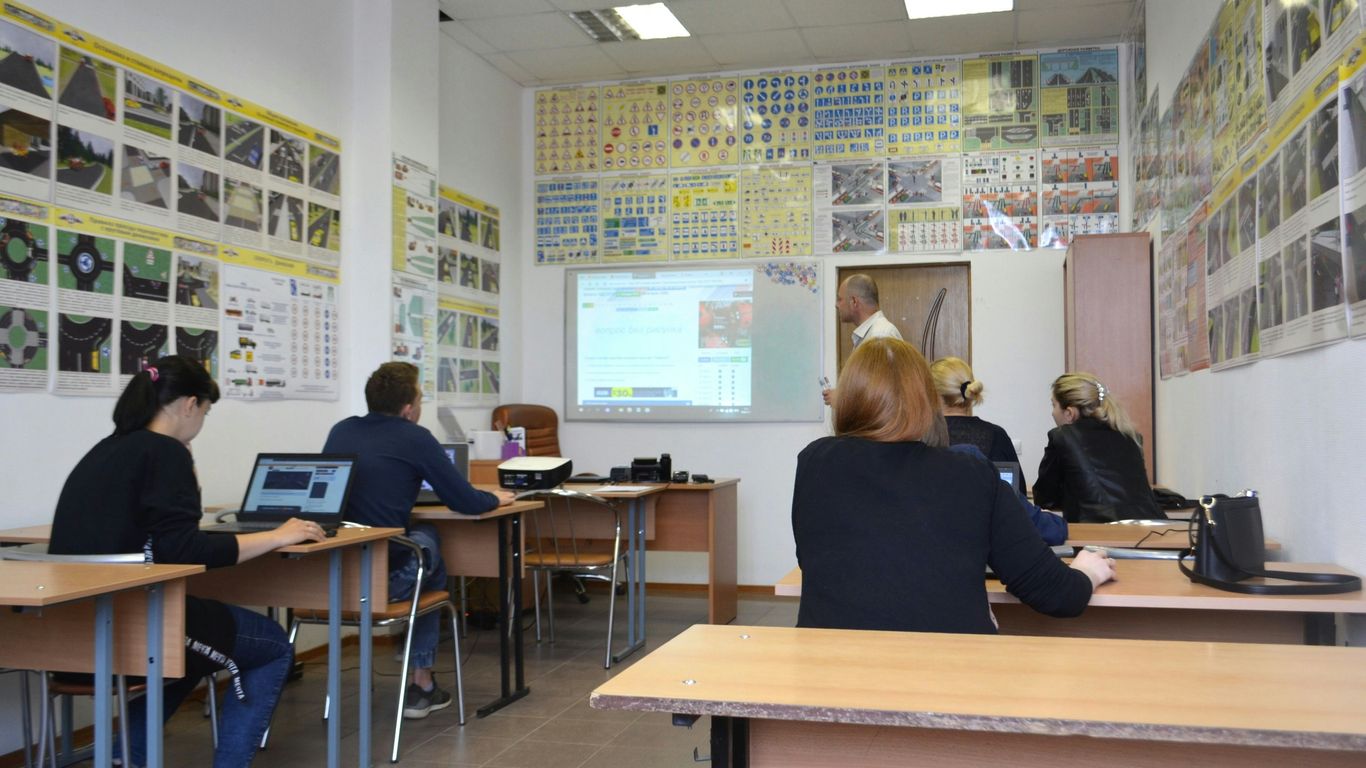
Sometimes, just talking at students for an hour doesn’t quite cut it, right? We’ve all been there, staring at the clock. Using short video clips can really shake things up and make lessons more interesting. Think about planning your whole class around a few short videos, maybe four to six of them. You can find these on YouTube, make your own, or even use ones other teachers have shared. The key is to follow up each clip with something interactive. Ask some questions, get them talking in groups, or have them write down their thoughts. This keeps their brains engaged and builds on what they just saw.
Structuring Lessons Around Series Of Video Clips
Instead of one long video, break down your topic into smaller chunks. Each video clip can focus on a specific part of the lesson. This approach helps students digest information better. It’s like eating a meal one bite at a time instead of trying to swallow it all at once. This method is a great way to introduce video-assisted learning into your daily routine.
Enhancing Knowledge Through Sequential Content
When you use videos that build on each other, students can really start to connect the dots. One clip might introduce a concept, the next shows it in action, and a third might explore a related idea. This step-by-step approach helps deepen their understanding without feeling overwhelming. It keeps their attention fresh as they move from one idea to the next.
Organizing Video Content With Channels
Keeping track of all these video clips can get messy. That’s where something like ‘Channels’ comes in handy. You can group related videos together, making it easy to share them with your class. It’s like creating a playlist for your lessons. This way, everything is organized and ready to go when you need it.
Empowering Students Through Video Creation
Letting students make their own videos is a fantastic way to get them really involved in what they’re learning. It doesn’t matter if it’s a history class or a science class; video projects let students show off their creative side in ways that regular assignments just can’t capture. It’s a chance for them to take charge and really own their learning.
Student-Led Video Projects Across Subjects
Think about it: instead of just reading about a historical event, students could create a short news report about it. Or for a science unit, they could make a "how-to" video explaining a complex process. This kind of project works for pretty much any subject. Students can really get into it, planning out their scripts, filming, and even doing some basic editing. It’s a project that can be adapted to different age groups and learning levels, too. You might find that students who aren’t always the most vocal in class really shine when they have a video project to work on.
Here’s a simple breakdown of how a student video project might go:
- Planning: Students brainstorm ideas, outline their video, and write a script. This is where they figure out what they want to say and how they’ll say it.
- Filming: Using phones, tablets, or even webcams, students record their video content. This could involve acting, demonstrating, or showing visuals.
- Editing: Students can put their clips together, add text, music, or voiceovers. Many free and easy-to-use tools are available for this.
- Sharing: The finished videos can be presented to the class, uploaded to a shared drive, or even used as part of a larger project.
Teacher-Created Video Tutorials
Sometimes, students need a little guidance to get started. That’s where you, the teacher, can step in with your own video tutorials. You can create short videos that explain project requirements, demonstrate how to use specific software or tools, or even offer tips on effective storytelling. These tutorials act as a helpful roadmap, showing students exactly what you’re looking for and how they can achieve it. It’s like giving them a cheat sheet for success, making the whole video creation process less intimidating and more accessible for everyone.
Simplifying Creation With Browser Extensions
Getting students to create videos doesn’t have to be complicated. There are some really neat tools out there, like browser extensions, that make video creation super simple. These extensions often let students record their screen or webcam directly within their browser and do quick edits. It’s perfect for things like asking students to record a short video response to a question or to explain a concept they just learned. They can even record a video comment right on a webpage or in a shared document. This cuts down on the technical hurdles and lets students focus more on the content of their message.
Utilizing Video for Assessment and Collaboration
Video isn’t just for showing things; it’s a great tool for checking what students know and helping them work together. Think about it – instead of a quick quiz, you could have students record a short video explaining a concept they just learned. This gives you a real look at their understanding, and it’s way more interesting than a paper test. These quick video recaps can be submitted through various platforms, making it easy for you to see who’s getting it and who might need a little extra help.
Here are a few ways to use video for checking in and teamwork:
- Quick Video Recaps for Comprehension Checks: Ask students to record a 10-30 second video summarizing the main points of a lesson. This is a fast way to gauge understanding and identify areas that need more attention.
- Collaborative Projects with Video Technology: Students can work in groups to create a video project. They might film different parts separately and then combine them, or use video calls to discuss and plan their project together.
- Compiling Student Work into a Single Project: For group assignments, students can contribute their individual video segments to a shared project. This teaches them how to integrate different pieces of work into a cohesive whole, much like how professional video projects are put together.
Integrating Video for Deeper Learning and Reflection
Sometimes, just watching a video isn’t enough. We want students to really think about what they’re seeing and connect it to what they already know. That’s where these strategies come in.
Movie Day For Engagement And Rewards
Let’s be honest, sometimes a little fun is a good motivator. An occasional movie day can be a great way to wrap up a tough unit or reward students for their hard work. Picking a film that ties into what you’ve been studying makes it feel less like a break and more like a continuation of learning. Imagine finishing a history unit on ancient Rome and then watching a relevant documentary or even a historical drama – with popcorn, of course! It’s a nice way to cap off a period of intense study and show appreciation for their effort.
Facilitating Reflection With Powerful Videos
Beyond just entertainment, videos can be powerful tools for getting students to think critically. Find a compelling video – maybe something that sparks a debate or presents a unique perspective. The goal isn’t just for them to watch it, but to really process it. Ask them to write a short response, share their thoughts in a group discussion, or even record their own video reflection. This kind of active thinking helps solidify their understanding and encourages them to form their own opinions. Tools like this AI tool can even help you see how engaged they are during these reflective moments.
Interactive Video Stations For Modular Learning
This approach breaks down a larger topic into smaller, manageable chunks. Set up different stations around the classroom, each with a short video focusing on a specific part of the lesson. Students move from station to station in small groups, absorbing information piece by piece. It’s like a learning scavenger hunt! This method works well because it keeps students moving and engaged with different content segments. You can even use QR codes to link directly to the videos at each station, making the transition smooth.
Enhancing Classroom Engagement With Technology
It’s no secret that technology can really shake things up in the classroom, making lessons more interesting and, well, engaging. Think about it: most kids today grew up with screens in their hands. So, using tech in lessons isn’t just a trend; it’s meeting students where they are. This approach helps make learning feel less like a lecture and more like an interactive experience.
Interactive Displays for Media Integration
Interactive displays, like smart boards or large touch screens, are fantastic for bringing lessons to life. Instead of just talking at students, you can use these screens to show videos, play interactive games, or even let students come up and manipulate content themselves. It’s a great way to get everyone involved, especially visual learners. You can easily switch between showing a quick video clip, pulling up a relevant website, or even having students draw or write directly on the screen to explain a concept.
Student-Created Multimedia Presentations
Letting students create their own multimedia presentations is another smart move. Instead of just writing a report, they can make videos, podcasts, or digital stories. This not only lets them show what they know in a way that’s fun for them, but it also helps them develop important digital skills. It’s amazing what students can come up with when given the tools and a little creative freedom. Plus, seeing their peers’ work can be just as engaging as the teacher’s content.
Utilizing Technology for Language Learning
When it comes to learning a new language, technology is a game-changer. Students can use apps to practice vocabulary, listen to native speakers, or even record themselves speaking. Hearing their own voice and comparing it to a model can really help them pinpoint areas where their pronunciation needs work. Teachers can also use online tools to create interactive exercises, share authentic language materials like news clips or songs, and provide quick feedback on student progress.
Innovative Uses Of Technology In The Classroom
Sometimes, the most effective ways to use technology aren’t the most obvious ones. We often think of computers and tablets for research or digital assignments, but there’s a whole world of creative applications out there. Let’s look at a couple of ideas that might surprise you.
Virtual Field Trips With Street View
Imagine wanting to teach your students about ancient Rome, but you’re stuck in a small town with no budget for travel. What do you do? You take them on a virtual field trip! Tools like Google Street View let you explore famous landmarks and historical sites right from your classroom. You can wander through the Colosseum or stroll down the streets of Pompeii. This brings history and geography to life in a way textbooks simply can’t. It’s a fantastic way to connect abstract concepts to real-world places, making lessons more memorable and engaging. You can even use this to preview a real field trip, like visiting the local zoo before you go, to see which exhibits spark the most interest.
Using Noise Meters For Classroom Management
Keeping a classroom at the right noise level can be a constant battle. You want an active learning environment, but not one where you can’t hear yourself think. Believe it or not, technology can help here too. There are simple apps and tools, like digital noise meters, that visually show the sound level in the room. When the noise gets too high, the meter spikes, giving students a visual cue to quiet down. It’s amazing how effective a simple visual reminder can be. Students often self-regulate when they see the meter, and it saves you from constantly having to raise your voice. It’s a win-win: quieter classroom for you, and students learn a bit about self-control.
Videos As Stand-Alone Mini-Lessons
We all know videos can be great for lessons, but think beyond just showing a clip during a lecture. You can use short, focused videos as complete mini-lessons on their own. Need to introduce a new concept or review a specific skill? Find or create a short video that covers just that. Websites like TeacherTube offer a wealth of educational videos, or you could even create your own using simple tools. This is especially helpful for visual learners and can provide a quick, digestible overview of a topic before diving deeper. It’s a flexible way to add variety and cater to different learning styles without a lot of fuss.
Advanced Video Strategies For Learning
Coordinating Live Video With Experts
Imagine your students getting to chat with a real scientist about volcanoes or a historian about ancient Rome, all without leaving the classroom. Live video calls make this possible. It’s a fantastic way to bring outside knowledge right to your students. You can set these up using common video conferencing tools. This direct interaction can make abstract concepts feel much more real and exciting. It’s not just about watching a video; it’s about asking questions and getting answers from someone who lives and breathes the subject matter. This can really spark curiosity and give students a new perspective on what they’re learning.
Jigsaw Puzzle Video Learning Strategy
This method is pretty neat for getting students to teach each other. You break down a larger topic into smaller chunks, and each chunk has its own short video. Students watch the video for their assigned section and become the ‘expert’ on that part. Then, they get together with students who learned about different sections. They teach each other what they know, like putting together a puzzle. It really helps them understand their piece better because they have to explain it. Plus, they learn about the other parts from their classmates.
Here’s a simple way to set it up:
- Divide the Topic: Break your lesson into 3-5 smaller parts.
- Assign Videos: Find or create a short video for each part.
- Form Expert Groups: Have students watch the video for their assigned part.
- Create Teaching Groups: Mix students from different expert groups so each new group has someone who learned about each part.
- Share Knowledge: Students teach their part to their new group members.
QR Codes For Interactive Quizzes
This is a fun way to make learning active. You can create short videos that explain a concept, and then follow it up with a quick quiz. Instead of just giving them a link, you can generate a QR code for the quiz. Students can scan this code with a phone or tablet to take the quiz right away. It’s great for quick checks after a video or even for setting up stations around the room where each station has a different video and quiz. It makes reviewing material feel more like a game and less like a chore. You can even track who is completing them and how they are doing.
| Quiz Type | Example Use Case |
|---|---|
| Multiple Choice | Checking factual recall after a history video |
| Short Answer | Assessing understanding of a science concept |
| True/False | Quick comprehension check on a math procedure |
Wrapping It Up
So, we’ve gone over a bunch of ways to get students more involved in class using videos and other tech tools. It’s not about ditching the old ways entirely, but about mixing things up so everyone can learn better. Remember, the goal is to make learning interesting and connect with students in ways that make sense to them. Don’t be afraid to try new things, see what works for your class, and most importantly, have fun with it. Technology is just a tool, and when used right, it can really make a difference in how students learn and engage with the material.
Frequently Asked Questions
How can videos make lessons more interesting for students?
Videos can grab students’ attention because they’re like watching a show or a cool animation. Instead of just listening, students can see and hear information, which makes learning feel more like fun. Breaking down lessons into short video clips also helps students stay focused, especially if you follow up with activities like quick quizzes or discussions about what they just watched.
Can students create their own videos for school projects?
Absolutely! Having students make their own videos is a fantastic way for them to show what they know and get creative. They can make anything from news reports about a topic to how-to guides. It’s a great way for them to learn by doing and to express their understanding in a way that feels natural to them.
How can teachers use videos to check if students understand the material?
Teachers can ask students to make super short video summaries, like a 10-second recap, of what they learned that day. This is a quick way for teachers to see if everyone’s on the same page and if they need to go over a topic again. It’s much faster than grading written work and gives immediate feedback.
What if students need to work together on a project using video?
Video is perfect for teamwork! Students can record different parts of a project and then put them all together. They can also send video messages to each other to plan and discuss their project. This makes working together more dynamic and engaging than just passing notes.
Are there special times when watching a movie in class is a good idea?
Yes, sometimes a movie day can be a great reward, especially at the end of a tough unit or grading period. If the movie relates to what you’ve been studying, it can be a fun way to wrap things up and reinforce the lessons. Plus, it gives students a break and shows them their hard work is appreciated.
How can videos help students think more deeply about a subject?
Showing students powerful or thought-provoking videos can encourage them to think critically. Instead of just watching, they can be asked to reflect on what the video means to them, how it makes them feel, or what they learned from it. This kind of reflection helps students connect with the material on a deeper level and develop their own ideas.