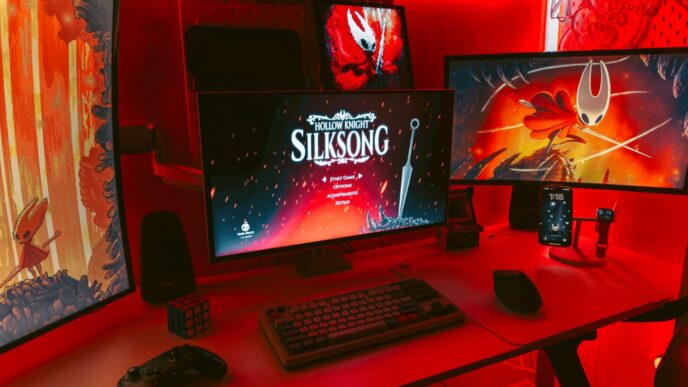
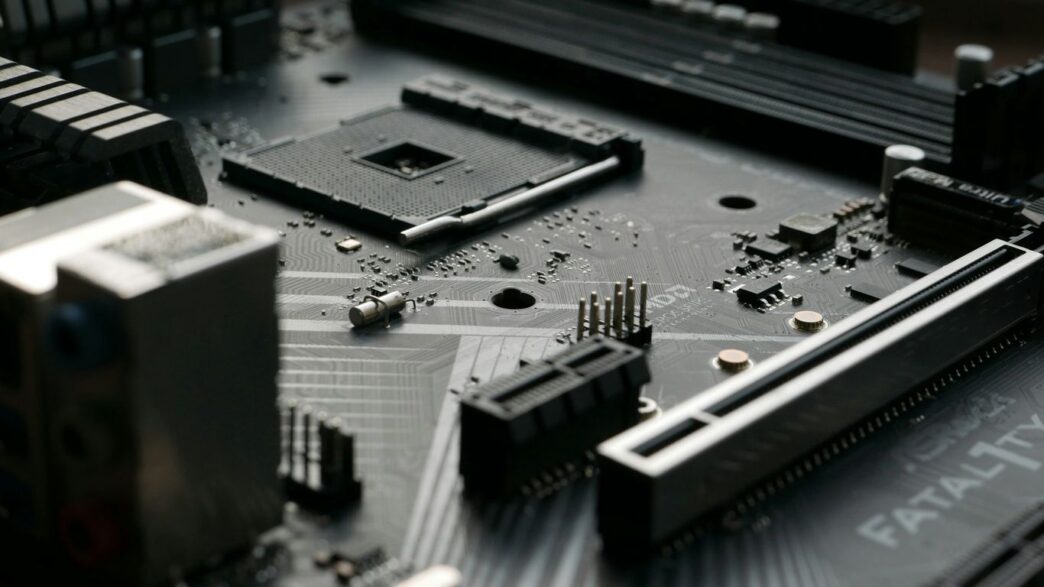
Finding a decent computer without breaking the bank can feel like a real challenge these days. You see all these fancy machines with sky-high prices, and it’s easy to think you need to spend a fortune to get something that actually works well. But that’s just not true. Whether you need a PC for work, school, or just to browse the web and stream your favorite shows, there are some solid options out there that won’t cost you an arm and a leg. We’ve looked at a bunch of different computers to help you find the best budget PC for what you need in 2025.
Key Takeaways
- You don’t need to spend a lot to get a capable computer for everyday tasks like web browsing and streaming.
- Budget gaming PCs can offer good performance for 1080p gaming without costing a fortune.
- Mini PCs provide a compact solution for saving space, while All-in-One desktops reduce clutter.
- Some budget desktops offer options for upgrading components later to extend their lifespan.
- Consider your specific needs, like gaming or business use, when choosing the best budget PC for you.
1. Best Overall Budget PC
Finding a good computer that doesn’t cost a fortune can feel like a treasure hunt sometimes. You want something that works well for everyday stuff, maybe a bit of work, and doesn’t break the bank. Well, after looking at a bunch of options, the Acer Aspire TC-1775 stands out. It just seems to hit that sweet spot for most people.
What makes it a good pick? For starters, it handles common tasks like browsing the web, checking email, and using office apps without any fuss. It’s not going to win any speed races for heavy gaming, but for general use, it’s solid. Plus, it’s designed in a way that you can actually add more storage or maybe a bit more RAM down the line if you decide you need it. That’s a big plus for a budget machine.
Here’s a quick look at why it’s a good choice:
- Performance for everyday tasks: It’s quick enough for what most people do daily.
- Upgrade potential: You can add more storage or memory later.
- Price point: It offers a lot of value for the money.
- Connectivity: It has the ports you’ll likely need for your accessories.
Honestly, for the price, you get a reliable machine that can handle your daily computing needs. It’s not flashy, but it gets the job done, and that’s what we’re looking for in a budget PC.
2. Best Budget Gaming PC
Finding a gaming PC that doesn’t break the bank can feel like a quest in itself. You want something that can handle your favorite titles without stuttering, but your wallet is screaming for mercy. The good news is, you don’t need to spend a fortune to get a solid gaming experience in 2025.
When looking for a budget gaming rig, think about what you actually play. If you’re mostly into esports titles like Valorant or League of Legends, or indie games, you can get away with less powerful hardware. These games are usually pretty good at running on almost anything. But if you’re dreaming of diving into the latest AAA blockbusters with all the bells and whistles, you’ll need to aim a bit higher, especially if you’re using a high-resolution monitor.
Here’s what to keep in mind:
- Resolution Matters: Are you gaming on a 1080p monitor or aiming for 1440p or even 4K? Higher resolutions demand a more powerful graphics card (GPU) to keep frame rates smooth. For a budget build, 1080p is usually the sweet spot.
- Graphics Card (GPU): This is the heart of your gaming PC. Look for cards like the NVIDIA GeForce RTX 5060 or AMD Radeon RX 7600 if your budget allows. Even an RTX 4060 can be a great option for 1080p gaming.
- Processor (CPU): A decent CPU, like an Intel Core i5 or AMD Ryzen 5 from a recent generation, will pair well with your GPU and prevent bottlenecks.
- RAM and Storage: Aim for at least 16GB of RAM. For storage, a 1TB NVMe SSD is ideal for fast game loading times. If you can find a deal with 2TB, even better.
We’ve seen some impressive options that balance price and performance. For instance, the CyberPowerPC Gamer Xtreme, when tested, offered a compelling package with 32GB of RAM and a 2TB SSD alongside an Intel Core Ultra 5 225F and an MSI GeForce RTX 5060. While its CPU cooler was a bit loud, the overall value for 1080p gaming was quite strong. It’s a good example of how you can get capable hardware without emptying your savings. If you’re looking for a well-built system with good gaming performance, you might want to check out options like the Corsair Vengeance i7600 for its quality and warranty.
3. Best Budget Business Desktop
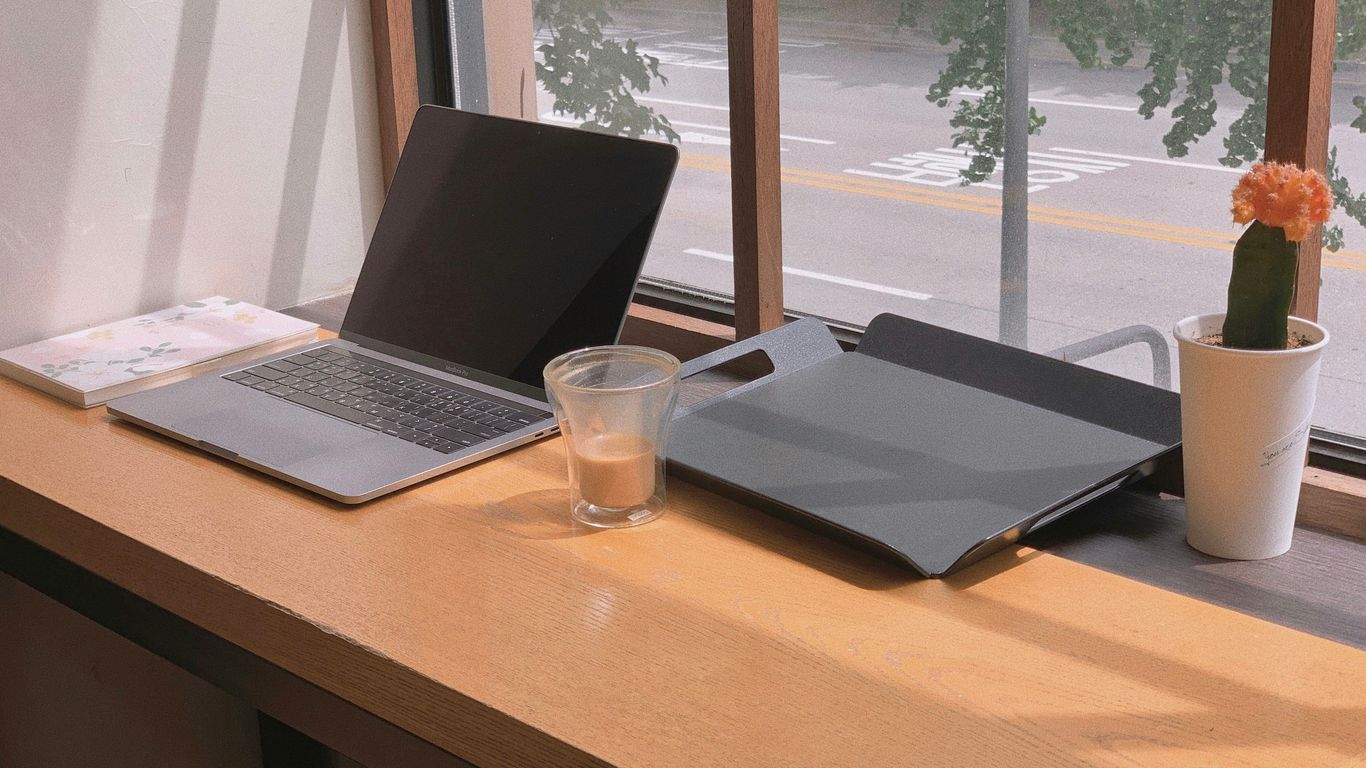
When you’re outfitting an office or just need a reliable machine for work tasks, you don’t always need the fanciest specs. What you do need is something that boots up quickly, handles everyday software without a hitch, and doesn’t cost a fortune. For 2025, the focus for business desktops is on solid performance for common tasks and good value.
Think spreadsheets, word processing, email, and video calls. These machines are built for productivity, not for playing the latest games or heavy video editing. They often come with Windows Pro, which has some extra features useful for business networks, but many budget options will stick with Windows Home.
Here’s what to look for:
- Processor: An Intel Core i3 or i5 (or AMD Ryzen 3 or 5) from a recent generation is usually plenty. You don’t need the top-tier chips.
- RAM: 8GB is the minimum for smooth multitasking. If you can find 16GB without a big price jump, go for it, but 8GB is fine for most office work.
- Storage: A Solid State Drive (SSD) is a must. It makes a huge difference in boot times and application loading. Aim for at least 256GB; 512GB is better if you handle a lot of files.
- Connectivity: Plenty of USB ports (including some faster USB 3.0 or higher), an HDMI or DisplayPort for your monitor, and reliable Ethernet or Wi-Fi are important.
While specific models change, brands like Dell (OptiPlex series), HP (ProDesk or EliteDesk series), and Lenovo (ThinkCentre series) often have great budget business desktop options. Keep an eye out for sales, especially around holidays. Sometimes, a slightly older model that’s still new in the box can be a fantastic deal.
4. Best Budget Mini PC
Mini PCs are fantastic if you’re short on space or just want a clean setup. They pack a surprising amount of power into a tiny package, often making them great for everyday tasks like browsing the web, handling emails, and streaming shows. Don’t let their size fool you; many can handle light productivity work too.
When looking at mini PCs, you’ll see a few main players. Intel used to make a popular line called NUCs, but they stopped production. Now, Asus is taking over the NUC brand, and other companies like MSI and Geekom are also making solid options. Apple’s Mac mini is another choice, though it usually costs a bit more than other budget mini PCs. You might also find options from Lenovo.
Here’s what to keep in mind:
- Size: They’re small! Seriously, some can fit in the palm of your hand. This makes them perfect for tucking behind a monitor or on a crowded desk.
- Performance: For basic use, they’re usually more than enough. Look for processors like Intel Core i3 or i5, or AMD Ryzen 3 or 5, if you need a bit more pep. RAM is typically 8GB, which is fine for most things, but 16GB is better if you multitask a lot.
- Connectivity: Check the ports. You’ll want enough USB ports for your accessories, HDMI or DisplayPort for your monitor, and Wi-Fi and Ethernet for networking.
- Upgradability: This can be limited. Some let you swap out RAM or storage, but don’t expect to upgrade the CPU. It’s usually best to get what you need upfront.
While they might not be for heavy gaming or video editing, a good budget mini PC is a smart choice for a clutter-free and efficient computing experience.
5. Best Budget All-in-One Desktop
All-in-one computers used to be pretty pricey, but things have changed. Now, you can find some decent options that don’t break the bank. These machines are great if you want to cut down on cable clutter and have a cleaner workspace. Everything, including the computer parts, is built right into the monitor. It’s a pretty neat setup, honestly.
The main draw here is simplicity and space-saving. You just plug in the power cord, and you’re pretty much good to go. They’re not usually powerhouses for heavy gaming or video editing, but for everyday tasks like browsing the web, checking email, streaming shows, or doing homework, they work just fine.
When looking for a budget all-in-one, keep these things in mind:
- Screen Size: Most budget models will have screens around 21 to 24 inches. Bigger is nice, but it can also mean a higher price.
- Performance: Look for at least an Intel Core i3 or AMD Ryzen 3 processor if you can. More RAM (8GB is a good minimum) will help with multitasking.
- Storage: SSDs (Solid State Drives) are way faster than old hard drives. Even a smaller SSD (like 256GB) for the operating system and main programs makes a big difference.
- Ports: Make sure it has enough USB ports for your needs, plus HDMI if you ever want to connect it to another screen.
While you won’t get top-tier specs, a good budget all-in-one can be a solid choice for many people who just need a reliable computer for basic stuff. It’s a nice way to get a functional desktop without a tower and a mess of wires.
6. Best Budget Mac Desktop
Finding a Mac that doesn’t cost a fortune can feel like a challenge, but Apple actually has a pretty solid option if you’re looking to stay within a budget: the Mac mini. It’s been around for ages, and the latest versions with the M4 chip are surprisingly capable for the price. The entry-level Mac mini is genuinely one of the best deals if you want a Mac desktop without breaking the bank.
Think of it this way: you get a full macOS experience, and it’s a great way to connect your iPhone or iPad to a bigger screen for work or just general use. It’s small, too, so it won’t take up much space on your desk. Plus, the base model now comes with more memory than older versions, which is always a good thing.
Here’s a quick look at what makes it a good budget pick:
- Price: It’s the most affordable way to get a new Mac desktop. You can often find it starting around $599.
- Performance: The M4 chip is plenty fast for everyday tasks like browsing, email, and using office apps. It’s not a powerhouse for heavy video editing, but for most people, it’s more than enough.
- Size: It’s tiny! You can easily hide it away or put it anywhere. You just need to add your own monitor, keyboard, and mouse.
- Ecosystem: If you’re already in the Apple ecosystem with an iPhone or iPad, the Mac mini fits right in. Everything syncs up nicely.
Keep in mind, you can’t upgrade the memory or storage later on, so pick the configuration that makes sense for you from the start. But for a solid, budget-friendly Mac desktop, the Mac mini is hard to beat.
7. Best for Upgrades
When you’re looking for a budget PC, it’s easy to think you’re stuck with whatever comes in the box. But some machines are actually designed with future improvements in mind. These are the PCs that let you swap out parts later on to keep them running smoothly without buying a whole new system.
Think about it: maybe you start with a decent amount of RAM, but a year from now, you want to play a new game that needs more. Or perhaps you want to add a bigger hard drive for all your photos and videos. A PC built for upgrades makes this process way less of a headache.
Here’s what to look for:
- Standardized Parts: The best systems use common components that you can find easily. This means things like standard RAM slots (DDR4 or DDR5), regular SATA ports for hard drives, and standard power supply connectors.
- Easy Access: The case should be easy to open, usually with thumbscrews or simple latches. You don’t want to be wrestling with a bunch of tiny screws just to get inside.
- Room to Grow: Look for a case that has extra space for more drives or components. Some cases also have extra fan mounts if you decide you need better cooling down the line.
While many budget gaming PCs offer some room for upgrades, some are better than others. For instance, the Lenovo Legion Tower 5i (Gen 8) is often cited for its solid build quality and straightforward internal layout, making it a good candidate if you’re thinking about adding more storage or perhaps a better graphics card in the future. It’s a machine that can grow with your needs, which is a big plus when you’re trying to stretch your budget as far as possible. Finding a good [budget gaming PC] (https://www.techradar.com/news/best-budget-gaming-pc-2018-top-gaming-desktops-for-less) that also allows for future upgrades is a smart move for long-term value.
8. Best Modular Budget Desktop
When you think about budget PCs, you might picture a standard tower that just gets the job done. But what if you want something a bit more flexible, something you can tweak or expand down the line without breaking the bank? That’s where modular budget desktops come in. These systems are designed with upgrades in mind, letting you swap out parts more easily than with a typical pre-built machine.
The idea is simple: buy a solid base now, and add or change components later as your needs or budget allow. This approach can save you money in the long run, especially if you’re a student or someone who likes to tinker. Instead of buying a whole new PC in a few years, you might just need to pop in a new graphics card or more RAM.
Here’s what to look for in a modular budget desktop:
- Standardized Parts: Look for systems that use common components. This means standard ATX or Micro-ATX motherboards, regular power supplies, and drives that use standard connectors. Avoid proprietary parts that only work with that specific brand.
- Easy Access: The case should be easy to open, usually with thumbscrews or simple latches, so you don’t need special tools to get inside.
- Room to Grow: Check if there are extra slots for RAM, additional drive bays, and enough space inside the case for a larger graphics card or extra cooling fans if you decide to add them later.
While true modularity, like Intel’s old NUC systems, has shifted with Asus now taking over the NUC brand, many mainstream budget desktops still offer a good degree of upgrade potential. For instance, many compact-system specialists like Geekom are making smaller PCs that still allow for some component swaps. If you’re looking for a solid foundation that won’t tie you down, a modular-friendly budget desktop is a smart choice. It’s a practical way to get a capable computer today that can adapt for tomorrow, much like the Acer Aspire TC-1775-UR11 offers a good balance for most users.
9. Best Budget Alienware Gaming PC

When you think of Alienware, you probably picture high-end, flashy gaming rigs. And usually, that’s true. But for 2025, they’ve got an option that actually hits a more budget-friendly sweet spot: the Alienware Aurora Gaming Desktop (ACT1250).
This PC is a solid choice for anyone looking to jump into PC gaming without completely emptying their wallet, especially if you like a bit of style. It’s got that signature Alienware look – sleek, compact, with some nice RGB touches that don’t go overboard. It’s not just about looks, though. The design is pretty smart, with good airflow and easy access to the inside, which is always a plus.
For around $1,500 (and often less when on sale), you can snag a configuration that includes an Intel Core Ultra 7 processor, an Nvidia GeForce RTX 5060 graphics card, 16GB of DDR5 RAM, and a 1TB NVMe SSD. These specs are perfectly capable of running most modern games at 1080p with over 60 frames per second. It’s a good starting point, and Alienware often has deals that make these configurations even more appealing. For instance, a step-up model with double the RAM and an RTX 5070 can sometimes be found for just a couple hundred dollars more than the base price, which is a performance boost that’s definitely worth considering if your budget allows.
Here’s a quick look at what you might find in a budget-friendly Aurora:
- CPU: Intel Core Ultra 7 265F
- Graphics: Nvidia GeForce RTX 5060
- RAM: 16GB DDR5
- Storage: 1TB NVMe M.2 SSD
While it’s not designed for extreme future upgrades like some larger towers, the Aurora offers a great balance of performance, aesthetics, and price for a brand-name gaming PC. It’s a good way to get into the Alienware ecosystem without breaking the bank.
10. Best Budget Desktop for Most Users
Finding a PC that does everything you need without costing a fortune can feel like a treasure hunt. For the average person just wanting to browse the web, handle some emails, maybe stream a movie or two, and get some light work done, you don’t need the fanciest machine out there. The goal is to find a reliable workhorse that won’t break the bank.
We’ve looked at a lot of options, and for most people, a solid mainstream desktop is the way to go. These machines usually offer a good balance of performance and price. They’re not trying to be a gaming powerhouse or a tiny little gadget; they’re just built to get the everyday tasks done.
When picking one of these, think about what you’ll actually be doing. If you’re just checking social media and writing documents, you can get away with less. But if you plan on having a bunch of browser tabs open, maybe editing a few photos, or running some more demanding software, you’ll want to look for a bit more power under the hood.
Here’s what to generally look for:
- Processor: An Intel Core i3 or i5 (or AMD Ryzen 3 or 5) from a recent generation is usually plenty. Don’t get too caught up in the exact model number, just aim for something mid-range.
- RAM: 8GB is the minimum we’d recommend for a smooth experience. If you can stretch to 16GB, even better, especially if you multitask a lot.
- Storage: A Solid State Drive (SSD) is a must. It makes a huge difference in how fast the computer boots up and opens programs. Aim for at least 256GB, but 512GB gives you more breathing room.
- Connectivity: Make sure it has enough USB ports for your needs, plus HDMI or DisplayPort for your monitor. Wi-Fi and Bluetooth are also standard on most now.
One model that consistently hits the mark for this category is the Acer Aspire TC-1775-UR11. It packs a decent set of components for everyday use and doesn’t come with a sky-high price tag. It’s a good example of a machine that just works well for most people’s daily computer needs. You can find more details on this type of setup at Acer Aspire TC-1775-UR11.
Wrapping It Up
So, finding a good PC that doesn’t break the bank is totally doable in 2025. We looked at a bunch of options, from machines that can handle some light gaming to ones that are perfect for just getting your daily tasks done. Remember, it’s all about figuring out what you actually need the PC for and then matching that with your budget. Don’t forget to check out the upgrade potential too, because a little tweak down the road can make a big difference. Happy computing!
Frequently Asked Questions
What’s the best cheap gaming PC?
Finding a good gaming PC without spending a lot can seem tough. You need to think about what games you want to play and what screen you’ll use. Our top choice for a budget gaming PC is the HP Victus 15L. It offers great value with a strong processor and graphics that can handle games well, especially at 1440p resolution. It’s not for super high-end 4K gaming, but it’s great for smooth gameplay.
Can I get a good gaming PC for $500?
If you have only $500, getting a high-end gaming PC is tough unless you find a good deal on a used one. Building or buying new means you probably won’t be playing games in 4K. But, if you’re smart about it, you can still build a solid computer that plays games smoothly at 1080p, which is still a lot of fun!
How do I pick the right budget gaming PC for me?
Choosing the best budget gaming PC can be tricky because there are so many brands and types. Think about what games you enjoy most. Do you like fast-paced games where you compete with others, or do you prefer more relaxed, story-driven games? Your favorite games, and any other things you might do with the PC like editing videos, will help you decide what parts are most important for your money.
What makes a good budget PC for everyday use?
For everyday tasks like browsing the internet, watching videos, or doing schoolwork, you don’t need a super powerful computer. Look for a PC with enough memory (RAM) to multitask smoothly and a decent amount of storage for your files. Many affordable desktops are perfect for these kinds of jobs and can even handle light gaming.
Are mini PCs good for a tight budget?
Yes, mini PCs can be a great budget option, especially if you need to save space. They are designed to be small and efficient. While they might not be as powerful as larger desktops for intense gaming, they are excellent for general use, office tasks, and even some light gaming. Companies like Asus, Lenovo, and MSI offer good choices in this category.
Can I upgrade a budget PC later?
Many budget desktops are designed with upgrades in mind. This means that if you decide you want more power down the road, you can often add more memory (RAM), a better graphics card, or more storage. This makes a budget PC a smart starting point, as you can improve its performance over time without buying a whole new machine.