
Understanding Generative AI
What Constitutes Generative AI?
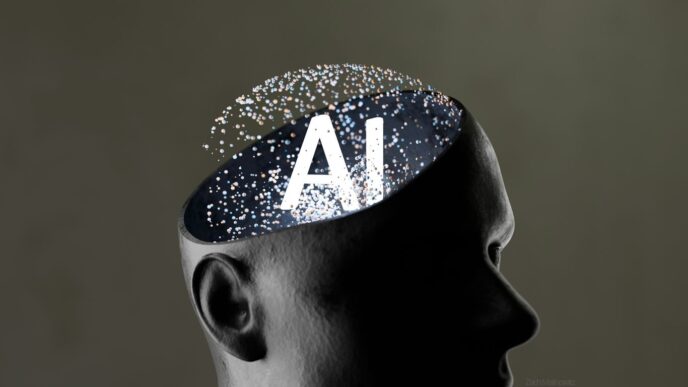
So, what exactly is generative AI? Think of it as a creative type of artificial intelligence. Instead of just analyzing information or following pre-set rules, generative AI actually makes new stuff. This could be text, like stories or emails, but it also extends to images, music, and even computer code. It works by looking at huge amounts of existing data – like millions of articles or pictures – and learning the patterns within them. Then, it uses that knowledge to produce something original that looks and feels like it was made by a person.
The Distinction Between AI and Generative AI
It’s easy to get AI and generative AI mixed up, but there’s a key difference. Artificial intelligence, or AI, is a really broad category. It covers all sorts of technologies designed to make computers do things that usually require human smarts, like solving problems or understanding what you’re saying. Generative AI, on the other hand, is a more specific type of AI, usually falling under machine learning. Its main job is to create new content. While regular AI might be used to, say, predict sales figures based on past data, generative AI takes that data and uses it to write a new sales report or design a new product image. The big difference is creation versus analysis.
Here’s a quick breakdown:
- Artificial Intelligence (AI): The big umbrella term for machines mimicking human intelligence.
- Generative AI: A specific type of AI focused on producing new, original content.
Think of it like this: AI is the whole toolbox, and generative AI is a specific, very cool tool within that box, like a 3D printer.
Grammarly’s AI Capabilities Explored
Grammarly has been using AI for a while now, way before "generative AI" became a common buzzword. It started with the basics, like catching typos and making sure your sentences made sense. But it’s grown a lot since then. It’s not just about fixing mistakes anymore; it’s about making your writing better overall.
Grammarly’s Core AI Features
At its heart, Grammarly is built on AI that helps polish your writing. Think of it as a super-smart proofreader that’s always on.
- Grammar and Syntax Check: This is the bread and butter. It spots tricky grammar issues, like when your verb doesn’t match your subject, or when punctuation is just a bit off. It aims to make your writing clear and easy to follow.
- Tone Detection and Adjustment: Ever worry if your email sounds too harsh or too casual? Grammarly’s AI can read the mood of your writing and suggest changes. It can help you sound more professional, friendly, or confident, depending on who you’re talking to.
- Vocabulary Enhancement: Tired of using the same words over and over? Grammarly suggests better word choices. It finds synonyms and ways to make your sentences more interesting without sounding forced.
- Readability Improvements: Long, confusing sentences can be a pain. Grammarly’s AI looks for these and suggests ways to make your writing smoother and more direct. It can help cut down on wordiness and identify passive voice.
GrammarlyGo: A Generative AI Advancement
This is where things get more interesting. GrammarlyGo, which showed up in early 2023, is Grammarly’s big step into generative AI. It does more than just fix what you’ve written; it can actually help you create new text.
- Content Creation: Need help starting an email or a paragraph? GrammarlyGo can generate text based on your prompts.
- Refining and Rewriting: It can take existing text and rewrite it in a different tone or style, making it fit your needs better.
- Idea Generation: Stuck on what to say? GrammarlyGo can help brainstorm ideas or expand on your thoughts.
This new feature moves Grammarly from just a proofreader to a writing partner.
Grammarly’s Approach to AI Detection
Grammarly also has a feature to detect if text was written by AI. This is a tricky area, and Grammarly is pretty upfront about it.
- How it Works: It looks at patterns in writing, like sentence structure and word choice, to guess if AI wrote it.
- Limitations: Like most AI detectors out there, it’s not perfect. It can sometimes flag human writing as AI-generated, or miss AI text. Grammarly suggests using it as one tool among others, not as a definitive answer.
- Purpose: It’s mainly for people who need to check the authenticity of content, like educators or businesses, but it should be used with caution.
Is Grammarly Generative AI?
So, the big question: is Grammarly actually generative AI? The short answer is yes, but it’s a bit more nuanced than that. Think of it this way: generative AI is a specific type of artificial intelligence, and Grammarly uses it as part of its toolkit.
Grammarly’s Integration of Generative AI
Grammarly has been using AI for a while now, mostly for things like checking grammar and spelling. But they’ve really stepped things up with features like GrammarlyGo. This part of Grammarly is where the generative AI really comes into play. It’s designed to actually create new text, not just fix what’s already there. So, instead of just pointing out a typo, GrammarlyGo can help you brainstorm ideas, draft emails, or even rewrite a whole paragraph in a different tone. It learns from the data it’s trained on to produce content that sounds like a human wrote it.
How Grammarly Leverages Generative AI for Writing Assistance
Grammarly uses generative AI in a few key ways to help you out. It’s not just about catching mistakes anymore. Now, it can:
- Compose new text: Need to start an email or a social media post? GrammarlyGo can generate a draft for you based on a few prompts.
- Rewrite existing text: You can ask it to rephrase sentences or entire sections to make them clearer, more concise, or to change the overall feeling of your writing.
- Adjust tone: Want to sound more professional, friendly, or confident? Generative AI helps Grammarly suggest word choices and sentence structures to match your desired tone.
- Brainstorm ideas: Stuck on what to write about? Grammarly can help generate ideas or outlines to get you started.
It’s pretty neat how it can take a simple request and turn it into actual written content. This moves Grammarly beyond just being a proofreader to being more of a writing partner.
Evaluating Grammarly’s AI Performance
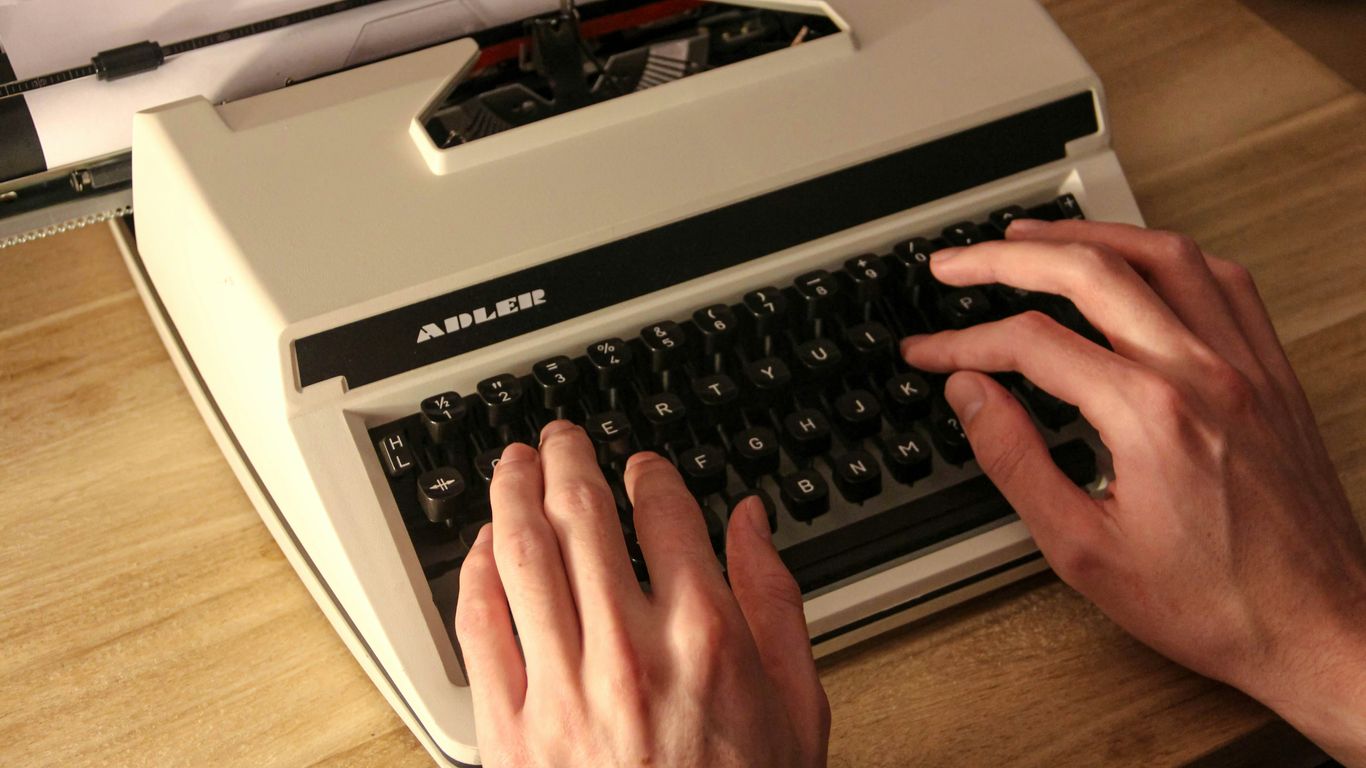
So, how well does Grammarly’s AI actually stack up? It’s a question a lot of people are asking, and honestly, the answer isn’t always a simple yes or no. Grammarly has been around for a while, and its AI capabilities have grown a lot, but like any tool, it has its good points and its not-so-good points.
User Perspectives on Grammarly’s AI
When you look at what people are saying online, especially on places like Reddit, you see a mixed bag. Most folks agree that Grammarly is pretty good at catching basic stuff like spelling errors and common grammar mistakes. It can definitely help make your writing clearer and sound more professional, which is a big win for a lot of users. However, the AI features, especially the newer generative ones, get a lot of different reactions. Some people find them super helpful for brainstorming or getting past writer’s block, while others feel like the suggestions are a bit off or don’t quite match their personal writing style. It seems like the more creative or complex your writing is, the less Grammarly’s AI might understand what you’re going for.
Limitations and Accuracy of AI Detection
Grammarly’s AI detector is a newer feature, and it’s supposed to tell you if text was written by a human or an AI. This sounds great, right? Especially for teachers or businesses worried about originality. But here’s the catch: most AI detectors, including Grammarly’s, aren’t perfect. They can sometimes flag text written by a human as AI-generated, or miss text that was actually created by AI. It’s a tricky area, and Grammarly itself admits that its detector should be used as just one part of checking for originality, not the only tool. You still need to use your own judgment and maybe other checks, like plagiarism scans.
Grammarly Free vs. Grammarly Pro AI Features
It’s also worth thinking about what you get with the free version versus the paid ‘Pro’ version. The free Grammarly is pretty solid for everyday use – it catches most grammar and spelling errors. But if you want the more advanced AI stuff, like tone detection, vocabulary suggestions that go beyond basic synonyms, and the full power of GrammarlyGo for generating text, you’ll need to pay up.
Here’s a quick look at what’s generally included:
- Free Version: Basic spelling and grammar checks, personal dictionary.
- Pro Version: Advanced grammar checks, vocabulary enhancement, tone detection, style suggestions, plagiarism checker, and more AI-generated text prompts.
For many people, the free version is enough. But if you’re a writer, marketer, or someone who needs to polish a lot of professional content, the Pro version might be worth the cost. It really depends on how much you rely on those extra AI nudges and checks.
Grammarly’s AI in Different Contexts
Grammarly AI for Professional Communication
When you’re sending out emails or reports for work, you want to sound professional, right? Grammarly’s AI can really help with that. It checks your grammar and spelling, which is pretty standard, but it also looks at the tone of your message. So, if you’re trying to sound friendly but firm, or just plain formal, Grammarly can give you suggestions to get it just right. It’s like having a second pair of eyes that understands business speak. It’s particularly useful for making sure your emails don’t sound too casual when they shouldn’t. While it’s not going to write the whole thing for you from scratch in a super complex way, it smooths out the rough edges and makes sure your message lands the way you want it to. It’s a good tool for everyday professional writing, helping you avoid those little mistakes that can sometimes make you look less polished than you are.
Grammarly’s Role in Educational Settings
For students and teachers, Grammarly can be a bit of a game-changer. Think about all the essays, research papers, and assignments that need to be written. Grammarly’s AI can help students catch errors they might miss, improving their writing clarity and structure. It’s not just about fixing typos; it can suggest ways to rephrase sentences to make them stronger or more concise. For educators, it can be a helpful tool to point out common errors to students, though it’s important to remember that AI detection isn’t perfect. Students might use it to improve their work, and educators can use it as a guide, but relying on it entirely isn’t the best approach. It’s more of a support system to help learners develop their own writing skills over time, rather than a crutch.
Comparing Grammarly to Native Email Assistants
So, how does Grammarly stack up against the AI tools built right into your email, like Gmail’s Smart Compose or Microsoft’s Editor? Well, it’s a bit of a trade-off. Native email assistants are usually super fast because they’re already part of the system you’re using. They can pop in suggestions almost instantly as you type. Grammarly, on the other hand, is a separate tool. It works across different platforms and email services, which is a big plus if you use more than one. However, this means it might feel a step removed compared to the built-in options. Native tools are great for quick fixes and simple suggestions, while Grammarly often goes a bit deeper with tone analysis and more detailed style advice. If you need something that works everywhere and offers more in-depth feedback, Grammarly is a strong contender. If you just want quick, basic help within your email client, the native tools might be enough.
So, Is Grammarly Generative AI?
Alright, so we’ve looked at what generative AI is and how Grammarly fits into the picture. It turns out, yes, Grammarly does use generative AI, especially with features like GrammarlyGo. It’s not just about catching typos anymore; it’s about helping you create content, change your writing’s feel, and even brainstorm ideas. While it’s a powerful tool for making your writing better, remember that AI detectors aren’t perfect, and sometimes the suggestions might not be exactly what you’re going for. It’s a helpful assistant, for sure, but it’s still a good idea to give your writing a final read-through yourself.