So, you want to get into Python coding online, huh? It’s a pretty popular language, and luckily, there are tons of tools out there to help you. You don’t even need to install anything on your computer to start. This guide is all about figuring out which online tools, like compilers and editors, are best for you. We’ll break down what they do and help you pick the right one for your needs, whether you’re just starting out or already know your way around.
Key Takeaways
- Online Python compilers and interpreters both help your computer understand Python code, but compilers process the whole program at once, while interpreters take it line by line.
- Editors are mainly for finding and fixing mistakes in your code, while IDEs are like all-in-one packages that let you write, edit, and debug.
- When picking an online Python compiler, think about whether you’re a beginner needing something simple or an advanced user who wants more features. Some tools are also better on mobile devices.
- Popular choices like Microsoft Visual Studio Code, Programiz Compiler, PyDev, and Python.org offer different features, from beginner-friendly interfaces to more complex IDE capabilities.
- Using online tools means you can start coding Python right away in your browser without any setup, making it easy to learn and experiment.
Understanding Python Coding Tools Online
Python programming online has never been easier, but there’s a sea of different tools. You’ll run into compilers, editors, and IDEs all over the web, and honestly, the names get confusing. Let’s break down what each tool does so you’re not lost before you even start coding.
Python Compilers vs. Interpreters Online
First up, the difference between compilers and interpreters isn’t just technical jargon—it actually shapes how you’ll write and run your scripts.
- Compiler: Takes your entire Python code and translates it all at once into machine language. Hit ‘run’ and everything happens at once. Execution is generally faster for big files.
- Interpreter: Processes your code one line at a time. That means you get instant feedback, but it might run a bit slower for huge scripts.
| Feature | Compiler | Interpreter |
|---|---|---|
| Execution | All at once | Line by line |
| Speed | Faster | Slower |
| Feedback | After full code | Immediate |
| Memory Use | More | Less |
Python Editors vs. Compilers Online
Online Python editors are where you’ll likely spend a lot of your time writing code, while compilers are more about running it. Here’s how they stack up:
- Editors:
- Let you write, edit, and fix code
- Usually include helpful features for spotting mistakes
- Can highlight syntax and auto-complete code
- Compilers:
- Focus on running your finished code
- May not have advanced editing tools
- Sometimes combine with editors in a single tool, but not always
Python IDEs vs. Compilers Online
Integrated Development Environments (IDEs) pull together everything: writing, running, and debugging your code. They feel like command centers.
- IDEs typically offer:
- An editor (for writing code)
- A compiler/interpreter (for running code)
- Built-in debugging tools
- Project management
- Often, extras like version control and plug-ins
- Compilers are just one piece of the puzzle—IDEs often wrap them with tons of added features.
In short, if you want to write, check, run, and debug your Python code in one place without bouncing between services, an IDE makes life simpler. If you just want to get some code running fast, a straight compiler does the trick. Knowing the right tool for your situation saves a ton of head-scratching later.
Choosing the Right Online Python Compiler
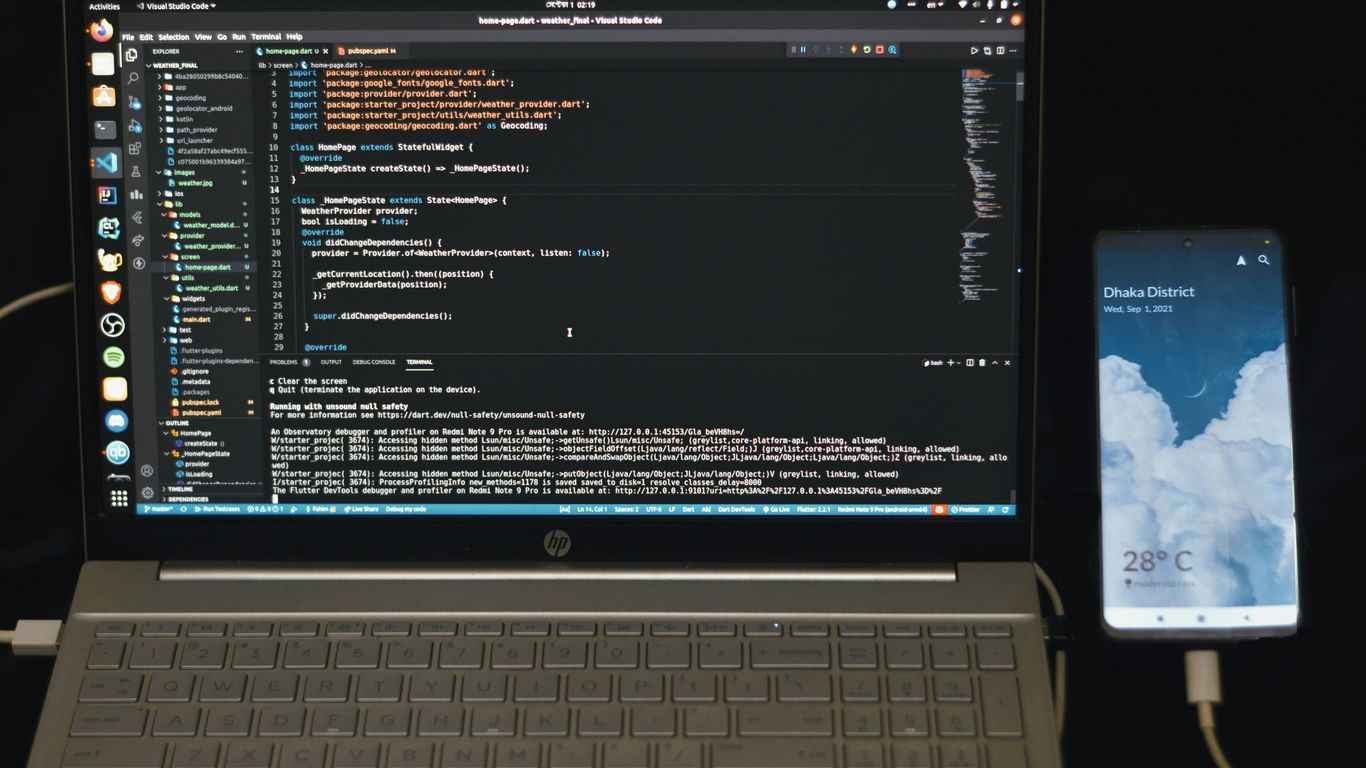
Picking the right online Python compiler can feel a bit like choosing a tool from a big toolbox – you want the one that fits the job best. It really depends on where you’re at with your Python journey and what you’re trying to build.
Beginner-Friendly Online Python Compilers
If you’re just starting out, you probably want something straightforward. The goal here is to get your code running without a lot of fuss. Look for tools that have clear interfaces and maybe some helpful hints if you get stuck. These tools should make you feel like you’re learning, not struggling.
- Ease of Use: A simple layout where you can type code and hit ‘run’ without digging through menus.
- Clear Feedback: When your code doesn’t work, it should tell you why in plain English, not just a cryptic error code.
- Community Help: Some platforms have forums or links to resources where you can ask questions and find answers to common beginner problems.
Advanced Online Python Compilers
Once you’re comfortable with the basics, you might want more power. Advanced compilers often come with more features that can speed up your workflow or handle more complex tasks. These might have:
- Integration Options: The ability to connect with other tools or libraries you might be using for bigger projects.
- Customization: Settings you can tweak to make the compiler work exactly how you like it.
- Performance Tuning: Features that help you optimize your code for speed or efficiency.
Mobile-Friendly Online Python Compilers
Sometimes, you need to code on the go. Maybe you’re on a tablet or even a phone. In this case, you’ll want a compiler that’s designed to work well on smaller screens and touch interfaces. These are great for quick edits or learning on the bus.
- Responsive Design: The website or app adjusts well to different screen sizes.
- Touchscreen Support: Buttons and input areas are easy to tap without accidentally hitting the wrong thing.
- Lightweight: Doesn’t bog down your mobile device with heavy processing.
Popular Online Python Compilers and IDEs
So, you’re looking to get your hands dirty with Python coding online, but which tools should you actually use? It can feel like a lot, with so many options out there. Let’s break down a few of the big names that pop up when you’re searching for online Python development environments.
Microsoft Visual Studio Code for Python
Even though it’s a full-fledged Integrated Development Environment (IDE), Visual Studio Code, or VS Code as most people call it, is incredibly popular for Python. It’s not just for Python, either; it handles a bunch of other languages too. You can write code, test things out, and fix bugs pretty easily. It’s a solid choice whether you’re just starting or you’ve been coding for a while. While there’s a paid version with extra bells and whistles, the free version is really capable and doesn’t hog your computer’s resources.
Programiz Compiler for Python
If you’re new to Python, Programiz is a pretty good place to start. They have tutorials that are easy to follow, and they offer a free online compiler. You can write and run your Python code right there in your browser, and it even helps you analyze your code. Plus, they’ve got a mobile app, which is handy if you want to code on the go. It works on different operating systems too, so that’s a plus.
PyDev: A Comprehensive Python IDE
PyDev is another powerful IDE that’s free to use. It’s built on top of the Eclipse platform, so if you’re familiar with that, you’ll feel right at home. It’s got features like code completion and debugging that can really speed up your workflow. It also plays nice with other tools like Django and supports multiple programming languages, not just Python. It’s a good option if you’re looking for something with a bit more depth.
Python.org: Integrated Development Environment
When you think of Python, you probably think of Python.org. They offer their own integrated development environment that lets you write and run Python code directly from your web browser. No need to install anything on your computer, which is super convenient. You can easily copy and paste code, share your projects with others, and access a bunch of other free resources on their site. It’s a straightforward way to get started without any setup hassle.
Key Features of Online Python Development Tools
When you’re looking at online tools for Python, there are a few things that really make a difference in how smoothly you can code. It’s not just about writing code; it’s about how fast it runs, how easy it is to fix mistakes, and if you can use it anywhere.
Compiler Functionality and Execution Speed
The core job of a compiler or interpreter is to take your Python code and make it understandable for the computer. Some online tools are super quick at this, letting you see your results almost instantly. This is great when you’re just trying out small ideas or need to check if a piece of code works. Others might take a bit longer, especially if you’re running something complex. Faster execution speed generally means less waiting around and more time spent coding. For quick checks and learning, a speedy compiler is a big plus. You can find a good overview of these different tools in various online Python playgrounds.
Debugging and Code Correction Capabilities
Let’s be honest, everyone makes mistakes when coding. That’s where debugging tools come in. Good online environments will help you spot errors, often highlighting the exact line where something went wrong. They might offer suggestions for fixing the problem, or allow you to step through your code line by line to see what’s happening. This is super helpful for understanding why your program isn’t behaving as expected. Some tools are better than others at this, so it’s worth checking out what debugging features are available.
Cross-Platform Compatibility and Accessibility
One of the best things about online Python tools is that you can usually access them from any device with an internet connection. This means you’re not tied to a specific computer. Whether you’re on a Windows laptop, a Mac, or even a tablet, you can often just open your browser and start coding. This flexibility is a huge advantage. It means you can pick up where you left off, or code on the go, without worrying about installing software on every machine you use. This accessibility makes learning and developing Python much more convenient for everyone.
Leveraging Online Python Resources
Sometimes, you just want to write some Python code without messing with installations or setting up a whole development environment on your computer. That’s where online resources really shine. They let you jump right in and start coding, which is super handy whether you’re just learning the ropes or need to quickly test out an idea.
Running Python Code Without Local Installation
This is probably the biggest draw for many people. Forget about downloading Python, figuring out package managers, or dealing with version conflicts. Online compilers and IDEs let you write and run Python scripts directly in your web browser. It’s like having a portable Python environment that you can access from any computer with an internet connection. This is especially great for students or anyone who uses multiple machines. You can find tools that offer a straightforward way to get started, like the ones you might see on Programiz.
Utilizing Online Compilers for Learning
For beginners, online tools can be a game-changer. Many of them come with features designed to help you learn. Some show you exactly what your code is doing, step by step, which makes understanding complex concepts much easier. Others might have built-in examples or tutorials. You can experiment with code snippets, see the results immediately, and learn from any errors without the hassle of a local setup. It removes a lot of the initial friction that can put people off programming.
Community Support for Python Coders Online
Beyond just compilers and editors, the Python community online is a massive resource. You’ll find forums, Q&A sites like Stack Overflow, and countless blogs and tutorials. If you get stuck on a problem, chances are someone else has already asked about it and found a solution. Many online platforms also have community features where you can share your code or see what others are working on. This collaborative environment is fantastic for picking up new tricks and getting help when you need it. It’s a big part of why Python is so accessible.
Wrapping Up Your Python Coding Journey
So, we’ve looked at a bunch of tools for writing Python code online. From simple compilers to full-blown IDEs, there’s a lot out there. Remember, they all do slightly different things, and what works best really depends on what you’re trying to do. Whether you’re just starting out or you’ve been coding for a while, picking the right editor or compiler can make a big difference in how smoothly your projects go. Don’t be afraid to try a few out and see which one feels right for you. Happy coding!
Frequently Asked Questions
What’s the difference between a compiler and an interpreter?
Think of a compiler like a translator who reads a whole book and translates it all at once. An interpreter is like a translator who translates sentence by sentence as you speak. Compilers can be faster for big projects, while interpreters are good for running code line by line and finding mistakes quickly.
Are online Python editors and compilers the same thing?
Not exactly. An editor is mostly for writing and fixing your code, like a spell checker for your writing. A compiler takes your finished code and turns it into something the computer can understand. Many tools do both, but their main jobs are different.
What is an IDE, and how is it different from a compiler?
An IDE, which stands for Integrated Development Environment, is like a super toolbox for programmers. It has a code editor, a compiler or interpreter, and tools to help find and fix errors all in one place. It’s much more than just a compiler.
Which online Python compiler is best for beginners?
For beginners, tools like Programiz Compiler or the Python.org environment are great because they are easy to use and often have helpful tutorials or communities. They let you start coding right away without complicated setup.
Can I use online Python tools on my phone?
Yes, some online Python compilers and IDEs are designed to work well on mobile devices. Programiz is a good example, offering a mobile-friendly experience so you can code even when you’re on the go.
Do I need to install Python on my computer to use online tools?
Nope! The beauty of online compilers and IDEs is that they run right in your web browser. This means you don’t need to download or install any software on your computer, making it super easy to start coding from anywhere.