Foundational Concepts in Programming Industrial Robots
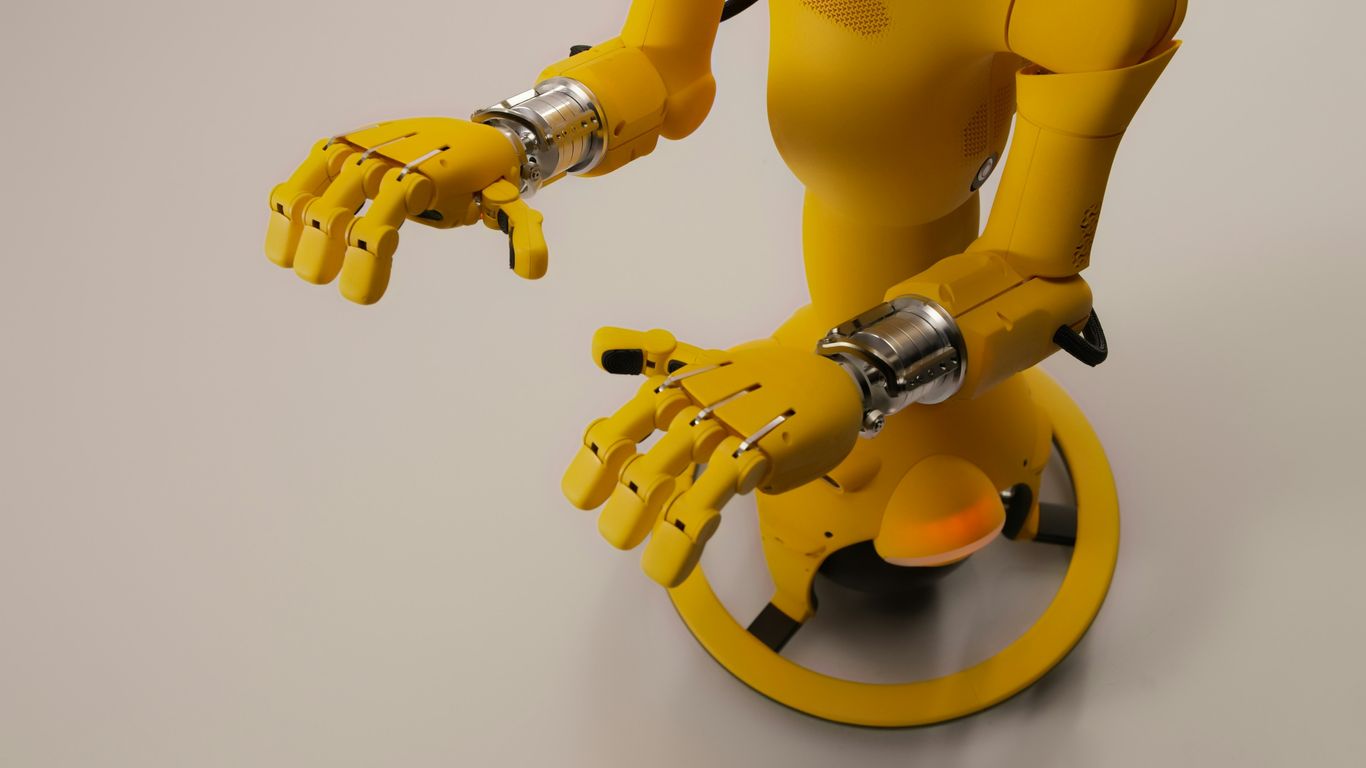
Before you can get a robot to do anything useful, you need to understand how it works and the math behind its movements. It’s like learning the alphabet before you can write a novel. This section covers the basics you absolutely need to know.
Understanding Robot Anatomy and Components
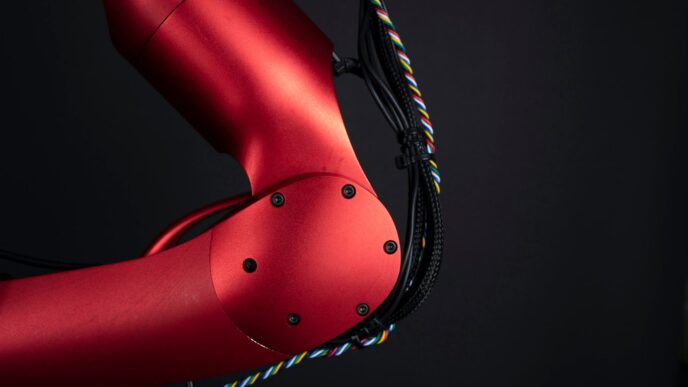
Robots aren’t just one big block of metal; they’re made up of several key parts that all work together. Knowing what these parts are and what they do is step one in programming them. You’ve got your main body, of course, but then there are the "brains" and the "muscles."
- Actuators: These are the motors and servos that actually make the robot move. Think of them as the robot’s muscles. They translate electrical signals into physical motion, whether it’s a joint bending or a gripper closing.
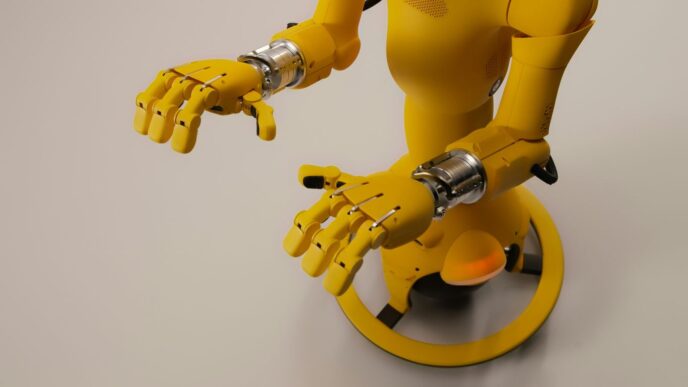
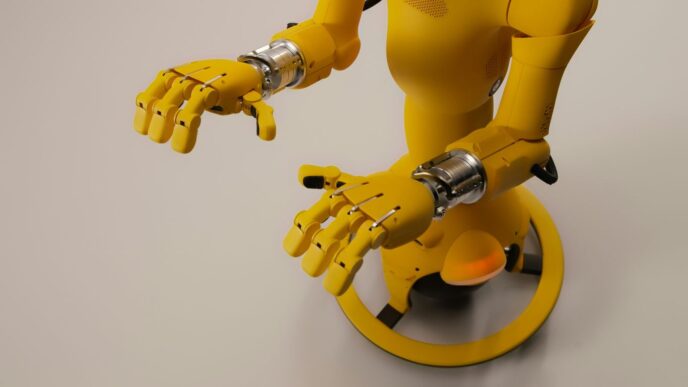
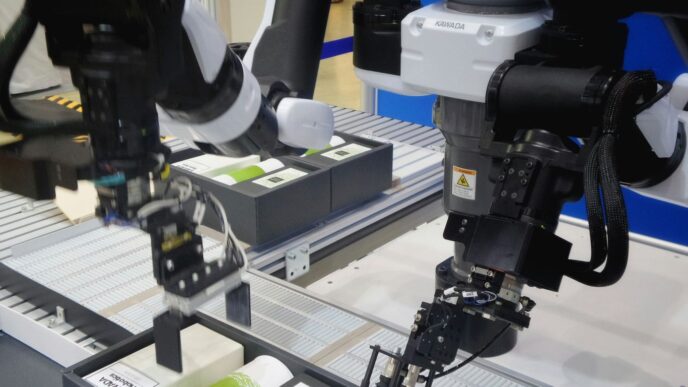
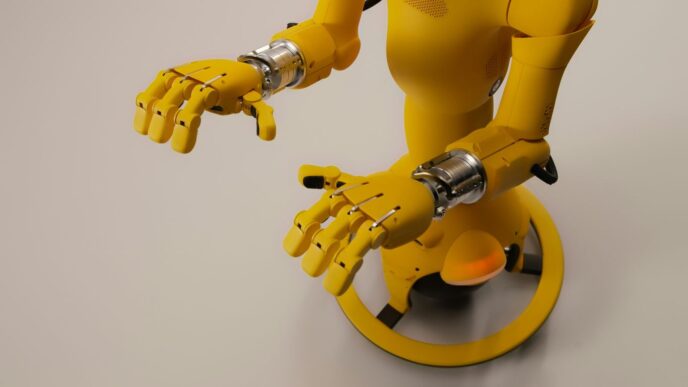
- End Effector: This is the "hand" or tool at the end of the robot arm. It could be a gripper for picking things up, a welding torch, a paint sprayer, or anything else the robot needs to do its job.
- Sensors: These are the robot’s "eyes" and "ears." They gather information about the robot’s surroundings and its own state. This includes things like cameras (vision sensors), proximity sensors to detect if something is nearby, and force sensors to feel how hard it’s pushing.
- Controller: This is the robot’s brain. It takes the program you write and sends signals to the actuators based on the information from the sensors. It’s the central processing unit that makes everything happen.
Essential Mathematics for Robot Control
Robots move in three-dimensional space, and making them do so precisely requires some math. You don’t need to be a math whiz, but understanding the basics helps a lot.
- Linear Algebra: This is used for things like describing positions and orientations in space, and how movements combine. Think of vectors and matrices – they’re used to represent where things are and how they’re oriented.
- Trigonometry: Angles are a big part of robot movement, especially with robotic arms that have multiple joints. Sine, cosine, and tangent help calculate positions based on joint angles and vice versa.
- Calculus: While maybe not for everyday programming, calculus is important for understanding how things change over time, like velocity and acceleration. This is key for smooth, controlled movements.
Grasping Kinematics and Dynamics
These two terms sound complicated, but they’re really about how robots move.
- Kinematics: This is the study of motion without worrying about the forces causing it. For a robot arm, forward kinematics tells you where the end effector will be if you set the joints to certain angles. Inverse kinematics is the trickier part: figuring out what angles the joints need to be at to get the end effector to a specific spot. This is often the core challenge in robot path planning.
- Dynamics: This is where forces come into play. Dynamics considers the mass of the robot parts, gravity, and friction, and how these affect the motion. Understanding dynamics helps in programming robots to move efficiently and safely, especially when dealing with heavy loads or high speeds. It helps predict how much force the motors need to apply.
Choosing the Right Tools for Robot Programming
Alright, so you’ve got a handle on the basics of how robots work and the math behind them. Now, let’s talk about the gear you’ll need to actually tell these machines what to do. Picking the right software and languages is a big deal, and honestly, it can make or break your project. It’s not just about writing code; it’s about finding tools that fit your robot, your task, and your own skill level.
Exploring Popular Robotics Coding Languages
When you’re ready to start programming, you’ll need a language to communicate with your robot. Think of it like learning a new language to talk to a foreign friend – some languages are easier to pick up, while others offer more power and precision. Here are a few you’ll likely run into:
- Python: This one’s a real crowd-pleaser, especially if you’re just starting out. It’s pretty straightforward to learn, and there are tons of libraries out there that make robot programming simpler. You can find tools that help with everything from basic movements to more complex tasks. It’s a great balance of ease of use and capability.
- C++: If you need your robot to perform really complex calculations super fast, C++ is often the go-to. It gives you a lot of control over what the robot is doing, which is fantastic for high-performance applications. The downside? It’s got a steeper learning curve, so it might take a bit longer to get comfortable with.
- Java: Known for its object-oriented approach, Java is a solid choice for industrial settings. It’s quite robust and can handle large, intricate systems. Frameworks like ROS (Robot Operating System) often work well with Java, giving you a lot of pre-built functionality to work with.
Leveraging Robot Simulation Software
Before you even think about running code on a real, expensive robot, you’ll want to test it out in a virtual world. That’s where simulation software comes in. It’s like having a digital twin of your robot and its workspace. You can try out different scenarios, make mistakes, and fix them without any risk of crashing your actual hardware or causing a production line halt.
Some popular simulators let you:
- Model your robot and its environment with pretty realistic physics.
- Test out your programmed movements and see how the robot reacts.
- Debug your code in a safe, controlled setting.
- Experiment with different sensor inputs and see how your program handles them.
Using simulators saves a ton of time and money. You can iron out most of the kinks before the robot even powers up for the first time.
Integrating with Robot Control Systems
So, you’ve written your code, and you’ve tested it in simulation. Now, how does that code actually make the robot move? That’s where the robot’s control system comes in. This is the hardware and software that the robot manufacturer provides to translate your commands into actual motor signals. Your programming needs to interface with this system. Usually, robot manufacturers provide specific software libraries or Application Programming Interfaces (APIs) that your code will use. You’ll send commands like ‘move to this position’ or ‘set joint angle X to Y degrees’, and the control system takes it from there. Getting this integration right is key to making your robot perform as intended. It’s all about making sure your software speaks the same language as the robot’s brain.
Core Techniques for Effective Robot Programming
Alright, so you’ve got the basics down, you know your robot’s parts and the math behind its moves. Now, let’s talk about actually getting it to do stuff. This is where the rubber meets the road, so to speak. We’re going to look at the practical ways you tell these machines what to do, from the simplest methods to ones that save you a ton of time.
Mastering Teach Pendant Programming
This is often the first thing people encounter when they start with industrial robots. Think of the teach pendant as a fancy remote control, usually a handheld device with a screen and buttons. You physically move the robot arm to the positions you want it to go to, and then you record those points, called ‘waypoints’. The pendant lets you string these waypoints together to create a sequence of movements. It’s pretty straightforward for simple tasks, like picking up an item from one spot and putting it in another. You can also set up basic logic, like ‘if this happens, then do that’, right there on the pendant. It’s great for quick setups and adjustments on the factory floor.
- Directly teaching points: Move the robot arm by hand or jog it to desired locations.
- Recording waypoints: Save these locations as specific points in the robot’s memory.
- Creating simple sequences: Link waypoints together to form a basic program.
- Basic logic and I/O: Add simple conditional statements and control external devices.
Implementing Offline Programming for Optimization
Now, this is where things get really interesting for saving time and making your robot work smarter. Offline programming (OLP) means you’re writing and testing your robot programs on a computer, away from the actual robot on the factory floor. You use special software that creates a virtual model of your robot and its workspace. This is a big deal because:
- No production downtime: You can develop and test complex programs without stopping the robot from doing its job. This means your production line keeps running.
- Advanced simulation: The software lets you simulate the robot’s movements with realistic physics. You can spot potential collisions, check reachability, and fine-tune the robot’s path before it ever moves in the real world.
- Path optimization: OLP tools are really good at figuring out the most efficient way for the robot to move between points. They can shorten travel times, reduce wear and tear on the robot, and make the whole process faster. You can often see a table of estimated cycle times before you even run the program on the real machine.
| Feature | Teach Pendant Programming | Offline Programming |
|---|---|---|
| Programming Location | On the robot | Separate computer |
| Production Impact | Can cause downtime | No production downtime |
| Complexity | Best for simple tasks | Handles complex tasks |
| Optimization | Limited | High potential |
Waypoint Programming for Precision
Waypoint programming is a technique that’s used in both teach pendant and offline programming, but it’s worth highlighting on its own because it’s so central to how robots move. Instead of writing code that describes every single joint angle change, you define a series of points in space – the ‘waypoints’ – that the robot needs to visit. The robot’s controller then figures out the best way to move its joints to get from one waypoint to the next. The key here is defining these waypoints accurately.
- Defining the path: You create a series of points (X, Y, Z coordinates, plus orientation) that the robot arm should pass through.
- Motion types: You can specify how the robot moves between points. For example, ‘Linear’ motion means the tool tip moves in a straight line, while ‘Joint’ motion means the robot’s joints move simultaneously, which is often faster but the tool tip follows a curved path.
- Accuracy and repeatability: By carefully setting these waypoints, you can achieve very precise and repeatable movements, which is vital for tasks like welding, assembly, or dispensing.
Getting these waypoints just right, whether you’re jogging the robot on the floor or placing them in simulation software, is what makes the difference between a robot that just moves and one that performs its task perfectly, every single time.
Advanced Strategies in Industrial Robot Programming
Stepping up from the basics, today’s factories are getting a boost from smarter, more adaptable robots. Programming industrial robots isn’t just about setting up movements anymore—it’s about giving them the smarts to handle chaos, notice what’s around them, and even connect with remote servers. Here we go over some cutting-edge approaches that techs and engineers are trying out right now.
Integrating Machine Learning for Adaptive Robots
Machine learning is now sliding into factory robots bit by bit. Instead of robots just following orders, they’re picking up new tricks through patterns they spot in the data. With the right machine learning, robots can tweak their moves and improve without a person there to correct every error. Here’s how this gets done:
- Feeding robots lots of operational data so they can figure out the best movements over time.
- Using sensors to pick up slip-ups or successes, so the robot can avoid repeating mistakes.
- Running reinforcement learning algorithms, where the robot gets small ‘rewards’ for optimal tasks and learns to optimize itself.
Here’s a quick table showing the main types of machine learning seen in robotics:
| Type | Common Use in Industry |
|---|---|
| Supervised Learning | Quality inspection, sorting |
| Unsupervised Learning | Anomaly detection, clustering |
| Reinforcement Learning | Path optimization, adaptive gripping |
Enhancing Perception with Computer Vision
Giving robots ‘eyes’ with computer vision makes a massive difference in how they interact with parts and their workspace. The tech lets robots:
- Identify objects for pick-and-place jobs, even if they’re a little off-kilter.
- Inspect components for defects during assembly lines, catching flaws humans might miss.
- Guide their own movements with visual feedback, so their paths get refined automatically.
Computer vision algorithms are getting quicker and cheaper, so even smaller shops are starting to use them. But it isn’t all plug-and-play—you’ll need good lighting, calibration, and sometimes even training images taken onsite to get the best results.
Exploring Cloud Robotics and Edge Computing
Robots aren’t always working in isolation anymore.
Cloud robotics means putting some of the robot’s decision-making or storage in the ‘cloud,’ that is, on powerful remote servers. This can make updates and big changes easier without rebooting every robot individually. On the flip side, edge computing puts more smarts right on the robot, helping with quick decisions when lag time is a problem. Here’s a basic rundown of both approaches:
- Cloud Robotics:
- Edge Computing:
Most factories pick and choose—some jobs are fine with a bit of lag, while others (like safety stop functions) absolutely need a fast reaction.
These advanced strategies might sound high-tech, but they’re quickly becoming the norm. The better robots get at adjusting, seeing, and connecting, the more factories can throw at them. And for anyone interested in programming these bots, keeping up with these techniques isn’t optional—it’s the future.
Ensuring Safety in Industrial Robot Operations
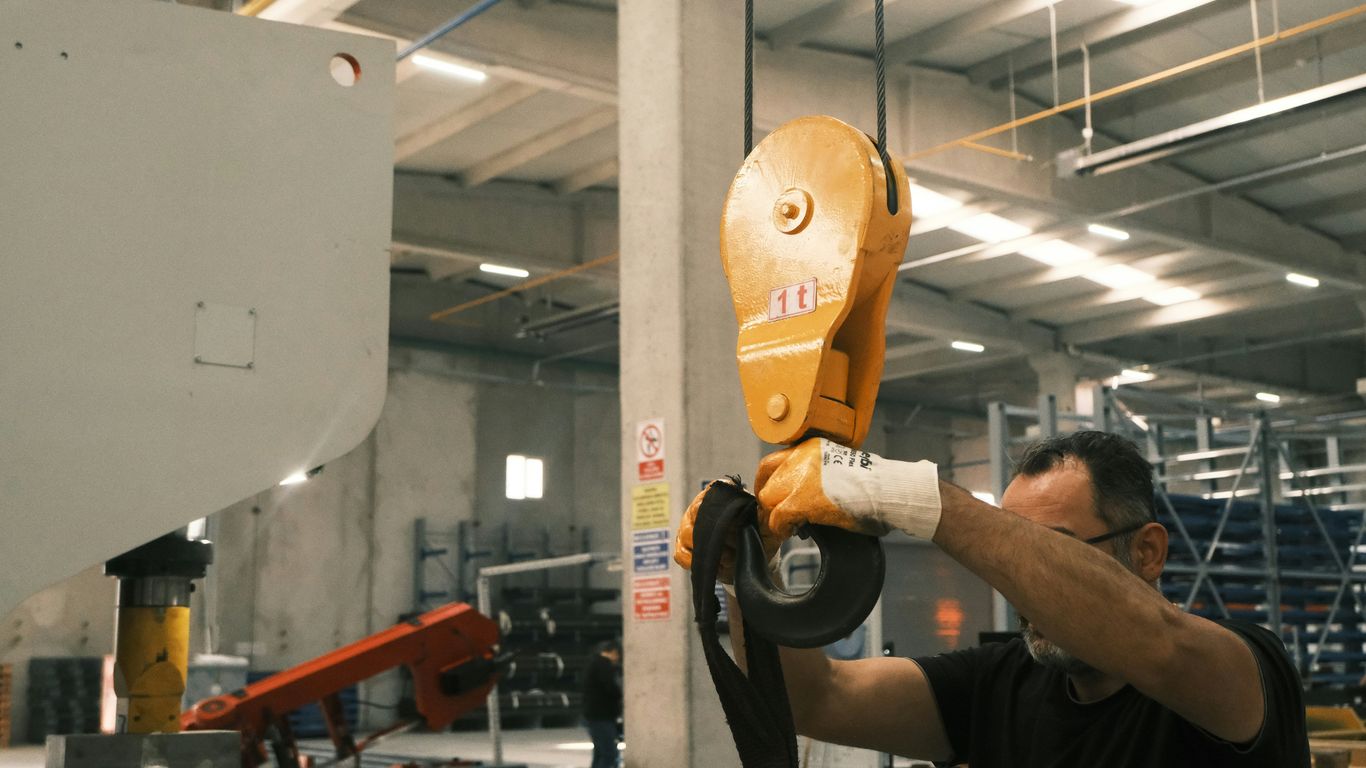
Working with industrial robots means you’re dealing with powerful machines. They can move fast and with a lot of force, so keeping people and the equipment out of harm’s way is a big deal. It’s not just about getting the job done; it’s about getting it done without anyone getting hurt or anything breaking.
Defining Safety Zones and Restricted Areas
Think of safety zones like invisible fences around where the robot is working. You program these areas into the robot’s system. If a person or another object accidentally gets too close to these programmed boundaries while the robot is active, the robot needs to know. It can then automatically stop its movement or slow way down. This gives anyone who wandered too close a chance to get out of the way before a problem happens. It’s a pretty straightforward way to prevent collisions.
Implementing Speed Limits for Safe Operation
Speed is another big factor. Robots can move incredibly quickly, sometimes too quickly for humans to react. By setting maximum speed limits for different parts of the robot’s movement, you control how fast it can go. This is especially important when humans are working nearby. Lowering the speed means there’s more time to react if something unexpected occurs, reducing the chance of injury. It’s like putting a governor on a car engine – it keeps things from getting out of hand.
Utilizing Emergency Stop Mechanisms
Even with all the precautions, things can go wrong. That’s where emergency stop (E-stop) buttons come in. These are usually big, red buttons that are easy to find and press. When an E-stop is activated, it tells the robot to halt all motion immediately. Programming these mechanisms means the robot can respond instantly to a dangerous situation. Having these readily available and properly integrated into the robot’s control system provides a critical last line of defense. The goal is always to have multiple layers of safety in place.
Here’s a quick look at how these safety features work together:
- Safety Zones: Prevent entry into active work areas.
- Speed Limits: Control movement velocity for safer interaction.
- Emergency Stops: Provide immediate shutdown in critical situations.
These aren’t just optional extras; they’re fundamental parts of responsible robot programming. They help create a work environment where humans and robots can coexist and collaborate effectively, boosting productivity without compromising well-being.
The Evolving Landscape of Robot Programming
The world of industrial robots isn’t static; it’s always changing, and how we tell these machines what to do is changing right along with it. We’re moving beyond just basic commands and into some really interesting territory. The way we interact with and program robots is becoming more intuitive and intelligent.
Natural Language Processing for Intuitive Interaction
Remember when you had to learn a whole new language just to tell a robot what to do? That’s becoming less of a thing. Natural Language Processing, or NLP, is letting us talk to robots more like we talk to each other. Instead of complex code, you might just say something like, "Pick up that box and put it on the pallet." This makes robots way easier for more people to use, not just the super-technical folks. It opens up possibilities for:
- Easier Human-Robot Collaboration: Imagine a factory floor where workers can give simple voice commands to robots to assist them.
- Faster Task Setup: Quickly tell a robot what needs to be done without lengthy programming sessions.
- More Accessible Automation: Small businesses or teams without dedicated robotics engineers can adopt automation more readily.
The Future of Robot Control Systems
Robot control is getting smarter, faster, and more connected. We’re seeing a few big trends shaping this:
- Cloud Robotics: Think of it like having a super-brain for your robot in the cloud. This allows for massive data storage, processing power that’s way beyond what a single robot can handle, and easier ways for multiple robots to work together or be monitored remotely. It’s great for scaling up operations and sharing information.
- Edge Computing: This is the opposite, in a way. Instead of sending everything to the cloud, some processing happens right on the robot itself, or very close by. This is super important when you need really fast reactions, like avoiding a sudden obstacle. It cuts down on delays and makes the robot more reliable even if the internet connection flickers.
- AI and Machine Learning: Robots are starting to learn. Instead of being programmed for every single situation, they can adapt. They can learn from mistakes, get better at tasks over time, and even predict what might happen next. This is what’s leading to robots that can handle more varied tasks and work in less predictable environments.
Wrapping It Up
So, we’ve gone through a lot, from the basic setup to some pretty advanced stuff in robot programming. It’s not always easy, and sometimes you’ll hit a wall, but sticking with it really pays off. The key is to keep learning and practicing, whether you’re using a teach pendant or diving into code. As robots get smarter and more common, knowing how to program them is going to be a big deal. Keep at it, and you’ll be building some cool automated systems before you know it.