Understanding LeRobot Simulation
The Genesis of LeRobot
So, what exactly is LeRobot? Think of it as a new toolkit that Hugging Face put together, aiming to make robotics a bit more accessible. It’s built on some pretty cool recent ideas in robotics, like ALOHA and diffusion policies. You know how AI has been blowing up lately? Well, a lot of that investment has gone into robotics teams, and we’re seeing more robots out there doing actual jobs. Hugging Face saw this and thought, "Hey, let’s get everyone working together on this, especially with all the new language and vision models out there." It’s kind of like how Transformers changed how we do language stuff, LeRobot wants to do something similar for robots.
Core Philosophy and Mission
At its heart, LeRobot is all about sharing. Hugging Face’s main goal has always been to help out the tech community, and LeRobot is a big part of that. They want to make it easier for people to get their hands on the latest robot models, datasets, and code. This means you don’t need a huge team or tons of data to get started. LeRobot aims to break down the barriers that make robotics seem so difficult to get into. It’s about bringing together different tools and ideas so everyone can contribute and learn.
Bridging Simulation and Reality
One of the biggest challenges in robotics is getting what you train in a computer simulation to actually work on a real robot. It’s like practicing a video game versus actually driving a car. LeRobot is designed to help close that gap. It uses models and datasets that have been tested in simulations, but with an eye towards making them work in the real world. They’ve even integrated tools like rerun.io to help you see what’s going on and make training better. This connection between the digital practice world and the physical robot world is a major focus.
Exploring LeRobot’s Capabilities
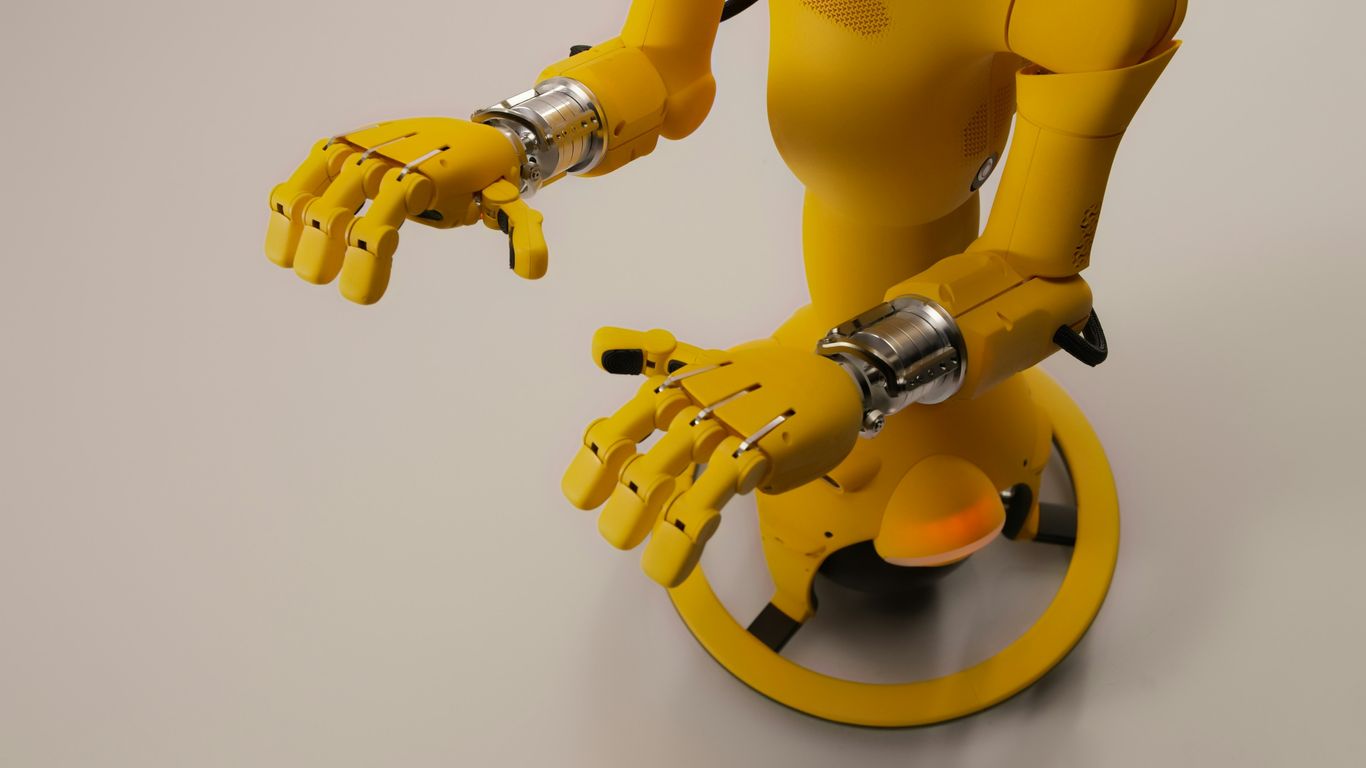
LeRobot isn’t just another software library; it’s built to be a go-to resource for anyone serious about robotics AI. Think of it like a well-stocked toolbox, but for robots. It comes packed with a bunch of pre-made models that have already been trained on tons of data. This means you don’t have to start from scratch every time you want to teach a robot a new trick.
State-of-the-Art Model Repository
One of the coolest things about LeRobot is its collection of models. These aren’t just any models; they represent some of the latest advancements in AI for robotics. We’re talking about models that can handle complex tasks, drawing inspiration from recent breakthroughs. This repository aims to give researchers and developers access to powerful tools without the need for massive computational resources or years of development time. It’s like having a shortcut to cutting-edge performance.
Pre-trained Checkpoints and Datasets
Beyond just the model architectures, LeRobot provides pre-trained checkpoints. These are essentially snapshots of models that have already learned a lot. You can take these checkpoints and fine-tune them for your specific needs, which saves a huge amount of time and effort. Plus, it includes datasets that have been curated from both academic research and simulation environments. This makes it easier to get started, even if you don’t have a physical robot lying around.
Here’s a quick look at what you get:
- Pre-trained Models: Ready-to-use models for various robotic tasks.
- Curated Datasets: Data from simulations and real-world experiments.
- Fine-tuning Capabilities: Adapt existing models to your unique projects.
Integration with Visualization Tools
Getting a robot to do something is one thing, but understanding why it’s doing it is another. LeRobot plays nicely with visualization tools, like rerun.io. This integration is super helpful for debugging and understanding how your policies are performing. You can see what the robot sees, track its movements, and analyze its decisions in a clear, visual way. This makes the whole process of training and improving robot behavior much more straightforward and less of a guessing game.
LeRobot for Practical Robotics
So, you’ve got LeRobot set up and you’re ready to actually do something with it, right? This is where things get really interesting, moving from just playing around in simulation to building skills that could, eventually, work on a real robot. It’s not quite like fixing a bike in your garage – hopefully less grease involved – but it does require a bit of hands-on effort.
Imitation Learning with Diffusion Policies
Think about teaching a robot by showing it how to do something. That’s basically imitation learning. LeRobot makes this pretty accessible, especially with diffusion policies. These are a newer type of model that’s really good at generating smooth, realistic actions. You can use LeRobot to train these policies by feeding them demonstrations. It’s like giving the robot a video of the task and saying, "Do that!" The cool part is that these policies can often generalize better than older methods, meaning they might work even if the situation isn’t exactly like the training data.
- Start with demonstrations: Gather a bunch of examples of the task you want the robot to learn. This could be from a simulation or, if you’re brave, from a real robot.
- Train the diffusion model: Use LeRobot’s tools to train a diffusion policy on these demonstrations. The model learns to predict the sequence of actions that correspond to the observed behavior.
- Test and refine: See how well the trained policy performs in simulation. You might need to go back and add more demonstrations or tweak the training settings if it’s not quite getting it right.
Reinforcement Learning Paradigms
Beyond just copying, robots can also learn through trial and error, which is reinforcement learning (RL). LeRobot supports various RL approaches. This is where the robot tries something, gets a reward (or a penalty), and learns to do more of the things that lead to rewards. It’s a bit like training a pet with treats. While RL can be powerful, it often needs a lot of data and careful tuning to work well. LeRobot provides the building blocks to experiment with different RL algorithms, helping you find what works best for your specific robotic task.
Real-World Application Potential
This is the big one, isn’t it? All this simulation and training is great, but the ultimate goal is often to have a robot do useful things in the real world. LeRobot is designed with this in mind. While it’s not a magic wand that instantly makes any robot work perfectly, it provides tools and models that have shown promise in real-world scenarios. You can use LeRobot to train policies that are then transferred to physical robots. The key is bridging the gap between the controlled environment of simulation and the messy, unpredictable nature of reality. This often involves careful data collection, robust policy training, and sometimes, a bit of luck. LeRobot aims to make this transition smoother by offering pre-trained models and frameworks that have been tested in various contexts.
Community and Collaboration
Building something as complex as robotics AI isn’t a solo mission. LeRobot thrives because a bunch of smart people are chipping in. Think of it like a giant, open-source Lego set for robots – everyone brings their own cool pieces and ideas.
Fostering an Inclusive Ecosystem
LeRobot is all about making robotics accessible. It’s not just for big companies with huge budgets. The goal is to get more people involved, whether you’re a student tinkering in your garage or a researcher at a university. This means sharing code, models, and knowledge so everyone can learn and contribute. The more minds working on it, the faster we all progress.
Leveraging Community Expertise
People are already using LeRobot for all sorts of projects. Some are training robots to pick up objects, others are working on robots that can follow instructions. The community shares what they learn, which is super helpful. You can find discussions and code examples on platforms like Hugging Face and GitHub. It’s a great way to see how others are solving problems and to get ideas for your own work.
Discord for Collaborative Development
If you really want to get involved, the LeRobot Discord server is the place to be. It’s where developers, researchers, and hobbyists hang out. You can ask questions, share your progress, find collaborators, and even report bugs. It’s a lively space where ideas are exchanged, and people help each other out. It’s pretty much the digital equivalent of a bustling workshop.
Getting Started with LeRobot
So, you’re ready to jump into LeRobot? That’s awesome! It can feel a bit overwhelming at first, like looking at a giant toolbox and not knowing where to begin. But don’t worry, we’ll break it down.
Accessing LeRobot Tutorials
First things first, you’ll want to check out the official tutorials. These are your roadmap. They cover everything from training basic manipulation policies to using pre-trained models. Think of them as the instruction manual for your new robot brain. You can find them linked in the LeRobot documentation, and they often come with ready-to-run code examples. The key is to follow along step-by-step, especially when you’re starting out.
Hands-On Learning Resources
Beyond the official tutorials, there’s a whole world of resources to help you get your hands dirty. Hugging Face provides Colab notebooks for things like diffusion policies, which are super handy for trying out concepts without setting up a whole development environment. There are also links to other frameworks like RoboMimic and even guides for working with specific hardware if you have a robot lying around. It’s all about finding what clicks for you.
Here’s a quick look at some starting points:
- Gymnasium Cart-Pole: A classic problem to get a feel for reinforcement learning basics. It’s simple but teaches a lot.
- Diffusion Policy Colab: Great for seeing how imitation learning works with modern diffusion models.
- MuJoCo Humanoid Control: If you want to train a robot to walk, this is a good place to start.
Building Intuition for Robot Learning
Ultimately, the goal is to build an intuition for how robots learn. This isn’t just about copying code; it’s about understanding why certain approaches work. Play around with the parameters in the examples. See what happens when you change the learning rate or the dataset. Try to predict the outcome before you run the code. The more you experiment, the more natural it will feel. Don’t be afraid to break things – that’s often how you learn the most!
Advanced LeRobot Applications
So, you’ve played around with the basics and maybe even got a simple policy running in simulation. That’s awesome! But what’s next? LeRobot isn’t just for getting your feet wet; it’s built for some pretty serious stuff too. We’re talking about training robots to do complex tasks, making them smarter with language, and even getting them to work with real-world data. It’s where things get really interesting.
Training Manipulation Policies
Getting a robot arm to pick up and move objects is way harder than it looks. LeRobot has tools that help with this, especially using something called diffusion policies. Think of it like teaching a robot to paint by showing it examples of brush strokes. You can use pre-trained models that already know a lot about how to move, and then fine-tune them for specific tasks. It’s like giving your robot a head start. You can explore frameworks like RoboMimic or even jump into a Colab notebook specifically designed for diffusion policies. The goal is to get robots performing intricate manipulation tasks, not just simple pick-and-place.
Fine-Tuning Vision-Language-Action Models
This is where robots start to understand us better. Vision-Language-Action (VLA) models are trained to connect what they see and what we say with what they should do. LeRobot lets you take these big, powerful models, like OpenVLA or Octo, and train them on your own specific tasks. Imagine telling a robot, "Please put the red block on top of the blue one," and it actually does it. You can fine-tune these models using datasets that include images, text instructions, and corresponding robot actions. It’s a big step towards robots that can follow more natural commands and adapt to new situations based on language.
Working with Real-World Robot Data
Simulation is great, but eventually, you need to work with actual robots. LeRobot makes this transition smoother. You can use its tools to train policies on data collected from real robots, like the ALOHA bimanual platform or even simpler setups like the SO-100 arm. This involves understanding how to process sensor readings, deal with noise, and transfer policies trained in simulation to the physical world. It’s a challenging but rewarding part of robotics AI, and LeRobot provides resources to help you bridge that gap between the digital and the physical.
Wrapping Up
So, that’s a look at LeRobot. It seems like a pretty big deal for anyone getting into robotics, especially if you don’t have a robot sitting around. It’s got all these cool models and datasets, kind of like what happened with language AI. Plus, it connects with tools like rerun.io, which is neat for seeing what’s going on. It’s definitely making things easier for people to jump in and start building. Hugging Face is really pushing to make robotics more open and accessible, and LeRobot is a big part of that. It’s exciting to see where this goes and how it helps more people get involved in making smarter robots.