When you’re building or upgrading a PC, picking the right processor is a big deal. For years, it’s been a toss-up between Intel and AMD’s Ryzen chips. Both have their fans and their strengths, and figuring out which is best for you can feel like a puzzle. We’re going to break down the whole ryzen vs intel situation, looking at how they stack up for gaming, work, and everything in between, so you can make a smart choice for your next computer.
Key Takeaways
- For a long time, Intel was the main player, but AMD’s Ryzen processors changed the game with more cores and better prices, making things competitive.
- When it comes to gaming, Intel often has an edge in high frame rates, but Ryzen, especially with its 3D V-Cache, is right there with it and can be better for multitasking while gaming.
- Content creators and professionals often find Ryzen’s higher core counts beneficial for tasks like video editing and rendering, though Intel’s top chips are also strong contenders.
- Ryzen processors generally use less power and run cooler, which is good for efficiency, while Intel’s hybrid architecture aims for better power management in certain situations.
- AMD has a good track record of supporting its motherboard sockets for longer periods, meaning easier upgrades down the line, whereas Intel tends to change sockets more frequently.
Understanding The Ryzen vs Intel Landscape
A Brief History of Processor Dominance
For a long time, Intel was pretty much the only name people thought of when it came to computer processors. They’ve been around since 1968, basically inventing the microprocessor, and for decades, their chips powered most of the computers out there. Their Core series, you know, the i3, i5, i7, and i9, became super familiar. Intel’s strength was always in how fast a single core could run, which was great for games and just everyday computer stuff.
The Ryzen Revolution and Intel’s Response
Then, in 2017, AMD dropped its Ryzen processors, and things got interesting. AMD, which started in 1969 and was initially a partner making Intel chips, really started making its own mark. Ryzen came out with more cores and threads, often at a better price point. This was a big deal for people doing lots of things at once, like editing videos or running multiple programs. Intel had to sit up and take notice, and they’ve been working hard to keep up ever since. They’ve improved their chips a lot, focusing on efficiency and making sure their multi-core performance is competitive. It’s a much tighter race now than it used to be.
Key Architectural Differences
So, what’s actually different inside these chips? Intel’s newer processors, like their 14th and 15th gen, use what they call a hybrid architecture. Think of it like having two types of workers: ‘Performance’ cores (P-cores) that are super fast for demanding tasks, and ‘Efficiency’ cores (E-cores) that handle background stuff and save power. They even have something called Thread Director to make sure the right job goes to the right core.
AMD’s Ryzen chips, like the 7000 and 8000 series, use their Zen architecture. They often pack a lot of cores and threads, which is great for heavy multitasking. Some Ryzen models also have this cool thing called 3D V-Cache, which is basically an extra layer of memory stacked on the chip that can really boost gaming performance. They also use a ‘chiplet’ design, which is like building the processor from smaller, specialized pieces, making it easier to scale up for more power.
Performance Benchmarks: Gaming Scenarios
Alright, let’s talk about the fun stuff: gaming! When you’re trying to get the highest frame rates possible, especially in competitive titles, the processor really matters. For a long time, Intel has had a bit of an edge here. Their processors often hit higher clock speeds and have strong single-core performance, which is what many games, particularly older ones or esports titles, tend to lean on.
Think about games like Counter-Strike 2 or Valorant. In these kinds of games, Intel CPUs can sometimes push out a few more frames per second. It’s not always a massive difference, but if you’re chasing those ultra-high refresh rates for competitive play, it’s something to consider. This is largely thanks to Intel’s P-cores, which are built for speed.
However, AMD has been making some serious moves, especially with their Ryzen chips. They’ve been packing more cores and threads into their processors, which is fantastic for games that can actually use them, like big open-world adventures or simulations. Plus, AMD’s introduction of 3D V-Cache technology has been a game-changer for gaming. This extra cache memory lets the CPU access game data much faster, leading to smoother gameplay and better performance, particularly at higher resolutions like 1440p and 4K. The Ryzen 7 9800X3D is a prime example of this, often topping the charts for pure gaming performance.
Here’s a quick look at how things can shake out in some general gaming scenarios:
- High Frame Rate Titles: Intel often leads slightly due to superior single-core speeds.
- CPU-Intensive AAA Games: AMD’s 3D V-Cache models can offer a significant boost, sometimes surpassing Intel.
- Higher Resolutions (1440p/4K): The gap often narrows as the GPU becomes the main bottleneck, but cache technology still plays a role.
So, while Intel might still hold a slight lead in certain niche gaming scenarios, AMD’s advancements, especially with 3D V-Cache, mean they are incredibly competitive, and often the outright winner, for a broad range of gaming experiences. It really depends on the specific games you play and the resolution you’re targeting.
Productivity and Creative Workloads
When you’re not just playing games, but actually making stuff or getting work done, the processor choice can really matter. Think video editing, 3D modeling, coding, or even just juggling a ton of browser tabs and apps at once. This is where things get interesting between Ryzen and Intel.
Ryzen’s Strength in Content Creation
AMD’s Ryzen processors have often been the go-to for folks who do a lot of content creation. Why? Well, they tend to pack more cores and threads into their chips, especially in the mid-range and high-end. This is a big deal for tasks that can use all those cores at once, like rendering video or compiling code. For tasks that can be split up and run on many cores simultaneously, Ryzen often pulls ahead. It means your video exports might finish faster, and your 3D renders could take less time. Plus, some Ryzen chips support ECC memory, which is a nice bonus for professional work where data integrity is super important.
Intel’s Capabilities for Professionals
Intel isn’t sitting still, though. Their processors are really good, and for certain creative tasks, they can even have an edge. One big thing is Intel Quick Sync Video, which is built into their integrated graphics. This tech can seriously speed up video encoding and decoding in programs like Adobe Premiere Pro. If you do a lot of real-time video editing or need fast AV1 encoding, Intel’s hardware acceleration can be a lifesaver. It’s like having a specialized helper just for those specific video tasks.
Comparing Multithreaded Performance
So, how do they stack up head-to-head? It really depends on the specific software you use. For raw, brute-force multi-core performance, like in heavy rendering or complex simulations, AMD often shows its strength. But if your workflow relies on applications that can take advantage of Intel’s specific hardware features, like Quick Sync, then Intel might be the better pick.
Here’s a quick look at how they might perform in different scenarios:
- Video Editing: Ryzen often leads in rendering times due to more cores, but Intel can be faster in real-time previews thanks to Quick Sync.
- 3D Rendering: Generally favors processors with more cores, giving Ryzen an advantage in many cases.
- Software Development: Compiling large codebases can benefit from more cores, leaning towards Ryzen.
- General Multitasking: Both are very capable, but Ryzen’s higher thread counts can sometimes provide a smoother experience when running many different applications at once.
Power Efficiency and Thermal Considerations
When you’re building or buying a PC, you can’t just think about how fast the processor is. You also gotta consider how much juice it sucks up and how much heat it throws off. It’s like picking a car – you want something that goes fast, but you also don’t want to break the bank on gas or have it overheat on a long trip.
Ryzen’s Approach to Power Consumption
AMD’s Ryzen chips have been doing a pretty good job lately when it comes to sipping power. They’re often built using newer manufacturing processes, which helps them be more efficient. This means they tend to run cooler and use less electricity, especially when they’re just chilling and not doing much. For laptops, this translates to better battery life, which is always a win. Even under load, Ryzen CPUs often manage their power draw better than their Intel counterparts, meaning less heat to deal with.
Intel’s Hybrid Architecture Efficiency
Intel has been trying to tackle this power thing with their newer chips, especially the ones with a hybrid design. They use different types of cores – some are for high performance, and others are super efficient for background tasks. This setup is supposed to help save power when you’re not doing anything too demanding. However, when you really push these chips hard, especially the high-end ones, they can still guzzle power and get pretty warm. It’s a balancing act, and sometimes those powerful cores need a lot of energy to do their thing.
Cooling Requirements for High-End CPUs
No matter which brand you go with, if you’re aiming for top-tier performance, you’re going to need good cooling. Processors, especially the ones designed for gaming or heavy creative work, generate a lot of heat. This heat needs to be managed, or your CPU will start to slow itself down to prevent damage, or worse, it could even cause problems down the line.
Here’s a quick rundown of what to think about:
- TDP (Thermal Design Power): This number, usually in watts (W), gives you an idea of how much heat the CPU is expected to produce. A higher TDP generally means more performance but also more heat.
- Air Coolers: These use fans and heatsinks to dissipate heat. They range from basic stock coolers to massive aftermarket ones that can handle serious heat.
- Liquid Coolers (AIOs): These use a pump, radiator, and fans to move heat away from the CPU. They’re often more effective for high-end CPUs but can be more complex and expensive.
Basically, if you’re looking at a CPU with a TDP of 125W or more, you’ll definitely want to invest in a robust cooling solution. Trying to get by with a weak cooler on a hot-running CPU is just asking for trouble.
Platform Compatibility and Future-Proofing
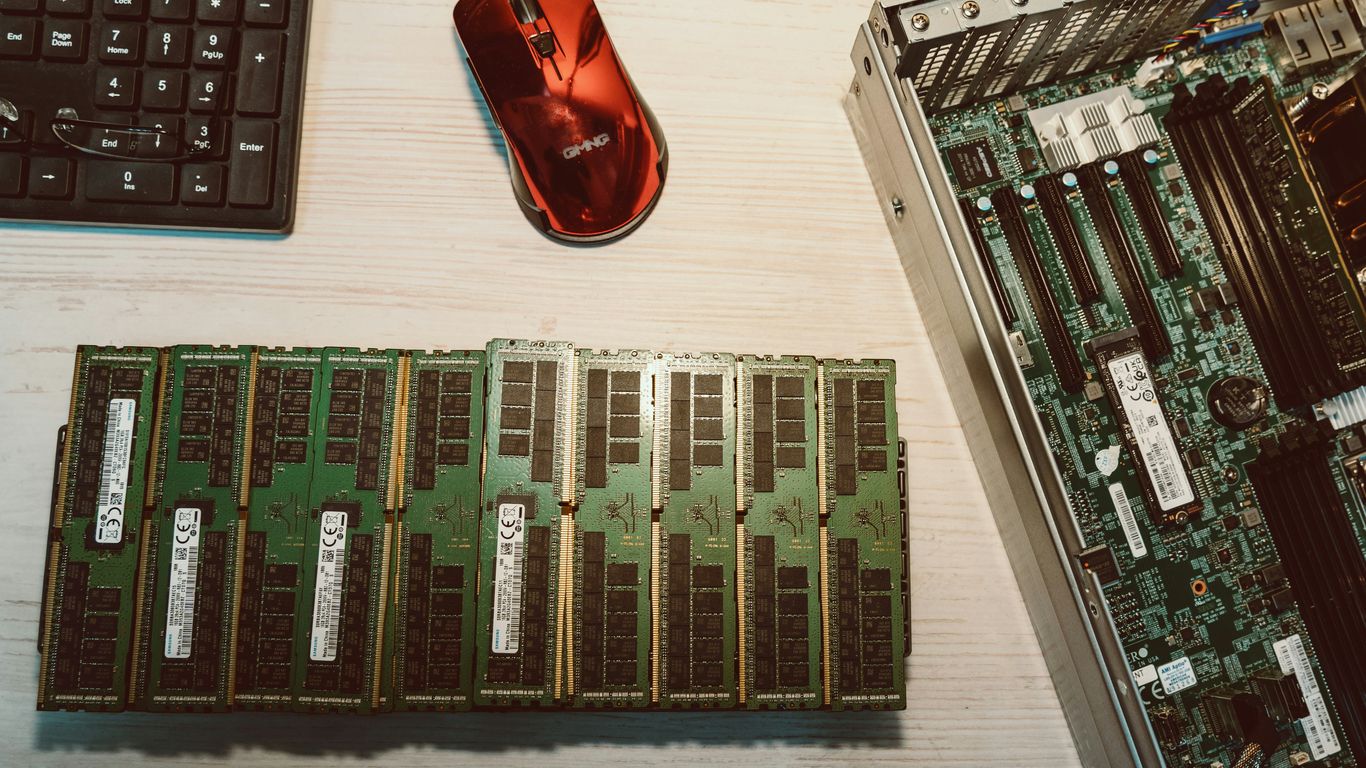
When you’re building a PC, or even just thinking about upgrading down the line, you’ve got to consider what you’re putting your processor into. This is where motherboard sockets and platform longevity come into play, and honestly, it’s a big differentiator between AMD and Intel.
Motherboard Socket Lifespans
Think of a CPU socket like a bed for your processor. It’s the physical connection point on the motherboard. The thing is, manufacturers don’t always keep the same socket design around forever. Intel, for example, has a history of changing its socket design pretty frequently. This means if you buy an Intel CPU today, the motherboard it’s plugged into might not support the next generation or two of Intel processors without you also buying a new motherboard. It’s like buying a phone and knowing you’ll need a new charger with every single model update.
AMD’s Long-Term Socket Support
AMD has taken a different approach, and it’s something many PC builders really appreciate. They’ve been known to support a single socket for multiple generations of CPUs. The AM4 socket, for instance, was around for a good number of years, allowing people to upgrade their Ryzen processors without needing a whole new motherboard. Their current AM5 platform is also expected to have a decent lifespan, likely supporting upgrades for a few years to come. This strategy generally means better long-term value and easier upgrade paths for your PC. It’s a big deal if you’re not looking to rebuild your entire system every time a new chip comes out.
Here’s a quick look at how socket support has played out:
| Platform | Supported Generations (Approx.) |
|---|---|
| AMD AM4 | Ryzen 1000 – 5000 Series |
| AMD AM5 | Ryzen 7000 Series onwards (expected support until 2026-2027) |
| Intel LGA 1700 | 12th, 13th, and 14th Gen Core |
| Intel LGA 1851 | Expected for 15th Gen Core onwards |
Intel’s Frequent Socket Changes
As mentioned, Intel’s strategy has historically involved more frequent socket refreshes. While this can sometimes bring new features or performance improvements tied to the motherboard chipset, it often forces users into a more costly upgrade cycle. If you’re someone who likes to stay on the bleeding edge and upgrade your CPU every couple of years, you might find yourself needing a new motherboard each time with Intel. It’s a trade-off: you get the latest tech, but potentially at the cost of platform continuity. For many, the ability to drop in a new, faster CPU into an existing motherboard is a significant advantage, and that’s where AMD has often shone.
Value Proposition: Pricing and Cost-Effectiveness
When you’re building a PC, the price tag on the processor can feel like a big deal, right? It’s easy to get caught up in the specs, but what you actually get for your money is super important. Both AMD and Intel have been duking it out for years, and their pricing strategies have definitely shifted.
Ryzen’s Reputation for Value
For a long time now, AMD has really built a name for itself by offering a lot of bang for your buck. Their Ryzen chips, especially in the mid-range like the Ryzen 5 series, often pack more cores and threads than their Intel counterparts at a similar price point. This means you can often get better multitasking performance or a more future-proof system without breaking the bank. Plus, AMD has historically been pretty good about including a decent stock cooler with many of their CPUs, which can save you a bit of cash if you’re not planning on immediately buying an aftermarket one. It’s this consistent focus on performance per dollar that makes Ryzen a go-to for many budget-conscious builders and even those looking for solid workstation performance without the workstation price tag.
Intel’s Competitive Pricing Strategies
Intel hasn’t just sat back and let AMD take the value crown, though. They’ve gotten much more aggressive with their pricing, especially in the last few years. While their top-tier Core i9 processors can still command a premium, you’ll find their i5 and even some i7 chips are priced much more competitively than they used to be. They’ve also been known to bundle in coolers with their lower-end and some mid-range chips, which is a nice touch. Intel’s strategy often seems to be about pushing their latest architecture and features, sometimes at a slightly higher initial cost, but they’re definitely not ignoring the value segment anymore. It’s a good thing for consumers, as it means more choices and better deals across the board.
Mid-Range vs. High-End Cost Analysis
So, where do you actually see the biggest differences? Well, in the mid-range, AMD often still holds a slight edge in terms of raw core/thread count for the money. If you do a lot of multitasking, video editing, or run virtual machines, a Ryzen 5 or Ryzen 7 might give you more horsepower for less cash. However, when you start looking at the absolute highest end, the gap narrows considerably. Intel’s top-tier chips can offer incredible single-core speeds and features that might justify their price for specific users, like hardcore gamers chasing every last frame. But for most people, the sweet spot for value, where you get a great balance of performance for gaming, productivity, and everyday tasks, is often found in the mid-range, and that’s where AMD has traditionally excelled. It really comes down to what you’re doing most often and how much you’re willing to spend to get that extra bit of performance.
Choosing the Right Processor for Your Needs
Alright, so we’ve talked a lot about the nitty-gritty of Ryzen and Intel processors, from their history to how they handle games and heavy work. Now comes the big question: which one actually belongs in your PC? It really boils down to what you’re going to do with the machine.
Recommendations for Gamers
If your main goal is to get the highest possible frame rates in the latest games, you’ve probably noticed Intel often has a slight edge here, especially in titles that lean heavily on single-core speed. Their processors tend to clock a bit higher out of the box, which can make a difference when every millisecond counts. However, Ryzen has been closing that gap, and for many games, the difference is barely noticeable. Plus, if you’re into games that also do a lot of background processing or have complex AI, Ryzen’s stronger multi-core performance can sometimes pull ahead. Don’t forget about AMD’s 3D V-Cache technology; if you can find a chip with it, it’s a real game-changer for gaming performance, often beating even higher-clocked Intel chips.
Guidance for Content Creators
For folks who spend their days editing videos, rendering 3D models, compiling code, or doing any kind of heavy multitasking, this is where Ryzen often shines. Their processors typically pack more cores and threads, which means they can chew through those demanding, parallel tasks much faster. Think of it like having more hands to do the work – the more hands, the quicker the job gets done. While Intel has made big strides in multi-core performance with their recent generations, Ryzen still generally offers a more robust multi-threaded experience for the money, especially in the mid-to-high range. If your workflow involves a lot of rendering or exporting, a Ryzen CPU is usually a solid bet.
Best Choices for Everyday Users
Now, what if you’re just using your PC for browsing the web, checking emails, streaming movies, and maybe some light photo editing? Honestly, for these kinds of tasks, both Intel and Ryzen offer plenty of options that will feel snappy and responsive. You don’t need the absolute top-of-the-line chip. A mid-range processor from either brand will likely be more than enough. In this segment, price and platform features (like motherboard connectivity or integrated graphics) might become more important deciding factors than raw processing power. For general use, you can’t really go wrong with either brand, so focus on finding a good deal within your budget.
Here’s a quick rundown:
- Gaming Focused: Look for high clock speeds and consider AMD’s 3D V-Cache if budget allows. Intel often has a slight lead in raw FPS.
- Creative Workloads: Prioritize core and thread count. Ryzen usually offers more bang for your buck here.
- General Use: Any modern mid-range CPU from Intel or Ryzen will be perfectly adequate. Focus on overall system cost and features.
So, Which Chip Wins in 2025?
Alright, so we’ve gone through a lot, right? Intel and AMD, they’re both doing some pretty cool stuff with their processors. It’s not really a simple ‘this one is better’ situation anymore. For folks who just want to game and get the highest possible frames, Intel might still have a little something extra. But if you’re doing a bunch of things at once, like streaming while you play, or editing videos, Ryzen often gives you more bang for your buck with all those extra cores. Honestly, for most people just using their computer for everyday stuff, either brand is going to be perfectly fine. The best choice really comes down to what you plan to do with your PC and how much you’re looking to spend. Keep an eye on what both companies are doing, because they’re both pushing hard to make their next chips even better.
Frequently Asked Questions
Which processor is better for gaming, Intel or Ryzen?
For pure gaming speed, especially in games that don’t use many cores, Intel often has a slight edge because its chips can run really fast on a single core. But, Ryzen is catching up fast and is great if you like to play games while also streaming or running other apps at the same time, thanks to its many cores.
Is Ryzen or Intel better for creating content like videos or art?
Ryzen usually wins here. Its processors have more cores and threads, which means they can handle many tasks at once really well. This makes things like editing videos, making 3D models, or rendering much faster and smoother.
Do Ryzen processors use less power and run cooler than Intel processors?
Generally, yes. Ryzen CPUs tend to be more energy-efficient and produce less heat, which is good for your electricity bill and means you might not need a super-fancy cooler. Intel’s newest chips are getting better at this, though.
Is it easier to upgrade my PC with an Intel or Ryzen processor later on?
AMD has a better track record here. They’ve kept their motherboard sockets (the part where the CPU plugs in) the same for longer, meaning you can often swap out an older Ryzen for a newer one without buying a new motherboard. Intel tends to change its sockets more often.
Which brand offers better value for the money?
AMD Ryzen has a strong reputation for giving you a lot of performance for your money, especially in the mid-range. Intel has become more competitive with pricing, but if you’re on a tighter budget and need good performance, Ryzen is often a great pick.
What’s the difference between Intel’s P-cores and E-cores and AMD’s approach?
Intel uses a mix of ‘Performance’ cores (P-cores) for heavy lifting and ‘Efficiency’ cores (E-cores) for background tasks to save power. AMD focuses more on giving you lots of powerful cores that can all do heavy work, plus some special tech like 3D V-Cache for gaming boosts.