So, you’re thinking about getting a mini gaming PC in 2026? That’s pretty cool. These little machines pack a surprising punch, letting you play games without needing a giant tower taking up all your desk space. But with so many options out there, picking the right one can feel a bit overwhelming. Don’t worry, we’ve got you covered. This guide is here to help you figure out what really matters when choosing your next compact gaming rig, from what’s inside to how it looks on your desk.
Key Takeaways
- Figure out what you’ll actually use your mini gaming PC for. Are you mostly playing games, or will it do other stuff too?
- When looking at parts, pay attention to the processor (CPU) and graphics card (GPU). These are super important for how well games run.
- Think about the size and how it fits into your space. Some are tiny, others are a bit bigger, and cooling is a big deal for keeping things running smoothly.
- Check the connections you need for your monitor, keyboard, mouse, and anything else. Also, see if you can upgrade parts later on.
- Compare different brands like Intel and AMD, and decide if you need integrated graphics or a separate graphics card for the best gaming experience.
Understanding Your Mini Gaming PC Needs
Alright, so you’re thinking about grabbing a mini gaming PC. That’s cool! These little machines are pretty neat, packing a punch without taking up half your desk. But before you just go clicking on the first shiny one you see, let’s figure out what you actually need this thing to do. It’s not just about getting the smallest box, you know?
Defining Your Primary Use Case
First off, what’s the main gig for this PC? Are you planning on diving headfirst into the latest AAA titles at max settings, or is it more for some casual indie games and maybe some streaming? Maybe you need it for work during the day and then a bit of gaming at night. Knowing this helps a ton. If you’re mostly playing games like Valorant or League of Legends, you won’t need the same horsepower as someone trying to run Cyberpunk 2077 with all the bells and whistles. Think about what you’ll be doing 80% of the time. For a general idea of what’s out there, you can check out the best mini PCs.
Assessing Required Processing and Graphics Power
This is where things get a bit technical, but don’t worry, we’ll keep it simple. The processor (CPU) is like the brain, and the graphics card (GPU) handles all the visuals. For gaming, the GPU is usually more important. If you’re aiming for higher resolutions (like 1440p or 4K) or faster frame rates, you’ll need a more powerful GPU. For less demanding games or if you’re okay with lower settings, integrated graphics or a less powerful dedicated card might do the trick.
Here’s a rough idea:
- Light Gaming/Esports: Intel Iris Xe or AMD Radeon integrated graphics, or entry-level discrete GPUs (like NVIDIA MX series).
- Mid-Range Gaming: Mid-tier discrete GPUs (e.g., NVIDIA RTX 3050/4050, AMD RX 6000/7000 series).
- High-End Gaming: High-end discrete GPUs (e.g., NVIDIA RTX 4070/4080, AMD RX 7800 XT/7900 XT).
Considering Your Budget and Performance Expectations
Let’s be real, budget is a big factor. Mini PCs can range from a couple of hundred bucks to well over a thousand. You generally get what you pay for, but sometimes you can find a real gem. Don’t expect a super cheap mini PC to run the latest games smoothly at high settings. It’s all about finding that sweet spot where the price meets the performance you need for your specific use case. If you’re on a tighter budget, you might need to compromise on graphics settings or play older titles. If you have more cash to splash, you can aim for higher frame rates and better visual quality. It’s worth looking at top mini PC reviews to see what different price points offer.
Key Components for a Powerful Mini Gaming PC
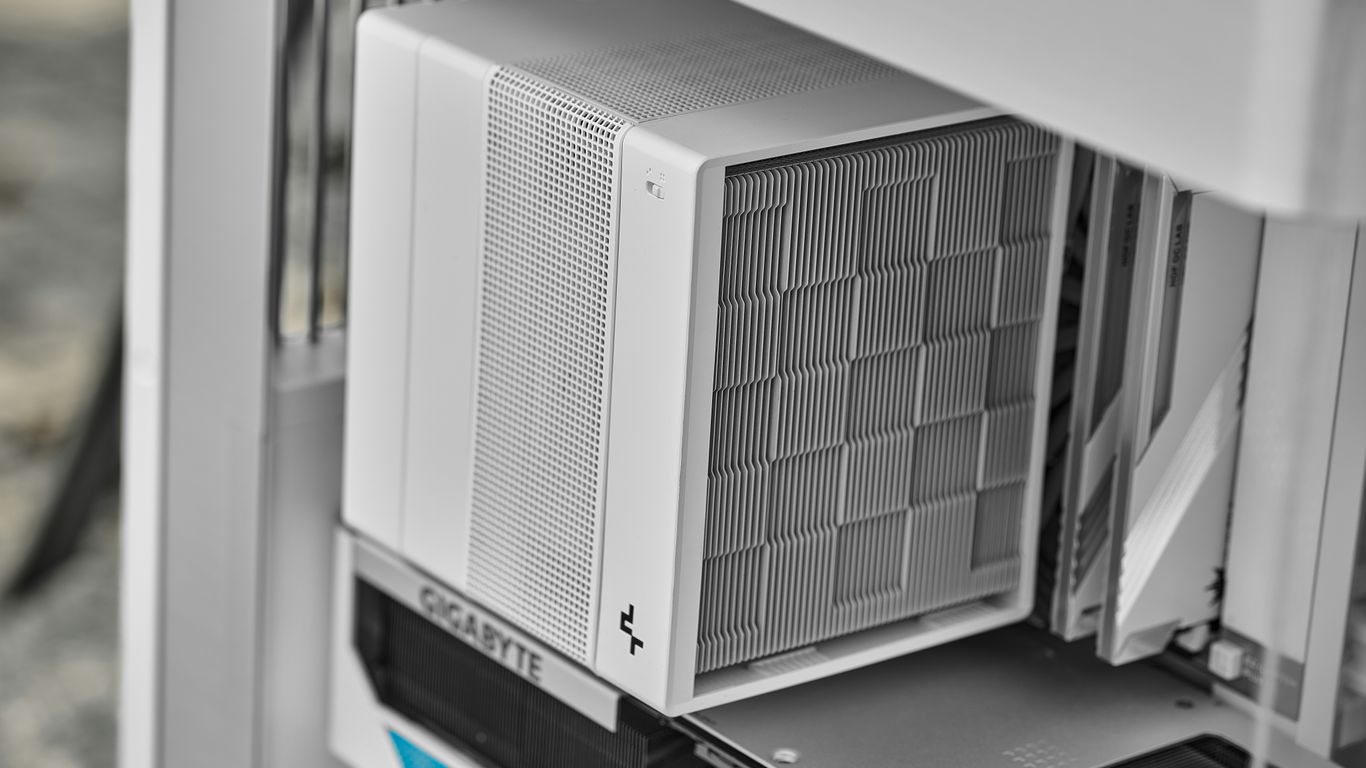
Alright, so you’re looking to build a mini gaming PC in 2026. That’s awesome! These little machines pack a punch, but you gotta know what’s under the hood. Let’s break down the important bits.
Choosing the Right CPU for Gaming
The CPU, or processor, is like the brain of your PC. For gaming, you want something that can keep up. Think Intel Core Ultra series or AMD Ryzen 7000 or 8000 series. These chips are built for speed and can handle demanding games without breaking a sweat. A good CPU means smoother frame rates and less stuttering when things get intense on screen. You don’t want your processor to be the bottleneck, right?
Selecting a Capable GPU for Immersive Play
This is where the magic happens for graphics. While some mini PCs rely on integrated graphics, for serious gaming, you’ll want a dedicated graphics card, or GPU. Cards like NVIDIA’s RTX series or AMD’s Radeon equivalents are what you’re looking for. Some super-compact options might use mobile versions of these cards, like the RTX 4070 found in some models, which is pretty impressive for the size. The better the GPU, the higher you can push those graphical settings and resolutions. It’s what makes games look so good.
Optimizing RAM for Smooth Gameplay
RAM, or memory, is what your PC uses to quickly access data it’s currently working with. For gaming, 16GB is a good starting point, but 32GB is really the sweet spot for 2026. It helps with multitasking, like having Discord or a browser open while you game, and generally makes everything feel snappier. Faster RAM speeds can also give you a little extra performance, especially if your CPU can take advantage of it.
Understanding SSD Importance for Load Times
Forget those old spinning hard drives. For a gaming PC, an SSD (Solid State Drive) is a must. Games load way faster, your PC boots up in seconds, and everything just feels more responsive. You’ll spend less time staring at loading screens and more time actually playing. Aim for at least a 1TB SSD if you plan on installing a decent number of games, as modern titles can take up a lot of space. Some mini PCs even let you add a second SSD, which is handy.
Form Factor and Design Considerations
When you’re looking at mini gaming PCs, the size and how it’s built really matter. It’s not just about stuffing powerful parts into a tiny box; it’s about making sure that box can actually handle the heat and still look good on your desk.
Evaluating Compactness and Portability
Mini PCs, by definition, are small. But ‘small’ can mean different things. Some are truly tiny, like a thick book, perfect for tucking away behind a monitor or taking to a friend’s house. Others are a bit larger, closer to a small shoebox, which might still fit your space needs but aren’t quite as grab-and-go. The best mini gaming PCs strike a balance between being small enough to be unobtrusive and large enough to house decent cooling. Think about where you’ll put it and if you’ll ever need to move it. If you plan on taking it to LAN parties or just moving it between rooms often, a lighter, smaller unit is definitely the way to go. Some manufacturers, like ASUS with their new NUC line, are really pushing the boundaries of what’s possible in an ultrasmall form factor [8f99].
Assessing Thermal Performance and Cooling
This is a big one. Cramming a powerful CPU and GPU into a small case means heat can build up fast. If a mini PC can’t cool itself properly, performance will suffer, and components can even get damaged over time. Look for systems with good ventilation, maybe even multiple fans, or designs that actively pull air through the chassis. Some higher-end models might even have liquid cooling options, though that’s less common in the truly mini category. A well-designed cooling system means your PC can run at its best for longer periods, especially during intense gaming sessions. It’s worth checking reviews that specifically mention how well the PC handles heat under load.
Aesthetics and Desk Integration
Let’s be honest, your PC is probably going to be visible. Whether it sits on your desk or under it, you want it to look decent. Mini PCs come in all sorts of styles, from sleek, minimalist black boxes to more flashy designs with RGB lighting. Some even have unique features, like customizable panels or clear windows to show off the internals. Consider how the PC will fit with the rest of your setup. Do you prefer something that blends in, or something that makes a statement? The GEEKOM A5, for example, offers a clean look that fits well in most environments [475b]. Think about cable management too; a tidy setup looks much better and can even help with airflow.
Connectivity and Upgradeability Options
When you’re picking out a mini gaming PC, don’t forget about how you’ll connect everything and if you can tweak it later. It’s easy to get caught up in the raw power specs, but the ports and potential for upgrades really matter for the long haul.
Essential Ports for Peripherals
Think about what you actually plug into your computer. You’ll need ports for your monitor, keyboard, mouse, and maybe an external drive or headset. Most mini PCs come with a decent selection, but it’s worth checking.
- USB Ports: Look for a mix of USB-A and USB-C. USB-C is becoming more common and can handle a lot, like display output and fast data transfer. Some newer models might even have USB4 ports, which are super versatile.
- Display Outputs: You’ll need HDMI or DisplayPort for your monitor. Make sure it supports the resolution and refresh rate you want.
- Networking: An Ethernet port is usually standard for a stable internet connection, though Wi-Fi 6E is also common now.
- Audio Jack: For your headphones or speakers.
Sometimes, the built-in ports aren’t quite enough. That’s where a good hub comes in handy. Something like a USB-C hub can add several extra ports, giving you more flexibility without cluttering your desk.
Future-Proofing Through Upgradable Components
Mini PCs can sometimes feel a bit locked down, but many are designed with some level of upgradeability in mind. This is key to keeping your machine relevant for longer.
- RAM: This is often the easiest thing to upgrade. Many mini PCs let you swap out or add more RAM sticks. Going from 16GB to 32GB can make a big difference in multitasking and demanding games.
- Storage: You can usually upgrade the SSD. Games are getting huge, so having a 1TB or even 2TB NVMe M.2 SSD is a good idea. You might even find models with multiple M.2 slots.
- Wi-Fi/Bluetooth: Some models allow you to swap out the Wi-Fi card if newer, faster standards come out.
External GPU Capabilities
This is where things get really interesting for gaming. While most mini PCs rely on integrated graphics or smaller discrete cards, some support external GPUs (eGPUs). This means you can connect a full-sized desktop graphics card via a Thunderbolt or USB4 port. It’s a fantastic way to boost gaming performance significantly without replacing the entire mini PC. It’s a game-changer for those who want desktop-level graphics in a tiny package. Keep in mind that this usually requires a specific port type and can add to the overall cost, but it offers a path to serious graphical power.
Navigating Mini PC Configurations in 2026
Alright, so you’re looking at mini PCs in 2026 and feeling a bit overwhelmed by all the different specs and options? It’s totally understandable. It feels like every other week there’s a new processor or a slightly different graphics chip. Let’s break down what you actually need to pay attention to when picking out your next tiny powerhouse.
Intel vs. AMD Processors for Mini PCs
This is a big one. For a while now, both Intel and AMD have been putting out some seriously capable chips that fit into these small boxes. Intel’s 12th and 13th Gen Core i7 or i9 processors are still solid choices, offering a good mix of speed and not using too much power. They handle everyday stuff, work tasks, and even some lighter gaming without breaking a sweat. On the other hand, AMD’s Ryzen 7000 or 8000 series CPUs, like the R9-8945HS, are really impressive, especially with their built-in Radeon graphics. For many users, these AMD chips offer a fantastic balance of performance and graphical grunt, often making them a go-to for compact systems. It really comes down to what games you play and what other tasks you’ll be doing. If you’re eyeing something like the Asus ROG NUC, you might find Intel Core Ultra processors paired with serious Nvidia graphics, pushing the boundaries of what a mini PC can do for gaming.
Integrated vs. Discrete Graphics Solutions
This is where things can get a little tricky, especially for gaming. Most mini PCs rely on what’s called integrated graphics. Think of Intel Iris Xe or AMD Radeon graphics built right into the CPU. They’re perfectly fine for watching videos, browsing the web, and maybe some older or less demanding games. But if you want to play the latest AAA titles at decent settings, you’ll want to look for a mini PC with a discrete graphics card. These are separate, more powerful chips, like NVIDIA’s MX series or even low-profile GTX/RTX cards you might find in higher-end models. A machine like the Asus ROG NUC, for example, can be configured with an Nvidia GeForce RTX 5080, which is a huge step up for gaming performance. It’s a trade-off: integrated graphics keep the cost and size down, while discrete graphics mean more power but usually a bigger box and a higher price tag.
Storage and Memory Configuration Choices
When it comes to memory (RAM) and storage, more is generally better, but there are smart ways to configure. For RAM, 8GB is the absolute minimum these days, but 16GB is really the sweet spot for most people, letting you multitask without slowdowns. If you’re doing anything more intensive, like video editing or running virtual machines, 32GB is a good idea. For storage, you absolutely want a Solid State Drive (SSD). They make your computer boot up in seconds and load games and applications way faster than older hard drives. A 512GB SSD is a decent starting point, but 1TB or even 2TB will give you much more breathing room for your game library and files. Some budget options, like the Kamrui P2 mini PC, might come with less RAM and storage, but you can often upgrade them later, which is something to keep in mind. Always check if the mini PC allows for RAM or storage upgrades; it’s a great way to keep your system relevant for longer.
Real-World Performance and Testing
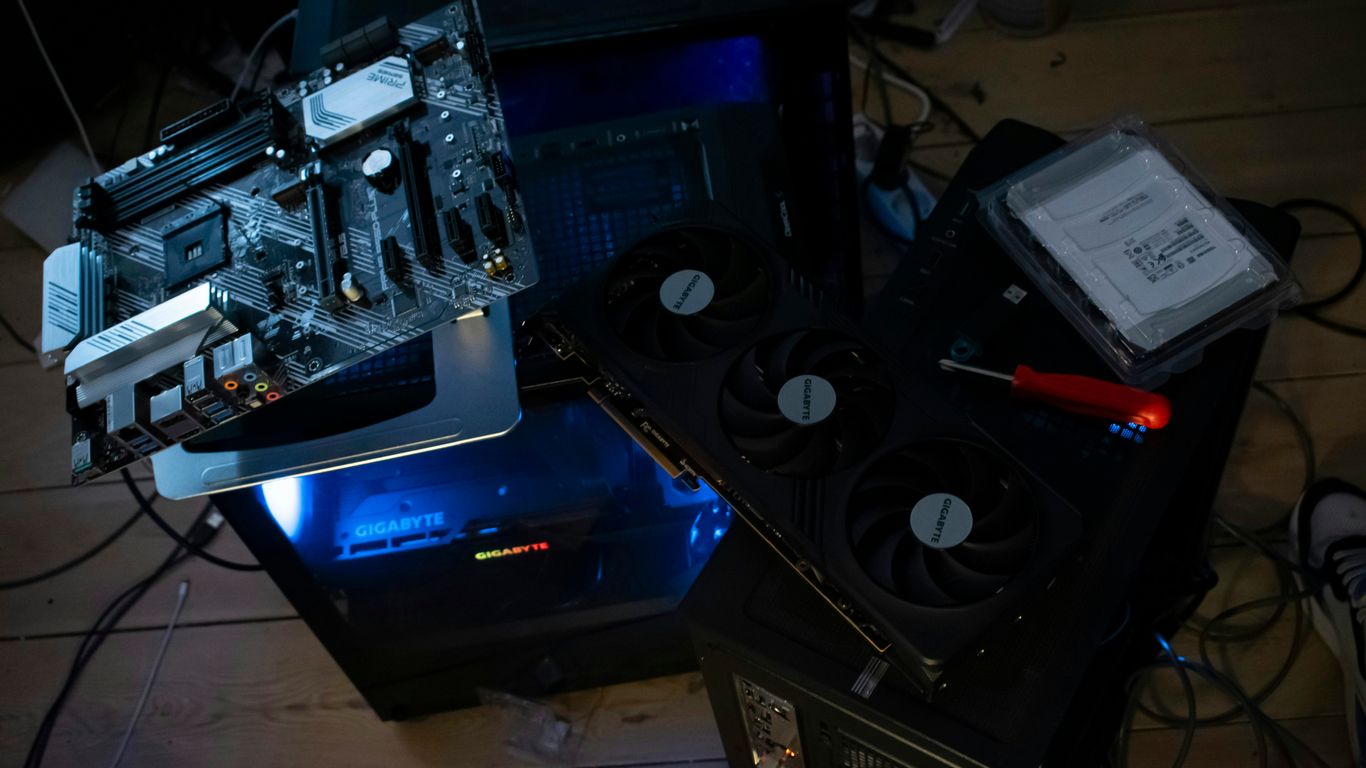
So, you’ve picked out the parts, maybe even put it all together. Now comes the fun part: seeing if it actually works well, right? It’s one thing to look at numbers on a spec sheet, but it’s another to actually play your favorite games. We need to see how these mini powerhouses handle actual gaming sessions, not just theoretical benchmarks.
Benchmark Tests for Mini Gaming PCs
Benchmarks are like practice drills for your PC. They use specific software to push your system to its limits and give you a score. This helps us compare different machines on a level playing field. We look at things like how fast the CPU can crunch numbers or how many frames per second the graphics card can push in a simulated environment. It’s a good starting point, but it doesn’t tell the whole story. For example, a machine might ace a benchmark but struggle with a specific game that uses a unique engine. We’ll use standard tests to get a baseline, but don’t stop there.
Real-World Gaming Scenarios
This is where the rubber meets the road. We’ll load up some popular games, from less demanding indie titles to the latest AAA blockbusters. We’re looking at how smoothly games run, what kind of frame rates you can expect at different settings, and if there are any annoying stutters. For instance, playing something like Cyberpunk 2077 with all the bells and whistles turned on is a serious test for any PC, especially a small one. We also check out games that are known to be tough on hardware, like Alan Wake 2, to see where the compromises might be. It’s about finding that sweet spot where your game looks good and plays well, without costing a fortune. Some tiny machines, like the Raspberry Pi Zero 2 W, can even surprise you with what they can run, like classic PlayStation 1 titles [7fbe].
Evaluating Value for Money
Ultimately, we want to know if you’re getting your money’s worth. A super-powerful mini PC is great, but not if it costs as much as a small car. We compare the performance you get against the price tag. Sometimes, a slightly less powerful machine that costs half as much might be a much better deal for most people. We’ll look at builds that hit that sweet spot, offering great 1440p gaming performance without breaking the bank. For instance, a system built around something like the Minisforum AtomMan G7 PT, which packs a discrete RX 7600M XT graphics card, might offer a strong all-round gaming experience [59b2]. We consider what you get for your budget – is it smooth gameplay, good graphics, or a bit of both? It’s all about finding that balance.
So, What’s the Takeaway?
Alright, so we’ve gone through a bunch of stuff about picking out a mini gaming PC for 2026. It’s pretty wild how much power these little boxes can pack these days, right? Whether you’re trying to squeeze in some gaming between work calls or just want a slick setup that doesn’t take over your whole desk, there’s definitely an option out there for you. Remember to think about what you’ll actually be doing with it – gaming, streaming, or just general computer stuff – and then look at the specs like the processor, graphics, and memory. Don’t forget to check if you can upgrade things later on, too. It’s not as complicated as it might seem at first, and honestly, finding the right one can make a big difference in your daily digital life. Happy hunting!
Frequently Asked Questions
What’s the main difference between a regular gaming PC and a mini gaming PC?
Think of it like this: a regular gaming PC is like a big desktop computer that has lots of room inside. A mini gaming PC is like a tiny version of that, fitting into a much smaller space. While they both play games, mini PCs pack their power into a super compact design, making them great for saving space or taking with you.
Can a mini gaming PC really play new games well?
Yes, many mini gaming PCs today are surprisingly powerful! They can handle newer games, especially if you’re okay with playing at resolutions like 1080p or 1440p. Some even have special graphics cards that make games look amazing and run super smoothly. Just be sure to check the specs to see what kind of games it’s best suited for.
What are the most important parts to look at when buying a mini gaming PC?
The most important parts are the processor (CPU), which is like the computer’s brain, and the graphics card (GPU), which makes the game visuals look good. You also want enough RAM (memory) so the computer can do lots of things at once without slowing down, and a fast SSD for quick game loading times. These are the key players for gaming performance!
Do mini gaming PCs get too hot because they are so small?
That’s a great question! Builders know that small spaces can get hot, so most mini gaming PCs have smart cooling systems. They use special fans and designs to keep things from overheating, even when you’re playing intense games for a long time. It’s always good to check reviews to see how well a specific model handles heat.
Can I upgrade parts in a mini gaming PC later on?
It really depends on the specific mini PC. Some are designed so you can easily add more memory (RAM) or storage. Others, especially the super tiny ones, might not have much room for upgrades. If you think you’ll want to upgrade later, look for models that mention having extra slots or easy access to internal parts.
Is a mini gaming PC better than a laptop for gaming?
It depends on what you need! Laptops are all-in-one and portable. Mini PCs, on the other hand, are great if you already have a monitor, keyboard, and mouse you like, and you want a powerful gaming setup that takes up very little desk space. They can often offer more power for the price compared to a laptop with similar gaming abilities.