
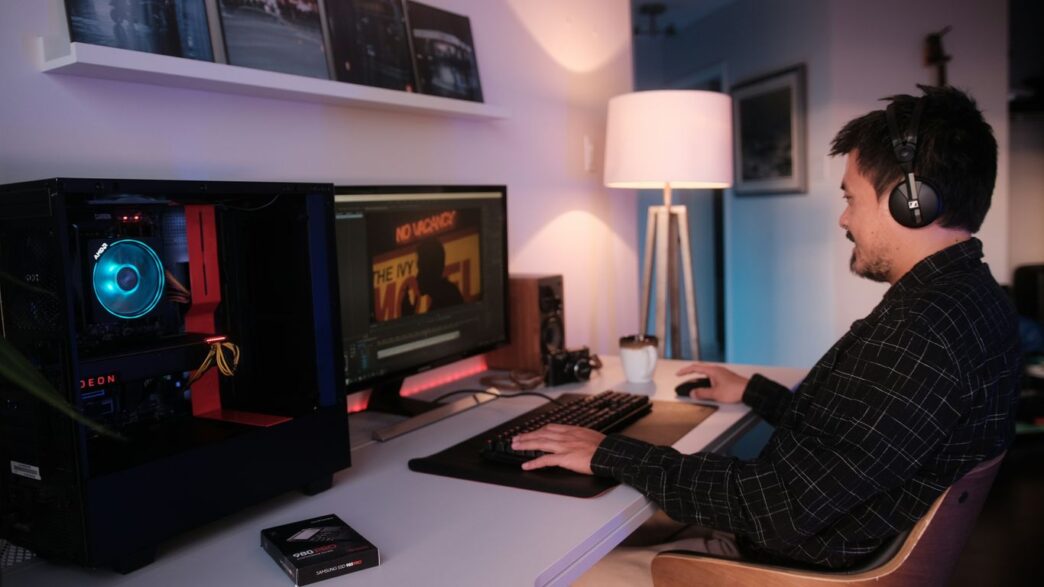
Finding the right pre built gaming pc in 2026 can feel like a maze. With so many options out there, and prices going up on some parts, it’s easy to get lost. This guide is here to help you figure out what really matters when you’re looking for a gaming computer that fits your wallet and plays the games you love. We’ll break down the important bits, look at different price points, and talk about some top brands to help you make a smart choice.
Key Takeaways
- The market for pre built gaming pc options in 2026 is complex, with component prices, especially RAM, impacting overall costs.
- Understanding your specific gaming needs and budget is the first step to finding the right pre built gaming pc.
- Key components like the graphics card and processor are vital for a good gaming experience, but don’t forget memory and storage.
- Pre built gaming pc options exist across various budgets, from affordable entry-level machines to high-end powerhouses.
- When choosing a pre built gaming pc, consider performance benchmarks, build quality, and the potential for future upgrades.
Navigating the Pre-Built Gaming PC Landscape in 2026
Understanding the Current Market Dynamics
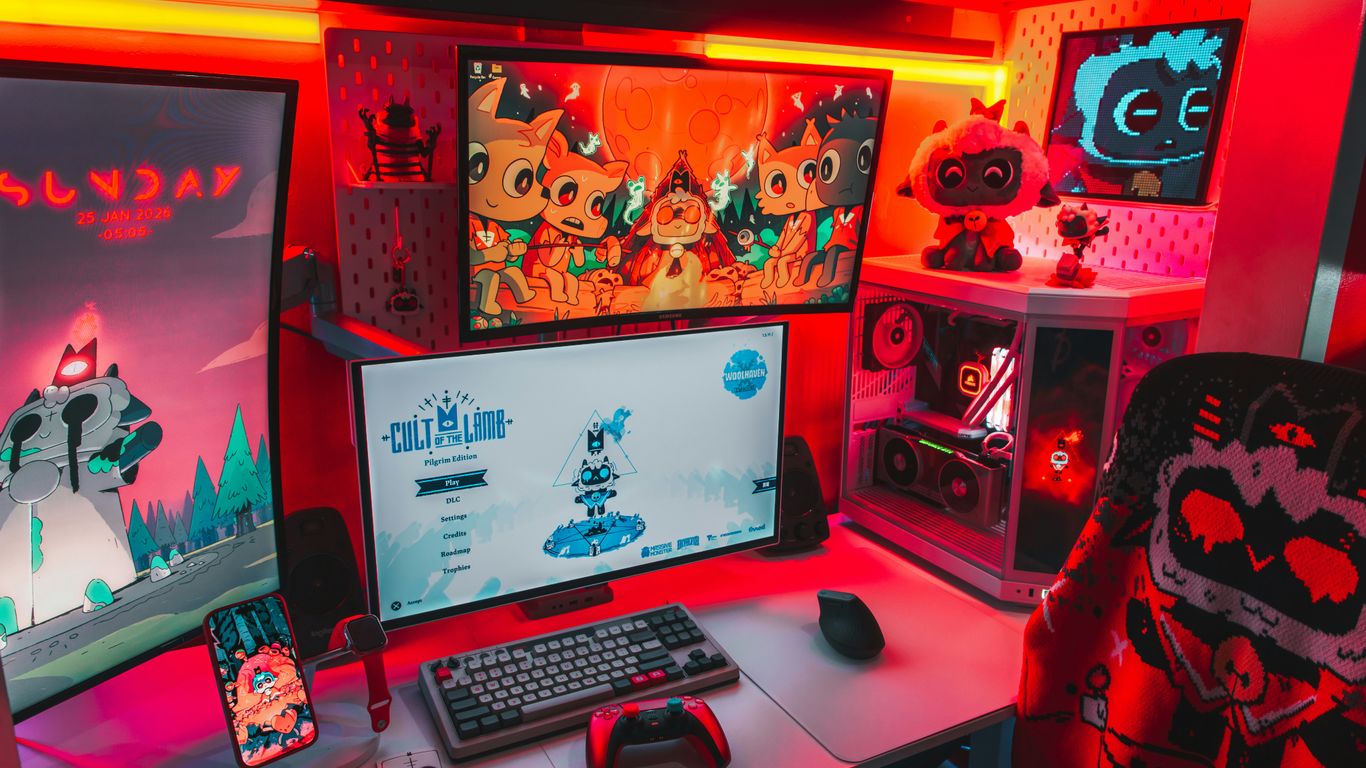
Anyone looking for a gaming PC this year knows it’s been a wild ride. Prices for parts like RAM, SSDs, and especially graphics cards keep jumping all over the place. Oddly enough, sometimes pre-built PCs are actually cheaper than building one from scratch thanks to bulk deals manufacturers get on hard-to-find components. You’ll see crazy markups if you shop for just a new GPU, but sometimes entire systems slip through at better value. On top of that, there’s a constant shuffle of new tech, so last month’s best deal might not make sense next week. Here’s how the landscape looks:
- GPU prices can swing wildly, so watch for trend changes.
- RAM and storage shortages have pushed up pre-built prices a bit, but they’re still competitive.
- Popular brands like Alienware, CyberPowerPC, and XOTIC PC keep offering models for different price points—from budget to serious power.
- Energy-efficient parts and smaller form factors are becoming more common, which can mean cooler, quieter systems for the same price.
Why Trust Our Expert Recommendations
We get it—picking a PC isn’t easy, especially when every site claims their picks are the best. Our approach is straightforward:
- Every system we mention goes through hands-on testing, with real games and real benchmarks.
- We pay attention to how these computers actually feel during use—not just numbers on a chart.
- Honesty matters. If a PC’s not up to scratch, it doesn’t make the cut here.
Think of our suggestions as coming from that one friend who knows computers, not from a faceless marketing team.
Defining Your Gaming Needs and Budget
Before you even open your browser, having a clear idea of what you want from your gaming PC helps a ton. Here’s a simple checklist that’s always helped me narrow things down:
- List the games you actually want to play. If it’s just indie or esports titles, you don’t need a $3,000 monster.
- Set your budget and try to stick to it, factoring in sales tax and shipping.
- Factor in extras. Will you need a monitor, keyboard, or mouse? That adds up fast.
- Don’t forget future upgrades. If you want to keep your PC for a while, look for models with easy RAM or storage access.
A quick budget comparison, just to keep things in perspective:
| Budget Level | Expected Performance | Typical Price (2026) |
|---|---|---|
| Entry-Level | 1080p/60fps in most games | $900 – $1,300 |
| Mid-Range | 1440p/60–120fps, VR capable | $1,400 – $2,100 |
| High-End | 4K/120fps+, ray tracing ready | $2,200 – $4,000+ |
At the end of the day, the best pre-built gaming PC for you is the one that fits your budget, plays what you want, and doesn’t leave you with buyer’s regret. Start here, and you’re already ahead of most folks shopping in 2026.
Key Components for Your Pre-Built Gaming PC
Alright, let’s talk about what actually makes a gaming PC tick. When you’re looking at pre-built options, it’s easy to get lost in all the marketing speak, but understanding the core parts is super important. It’s not just about picking the flashiest box; it’s about what’s inside that counts for your actual gaming sessions.
Graphics Card Power for Immersive Worlds
The graphics card, or GPU, is probably the single most important piece for gaming. This is what renders all those pretty visuals on your screen. If you want to play the latest games at high resolutions and frame rates, you need a beefy GPU. For 4K gaming, you’ll want something like an NVIDIA GeForce RTX 4070 or an AMD Radeon RX 7800 XT, or even better. If you’re aiming for 1440p, an RTX 4060 Ti can get the job done. Don’t skimp here if visuals matter to you. The GPU is usually the most expensive part, but it makes the biggest difference in how good your games look and run.
Processor Performance for Seamless Gameplay
Next up is the processor, or CPU. Think of this as the brain of your computer. It handles all the game logic, AI, and physics. While the GPU is king for graphics, a weak CPU can bottleneck your system, meaning your GPU won’t be able to perform at its full potential. For most gaming, a modern Intel Core i5 or AMD Ryzen 5 is a good starting point. If you’re looking at higher-end systems or plan on doing a lot of multitasking while gaming (like streaming), you might want to consider an Intel Core i7 or AMD Ryzen 7. A CPU with a good amount of L3 cache is also a plus for gaming performance.
Memory and Storage Essentials
Memory, or RAM, is where your computer temporarily stores data it’s actively using. For gaming in 2026, 16GB of RAM is pretty much the minimum you should accept. However, 32GB is becoming the sweet spot, especially if you play demanding titles or have a lot of background applications running. You’ll likely see DDR5 RAM in most new pre-built PCs, which is faster than older DDR4. Storage is also key. Games are getting bigger, so a fast Solid State Drive (SSD) is a must. Aim for at least a 1TB SSD, and ideally 2TB if your budget allows. M.2 NVMe SSDs are the fastest option available right now, making load times much shorter. You can always add more storage later, but having a fast primary drive is a game-changer.
Cooling and Power Supply Considerations
All these powerful components generate heat, so good cooling is vital to prevent performance throttling and keep your system running smoothly. Pre-built PCs often come with stock coolers, but sometimes aftermarket coolers or extra case fans are a good upgrade to look for. The power supply unit (PSU) is another component that shouldn’t be overlooked. It needs to provide enough stable power for all your components, especially the power-hungry GPU. A 750W or 850W PSU is common for mid-range to high-end builds, but it’s wise to check if the PSU has a good efficiency rating (like 80 Plus Gold) and if it has enough wattage to support potential future upgrades, like a more powerful graphics card. A fully modular PSU can also make cable management a lot cleaner. You can find some great prebuilt gaming PCs that balance these components well.
Exploring Pre-Built Gaming PC Options by Budget
Alright, let’s talk about fitting that awesome new gaming rig into your wallet. It’s 2026, and the gaming world is still booming, but that doesn’t mean you have to spend a fortune to get in on the action. We’ve broken down the pre-built gaming PC market into a few budget categories to make things easier.
Affordable Entry-Level Gaming Rigs
So, you’re looking to get into PC gaming without taking out a second mortgage? Totally doable. These machines are perfect for jumping into popular titles like Fortnite, Valorant, or League of Legends at respectable frame rates, usually at 1080p. You might not be maxing out every graphical setting, but you’ll get a smooth experience. The key here is finding a good balance between cost and performance. Look for systems with at least a mid-range CPU (think Intel Core i5 or AMD Ryzen 5 from recent generations) and a capable graphics card like an NVIDIA GeForce RTX 4060 or its AMD equivalent. 16GB of RAM is pretty standard and what you should aim for. Don’t forget to check out deals on these systems; sometimes you can snag a real bargain. Building a gaming PC is currently expensive, but pre-builts can be a viable solution this video explores whether purchasing a prebuilt gaming PC could be a viable solution to this problem.
Mid-Range Performance for Balanced Play
Stepping up a bit, the mid-range is where a lot of gamers find their sweet spot. These PCs can handle most modern AAA games at 1080p with high settings, and even dip into 1440p gaming with some adjustments. You’re likely looking at more powerful CPUs, like an Intel Core i7 or AMD Ryzen 7, paired with GPUs such as the NVIDIA GeForce RTX 4070 or AMD Radeon RX 7800 XT. You’ll also want to see 16GB or even 32GB of faster DDR5 RAM and a decent amount of SSD storage – 1TB is a good starting point, as game sizes keep growing. These systems offer a great blend of power and price, giving you room to grow without needing an immediate upgrade.
High-End Powerhouses for Demanding Titles
Now, if you’re aiming for the absolute best and have the budget to match, the high-end is where it’s at. These machines are built for 4K gaming, high refresh rate monitors, and tackling the most graphically intense games with all the settings cranked to ultra. We’re talking top-tier CPUs (Intel Core i9 or AMD Ryzen 9) and the latest, most powerful graphics cards like the NVIDIA GeForce RTX 4080 or 4090. You’ll definitely want 32GB of RAM or more, and fast NVMe SSDs with plenty of space, often 2TB or more. These are serious investments, but they provide an incredible gaming experience that will last for years. When looking at these, pay attention to the cooling solutions, as these powerful components generate a lot of heat.
Top Pre-Built Gaming PC Brands and Models
Alright, so you’ve decided a pre-built gaming PC is the way to go. Smart move if you want to skip the headache of building it yourself. But with so many options out there, which brands actually deliver the goods? We’ve checked out a few standouts that consistently pop up when people are looking for a solid gaming rig without the DIY hassle.
Alienware Aurora: Style Meets Performance
Alienware has always been about that premium look and feel, and the Aurora line is no exception. These machines tend to pack some serious power, often featuring the latest Intel or AMD processors and NVIDIA GeForce graphics cards. They’re not usually the cheapest option, but you’re paying for a sleek design, good cooling, and a brand name that’s synonymous with gaming. If you want a PC that looks as good as it plays and don’t mind spending a bit more, the Aurora is worth a look. They also tend to have decent upgrade paths, which is a plus.
CyberPowerPC Gamer Xtreme VR: Value Champion
Now, if you’re looking for a more budget-friendly route without totally sacrificing performance, CyberPowerPC is a name that comes up a lot. Their Gamer Xtreme VR series often hits that sweet spot between price and capability. You can usually find configurations with capable CPUs and GPUs that can handle most modern games at respectable settings. They’re a great option for gamers who want good performance without emptying their wallet. It’s a good idea to check their site regularly, as they often have sales and different build configurations available. You can often find a decent gaming PC for under $1000 with their models.
XOTIC PC: Customizable Gaming Solutions
XOTIC PC is a bit different because they really lean into customization. While they sell pre-built systems, they also give you a lot of control over the components. This means you can often tweak a build to fit your exact needs and budget, which is pretty cool. If you have specific parts in mind or want to make sure you’re getting the best bang for your buck on certain components, XOTIC PC is a solid choice. They focus on building PCs that are tailored to the user, which can be a big advantage over more rigid pre-built options. Their approach means you can often get a machine that feels custom-built, even if you didn’t assemble it yourself.
Evaluating Pre-Built Gaming PC Value and Performance
So, you’ve narrowed down your choices and are looking at a few pre-built gaming PCs. That’s great! But how do you actually figure out if you’re getting a good deal and if the machine will actually play the games you want without a hitch? It’s not just about the flashy lights or the brand name, you know. We need to look a bit closer.
Performance Benchmarks and Real-World Testing
Think of benchmarks as a standardized test for the PC. They run specific programs designed to push the processor, graphics card, and memory to their limits, giving you numbers that you can compare. We’re talking about things like 3DMark or PCMark 10. These give you a general idea of how a PC stacks up. But honestly, those numbers don’t always tell the whole story. What really matters is how the PC performs in the games you actually play. Does it hit a smooth 60 frames per second (FPS) in your favorite titles at the resolution you prefer? Does it stutter when a lot is happening on screen? We look at both synthetic benchmarks and real-world game tests to get a clear picture. For example, a PC might score well in a benchmark but struggle with a newer, demanding game because of how that specific game uses the hardware.
Assessing Build Quality and Component Choices
This is where things get a little more hands-on, even with a pre-built. You want to know if the parts inside are decent quality and if they’re put together well. Are the cables managed neatly, or is it a tangled mess in there? That can actually affect airflow and cooling. Speaking of cooling, does it have adequate fans and heatsinks, or will it overheat after an hour of gaming? We also check the motherboard and power supply – these are often areas where manufacturers cut corners to save money. A cheap power supply can be risky, and a basic motherboard might limit your upgrade options down the line. It’s important to see if the components chosen work well together, rather than just picking the most expensive part for each category.
Future-Proofing Your Pre-Built Gaming PC Investment
Nobody wants to buy a new gaming PC only to have it feel outdated in a year or two. So, how do you make sure your investment lasts? It’s about looking at the components and the case itself. Can you easily add more RAM later if you need it? Is there space for an extra hard drive or SSD? For the graphics card, while you can’t always swap it out easily in a pre-built, look for systems that use standard connectors and have a decent power supply that could handle a more powerful card in the future. Some cases are also designed with better airflow and more room, making future upgrades simpler. It’s a bit like buying a car – you want something that’s not just good now, but also has potential for the road ahead.
Making the Final Purchase Decision
Where to Find the Best Deals
Alright, you’ve done your homework, you know what you want, and you’re ready to pull the trigger. But where do you actually find the best bang for your buck? It’s not always as simple as just picking the first shiny PC you see. Retailers often have sales, especially around holidays or big gaming events. Keep an eye on major online stores like Amazon, Newegg, and Best Buy. Sometimes, the manufacturers themselves, like CyberPowerPC or XOTIC PC, will have direct sales on their websites that can beat other prices. Don’t forget to check price comparison sites too; they can sometimes flag a deal you might have missed. Timing is everything when hunting for a good deal.
Understanding Warranties and Support
This is super important, and honestly, a lot of people skip over it. What happens if something goes wrong a few months down the line? Most pre-built PCs come with a warranty, but the length and what they cover can vary a lot. Some might offer a year of parts and labor, while others might only cover labor for a shorter period. It’s worth looking into what kind of customer support the company offers too. Are they easy to reach? Do they have a good reputation for fixing problems? A PC with a solid warranty and helpful support is way less stressful in the long run, even if it costs a tiny bit more upfront.
Here’s a quick rundown of what to look for:
- Warranty Length: How long are the parts and labor covered?
- Coverage Details: Does it cover accidental damage, or just manufacturing defects?
- Support Channels: Can you call them, email them, or do they have a live chat?
- Return Policy: What if you just decide it’s not for you right away?
Considering Peripherals for a Complete Setup
So, you’ve got the PC, but you can’t exactly play games with just the tower, right? You’ll need a monitor, a keyboard, and a mouse. Maybe a headset too, if you plan on chatting with friends or just want to get really immersed. Think about what kind of games you play. Fast-paced shooters might need a monitor with a high refresh rate and a responsive keyboard. Strategy games might benefit from a comfortable mouse with extra buttons. Don’t blow your whole budget on the PC itself and then be stuck with cheap peripherals that make the whole experience feel sluggish. It’s better to spread your budget around a bit to get a setup that works well together.
So, What’s the Takeaway?
Alright, so we’ve gone through a bunch of stuff about picking out a pre-built gaming PC for 2026. It’s definitely a bit of a puzzle, especially with how prices have been acting lately. But hey, it’s not impossible to find something awesome that fits your wallet and what you want to play. Whether you’re aiming for super-smooth 1080p or want to push those fancy 4K graphics, there’s a rig out there for you. Remember to keep an eye on the important bits like the graphics card and RAM, and don’t forget about the rest of your setup – a good monitor and keyboard make a big difference. Happy gaming!
Frequently Asked Questions
Why are gaming PCs so expensive right now?
Prices for gaming computers have gone up lately because of a shortage of computer parts, especially memory chips. This means things like RAM, storage drives (SSDs), and graphics cards cost more, making the whole computer more expensive.
Is it better to build my own gaming PC or buy one that’s already built?
Building your own PC gives you total control over every part, which can sometimes save you money. However, buying a pre-built PC is easier and faster, especially if you’re new to computers. Sometimes, pre-built PCs can even be a better deal because of the current part shortages.
What are the most important parts of a gaming PC?
The most crucial parts are the graphics card (GPU) for how good games look, and the processor (CPU) for how smoothly they run. You also need enough fast memory (RAM) and storage space (SSD) for your games.
How much should I spend on a gaming PC?
It really depends on what games you want to play and how good you want them to look. You can find good gaming PCs for less money that are great for playing games at a standard screen size (1080p). If you want amazing graphics for big, new games, you’ll likely need to spend more for a high-end PC.
What’s the difference between a budget, mid-range, and high-end gaming PC?
A budget PC is good for starting out and playing less demanding games. A mid-range PC offers a good balance of power and price for most popular games. A high-end PC has the most power for playing the newest, most demanding games with the best possible graphics.
What should I look for when choosing a pre-built gaming PC?
Check the graphics card and processor first, as they have the biggest impact on gaming. Make sure it has at least 16GB of RAM and a fast SSD for storage. Also, consider the brand’s reputation for quality and customer support, and look at reviews to see how well it performs in real games.