Finding the best pre built gaming pc in 2026 can feel like a puzzle. It’s not just about having the strongest graphics card anymore. You need a good mix of speed, price, and something that will last. Luckily, there are some solid options out there that make it easy to just plug in and play. We looked at a bunch of them to find the ones that really stand out, whether you’re playing games at 1080p, 1440p, or even 4K.
Key Takeaways
- The Corsair Vengeance a7500 offers great build quality and strong gaming performance.
- Asus ROG G700 is a good mid-range option with room for upgrades.
- Alienware Area-51 uses more standard parts, making it easier to upgrade later.
- Lenovo Legion 5i (Gen 8) is a quiet choice that performs well for 1080p gaming.
- CyberPowerPC Gamer Xtreme is a budget-friendly pick for solid 1080p gaming.
1. Corsair Vengeance a7500
Alright, let’s talk about the Corsair Vengeance a7500. This machine is a real looker, honestly. It uses Corsair’s own case, which feels pretty solid, and they’ve packed it with some serious hardware. We’re talking about an AMD Ryzen 7 9800X3D processor paired with a Gigabyte GeForce RTX 5070 Ti graphics card. That’s a combo that means you’re going to get some really smooth gameplay, even at higher resolutions like 1440p, and it can even handle 4K in a lot of titles.
One thing that really stands out is the storage. It comes with a Corsair MP700 Elite 1TB PCIe 5.0 SSD. Yeah, PCIe 5.0. That means loading times are practically non-existent. You’ll be jumping into games faster than you can grab your drink.
Here’s a quick rundown of what you’re getting:
- CPU: AMD Ryzen 7 9800X3D
- GPU: Gigabyte GeForce RTX 5070 Ti Gaming OC
- RAM: 32GB DDR5-6400
- Storage: 1TB Corsair MP700 Elite PCIe 5.0 SSD
Corsair also throws in a two-year warranty, which is pretty decent for a pre-built. It gives you a bit of peace of mind, you know? It’s not the cheapest option out there, for sure. If you’re trying to pinch every penny, you might find something else. But if you want a well-built machine that looks good and performs even better, the Vengeance a7500 is definitely worth a look. It’s a machine that feels like it was put together with care, and that’s something you can appreciate when you’re spending this kind of money.
2. Asus ROG G700
The Asus ROG G700 is a solid mid-range gaming desktop that offers a good balance of performance and features for its price point. It comes housed in a glass case, which lets you show off the internals, though it does have a fair bit of Asus and gamer branding on it. If you’re not bothered by a bit of flash, it’s a well-put-together machine. This PC is a great option if you’re looking for something with room to grow.
Under the hood, you’ll find an Intel Core Ultra 7 265KF processor paired with an Nvidia GeForce RTX 5070 graphics card. This combination should handle most modern games well, especially at 1080p and 1440p resolutions. Even some less demanding titles should be playable at 4K. It’s nice to see a 240mm liquid cooler on the CPU at this price, which helps keep things running smoothly and quietly.
Here’s a quick look at some of the specs:
- CPU: Intel Core Ultra 7 265KF
- GPU: Nvidia GeForce RTX 5070
- RAM: 32GB DDR5-4800
- Storage: 2TB PCIe 4.0 SSD
The system comes standard with 32GB of RAM and a 2TB SSD, which is a good starting point for most gamers. The case itself is quite roomy, and the 850W power supply should give you some headroom for future upgrades, like a more powerful graphics card down the line. However, it’s worth noting that the case doesn’t have mounting points for 2.5-inch or 3.5-inch drives, so you’re limited to M.2 SSDs. If you’re planning on adding more storage, you’ll need to stick with NVMe drives. A customer recently mentioned how easy the setup was, describing it as a simple plug-and-play experience after timely delivery.
One minor drawback is the inclusion of Wi-Fi 6 instead of the newer Wi-Fi 7 standard. While this isn’t a dealbreaker for everyone, especially if you use an Ethernet connection, it’s something to consider if wireless performance is a top priority. Overall, the Asus ROG G700 is a capable and upgrade-friendly gaming PC that should serve you well for a few years.
3. Alienware Area-51

Alienware’s Area-51 desktop is back, and it’s got a pretty striking new look. This machine is definitely not trying to blend into the background; it’s a statement piece. It’s built for gamers who want top-tier performance and aren’t afraid to spend a bit more for it.
When you first see it, the design really stands out. It’s big, no doubt about it, so make sure you’ve got the space. But that size means Alienware could pack in some serious cooling tech. They’ve gone with a positive pressure airflow system, which is pretty neat. Basically, it pulls air in from a few spots and pushes it through, keeping things cool without making a racket. Seriously, this thing runs surprisingly quiet, even when you’re pushing it hard with games. It’s a nice change from some of the louder rigs out there.
Inside, you’re looking at some really powerful components. We’re talking about the latest graphics cards, like the RTX 5080 or even a 5090 if you go all out, paired with beefy processors like the Intel Core Ultra 9 285K. This setup means you can tackle pretty much any game at 4K with high settings and still get smooth frame rates. Plus, with 64GB of RAM and a fast 2TB NVMe SSD, loading times are practically non-existent, and multitasking is a breeze.
Here’s a quick look at what you might find inside:
- CPU: Intel Core Ultra 9 285K or AMD Ryzen 9 9950X3D
- GPU: NVIDIA GeForce RTX 5080 or RTX 5090
- RAM: 64GB DDR5-6400
- Storage: 2TB NVMe M.2 SSD
Now, it’s not all perfect. While Alienware has made some parts easier to get to, upgrading the motherboard can be a bit of a headache because of the specific power supply setup. It’s also a pretty expensive machine, so it’s definitely for those with a larger budget. But if you want a powerful, quiet, and stylish gaming rig that can handle anything you throw at it, the Area-51 is a serious contender.
4. Lenovo Legion 5i (Gen 8)
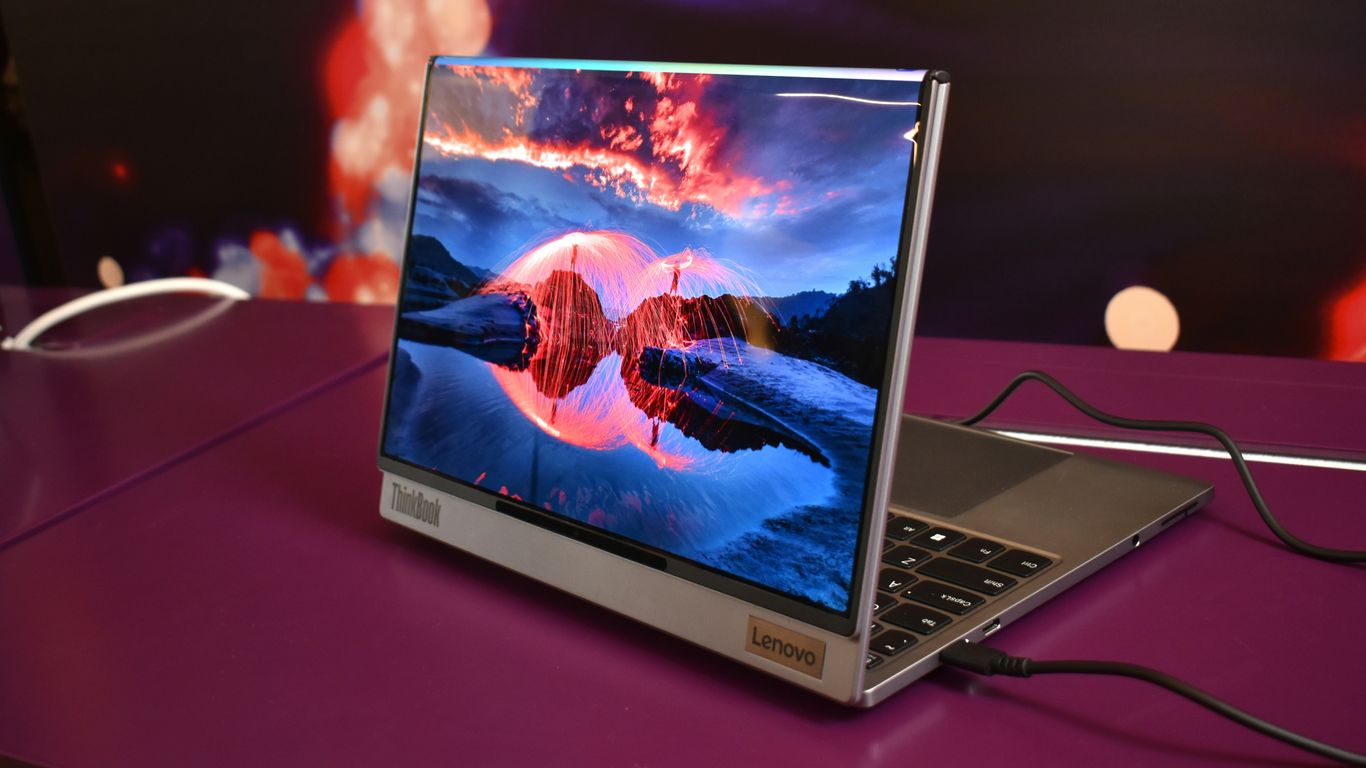
Alright, let’s talk about the Lenovo Legion 5i (Gen 8). This machine is a pretty solid choice if you’re looking for a gaming PC that just works without a ton of fuss. It really hits a sweet spot for 1080p gaming, offering good performance for the money. You’re not going to find a bunch of flashy, over-the-top gamer aesthetics here, which honestly, I kind of appreciate. It’s got a clean look with some subtle honeycomb accents and customizable RGB lighting if you want to add a bit of flair.
When it comes to actually playing games, the RTX 4060 inside handles things well at 1080p. I was pretty impressed with how quiet it stayed, even when I was pushing it pretty hard. The cooling seems to do a decent job, keeping the main components from getting too toasty.
Here’s a quick rundown of what you might find inside:
- CPU: Intel Core i5-14400F
- GPU: Nvidia GeForce RTX 4060
- RAM: 16GB DDR5-4800
- Storage: 1TB SSD
Now, it’s not perfect. If you’re the type of person who loves to tinker and upgrade parts regularly, this might not be your first pick. Lenovo uses some OEM parts, and the case design can make future upgrades a bit tricky. Plus, the power supply is around 500W, so you’re probably not going to be throwing in a super high-end graphics card down the line without swapping that out too. Also, it’s missing a front USB Type-C port, which is a bit of a bummer these days. But, if you want a reliable gaming rig that you can pretty much set up and forget about, and you’re mostly playing at 1080p, the Legion 5i is definitely worth a look, especially when it’s on sale.
5. CyberPowerPC Gamer Xtreme
Alright, let’s talk about the CyberPowerPC Gamer Xtreme. If you’re looking to get into PC gaming without emptying your wallet, this machine is definitely worth a look. It really hits that sweet spot between price and what you get, which is pretty awesome these days. It’s basically a fantastic entry point for anyone new to PC gaming or just looking for a solid deal.
What makes this one stand out, especially for the money, is the amount of RAM and storage you get. We’re talking 32GB of RAM and a 2TB SSD. Seriously, just those two things alone can cost a pretty penny with other companies, so CyberPowerPC is doing something right here. It all comes packed in a case that looks pretty sharp, with some nice lighting and good airflow to keep things from getting too hot.
Here’s a quick rundown of what you might find in a typical configuration:
- Processor: Often an Intel Core Ultra 5 or something similar, good for everyday tasks and gaming.
- Graphics Card: Usually an NVIDIA GeForce RTX 5060, which is solid for 1080p gaming.
- Memory: 32GB DDR5 RAM, plenty for multitasking and modern games.
- Storage: A 2TB NVMe SSD for fast load times.
Now, it’s not perfect, of course. The biggest thing people mention is the CPU cooler. It can get pretty loud, even when the PC isn’t doing much. So, you might want to keep that in mind, maybe grab some headphones or plan to swap it out later if the noise bothers you. Also, while it’s great for 1080p, don’t expect it to push super high resolutions like 4K without some serious tweaking or upgrades. But for its price point, it’s a really smart buy.
Wrapping It Up
So, that’s our rundown of the top pre-built gaming PCs for 2026. Finding the right machine can feel like a lot, but remember, it’s all about what works for you. Whether you’re aiming for smooth 1080p action, crisp 1440p visuals, or diving into 4K, there’s a solid option out there. These systems offer a good mix of power and convenience, letting you get straight to the gaming without the hassle of building it yourself. Pick the one that fits your budget and playstyle, and you’ll be set for some awesome gaming sessions.
Frequently Asked Questions
What’s the main difference between building your own PC and buying a pre-built one?
Building your own PC lets you pick every single part, which can be fun and save money if you find good deals. But, it can be tricky if you’re new to it, and you only get warranties for individual parts. Pre-built PCs come ready to go, with a warranty for the whole system and professional support, making them simpler and less stressful for many gamers.
Why are pre-built gaming PCs sometimes more expensive than building your own?
When you buy a pre-built PC, you’re paying for more than just the computer parts. You’re also paying for the service of having experts put it together, the warranty that covers the whole machine, and the convenience of having it ready to play right away. It’s like paying for a finished product instead of just the raw materials.
How important is the CPU compared to the GPU for gaming?
Both the graphics card (GPU) and the processor (CPU) are super important for gaming. The GPU handles most of the visual stuff, like making the game look good and run smoothly. The CPU is also key because it helps with game logic, AI, and other tasks. For games that need a lot of fast thinking from the computer, a good CPU is just as vital as a good GPU.
What does ‘1080p’, ‘1440p’, and ‘4K’ mean for gaming?
These numbers refer to the screen resolution, or how many pixels make up the picture. 1080p (Full HD) is a standard resolution that looks good on most screens. 1440p (QHD) offers more detail and a sharper image, often used for smoother, faster gameplay. 4K (Ultra HD) has the most pixels, giving you incredibly sharp and detailed visuals, but it requires a very powerful computer to run games well at this setting.
Can I upgrade a pre-built gaming PC later on?
Yes, many pre-built gaming PCs are designed with upgrades in mind. Some use standard parts and cases that make it easier to swap out components like the graphics card or add more storage down the road. However, some unique cases or proprietary parts might make upgrades a bit more challenging, so it’s good to check the specific model.
What should I look for if I’m on a tighter budget?
If you’re on a budget, focus on PCs that offer good performance for 1080p gaming. Look for systems with capable CPUs and GPUs that can handle popular games at this resolution smoothly. Ensure it has enough RAM (16GB is usually a good starting point) and a fast SSD for quick loading times. You might have to skip the fanciest graphics settings, but you can still have a great gaming experience.