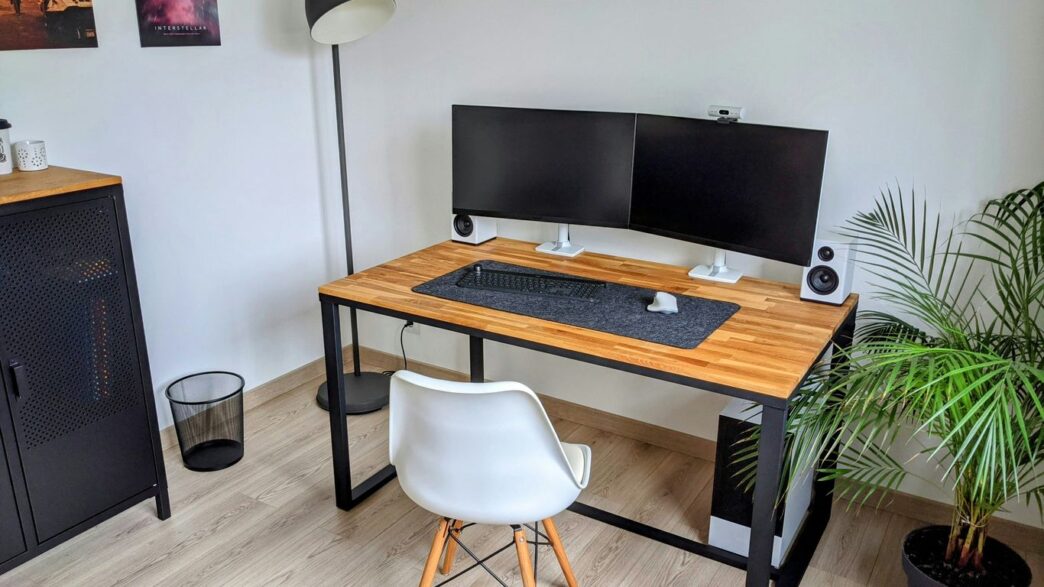
Finding the best all in one for home office needs can feel like a puzzle. You want something that looks good, works well, and doesn’t take up a ton of space. With so many options out there, it’s easy to get overwhelmed. We looked at a bunch of different models to help you figure out which one might be the right fit for your desk. Whether you’re a Mac person or prefer Windows, or if you’re on a tight budget or looking for something a bit more fancy, there’s likely an all-in-one out there for you.
Key Takeaways
- Apple’s 24-inch M4 iMac is a top choice for Mac users, offering good performance and a nice look.
- For Windows users, the Lenovo Yoga AIO 27-Inch is a solid pick, especially if you like its flexible design.
- If you need something for business, consider options like the HP OmniStudio X 32 or Lenovo’s IdeaCentre AIO.
- Budget-conscious buyers might find the Lenovo IdeaCentre AIO a good starting point, though it has fewer features.
- All-in-one computers are great for saving space and reducing cable clutter, making them ideal for home offices.
1. Best Mac All-in-One Desktop
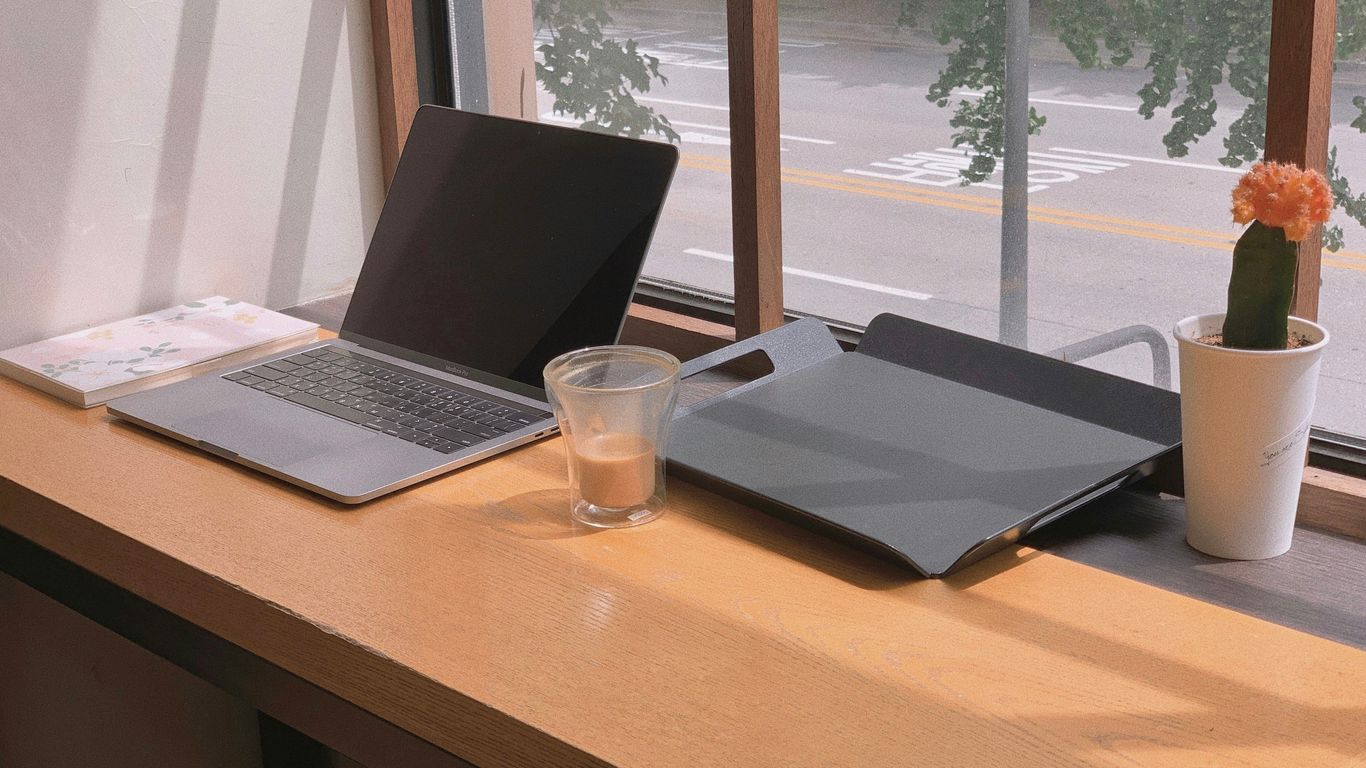
When it comes to Mac all-in-one desktops, Apple’s iMac lineup has pretty much owned the space for years. And honestly, it’s not hard to see why. They pack a lot of power into a really clean package that looks good on pretty much any desk. For 2026, the latest iteration continues this trend, offering a blend of performance and design that’s hard to beat if you’re already in the Apple ecosystem or just appreciate a well-made machine.
The M4 iMac is a standout choice for its vibrant display and snappy performance. It handles everyday tasks like browsing, document editing, and even some light photo editing with ease. Plus, the colorful design options mean you can pick one that actually adds a bit of personality to your workspace, rather than just being another beige box.
Here’s a quick look at what makes it a top pick:
- Performance: The M4 chip provides plenty of power for most home office needs. It’s efficient, meaning you don’t have to worry too much about fan noise.
- Display: The Retina display is sharp and color-accurate, making everything from spreadsheets to video calls look great.
- Design: It’s incredibly thin and has a minimalist aesthetic that fits well in any home office. The integrated webcam is also a nice touch.
- Ease of Use: macOS is known for being user-friendly, and the iMac is no exception. Setup is usually a breeze.
While it might come with a higher price tag compared to some Windows options, the overall experience and build quality often justify the cost for Mac users. If you’re looking for a reliable, stylish, and powerful all-in-one Mac for your home office, the current iMac model is definitely worth considering.
2. Best Premium All-in-One Windows Desktop
When you’re looking for a top-tier Windows all-in-one, you’re probably after something that looks good on your desk and packs a serious punch. These machines are designed to be the centerpiece of your home office, handling everything from demanding work tasks to creative projects without breaking a sweat. They often blend powerful components with sleek designs, making them a joy to use and behold.
What sets these premium options apart? It’s usually a combination of factors:
- Display Quality: Expect high-resolution screens, often with excellent color accuracy and brightness, making them great for photo editing or just enjoying content.
- Performance: These AIOs typically come with the latest, most powerful processors and ample RAM, so multitasking is a breeze. You won’t be waiting around for apps to load.
- Build and Materials: Premium usually means better materials – think metal finishes, sturdy stands, and a generally more robust feel than budget models.
- Extra Features: Look for things like built-in high-quality webcams, advanced audio systems, and plenty of ports for all your accessories.
While specific models change, you’re generally looking at machines that offer a desktop-class experience without the clutter of separate towers and monitors. They’re a significant investment, but for those who need performance and style, they’re hard to beat.
3. Best All-in-One Windows Desktop for Most People
When you’re setting up a home office, you want a computer that just works without a lot of fuss. You need something that can handle your daily tasks, like email, web browsing, and word processing, without slowing down. The Dell 24 All-in-One desktop really hits that sweet spot for a lot of people. It’s not trying to be the most powerful machine on the block, but it gets the job done reliably.
What’s nice about this Dell is the screen. It’s a 24-inch display that looks pretty clean with slim borders. It shows things in Full HD, which is standard these days, and it covers a good range of colors, making whatever you’re looking at seem more real. Plus, they’ve built in a feature called ComfortView Plus that cuts down on blue light. If you spend a lot of time staring at the screen, your eyes will thank you.
Under the hood, you’re looking at a 13th-Gen Intel Core i5 processor, which is perfectly fine for everyday use. It’s paired with 16GB of RAM and a 1TB hard drive, giving you enough space and speed for your files and programs. There are options to upgrade to a Core i7 and even get a touchscreen if that’s your thing.
Here’s a quick look at what you get:
- CPU: 13th-Gen Intel Core i5-1334U (or better options available)
- RAM: 16GB (upgradeable)
- Storage: 1TB
- Display: 24-inch Full HD with ComfortView Plus
- Camera: 5MP pop-up webcam
This machine is a solid choice if your work involves a lot of office applications, video calls, and general computer use. The pop-up camera is a neat touch – it’s 5MP and you can just push it down when you’re not using it, which is good for privacy. It’s not built for heavy gaming or video editing, but for the average home office user, it’s a dependable and good-looking option that won’t break the bank.
4. Best Basic Budget All-in-One Desktop
Finding a solid all-in-one desktop that doesn’t break the bank can feel like a treasure hunt. You want something that handles your daily tasks without a fuss, looks decent on your desk, and most importantly, doesn’t cost a fortune. For 2026, the market still offers some great options if you know where to look.
The key is balancing essential features with a lower price point. You’re not going to get the fastest processor or the most storage, but you can absolutely get a machine that’s perfect for web browsing, email, word processing, and even some light photo editing. Think of it as your reliable workhorse for everyday computing.
When we looked at budget-friendly all-in-ones, a few things stood out:
- Screen Quality: Even on a budget, a clear, bright display makes a huge difference. Look for Full HD (1920×1080) resolution and maybe an anti-glare coating if you work near a window.
- Connectivity: Make sure it has enough USB ports for your accessories and an HDMI output if you ever need to connect to a bigger monitor.
- Included Peripherals: Many budget models come with a keyboard and mouse, which is a nice bonus that saves you from buying them separately.
One model that consistently pops up is the Dell 24 AIO. It’s designed for folks who just need a computer to get things done – browsing, streaming, and general office work. It usually comes with wireless keyboard and mouse, which is a nice touch. While the processor isn’t going to win any speed races, it’s perfectly adequate for daily productivity. You can often find good deals on these, especially if you scout Dell’s configurator for upgrade options. It’s a straightforward machine that gets the job done without any unnecessary bells and whistles, making it a solid choice for students or anyone setting up a simple home office.
5. Best All-in-One Desktop for Business
When you’re running a business, you need tech that just works, without a lot of fuss. That’s where the Lenovo ThinkCentre M90a Gen 5 really shines. It’s built for the office, plain and simple. This machine packs serious power without demanding a huge chunk of your budget.
It’s not just about raw speed, though. The M90a Gen 5 comes with a practical screen size and resolution that’s good for looking at spreadsheets or hopping on video calls. Plus, you get options for how you set it up, including VESA mounting if you want to get it off your desk.
Here’s a quick look at what makes it a solid choice:
- Performance: You can get it configured with Intel Core i7 processors, which means it can handle pretty demanding tasks. We saw a setup with a 14th Gen Core i7, 32GB of RAM, and a 1TB SSD, and it flew through everything we threw at it.
- Versatility: Whether you’re a small startup or a larger company, this AIO can be scaled up. It’s great for everyday office work like emails and documents, but it can also handle more intensive projects if you spec it out right.
- Practicality: It’s designed to be quiet and efficient, which is a big plus in any office environment. No one wants a noisy machine distracting the team.
While the starting price is quite reasonable, investing a bit more in the configuration can really pay off for heavier workloads. It’s a machine that grows with your business needs.
6. Best Premium All-in-One Desktop for Aesthetics
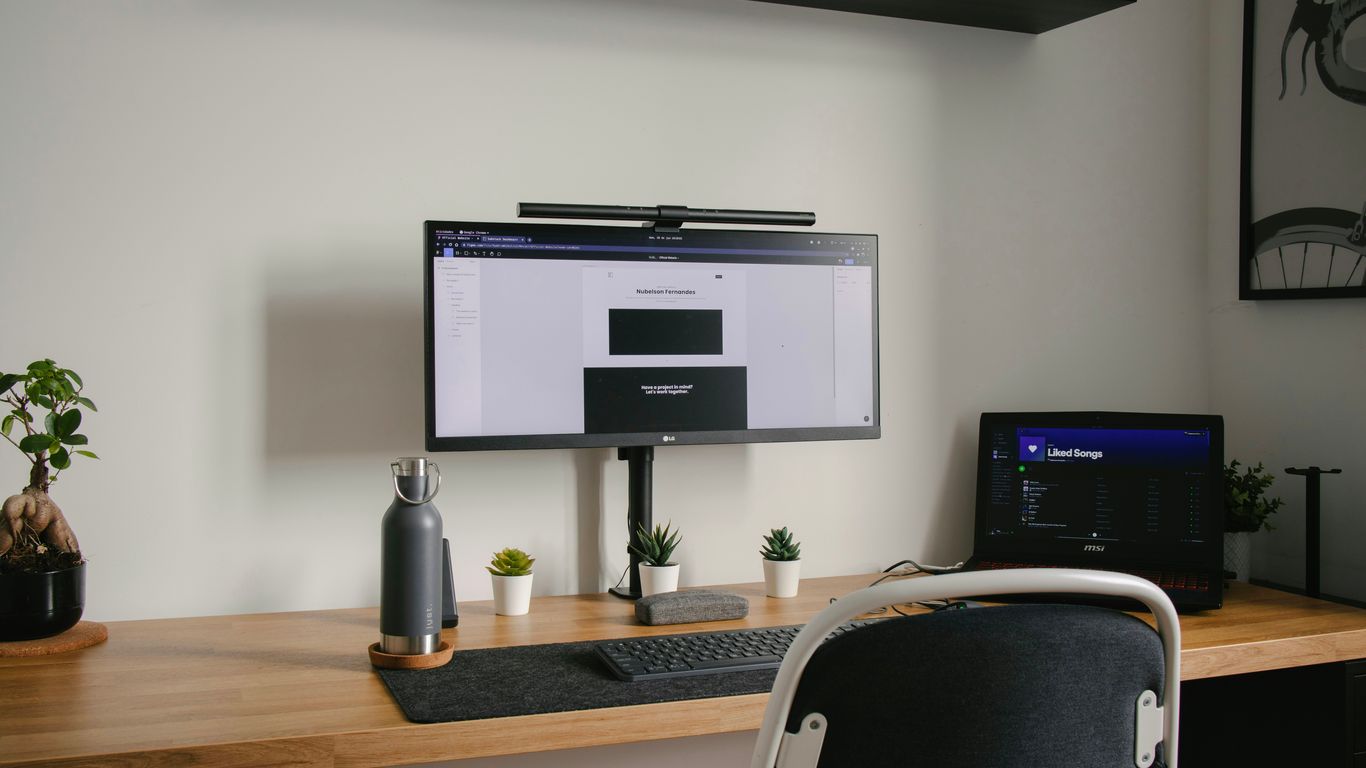
When you want your tech to look as good as it performs, the HP OmniStudio X 32 really steps up. This machine isn’t just about raw power; it’s designed to be a centerpiece on your desk. Its standout feature is the gorgeous 31.5-inch 4K display that’s both massive and incredibly sharp, making everything from spreadsheets to creative projects look fantastic. It’s a real contender if you’re looking for something that can go toe-to-toe with Apple’s iMac but runs Windows.
What makes it great for aesthetics is its clean design. The adjustable stand lets you tilt and position the screen just right, and the whole unit has a refined look that doesn’t scream ‘computer’ in a clunky way. It feels more like a piece of modern furniture that happens to be a powerful computer.
Under the hood, it’s no slouch either. You’re looking at processors like Intel Core Ultra 7, which means it can handle heavy multitasking without breaking a sweat. Plus, it often comes with a mobile GPU, like an Nvidia RTX 4050, giving it a good kick for graphics work or even some light gaming. This makes it a solid choice for creative professionals who need a machine that looks good and can handle demanding tasks like video editing or graphic design.
Here’s a quick look at why it shines:
- Stunning 4K Display: A huge 31.5-inch screen with vibrant colors and sharp detail.
- Sleek, Adjustable Design: Looks great on any desk and lets you find the perfect viewing angle.
- Strong Performance: Capable of handling demanding applications and multitasking with ease.
- Built-in Graphics Power: Often includes a dedicated mobile GPU for creative work.
7. Apple’s 24-inch M4 iMac
Alright, let’s talk about the Apple 24-inch M4 iMac. This machine is pretty slick, and honestly, it’s hard to ignore if you’re in the Apple ecosystem or just appreciate good design paired with solid performance. It really feels like a premium product from the moment you unbox it.
Under the hood, the M4 chip is the star here. It handles everyday tasks like browsing the web, answering emails, and video calls without breaking a sweat. But it also steps up for more demanding stuff, like editing photos or even some light video work. It’s got this great 24-inch Retina display that’s super sharp, making text look clear and colors pop. It’s a good screen for creative work, though if you work in a really bright room, you might want to look into the optional matte screen to cut down on glare. That’s an extra cost, though, so keep that in mind.
Here’s a quick look at some of the specs:
- Processor: Apple M4 (10-core)
- Display: 24-inch 4.5K Retina
- RAM: Starts at 16GB unified memory
- Storage: Options from 256GB up to 2TB
- Webcam: 12MP with Center Stage
It’s not the cheapest option out there, and if you’re someone who deals with massive files constantly, you might find the base storage a bit limiting. Upgrading storage can add up. But for most people looking for a powerful, good-looking all-in-one that just works, the Apple 24-inch iMac is a really strong contender. It’s a machine that balances style and substance quite well for home office use.
8. Lenovo Yoga AIO 27-Inch
If you’re looking for a solid all-in-one that balances performance with a good screen, the Lenovo Yoga AIO 27-Inch is definitely worth a look. It’s not the flashiest machine out there, but it gets the job done for a lot of people, especially if you’re just using it for everyday tasks or even some creative work. The adjustable screen is a real standout feature, letting you tilt and swivel it to just the right position, which is super handy when you’re drawing or just trying to get the best viewing angle.
This machine packs enough power for most home office needs. You’re looking at processors that can handle multitasking without breaking a sweat, and the display itself is sharp and bright, making everything from spreadsheets to videos look good. It also comes with decent speakers, so you won’t be immediately reaching for an external sound system.
Here’s a quick rundown of what makes it a good choice:
- Versatile Display: The 27-inch screen isn’t just big; it’s flexible. You can adjust its position easily, which is great for ergonomics or specific tasks like digital art. It’s a nice touch that not all all-in-ones offer.
- Good Performance: For general use, browsing, and even some light photo editing, the Yoga AIO 27-Inch performs well. It’s configured to be responsive for everyday computing.
- Easy Connectivity: Lenovo usually makes sure their machines have plenty of ports, and this one is no different. You should find it easy to plug in all your accessories and external drives.
- Sharp Webcam: Video calls are a big part of working from home these days, and this AIO comes with a good quality webcam, so you’ll look clear and professional on calls.
While it might not have the absolute top-tier graphics for heavy gaming or professional video editing, for the average user or someone who needs a reliable machine for work and entertainment, the Lenovo Yoga AIO 27-Inch offers a lot of value. It’s a practical choice for a home office setup that needs a capable and adaptable computer.
9. HP OmniStudio X 32
If you’re looking for a big screen experience for your home office, the HP OmniStudio X 32 is definitely worth a look. This all-in-one packs a 31.5-inch 4K display that really makes everything pop, whether you’re working on spreadsheets or watching videos. It’s got a matte finish, which is nice because it cuts down on glare, and the stand lets you move the screen around, which is handy for those long work sessions. The inclusion of an Nvidia GeForce RTX 4050 graphics card is a big deal for an all-in-one, making it capable of handling some light creative work like photo editing.
Setting this thing up is pretty straightforward. It comes with a wireless keyboard, mouse, and a USB-C cable, so you can get going pretty quickly. It’s a good option for a lot of people, from creative types to families who just want a solid computer with a large display.
However, it’s not perfect. While the screen is great, the included accessories like the mouse and keyboard are just okay. Some people have even mentioned that the speakers could be better, so you might want to think about getting a separate soundbar or speakers if audio quality is a big deal for you. Also, some users have reported high CPU temperatures, which is something to keep in mind.
Here’s a quick look at what’s inside:
- Display: 31.5-inch 4K with up to 550 nits brightness
- Processor: Intel Core Ultra 7 155H
- Graphics: Nvidia GeForce RTX 4050
- RAM: 32GB DDR5
- Storage: 1TB SSD
- Camera: 5MP IR Camera
- Audio: Dual 5W speakers
10. Lenovo IdeaCentre AIO
If you’re looking for a budget-friendly option that still gets the job done, the Lenovo IdeaCentre AIO is worth a look. It’s not going to blow you away with cutting-edge specs, but it offers a solid computing experience for everyday tasks. Think of it as the reliable workhorse of the all-in-one world.
This machine often comes in at a significantly lower price point compared to some of the flashier models out there, making it a great choice if you’re trying to keep costs down. While it might have an older processor and less RAM than some competitors, it’s still perfectly capable for things like browsing the web, managing emails, and working on documents. Reviews often mention its straightforward setup, which is always a plus when you just want to get up and running without a fuss. For many people, this kind of dependable performance is exactly what they need for their home office.
Here’s a quick rundown of what you might find:
- Processor: Often an older generation Intel chip, but still good for general use.
- RAM: Typically sufficient for multitasking basic applications.
- Storage: Usually offers enough space for your files and programs.
- Display: A decent screen size for comfortable viewing.
The Lenovo IdeaCentre AIO is a smart pick for those who prioritize value and don’t need top-tier performance. It’s a practical solution for basic home office needs, proving that you don’t always need to spend a fortune to get a functional computer. If you’re curious about how it stacks up against other budget options, you might want to check out some comparisons of AIO models.
Wrapping It Up
So, that’s our look at the best all-in-one computers for your home office in 2026. Finding the right one really depends on what you need most – maybe it’s a big screen for design work, or just something simple and tidy for everyday tasks. We looked at a bunch, from the fancy ones that look good on any desk to the more budget-friendly options that still get the job done. Remember, these machines pack everything into one unit, saving you space and cable clutter, which is a big win for most home setups. Take another look at our top picks, think about your budget and what you’ll actually be doing with it, and you should be able to find a great fit. Happy computing!