
Losing your keys or wallet is a real pain, right? You’re about to head out, and suddenly, it’s gone. Instead of frantically searching under couch cushions, there’s a simpler way. Bluetooth item trackers are small gadgets that connect to your phone. If you misplace something, these trackers can beep loudly when you’re close. And if it’s further away, like left behind at a coffee shop, a network of other phones can help pinpoint its location. It’s like a digital leash for your important stuff, and they’re pretty affordable too.
Key Takeaways
- Bluetooth item trackers help you find lost belongings by connecting to your smartphone.
- These trackers can make a sound when you’re nearby or use a crowd-sourced network to find items further away.
- Compatibility is key: some trackers work best with iPhones (like Apple AirTags), while others are better for Android users or work with both.
- Features like range, loudness, battery life (rechargeable vs. replaceable), and the size of the ‘finding network’ vary between brands.
- Consider what you’ll be tracking – keys, wallets, or luggage – to choose the best form factor and features for your needs.
1. Apple AirTags
Apple’s AirTags are a pretty popular choice, especially if you’re already in the Apple ecosystem. Setting one up is super easy. You just put it next to your iPhone, and a little pop-up appears, kind of like when you pair AirPods. It takes less than a minute to get it connected and named.
The big selling point for AirTags is their Precision Finding feature. This uses ultra-wideband tech, which is pretty neat. When you’re close to your lost item, your iPhone shows you an arrow pointing right at it, and it even tells you how far away you are, down to the inch. It’s way more helpful than just listening for a beep, especially if the item is buried under some cushions or something.
Here’s a quick rundown of what they offer:
- Precision Finding: Guides you directly to your item with visual cues and distance.
- Find My Network: Leverages millions of Apple devices worldwide to help locate your tag, even if it’s not near you.
- Lost Mode: Lets you add a contact number so anyone who finds your item can easily get in touch.
- User-Replaceable Battery: Uses a standard CR2032 battery that lasts about a year and is easy to swap out.
- Water and Dust Resistant: Rated IP67, so they can handle a bit of moisture and dirt.
However, they aren’t perfect. You can’t attach an AirTag directly to anything; you have to buy a separate holder or keychain, which adds to the cost. Also, the ‘left behind’ alerts aren’t always super helpful, sometimes only notifying you after you’ve gone quite a distance. And unlike some other trackers, an AirTag can’t help you find your phone if you’ve misplaced that. They also don’t work with Android phones at all, which is a bummer if you’re not an Apple user.
2. Tile Trackers
Tile has been in the item tracker game for a while now, and they offer a pretty solid lineup of devices. If you’re not tied to Apple’s ecosystem or need something that plays nice with both iPhones and Android phones, Tile is definitely worth a look. They’ve got a few different models, each with its own strengths.
For instance, the Tile Pro is often a go-to for folks who want a bit more range and a louder beep. It’s got a handy little hole so you can easily loop it onto your keychain. Then there’s the Tile Mate, which is a bit more compact, and the Tile Slim, designed to slip right into your wallet without adding bulk.
Here’s a quick rundown of some popular Tile options:
- Tile Pro: Good range, loud sound, replaceable battery. Great for keys or bags you might misplace further away.
- Tile Mate: Smaller than the Pro, still has a replaceable battery. A good all-rounder for everyday items.
- Tile Slim: Super thin, designed for wallets. Non-replaceable battery, but it’s built to last a good while.
- Tile Sticker: Small and adhesive, perfect for sticking onto remotes or other items where you can’t attach a ring.
One thing to keep in mind with Tile is how they handle privacy. They’ve had some discussions around how their network operates and potential security concerns, especially regarding how devices communicate. While they’ve been working on updates, it’s something to be aware of if data privacy is a big concern for you. Tile’s cross-platform compatibility makes them a flexible choice for many users, regardless of their smartphone brand. They also have features like an ‘Anti-Theft Mode,’ which, while intended to help recover stolen items, has raised some questions about its potential for misuse. It’s a trade-off to consider.
3. Pebblebee Clip 5
The Pebblebee Clip 5 is a pretty solid option if you’re looking for a tracker that plays nice with both iPhones and Android phones. One of the standout features is that it’s rechargeable, which is a big win over constantly swapping out tiny batteries. Pebblebee says you can get up to 12 months on a single charge, which is pretty decent.
This tracker works with both Apple’s Find My network and Google’s Find Hub network, so no matter what kind of phone you have, you’ve got a good chance of finding your stuff if it gets lost. Plus, the Pebblebee app lets you make your phone ring if you’ve misplaced that – just double-press the Clip 5. It’s also really loud, one of the loudest I tested, actually. And it has these bright flashing lights on the sides, making it super easy to spot even in a dim room.
They’ve apparently made the keychain loop stronger so it’s less likely to snap off. And there’s a QR code on the back now; if someone finds your lost item, they can scan it to get to a page where they can contact you. It even has a safety feature: press the button eight times quickly, and it’ll sound a loud siren, flash its lights, and send your location to people you’ve set up in a ‘safety circle’.
What it doesn’t have is Apple’s Precision Finding, that super-accurate centimeter-level locating. But honestly, with how loud this thing is and how bright the lights are, you probably won’t miss it. My only minor gripe is that there isn’t a clear button to press; you just kind of press the center of the Pebblebee logo. Still, it’s a really good tracker all around.
4. Chipolo Pop
Chipolo has a few different trackers, but the Pop is a solid choice, especially if you’re an Android user. Setting it up is pretty straightforward; just bring the Pop near your phone, and it should prompt you to pair. It’s not the loudest tracker out there, but it’s definitely audible, and you get a decent selection of ringtones to choose from, including some fun holiday ones.
One of the standout features for me is the ability to ring your phone by pressing the Chipolo Pop. This is super handy when your phone decides to play hide-and-seek around the house. You do need the Chipolo app running in the background for this, but it didn’t seem to eat up my phone’s battery.
If you’re using an Android phone, the Chipolo Pop can give you ‘left-behind’ alerts. I found these notifications popped up pretty quickly when I accidentally wandered off from my stuff, even faster than some other trackers I’ve tested. It was consistent, whether I left my keys at home or my bag at a coffee shop.
When it comes to finding something lost out in the world, the Chipolo Pop uses Apple’s Find My network if you’re on an iPhone. In my tests, this was impressively accurate, leading me right to a hidden tag with just a couple of feet to spare. It’s almost a little spooky how well it works.
Here’s a quick look at some specs:
- Battery Life: About 6 months per charge (rechargeable, not replaceable)
- Left-Behind Alerts: Works with Android (around 400 ft) and iPhone (up to 900 ft)
- Phone Finder: Yes, via the Chipolo app
- Compatibility: Works with Apple’s Find My network or Google’s Find Hub (choose one at setup)
5. Samsung Galaxy SmartTag 2
If you’re rocking a Samsung Galaxy phone, the SmartTag 2 is a pretty solid choice for keeping tabs on your stuff. It’s got this neat, compact design with a big hole that makes it easy to loop onto your keys or bag. Plus, it’s tough – rated IP67, so it can handle a bit of water and dust, which is nice if you’re prone to leaving things in less-than-ideal spots. The battery life is also a big win, lasting a good long while between charges.
Setting it up is straightforward. Just pull out the battery tab, and your Samsung phone should pick it up. The SmartThings Find app is where all the magic happens, showing you a map of where your tag is. It’s pretty good at letting you know if you’ve left something behind, giving you a decent amount of distance before it buzzes your phone.
Here’s a quick rundown of what makes it stand out:
- Design: Small, durable, and easy to attach to things.
- Durability: IP67 rating means it’s pretty water and dust resistant.
- Battery: Lasts a long time, so you’re not constantly swapping batteries.
- Connectivity: Uses Bluetooth Low Energy and ultra-wideband for finding.
One thing to remember, though: this tracker is pretty much exclusive to Samsung Galaxy devices. If you’ve got an iPhone or an Android phone from another brand, you’ll need to look elsewhere. It’s not quite as precise as some other trackers out there, but for most everyday
6. Motorola Moto Tag
Motorola’s entry into the Bluetooth tracker scene, the Moto Tag, is a solid option, especially if you’re an Android user. It plays nicely with Google’s Find Hub network, which is basically Google’s answer to Apple’s Find My. This network uses other Android devices out there to help locate your lost tag, and the Moto Tag is one of the first to really take advantage of it.
One of the standout features is its range. In testing, it consistently had one of the longest Bluetooth detection ranges, averaging close to 300 feet. That’s a pretty wide net if you happen to lose something. If your Moto Tag does go missing, you can mark it as lost in the app, and you’ll get a notification if another device in the Find Hub network picks up its signal. You can even add your contact info so anyone who finds it can reach out.
Unlike some trackers that become useless when the battery dies, the Moto Tag uses a standard CR2032 coin battery. You know, the kind you can grab at most grocery stores. It should last about a year, and the app will even give you a heads-up when it’s getting low. Plus, it’s built tough, with an IP67 rating, meaning it can handle dust and a bit of water – handy if your keys take an unexpected dip.
Here’s a quick rundown of what makes it tick:
- Long Bluetooth range: Great for covering more ground when searching.
- Replaceable battery: No need to toss the whole thing when the battery dies.
- Phone finder: Double-press the button on the tag to make your phone ring, even if it’s on silent. This is a lifesaver for those of us who constantly misplace our phones.
- Camera remote: It can also act as a remote shutter for your phone’s camera, which is pretty neat for group shots or selfies.
- Privacy-focused: Location data is end-to-end encrypted, so even Google can’t see where your tag is. It also cycles its MAC address to prevent unwanted tracking.
Now, it’s not perfect. The ringer could be a bit louder, especially if you’re in a noisy environment. And while it has ultra-wideband technology for precision finding, the number of Android phones that actually support that feature is still pretty small. But overall, for Android users looking for a reliable tracker, the Motorola Moto Tag is definitely worth considering.
7. Keys
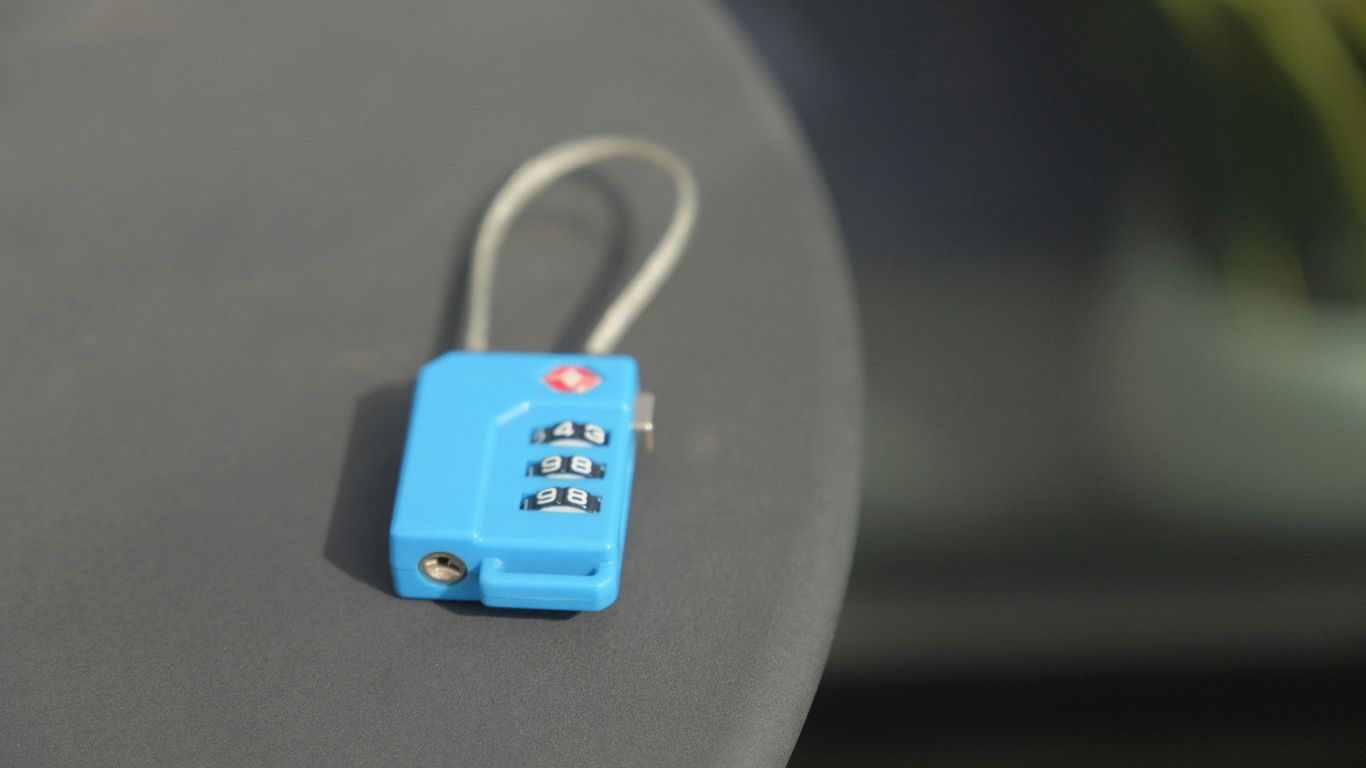
Keys. We all lose them, right? It feels like a rite of passage. One minute they’re in your hand, the next they’ve vanished into thin air, probably into the abyss that is your couch or the bottom of a grocery bag. That’s where a good Bluetooth tracker comes in handy.
Attaching a tracker to your keychain is probably the most common use for these little gadgets. It’s a simple solution to a frustrating problem. Most trackers are designed to easily loop onto a keyring, or some even come with a built-in carabiner clip, which is super convenient.
When you’re looking for your keys, you can usually make the tracker beep from your phone. Some of the louder ones, like the Pebblebee Clip Universal or the Tile Pro, can really cut through background noise, which is a lifesaver when your keys are buried under a pile of mail. Others, like the Apple AirTag, are a bit quieter, but still effective if you’re in a relatively calm environment.
Here’s a quick look at how some popular trackers handle being attached to keys:
- Apple AirTag: Small, smooth disc. Needs an accessory (like a loop or keychain holder) to attach to a keyring. This adds a bit to the overall cost and bulk.
- Tile Trackers: Many models have a built-in hole for easy keyring attachment. They offer a good balance of size and functionality.
- Pebblebee Clip Universal: Comes with a carabiner-style clip, making it super easy to attach directly to your keys without needing extra parts.
- Chipolo Pop: Features a hole for a standard keyring attachment, similar to many Tile models.
It’s also worth remembering that if you lose your keys and your phone, some trackers let you press a button on the tracker itself to make your phone ring. The Samsung Galaxy SmartTag 2 and Tile trackers are good examples of this feature. It’s a handy two-way street for finding your stuff.
8. Wallets
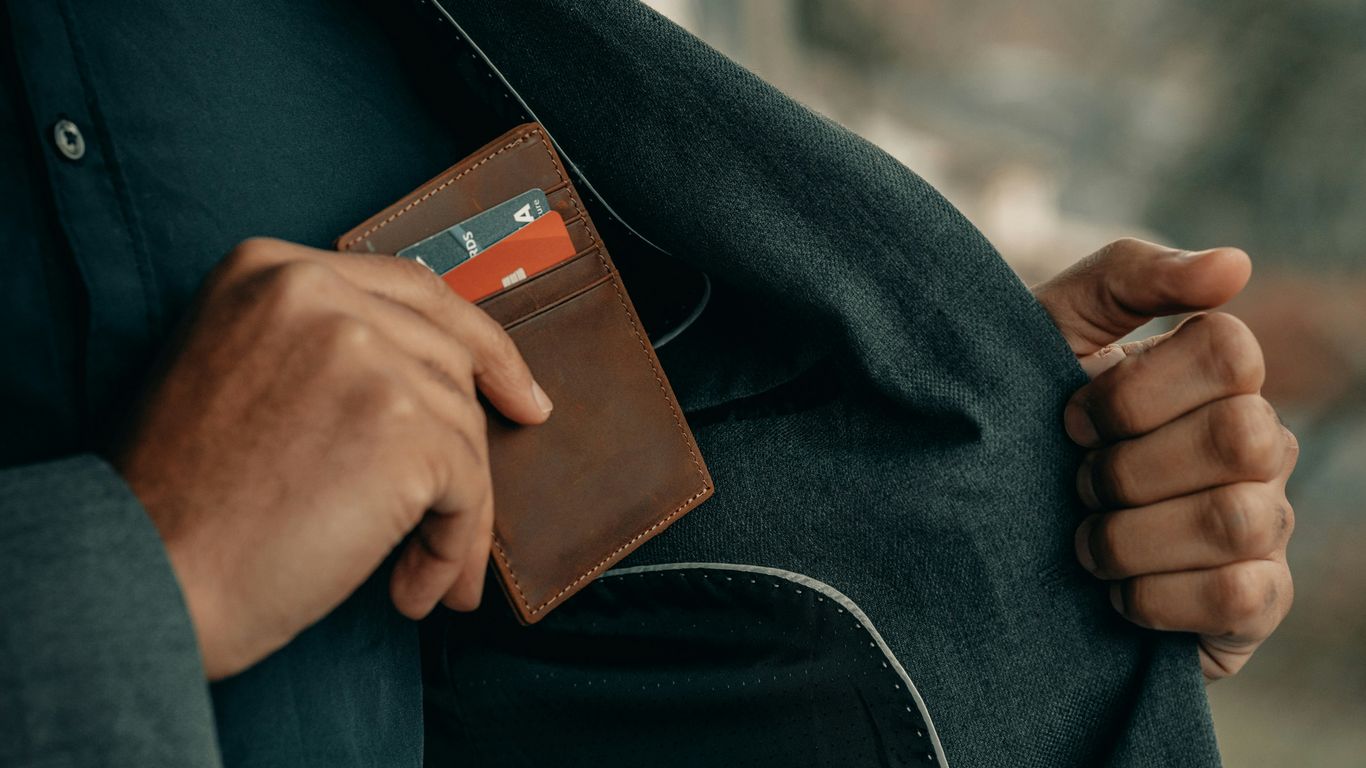
Losing your wallet is a special kind of panic, isn’t it? All those cards, IDs, and maybe even some cash, just gone. That’s where a good Bluetooth tracker comes in handy, especially one designed to slip right into your wallet without adding bulk.
When it comes to wallets, thinness is key. You don’t want a tracker that makes your wallet bulge or feel awkward in your pocket. Devices like the Tile Slim are built for this exact purpose. They’re about the size of a credit card, so they can slide into a card slot and practically disappear. This discreet design is what makes them so useful for keeping tabs on your most important personal items.
Here’s a quick look at what makes a wallet tracker good:
- Slim Profile: It needs to fit without making your wallet uncomfortable to carry.
- Compatibility: Works with both Android and iOS phones is a big plus.
- Battery Life: A long-lasting battery means less fussing with charging or replacements.
- Range: Decent range helps you find your wallet if it’s just misplaced around the house or office.
Some trackers offer extra features, like a QR code you can put on your wallet. If someone finds it, they can scan the code to get your contact info without seeing your personal details. It’s a neat little safety net. Just remember, while these trackers are great for finding things nearby or within their Bluetooth range, they aren’t GPS devices. If your wallet is truly lost far away, you’ll be relying on the network of other users’ devices to help locate it, similar to how Apple’s Find My network works.
9. Purses
Losing your purse can be a real headache, right? It’s not just about the money inside; it’s all your cards, your ID, maybe even your keys. That’s where a good Bluetooth tracker comes in handy. For purses, you want something slim and discreet, something that won’t add a ton of bulk.
The Tile Slim is a standout option for this very reason. It’s designed to be about the size of a credit card, so it can slide right into a wallet compartment within your purse without anyone noticing. It works with both Android and iOS, which is a big plus if you switch phones or share your purse with someone who has a different type of phone.
Here’s a quick look at what makes it suitable:
- Slim Design: Fits easily into card slots or small pockets.
- Cross-Platform Compatibility: Works with both Android and iOS devices.
- Audible Alert: Helps you find your purse if it’s nearby, though it can be muffled if the purse is closed tight.
- Long Battery Life: Offers peace of mind for extended periods.
While it might not have all the bells and whistles of larger trackers, its specific design makes it a top contender for keeping tabs on your purse. You can find it at places like Amazon, often with a small discount if you buy more than one. It’s a simple solution to a common problem, giving you one less thing to worry about when you’re out and about.
10. Luggage
When you’re traveling, especially by air, the thought of your luggage going missing is a real worry. It’s happened to me, and it’s a total headache trying to track it down. That’s where Bluetooth trackers can really help.
Attaching a tracker to your suitcase or carry-on gives you a much better chance of finding it if it gets misplaced or goes astray. While these trackers don’t have GPS, they rely on a network of other devices to help locate them. For example, Apple’s AirTags use the massive Find My network, which taps into millions of iPhones worldwide. If your bag ends up in a different terminal or on the wrong flight, there’s a good chance another iPhone user will pass by it, updating its location for you.
Here’s what to consider when picking a tracker for your luggage:
- Battery Life: You don’t want your tracker dying mid-trip. Look for devices with long battery life or rechargeable options.
- Network Size: The bigger the network (like Apple’s or Tile’s), the more likely your item will be found if it’s far away.
- Durability: Luggage gets tossed around. A tracker that can withstand some bumps and maybe even a bit of weather is a plus.
- Compatibility: Make sure the tracker works with your phone (iPhone or Android).
While no tracker is a foolproof guarantee against lost luggage, they definitely offer peace of mind and a significant advantage in recovery efforts. It’s a small investment for the potential relief it can bring when you’re already stressed about travel.
So, Which Tracker Is Right for You?
Look, losing your stuff is a real pain, right? We’ve all been there, frantically searching for keys or a wallet. Thankfully, these Bluetooth trackers are pretty neat little gadgets that can seriously cut down on that stress. Whether you’re an iPhone person who loves the Apple ecosystem or an Android user looking for a solid alternative, there’s a tracker out there that fits the bill. They aren’t magic wands, and their range has limits, but for everyday peace of mind and a much better chance of finding what you’ve misplaced, they’re totally worth it. Picking the right one just means thinking about what phone you use and what you need it to do. It’s a small price to pay for not tearing your house apart every time you can’t find your keys.
Frequently Asked Questions
How do Bluetooth trackers actually work?
Think of Bluetooth trackers like tiny beepers for your stuff. They connect to your phone using Bluetooth. If you lose something, you can make the tracker beep loudly from your phone. If it’s really far away, other people’s phones can anonymously help find it through a big network, like a digital treasure map for your lost item.
Can these trackers find my stuff anywhere in the world?
Not exactly. They work best when your phone is close by using Bluetooth. For longer distances, they rely on a network of other phones. The more people using the same tracker system, the better your chances of finding something lost far away. It’s like a community search party for your belongings.
Are Bluetooth trackers good for finding my car?
While people have used them to find cars, they aren’t really made for that. They’re better for smaller things like keys or bags. Also, some trackers have features that might alert a car thief if they’re being tracked. For cars, a GPS tracker might be a better choice.
How accurate are these trackers?
For items nearby, they’re pretty good, especially if they have special tech like Ultra-Wideband (UWB) that can point you right to it. For items lost far away, accuracy depends on how many other phones are around to help find it. They can usually get you within a few feet.
What happens if someone finds my lost item with a tracker on it?
Many trackers have a special QR code on them. If someone finds your item, they can scan this code with their phone. This can then show them your contact information so they can get in touch and return your lost belonging.
Do I need a specific type of phone to use these trackers?
It depends on the tracker. Some, like Apple AirTags, work best with iPhones. Others are made for Android phones. Some brands offer trackers that can work with either type of phone, so it’s important to check compatibility before you buy.