The internet of things, or IoT, is pretty much everywhere now. Think about your fitness tracker counting steps or your smart thermostat warming up the house before you get home. Even a tag on a pet’s collar can tell you where it’s been. In factories, special sensors listen to machines for odd noises. Each gadget is like a small voice sending out data. The real challenge isn’t just getting one device to talk. It’s about building a whole system that can gather, move, protect, and actually use that information to do something useful. That’s where understanding an IoT applications diagram comes in handy. It’s like the blueprint showing all the parts and how they fit together. Having a clear picture helps teams grow without too many headaches, keep data safe, and avoid problems down the road.
Key Takeaways
- An IoT applications diagram shows how devices, networks, and software work together to collect, process, and use data.
- The ‘Things’ layer includes devices with sensors and actuators that interact with the physical world.
- Gateways act as bridges, connecting devices to the digital world and often filtering data.
- IoT architecture typically involves layers like device, network, data, and analytics, each with a specific role.
- Key design factors for IoT systems include scalability, how data is processed (edge vs. cloud), interoperability, and security.
Understanding The Core Components Of An Iot Applications Diagram
So, you’ve got this idea for a smart gadget, right? Maybe it’s a thermostat that learns your habits or a sensor that tells you when your plant needs water. But how does that little device actually do anything beyond its own little world? That’s where understanding the basic building blocks of an IoT application diagram comes in. It’s like knowing the different parts of a car before you try to drive it.
The ‘Things’ Layer: Devices And Actuators
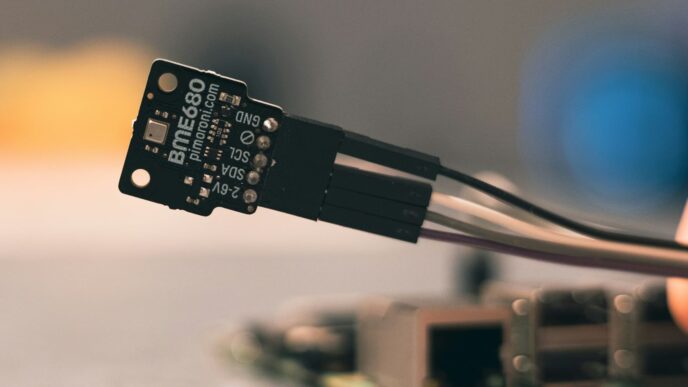
This is the most obvious part – the actual physical objects. We’re talking about anything with sensors that can collect information about its surroundings, or actuators that can do something in the physical world. Think of a smart thermostat as a ‘thing’ with a temperature sensor and an actuator to control the heating or cooling. Or a smart light bulb that can be turned on or off remotely. These devices are the eyes, ears, and hands of your IoT system. They’re the ones gathering the raw data, like temperature readings, motion detection, or light levels. Without these ‘things’, there’s no data to collect in the first place. They’re the starting point for pretty much any IoT project.
Gateways: Bridging The Physical And Digital Worlds
Now, these ‘things’ can’t usually talk directly to the big, wide internet or your phone app all by themselves. They often need a middleman. That’s where gateways come in. A gateway is like a translator and a traffic cop. It collects data from multiple devices, which might be using different, short-range communication methods (like Bluetooth or Zigbee), and then sends that data on to the internet or a central server, often using a more robust connection like Wi-Fi or cellular. They can also do some basic filtering or aggregation of data before sending it, which saves bandwidth and processing power later on. It’s a pretty important step to get data moving from your device to where it can be used.
Data Processing And Storage Elements
Once the data gets past the gateway, it needs to go somewhere and be made sense of. This is where the data processing and storage elements come into play. This could be a server in a data center, or more commonly now, a cloud platform. This is where the raw data from your ‘things’ is stored, organized, and then analyzed. Think of it like a big filing cabinet and a team of researchers. The filing cabinet holds all the information, and the researchers look through it to find patterns, spot anomalies, or trigger alerts. This layer is where the actual value from your IoT data starts to be realized, turning simple sensor readings into useful information.
Navigating The Layers Of Iot Architecture
Think of an IoT system like a multi-story building. Each floor, or layer, has a specific job. Understanding these layers helps you see how everything fits together, from the tiny sensor to the big picture.
The Device Layer: Sensing The Environment
This is the ground floor, where the action happens in the real world. Devices here are equipped with sensors that pick up information about their surroundings. This could be anything from temperature readings in a warehouse, motion detected in a room, or even the location of a delivery truck. These devices are the eyes and ears of your IoT system, collecting the raw data that starts the whole process. They might be simple gadgets or more complex machines, but their main role is to gather data.
The Network Layer: Data Transmission Pathways
Once the devices have collected their data, it needs to be sent somewhere. That’s where the network layer comes in. It’s like the building’s internal communication system, using various methods to move data from the devices to where it can be processed. This could involve short-range wireless signals, local Wi-Fi networks, or even wider cellular networks for devices that are far apart. This layer makes sure the data gets from point A to point B reliably.
The Data Layer: Storing And Organizing Information
After the data travels through the network, it needs a place to rest and be organized. The data layer is essentially the system’s filing cabinet. It includes databases and storage systems where all the collected information is kept. This isn’t just dumping data; it’s about structuring it so it can be easily found and used later. Think of it as sorting mail into different folders so you can quickly find what you need.
The Analytics Layer: Deriving Insights From Data
This is where the magic happens. The analytics layer takes all that organized data and starts making sense of it. It uses software and algorithms to find patterns, spot trends, or identify anything unusual. For example, it might notice that a machine’s temperature is rising consistently, suggesting a potential problem before it happens. This layer turns raw numbers into useful knowledge. It’s the part that helps you make smart decisions based on what your devices are telling you.
Visualizing Iot Data Flow Through Stages
Getting a sense of how data actually moves through the different parts of an IoT system makes it clear why each phase matters. Below, I go through each stage, showing how information gets collected, processed, and finally used to make decisions or trigger actions.
Device Layer: Initial Data Collection
All IoT systems start with the real world—this is where sensors and actuators live. These devices pull readings from the environment or push changes back out. Some common examples include:
- Temperature sensors inside a smart thermostat
- Accelerometers in fitness trackers
- Air quality monitors in city infrastructure
Sensors on this layer constantly grab readings, whether it’s tracking motion in a room, checking humidity, or monitoring machinery vibrations. The volume can get intense—think thousands of updates every second from a single assembly line. Keeping track of all this data is no small challenge.
Gateway Layer: Data Aggregation And Filtering
Raw data in its native form is messy and often too big to process directly. This is where gateways step in:
- They collect streams of readings from all local sensors.
- Gateways compress and digitize the info, cutting down on what needs to get sent further.
- Basic cleaning happens here—duplicate readings get removed, error-prone data filtered.
This step isn’t just about tidying up; it keeps the rest of the system from being buried by useless or repeated information. Imagine having to deal with every heartbeat from every monitor in a hospital: aggregation makes this doable.
Edge Computing: Localized Data Processing
Edge computing adds another layer right at the network’s edge, usually near where the data is created. Sometimes, you need fast decisions—a safety cutoff on factory equipment shouldn’t wait for a round-trip to the cloud.
- Edge systems run real-time checks or simple rules, cutting down on transmission lag.
- They offload non-critical details, passing only important alerts or summaries up the chain.
This approach saves bandwidth and boosts response times. For example, a video doorbell can analyze images locally to separate cars from people before sending only relevant activity to the main app.
Cloud Layer: Scalable Storage And Analysis
Finally, the heart of many IoT systems is the cloud. Here’s what typically happens:
| Stage | Main Purpose | Example Use |
|---|---|---|
| Data Storage | Hold large data sets | Multi-year sensor histories |
| Analytics | Find trends and patterns | Predicting machine failure |
| Command & Control | Issue actions for devices | Remotely updating firmware |
In the cloud, advanced tools pull all that cleaned and sorted data together to look for patterns or raise alerts. Real value comes from transforming endless sensor data into something people or machines can act on.
For instance, cloud analytics highlight energy spikes in a smart building, catching problems before they cost money. Real-time dashboards, alerts, or even automated responses get set up using these insights. For more on how analytics fits in, see this short piece on IoT data analytics.
That’s the journey of data in IoT, step by step: from collection, to filtering, to instant processing, and finally to large-scale analysis and control. Each stage keeps everything running smoothly and helps businesses get useful, actionable results.
Integrating Iot Into Your System
So, you’ve got all these smart devices chattering away, collecting data. That’s great, but what do you actually do with it all? That’s where integration comes in. Think of it as the glue that sticks your IoT world to your everyday business operations. Without it, all that data just sits there, looking pretty but not really doing much.
The Application And Integration Layer: User Interaction
This is where the magic happens for the people using your system. It’s about making that IoT data useful and accessible. For instance, imagine a smart thermostat. It collects temperature data, right? But the real value comes when that data is fed into an app on your phone, allowing you to adjust the temperature from anywhere. That app is part of the application layer. It’s the interface that lets you see what the device is doing and, more importantly, tell it what to do.
- Dashboards: Visual displays showing real-time data from your devices. Think of a factory floor manager seeing the status of all machines at a glance.
- Alerts and Notifications: Setting up triggers so you get notified when something important happens, like a sensor detecting a leak or a machine overheating.
- Control Interfaces: Allowing users to send commands back to devices, like turning lights on or off, or adjusting settings on a piece of equipment.
Connecting Iot Outcomes To Business Systems
This is where IoT really starts to pay off. It’s not just about seeing data; it’s about using that data to make your business run better. Let’s say you have sensors on your delivery trucks. Instead of just seeing where they are, you can connect that data to your order management system. When a truck is nearing a customer’s location, the system could automatically update the order status to ‘out for delivery’. This kind of connection automates tasks and makes things smoother.
Here’s a quick look at how different systems can connect:
| IoT Data Source | Business System | Outcome |
|---|---|---|
| Machine Temperature | Maintenance System | Predictive maintenance alerts |
| Customer Foot Traffic | CRM System | Targeted marketing campaigns |
| Inventory Levels | ERP System | Automated reordering of stock |
| Energy Consumption | Billing System | Optimized energy usage and cost reduction |
Ensuring Seamless Data Exchange With Middleware
Okay, so you’ve got devices and you’ve got business systems. How do they actually talk to each other? Often, they don’t speak the same language, or they might be on different networks. That’s where middleware comes in. It’s like a translator and a traffic cop for your data. It helps manage the flow of information, making sure it gets from point A to point B reliably and securely. Middleware can handle things like message queuing (holding data until the receiving system is ready) and data transformation (changing the format of data so it’s understood).
- Message Brokers: These act like a central post office, receiving messages from devices and delivering them to the right applications. Examples include MQTT brokers.
- APIs (Application Programming Interfaces): These are sets of rules that allow different software applications to communicate with each other. Think of them as standardized ways for systems to request and send information.
- Data Transformation Tools: Sometimes, data from a sensor is in a format that your business system can’t read. These tools convert the data into a usable format, making the integration process much smoother.
Essential Considerations For Iot Architecture Design
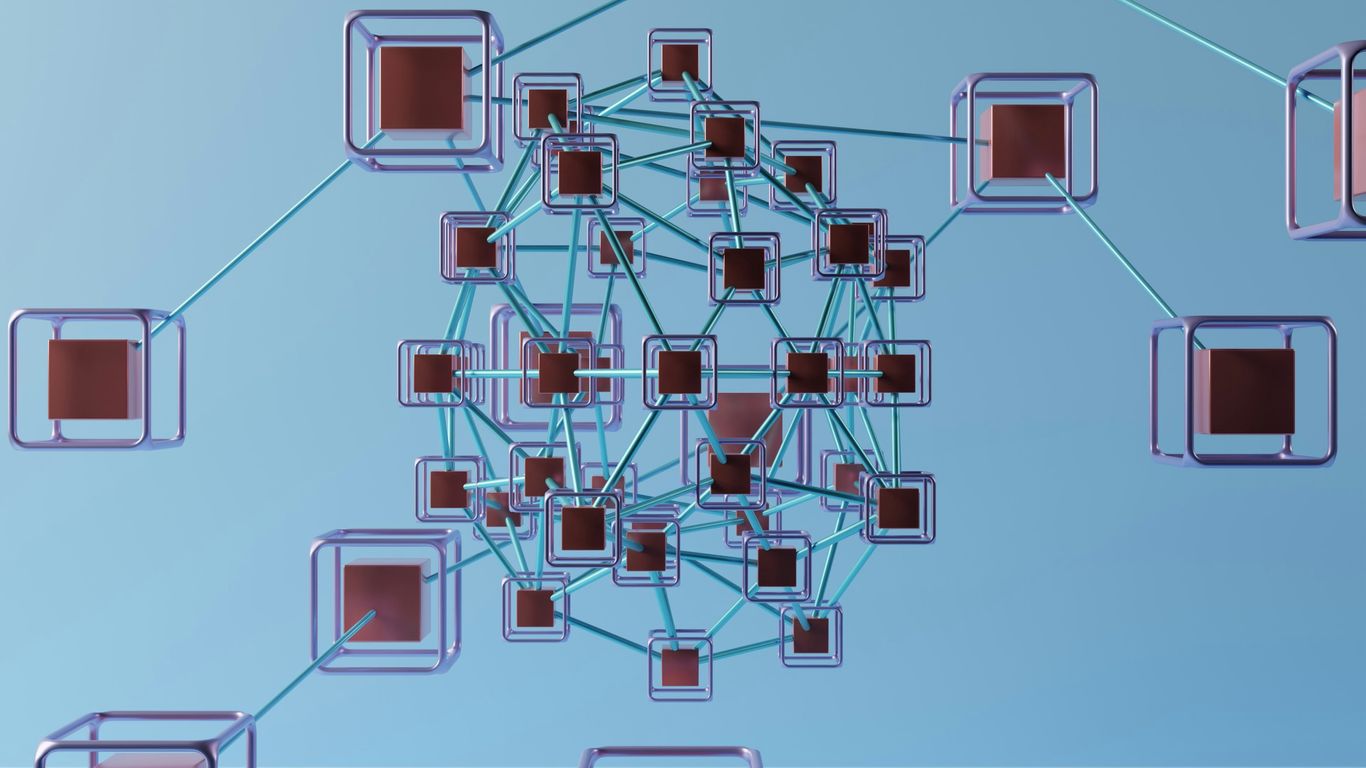
So, you’re building an IoT system. That’s pretty cool. But before you get too far, let’s talk about some things you really need to think about. It’s not just about connecting a few gadgets; it’s about making sure the whole thing works well, now and later.
Scalability: Planning For Growth
Think about where you’re starting. Maybe it’s just a handful of sensors in one building. But what happens if you want to add a hundred more next year? Or expand to another city? Your system needs to be able to handle that. You don’t want to have to rebuild everything just because you added more devices. Look for platforms and designs that can grow with you. This often means choosing solutions that can add more capacity easily, whether that’s more processing power or more storage, without a huge headache.
Data Processing Strategies: Edge Vs. Cloud
Where does all that data actually get processed? You’ve got a couple of main options, and often a mix is best. You can process data right there, close to the devices – that’s called ‘edge computing’. This is great for quick actions, like if a sensor detects something that needs an immediate response. Then there’s the ‘cloud’, where you send everything to big data centers for storage and more complex analysis. It’s like having a super-powered brain for your data. Deciding what happens where depends on how fast you need answers and how much data you’re dealing with.
Here’s a quick look at the trade-offs:
| Processing Location | Pros | Cons |
|---|---|---|
| Edge | Fast response, less network traffic | Limited processing power, harder to update |
| Cloud | Huge processing power, easy updates | Slower response, needs good network |
Interoperability: Connecting Diverse Devices
IoT systems are often a mix of different brands and types of devices. You might have sensors from one company, gateways from another, and software from a third. If they can’t talk to each other, you’ve got a problem. You need to make sure your architecture supports common ways for devices to communicate and share data. Avoiding being locked into one vendor’s ecosystem is a smart move. This means looking for systems that use open standards and can easily connect with new devices as you add them.
Security: Protecting The Entire Ecosystem
This is a big one. When you connect devices, you’re opening up potential entry points for bad actors. Security isn’t something you can just add on later; it has to be part of the plan from day one. Think about protecting the devices themselves, the networks they use, and the data once it’s stored. This includes things like:
- Making sure devices are identified properly before they can connect.
- Using strong encryption to scramble data so it can’t be read if intercepted.
- Setting up access controls so only authorized people or systems can get to the data.
- Regularly checking for and fixing security weaknesses.
The Role Of Security And Management In Iot
When you’re building out an IoT system, it’s easy to get caught up in the cool features and how devices talk to each other. But honestly, you absolutely have to think about security and management right from the start. It’s not just an add-on; it’s woven into the whole fabric of your IoT setup. Without a solid plan for keeping things safe and running smoothly, your whole project could be in serious trouble.
Securing Devices and Networks
First off, the devices themselves need protection. Think about it: these are often small, sometimes physically accessible pieces of hardware out in the world. They need things like secure boot processes so they only run trusted software, and strong ways to identify themselves. Then there’s the network. All that data zipping around needs to be kept private and protected from snooping. This means using encryption for data in transit and making sure only authorized devices and users can get onto your network. It’s like putting locks on your doors and windows, but for your digital stuff. For a good overview of how this works across different parts of an IoT setup, check out this IoT security illustration.
Managing Device Provisioning and Updates
Okay, so you’ve got your devices secured, but what happens when you need to add new ones or update the software on the ones you already have? That’s where management comes in. Provisioning is the process of getting a new device set up and ready to go on your network. It needs to be done securely so you don’t accidentally introduce vulnerabilities. And updates? They’re super important for fixing bugs and patching security holes. Imagine having hundreds or even thousands of devices spread out – you can’t exactly go to each one physically to update it. You need a system that can push out updates remotely and reliably. This is a big part of keeping your system running efficiently over time.
Continuous Monitoring and Observability
Finally, even with all the security and management in place, you still need to keep an eye on things. Continuous monitoring means constantly watching your devices and network for any unusual activity or performance issues. Observability is about having the right tools and data to understand what’s happening within your system. Are devices reporting in? Are there any error messages? Is the network traffic normal? Having this visibility helps you catch problems early, before they become major headaches. It’s like having a dashboard for your entire IoT operation, showing you the health and status of everything at a glance.
Wrapping It Up
So, we’ve walked through what IoT is and how all the pieces fit together. It’s not just about cool gadgets; it’s about building smart systems that collect information, make sense of it, and then do something useful. Whether it’s a simple diagram showing how data moves or a complex setup for a factory, understanding the basic building blocks and how they connect is key. Getting the architecture right means your IoT project can grow, stay secure, and actually work the way you want it to. It’s a lot to take in, but seeing how it all connects makes it a bit clearer, right?
Frequently Asked Questions
What exactly is the Internet of Things (IoT)?
Think of IoT as a bunch of everyday items, like your watch or a smart light bulb, that can connect to the internet. These items have tiny sensors that collect information about their surroundings or how they’re being used. They can then share this information, sort of like sending a text message, to other devices or computers. This lets them do smart things, like a thermostat adjusting the temperature when you’re almost home.
What’s the main idea behind an IoT architecture diagram?
An IoT architecture diagram is like a map for building an IoT system. It shows all the different parts, like the smart devices, the pathways for information (networks), and the places where data is stored and analyzed. It helps everyone understand how all the pieces fit together and work as a team to make the system function smoothly.
What are the ‘Things’ in an IoT system?
The ‘Things’ are the actual physical objects that are part of the IoT system. These could be anything from a simple temperature sensor in a room to a complex machine on a factory floor, or even your fitness tracker. They are equipped with sensors to gather data or actuators to perform actions, like turning a light on or off.
Why are gateways important in IoT?
Gateways are like special bridges. They connect the ‘Things’ (the devices) to the bigger network, like the internet. Often, devices can’t talk directly to the internet easily. Gateways help translate their messages, sometimes clean up the data a bit, and send it along safely. They’re a crucial step in getting information from the physical world to where it can be used.
What’s the difference between edge computing and cloud computing for IoT?
Imagine you have a lot of data coming in. Edge computing is like processing some of that data right where it’s collected, on a device or a local gateway. This is fast and good for quick decisions. Cloud computing is like sending all the data to a big, powerful computer center (the cloud) for storage and more complex analysis. Often, IoT systems use both – edge for speed and cloud for deep dives.
Why is security so important for IoT systems?
Because IoT systems connect many devices, they can be targets for people who want to steal information or cause trouble. If a smart lock or a factory machine isn’t secure, it could be hacked. Security is like putting strong locks on all the doors and windows of your IoT system, making sure only the right people can access the data and control the devices.