
So, the Internet of Things, or IoT, is a pretty big deal these days. It’s basically about connecting everyday stuff to the internet so they can talk to each other and do smart things. Think of your smart fridge ordering milk or your car telling you about traffic. It’s changing how we live and work, and understanding the different types of these connected devices, or ‘iot device classes’, is key to getting your head around it all. Let’s break down what makes these gadgets tick.
Key Takeaways
- IoT devices come in different flavors, like ones for homes (consumer), businesses (commercial), factories (industrial), and even city infrastructure.
- The hardware inside these devices matters a lot, from the tiny sensors collecting data to the processors that make sense of it all.
- We can group IoT devices by what they actually do, like wearables, smart home gadgets, or connected cars.
- How these devices talk to each other is a big part of IoT, involving different ways to connect, like Wi-Fi or cellular, and how they are set up in a network.
- Keeping these devices running smoothly and safely involves setting them up, checking on them, fixing them, and making sure they have the latest software updates.
Understanding Core IoT Device Classes
So, the Internet of Things, or IoT, isn’t just one big blob of connected stuff. It’s actually broken down into different categories, kind of like how you have different types of vehicles on the road. Knowing these categories helps us figure out what these devices are doing and why they’re important.
Consumer IoT Devices
These are the gadgets you probably have in your own home. Think smart speakers that play music on command, thermostats you can control from your phone, or even smart refrigerators. They’re designed to make our daily lives a bit easier and more convenient. The main goal here is user experience and simplifying everyday tasks. They connect to your home Wi-Fi and often talk to apps on your smartphone.
Commercial IoT Applications
This category is a bit broader and focuses on businesses. It includes things like smart security systems for offices, inventory tracking in retail stores, or even smart lighting in commercial buildings. These devices help businesses run more efficiently, save money, and improve services. For example, a retail store might use IoT sensors to know when shelves are getting low on stock, automatically alerting staff to restock.
Industrial IoT (IIoT) Components
When we talk about factories, manufacturing, and heavy industry, that’s where IIoT comes in. These are rugged devices built to withstand tough environments. They monitor machinery, track production lines, and help optimize complex industrial processes. Think sensors on a giant machine that report its temperature and vibration levels to prevent breakdowns. It’s all about efficiency, safety, and preventing costly downtime.
Infrastructure IoT Systems
This is about the big picture, the systems that manage our cities and public services. It includes smart grids for electricity, intelligent traffic management systems, and connected water meters. These systems help manage resources more effectively and can even improve public safety. For instance, smart traffic lights can adjust their timing based on real-time traffic flow to reduce congestion.
Key Hardware Components in IoT Device Classes
So, you’ve got all these smart devices talking to each other, but what actually makes them tick? It all comes down to the hardware. Think of it like the body of the IoT system – it’s got the senses, the brain, and the way it connects to the rest of the world.
Essential IoT Sensors
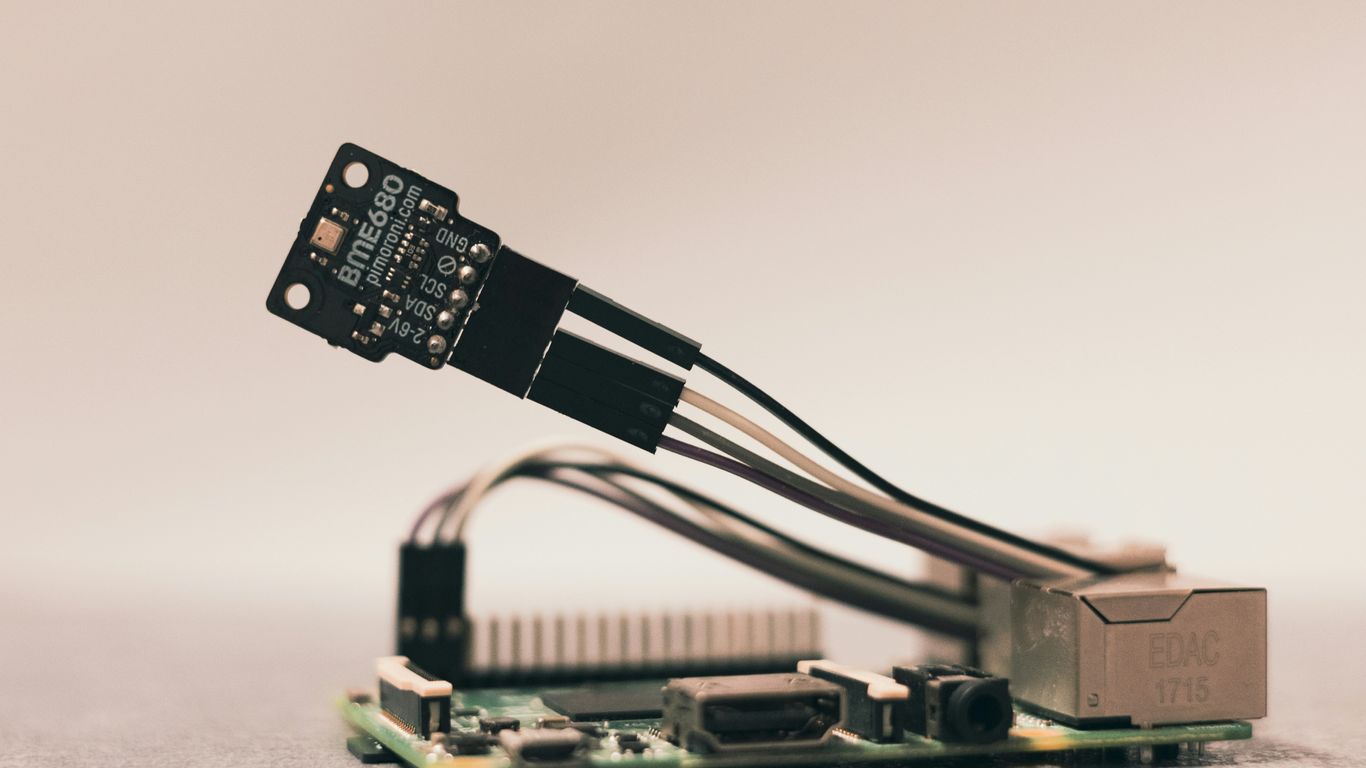
These are basically the "eyes and ears" of your IoT setup. Sensors are what detect changes in the environment and gather all that raw data. We’re talking about everything from temperature and humidity to light levels, motion, and even pressure. Some sensors are "active," meaning they use their own power to collect data in real-time, like a GPS tracker. Others are "passive," relying on external energy sources, kind of like a camera that needs light to see.
Here’s a quick look at some common sensor types:
- Temperature Sensors: Measure how hot or cold something is.
- Humidity Sensors: Detect the amount of moisture in the air.
- Motion Sensors: Pick up movement in an area.
- Light Sensors: Measure ambient light levels.
- Pressure Sensors: Detect force applied over an area.
Processing Units and Chipsets
Once the sensors grab all that information, something needs to make sense of it. That’s where processors and chipsets come in. These are the "brains" of the operation. They take the raw data from the sensors and figure out what’s important. Microcontrollers and microprocessors are common here, acting like tiny computers within the device.
IoT Gateway Functionality
Not all IoT devices can talk directly to the internet or the cloud. That’s where an IoT gateway steps in. It’s like a translator or a central hub. The gateway connects your sensors and other devices to the wider network, like the internet. All the data collected by the devices usually passes through the gateway before heading off to the cloud for storage or further analysis. It can also act as a bridge between different communication protocols, making sure everything can understand each other.
Additional IoT Modules
Sometimes, you want to make an existing device "smart" without replacing it entirely. That’s where these extra modules come in handy. They can add IoT capabilities to devices that didn’t have them before. Think of things like cellular modules that let devices connect to mobile networks, or Wi-Fi modules that add wireless internet access. These modules are pretty popular for giving older equipment a new lease on life.
Categorizing IoT Devices by Functionality
So, we’ve talked about the big picture of IoT, but how do we actually sort these connected gizmos into different buckets? It’s not just about whether it’s in your house or a factory; it’s about what the device does. Thinking about functionality helps us see how IoT fits into our daily lives and bigger systems.
Wearable Electronic Devices
These are the gadgets we strap onto ourselves – think smartwatches, fitness trackers, and even some smart clothing. They’re all about collecting personal data, like your heart rate, steps taken, or sleep patterns. The main goal here is to give individuals insights into their own health and activity levels. They often connect to your phone or a central hub to show you all that information.
- Fitness Trackers: Monitor steps, calories burned, heart rate, and sleep quality.
- Smartwatches: Offer notifications, basic apps, and health tracking.
- Smart Clothing: Can include sensors for performance analysis or health monitoring.
Smart Appliances and Home Automation
This is where your house starts getting a brain of its own. We’re talking about refrigerators that can tell you when you’re low on milk, thermostats you can control from your phone, and lights that turn on when you walk in a room. It’s all about making our homes more convenient, energy-efficient, and sometimes, just plain cool.
- Thermostats: Adjust temperature remotely, learn your schedule.
- Smart Lighting: Control brightness, color, and schedule lights.
- Voice Assistants (like Alexa or Google Home): Act as central hubs for controlling other devices and getting information.
- Connected Appliances: Refrigerators, ovens, washing machines with added smart features.
Connected Vehicles and Transportation
Cars aren’t just cars anymore. They’re becoming sophisticated IoT devices on wheels. This category includes everything from navigation systems that give you real-time traffic updates to advanced driver-assistance systems and fleet management tools. The focus is on safety, efficiency, and a better travel experience.
| Feature | Description |
|---|---|
| Navigation & Traffic | Real-time route planning, traffic alerts, and estimated arrival times. |
| Vehicle Diagnostics | Monitors car health, alerts to potential issues, and schedules maintenance. |
| Fleet Management | Tracks vehicle location, fuel usage, and driver behavior for businesses. |
| Infotainment Systems | Integrated entertainment and communication features. |
Basic Everyday Devices
It’s easy to forget that some of the tech we use daily is also part of the IoT landscape. Your smartphone, your home Wi-Fi router, even your smart TV – these are all connected devices. They might not seem as flashy as a smart fridge, but they form the backbone of our connected lives, enabling communication and access to information.
- Smartphones & Tablets: Act as control points and data access devices.
- Routers & Modems: Provide the internet connection for other IoT devices.
- Smart TVs: Offer internet connectivity for streaming and apps.
- Printers: Some modern printers can be managed remotely or send status updates.
Connectivity and Communication in IoT Device Classes
So, how do all these smart gadgets actually talk to each other and to us? That’s where connectivity comes in. Think of it as the nervous system of the Internet of Things. Without it, your smart thermostat wouldn’t know when to adjust the heat, and your fitness tracker would just be a fancy bracelet. It’s all about getting data from point A to point B, and there are a bunch of ways to do it.
Wired vs. Wireless Connectivity Options
When we talk about connecting IoT devices, the first big split is between wired and wireless. Wired connections, like Ethernet cables, are pretty straightforward. They usually offer a stable, fast connection, which is great for devices that don’t move around much and need a solid link, maybe in a factory setting or a data center. But, let’s be real, running cables everywhere isn’t always practical, especially for devices scattered across a city or a farm.
That’s where wireless comes in, and it’s the star of the show for most IoT stuff. It’s flexible and lets devices be placed just about anywhere. We’ve got a whole spectrum of wireless options, each with its own pros and cons, depending on what the device needs to do.
Long-Range and Short-Range Standards
Within the wireless world, we can break things down further by how far the signal needs to travel. For devices that are spread out, like smart meters in a whole town or sensors on a large farm, you need long-range options. Technologies like LoRaWAN or cellular networks (think 4G and 5G) are built for this. They can cover miles, but sometimes they trade off speed or power consumption for that reach.
On the flip side, for devices that are close together, like all the gadgets in your smart home or a few sensors in a single room, short-range standards are the way to go. Bluetooth and Wi-Fi are the usual suspects here. Wi-Fi is great for devices that need to send a lot of data quickly, like a security camera, but it can use more power. Bluetooth, especially Bluetooth Low Energy (BLE), is fantastic for small, battery-powered devices like fitness trackers or smart locks because it sips power.
Here’s a quick look at some common types:
- Wi-Fi: Good for high-bandwidth, short-range needs (smart home hubs, cameras).
- Bluetooth/BLE: Great for low-power, short-range devices (wearables, smart locks).
- Cellular (4G/5G): Ideal for wide-area coverage and high reliability (connected cars, remote monitoring).
- LPWAN (LoRaWAN, Sigfox): Perfect for long-range, low-power, low-data applications (smart agriculture, utility meters).
Network Topologies: Mesh and Star
Finally, how these devices are arranged in a network matters too. The two most common setups are star and mesh.
In a star topology, all devices connect directly to a central hub or gateway. Think of your Wi-Fi router at home – all your devices connect to it. It’s simple to set up and manage, but if that central hub goes down, everything disconnects. It’s like a wheel with spokes, where the hub is the center.
In a mesh topology, devices can connect to each other directly, not just to a central point. If one device fails, the data can find another path through the network. This makes mesh networks really robust and good for extending coverage, especially with technologies like Zigbee or Z-Wave used in home automation. It’s like a spiderweb, where every point is connected to several others, making it hard to break the whole thing.
Managing and Securing IoT Device Classes
So, you’ve got all these smart gadgets humming along, collecting data, and making things happen. That’s great! But what happens next? It’s not enough to just set them up and forget about them. We’re talking about keeping them running smoothly and, more importantly, keeping them safe from prying eyes. Think of it like owning a fleet of cars; you wouldn’t just buy them and never think about maintenance or security, right?
Device Onboarding and Configuration
Getting a new IoT device connected isn’t always as simple as plugging it in. For traditional tech, you might have a screen or a manual to guide you. IoT devices often skip that. They need to be registered, given an identity, and told how to talk to the rest of your network. This is where onboarding comes in. After that, you’ve got configuration. This means telling each device exactly what you need it to do, based on your specific setup. For instance, if you have a bunch of sensors on a delivery truck, you’ll want to group them together in the system so you can manage them as a unit. It’s about making sure each piece fits perfectly into your larger plan.
Operational Diagnostics and Monitoring
How do you know if your devices are actually doing their job? You monitor them. This involves checking their performance and looking for any signs of trouble. Doing this on every single device individually can be a huge pain, especially if they don’t have much processing power. A good management system lets you do this from a central spot, giving you a clear picture of what’s going on without bogging down the individual devices. It’s like having a dashboard for your entire IoT setup. Keeping a good inventory of all your connected devices, including details like their model and firmware version, is a big part of this NIST SP 800-213 alignment.
Implementing Robust Device Security
This is a big one. As IoT systems grow, so do the risks. Hackers are always looking for weak spots. You need to have solid security measures in place. This isn’t just about passwords; it’s about protocols, encryption, and making sure only authorized users and devices can access your network. It’s a constant battle, and you need to stay ahead of the curve. Keeping track of what’s connected is step one.
Firmware Maintenance and Updates
Just like your phone or computer needs software updates, IoT devices need them too. These updates often fix bugs, improve performance, and patch up security holes. The best management systems allow you to push these updates out to multiple devices at once. This saves a ton of time and hassle compared to updating each one manually. It’s a key part of keeping your whole system running efficiently and securely over the long haul.
The Role of Software in IoT Device Classes
So, we’ve talked a lot about the physical bits and pieces that make up the Internet of Things – the sensors, the processors, the gateways. But none of that stuff actually does anything useful without the software running on it. Think of the hardware as the body; the software is the brain and the nervous system, telling everything what to do and how to talk to each other.
Software’s Function in Data Processing
When a sensor picks up, say, a temperature reading, that raw data is just a number. It’s the software that takes that number, understands it’s a temperature, checks if it’s within a normal range, and decides if it needs to send an alert. It’s like the difference between just hearing a sound and understanding what someone is saying. Software processes all that incoming information, cleans it up, and makes sense of it. It’s the interpreter for all the data flooding in from your devices.
Enabling Specific IoT Tasks
Beyond just processing data, software is what makes an IoT device do its job. For a smart thermostat, the software is programmed to read the temperature sensor, compare it to your desired setting, and then send a signal to your heating or cooling system. For a connected car, the software manages everything from engine diagnostics to infotainment. It’s the set of instructions that defines the device’s purpose and how it interacts with its environment and other systems. Without the right software, a fancy sensor is just a piece of plastic and silicon.
Intelligence Applications for IoT
This is where things get really interesting. Software isn’t just about basic tasks anymore. We’re seeing more and more ‘intelligence’ built into IoT applications. This can range from simple automation rules – like turning on lights when motion is detected after sunset – to complex machine learning algorithms. These advanced applications can predict when a piece of industrial equipment might fail, optimize energy usage across an entire building, or even personalize your experience with a smart device based on your habits. It’s the software that allows IoT devices to learn, adapt, and make smarter decisions over time, moving beyond simple data collection to actual problem-solving.
Wrapping It Up
So, we’ve gone through a bunch of different IoT device types, from the ones in your home to the big industrial ones. It’s pretty wild how many different ways these things are built and what they can do. Knowing the basics of these categories helps you get a better handle on how this whole IoT world works. It’s not just about the fancy gadgets; it’s about how they all connect and share information to make things happen. As this tech keeps growing, understanding these device classes will only become more important for anyone trying to keep up.
Frequently Asked Questions
What exactly is the “Internet of Things”?
Think of the Internet of Things, or IoT, as a giant network connecting everyday objects. These objects have tiny computers and sensors inside them, allowing them to gather information and talk to each other over the internet. It’s like giving a voice to things that couldn’t speak before!
Can you give me some simple examples of IoT devices?
Sure! You probably use some already. Smart speakers like Alexa or Google Home are IoT devices. So are fitness trackers that count your steps, smart thermostats that control your home’s temperature, and even connected cars that can tell you about traffic.
How do these devices connect and share information?
They use different ways to connect, like Wi-Fi, Bluetooth, or special cellular signals. It’s like different languages they use to send messages. Some connections are fast for big amounts of information, while others are slower but use less power, which is great for small sensors.
What are the main parts that make up an IoT device?
Most IoT devices have a few key parts. They have sensors to feel or measure things (like temperature or movement), a small computer to process that information, and a way to communicate with other devices or the internet. Sometimes they also have extra bits to make them smarter.
Why is managing and securing IoT devices important?
Because these devices are connected, they can be targets for bad actors. Managing them means making sure they are set up correctly and working well. Securing them is like locking your doors and windows – it protects your information and prevents unauthorized access. Keeping their software updated is also crucial for safety.
What’s the difference between IoT hardware and software?
Hardware is the physical stuff – the sensors, chips, and wires you can touch. Software is the set of instructions that tells the hardware what to do. It’s the brainpower that processes the data from the sensors and makes the device perform its specific job, like turning on your lights when you ask.