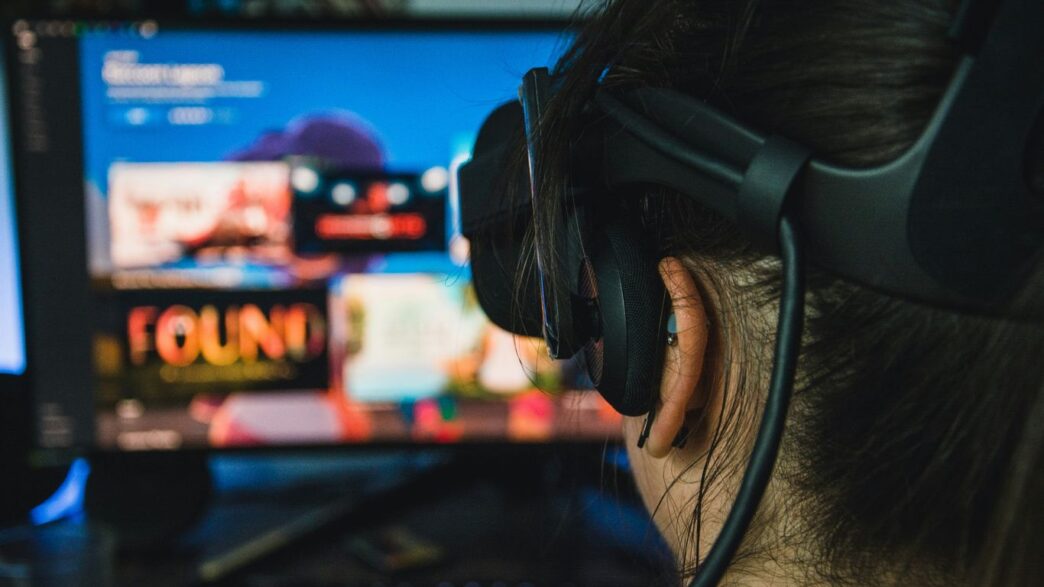
Thinking about getting into virtual reality? It’s pretty cool stuff, but your computer needs to be up to the task. If you’re using a PC for VR, there are some specific things it needs to do well. We’re talking about making sure your PC can handle all the virtual reality pc requirements so you don’t end up with a choppy mess or worse, feeling sick. Let’s break down what you actually need to make those virtual worlds feel real.
Key Takeaways
- Your PC’s processor (CPU) needs to be strong enough to run VR apps without slowing down. A decent quad-core is the minimum, but more cores help.
- The graphics card (GPU) is super important for VR. It has to draw two pictures at once, so you’ll want something better than an older mid-range card for good visuals.
- You’ll need enough RAM, at least 8GB, but 16GB is better for smoother experiences, especially with demanding VR games.
- Faster storage, like an SSD, helps games and apps load quicker, cutting down on waiting time.
- Make sure your PC has the right ports (like USB 3.0 and HDMI/DisplayPort) and that your operating system is up-to-date for your VR headset to work right.
Core Processing Power For Virtual Reality PC Requirements
Understanding Processor Demands
So, you’re thinking about diving into virtual reality, huh? It’s pretty cool stuff, but your computer’s brain, the processor or CPU, has a big job to do. Unlike your regular games where it just needs to keep things moving along, VR asks a lot more. It’s not just about rendering what you see; it’s also handling all the physics, the game’s logic, and making sure everything you do in the virtual world actually happens without a hitch. This means a weak CPU can really mess up your VR experience, leading to choppy visuals and that yucky motion sickness feeling.
Recommended CPU Specifications
For 2026, you’ll want a CPU that’s got some serious muscle. We’re talking about processors that have at least six cores, and ideally, eight or more. Clock speed is also your friend here; higher is generally better for VR. Think along the lines of Intel’s Core i7 or i9 series, or AMD’s Ryzen 7 or Ryzen 9 processors from recent generations. These chips are built to handle multiple tasks at once, which is exactly what VR throws at them.
Here’s a quick look at what to aim for:
- Minimum: A modern six-core processor with good clock speeds (e.g., Intel Core i5 12th Gen or AMD Ryzen 5 5000 series).
- Recommended: An eight-core or higher processor with high clock speeds (e.g., Intel Core i7 13th Gen or AMD Ryzen 7 7000 series).
- High-End: Top-tier processors with many cores and very high clock speeds for the absolute best performance (e.g., Intel Core i9 14th Gen or AMD Ryzen 9 7000 series).
CPU’s Role in VR Performance
Your CPU is like the conductor of an orchestra in VR. It’s telling the graphics card what to draw, calculating how objects interact, and managing all the background processes that keep the virtual world alive. If the CPU can’t keep up, the graphics card might be waiting around, or worse, the whole system stutters. This isn’t just about making games look pretty; it’s about making them feel real and responsive. A strong CPU means smoother frame rates, less input lag, and a more believable, comfortable virtual experience. It’s the backbone that supports everything else you’ll see and do in VR.
Graphics Card: The Visual Engine For Immersive VR
Alright, let’s talk about the graphics card, or GPU. If you’re thinking about diving into virtual reality, this is probably the single most important piece of hardware you’ll need to pay attention to. It’s basically the engine that makes all those pretty pictures happen in VR. Unlike your regular PC games where it just draws one picture for your monitor, VR needs to draw two separate images, one for each eye, and do it really, really fast. If your GPU can’t keep up, things get choppy, blurry, and honestly, pretty uncomfortable. Nobody wants to feel sick while trying to explore a new world, right?
Essential GPU Capabilities
So, what makes a GPU good for VR? It’s not just about raw power, though that’s a big part of it. You need a card that can handle a few key things:
- High Resolution Rendering: VR headsets often have screens with more pixels than your average monitor. Your GPU has to push out those high-resolution images for both eyes, which is a serious workout.
- Consistent High Frame Rates: This is super important. Most VR experiences aim for at least 90 frames per second (FPS). Dropping below that can lead to that dreaded motion sickness. Your GPU needs to be able to hit and stay at that target, even when things get busy on screen.
- Low Latency: This means how quickly the image updates after you move your head or hands. If there’s a noticeable delay, it completely breaks the feeling of being there. A good GPU helps minimize this lag.
- Modern Features: Newer GPUs come with technologies that can help with VR performance, like better ways to handle complex lighting or textures. It’s worth looking into what features a card supports.
High-Fidelity Graphics Card Recommendations
When it comes to picking a GPU for VR in 2026, you’re generally looking at dedicated graphics cards. Integrated graphics, the kind built into your CPU, usually just aren’t powerful enough for a decent VR experience, except maybe for some very basic stuff. For a solid VR setup, here’s a general idea of what to aim for:
| Tier | Example GPUs (as of early 2026) | Notes |
|---|---|---|
| Good Start | NVIDIA GeForce RTX 4060 Ti | Can handle many VR titles at decent settings. |
| AMD Radeon RX 7700 XT | Offers competitive performance for its price point. | |
| Recommended | NVIDIA GeForce RTX 4070 SUPER | Great balance of performance and price for most VR experiences. |
| AMD Radeon RX 7800 XT | Strong contender, especially if you find a good deal. | |
| High-End | NVIDIA GeForce RTX 4080 SUPER | For those who want the best visuals and highest frame rates. |
| AMD Radeon RX 7900 XTX | Top-tier performance, handles demanding VR games with ease. |
Keep in mind that specific game requirements can vary wildly, so always check the recommended specs for the VR titles you’re most interested in.
VRAM: A Critical Factor for VR
Beyond the main processing power of the GPU, you’ve got VRAM – that’s Video Random Access Memory. Think of it as the GPU’s own personal workspace. VR games, especially those with detailed environments and high-resolution textures, need a lot of VRAM to store all that visual information. If your GPU runs out of VRAM, it has to start swapping data with your system’s main RAM, which is much slower and can cause stuttering and performance drops. For VR in 2026, 8GB of VRAM is pretty much the minimum you should consider, but 12GB or more is strongly recommended for a smoother, more future-proof experience, especially with upcoming games and higher-resolution headsets.
Memory and Storage: Fueling Seamless Virtual Worlds

Alright, let’s talk about what keeps your virtual adventures running smoothly: memory and storage. Think of RAM as your PC’s short-term memory, and storage as its long-term filing cabinet. For VR, you need both to be pretty zippy.
RAM: Ensuring Smooth Operation
Random Access Memory, or RAM, is where your PC temporarily stores data it’s actively using. When you’re in a VR game, your system is constantly pulling up textures, game logic, and other bits of information. If you don’t have enough RAM, your PC has to keep swapping data back and forth with your slower storage drive, which can cause stuttering and a generally clunky experience. Nobody wants their virtual world to freeze up, right?
- Minimum: For basic VR, 8GB might technically work, but it’s really pushing it. You’ll likely run into issues with more demanding titles.
- Recommended: 16GB is the sweet spot for most VR experiences in 2026. It gives you enough breathing room for games and background processes.
- High-End/Future-Proofing: If you’re aiming for the absolute best performance or want to be ready for whatever comes next, 32GB is a solid choice. It’s becoming more common for cutting-edge VR applications.
Storage Solutions for Faster Load Times
When you first boot up a VR game or teleport to a new area, you’re waiting for all that data to load. This is where your storage drive really matters. Traditional Hard Disk Drives (HDDs) are slower and can lead to noticeable loading screens. Solid State Drives (SSDs), on the other hand, use flash memory and are significantly faster.
- SSD is a Must: For VR, an SSD isn’t just a nice-to-have; it’s pretty much required for a good time. The difference in load times is night and day.
- NVMe SSDs: These are even faster than standard SATA SSDs and are ideal if your motherboard supports them. They can shave precious seconds off loading times, which adds up.
- Capacity: VR games can be huge. Make sure you have enough space. A 1TB SSD is a good starting point, but if you plan on installing a lot of games, you might want to consider 2TB or even a secondary, larger HDD for less frequently accessed files.
Balancing Memory and Storage Needs
It’s not just about having the most RAM or the biggest SSD; it’s about having a good balance. A system with 16GB of RAM and a fast 1TB NVMe SSD will generally provide a much better VR experience than one with 32GB of RAM but a slow HDD. Think about how you use your PC. If you’re a hardcore gamer who downloads every new VR title, prioritize storage capacity alongside sufficient RAM. If you tend to play fewer, but more graphically intense games, focus on the speed of both your RAM and storage. Getting this balance right means less waiting and more experiencing those incredible virtual worlds.
Connectivity and Compatibility For VR Headsets
Essential Ports for VR Headsets
So, you’ve got the processing power and the graphics muscle, but how does all that goodness actually get to your eyeballs? It’s all about the connections. Most VR headsets, especially those tethered to your PC, need a few specific ports to work their magic. You’re generally looking at a DisplayPort or an HDMI connection for the video signal – think of it as the highway for all those pretty pixels. On top of that, you’ll need at least one, and often more, USB 3.0 ports. These aren’t just for charging; they handle data transfer for tracking and other headset functions. Make sure your PC has these ready to go before you even think about plugging in. Some headsets might even have specific requirements for USB port versions or even dedicated power needs, so always double-check the manual for your particular headset.
Ensuring Operating System Compatibility
This might seem obvious, but it’s worth mentioning. For the most part, Windows 10 and Windows 11 are your go-to operating systems for PC VR. They’ve got the built-in support and the drivers that most VR software and hardware developers rely on. Trying to run VR on an older OS like Windows 7 is usually a recipe for frustration, with compatibility issues popping up left and right. It’s not impossible, but it’s definitely not the smooth experience you’re after. Stick with a modern, supported version of Windows to avoid headaches.
Driver Updates for Optimal Performance
Think of drivers as the translators between your hardware and your software. When it comes to VR, keeping these translators up-to-date is super important. Your graphics card drivers, in particular, get regular updates that can improve performance, fix bugs, and add support for new VR features. It’s a good habit to check for updates from your graphics card manufacturer (NVIDIA or AMD) and even your motherboard manufacturer periodically. It might not sound exciting, but a quick driver update can sometimes make a noticeable difference in how smoothly your VR experiences run.
Achieving Peak Performance With Virtual Reality PC Requirements
So, you’ve got the right processor and a graphics card that can actually render something that looks good. That’s a great start, but just having the parts isn’t the whole story, right? To really get into those virtual worlds without feeling like you’re watching a slideshow or getting a headache from lag, you need to make sure your whole setup is working together. It’s about getting those frames per second (FPS) up and keeping things smooth.
Maintaining High Frame Rates
This is probably the most talked-about thing when it comes to VR performance. You want your PC to spit out at least 90 frames every second, and ideally, keep it there consistently. Dropping below that can make the experience feel choppy, and for some people, it can even lead to feeling a bit queasy. It’s not just about having a powerful GPU; your CPU plays a big part too, handling all the game logic and background stuff. If either of them is struggling, you’ll notice it.
Here’s a quick look at what contributes to keeping those frames high:
- Graphics Card (GPU): This is the heavy hitter for rendering visuals. A more powerful card can handle more complex scenes and higher resolutions without breaking a sweat.
- Processor (CPU): It manages game logic, AI, and physics. A faster CPU means these tasks are completed quicker, freeing up the GPU.
- RAM: While not directly rendering, if your RAM is full, your system has to swap data to slower storage, which causes slowdowns.
- Game/Application Optimization: Not all VR experiences are built the same. Some are just more demanding than others, even on the same hardware.
Minimizing Latency for Immersion
Latency is basically the delay between when you do something (like move your head or controller) and when you see that action happen in VR. High latency is a real immersion killer. Imagine turning your head and the image lagging behind – it’s jarring and can quickly pull you out of the virtual space. The goal is to get this delay down as much as possible.
What causes latency, and how do we fight it?
- Input Lag: This is the time it takes for your controller or headset sensors to register your movement and send it to the PC.
- Processing Delay: This is the time your PC takes to process that input, update the game world, and render the new frame.
- Display Lag: The time it takes for the headset’s screens to actually show the rendered image.
To keep latency low, you need a fast connection between your headset and PC, a powerful system that can process things quickly, and a headset with a good refresh rate. Making sure your PC is up to the task is key to that VR-ready gaming PC experience.
Cooling Systems for Sustained Performance
All this high-performance computing generates heat. A lot of heat. If your PC’s components, especially the CPU and GPU, get too hot, they’ll start to slow themselves down to prevent damage. This is called thermal throttling, and it’s the enemy of consistent VR performance. You might start out with great frame rates, but after a while, things get sluggish because the hardware is overheating.
Good cooling involves a few things:
- Adequate Airflow: Your PC case needs to have good ventilation, with fans positioned to bring in cool air and push out hot air.
- Effective Coolers: Both your CPU and GPU need good coolers. Stock coolers are often just okay, and for demanding VR use, an aftermarket cooler can make a big difference.
- Cleanliness: Dust buildup is a major insulator. Regularly cleaning the dust out of your PC fans and heatsinks is super important.
Keeping your system cool means it can keep performing at its best for longer, which is exactly what you want when you’re deep in a virtual world.
Future-Proofing Your Virtual Reality PC
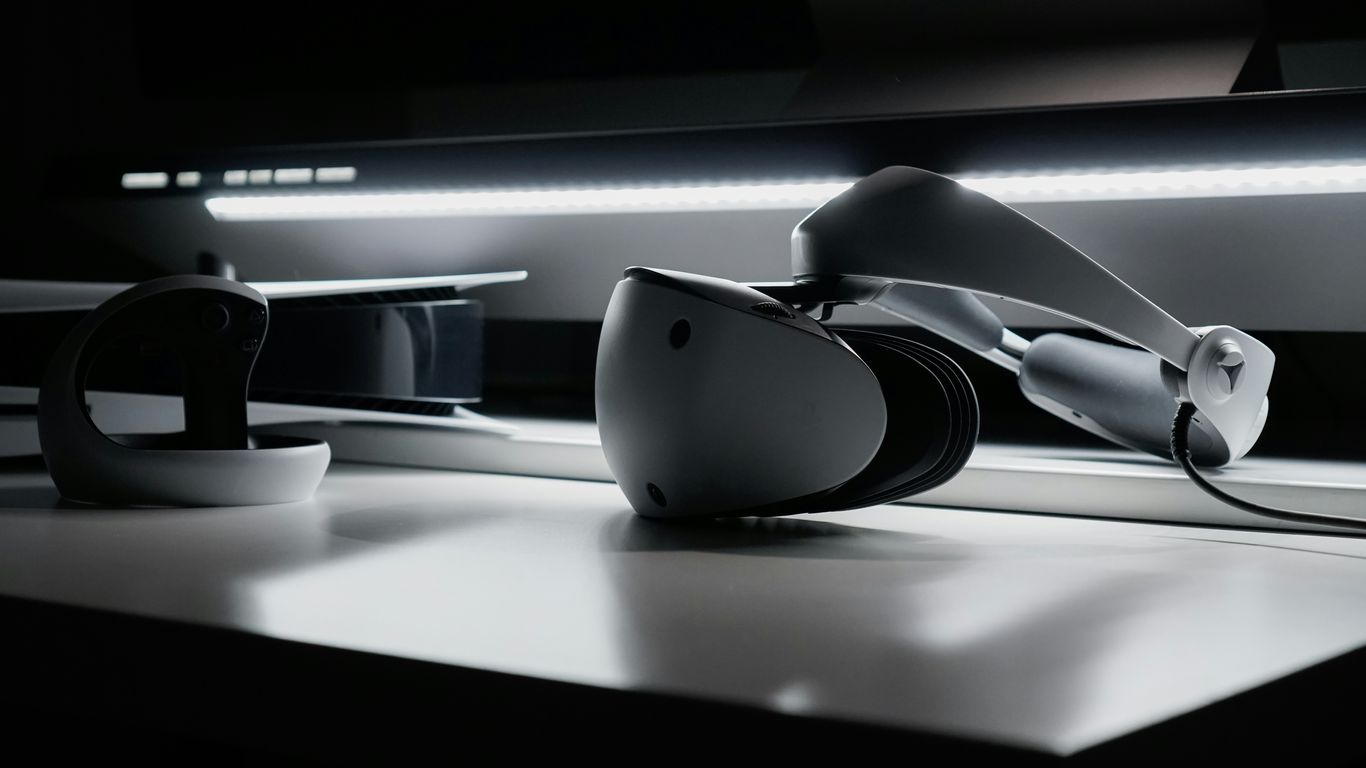
Building a VR PC isn’t just about meeting today’s demands—it’s about staying above the curve as games, headsets, and standards push forward. You want your system to handle not only what’s out now, but also what’s coming in 2027 and beyond. Here’s where to start thinking about tomorrow, not just today.
Considering Upgrade Paths
No matter how powerful your current setup, new VR tech will appear. Setting yourself up for future upgrades is a good call. Consider:
- Choosing a motherboard that supports next-gen CPUs and RAM.
- Buying a power supply with enough wattage for newer, more power-hungry GPUs.
- Leaving an extra M.2 slot or SATA port open for additional storage.
Here’s a quick table showing why these decisions matter:
| Component | Minimum 2026 Standard | Forward-Looking Choice |
|---|---|---|
| Motherboard | DDR5 RAM only | DDR5 with PCIe 5.0 & 2+ M.2 slots |
| GPU | RTX 4060 / RX 7600 XT | RTX 5060+ / Radeon RX 8800 or newer |
| PSU | 650W, Bronze-rated | 850W+, Gold-rated |
Being smart with these basics now keeps headaches away when it’s time to swap parts.
The Advantage of PC VR Over Standalone
Standalone VR headsets—like Meta Quest—are super convenient, but they have hardware limits. PC-based VR systems, on the other hand, offer massive flexibility:
- Room to upgrade individual components instead of replacing the whole system.
- Access to a broader library of visually stunning, more demanding VR experiences.
- The ability to use mods and extra accessories not always supported by all-in-one headsets.
If you want the best possible visuals, highest frame rates, or unique peripherals, a PC-based setup is almost always in front.
Investing in Long-Term VR Readiness
Buying more than the bare minimum saves money over time. For VR in 2026, consider these as smart bets:
- Get at least 32GB of RAM—VR apps and multitasking are memory-hungry.
- Choose a GPU with 12GB+ VRAM. Many newer VR titles require more.
- Use fast SSD storage (NVMe if possible) for lightning-quick game loads and smooth updates.
Upgrading to these specs now means you’re less likely to get stuck as requirements move up. It also makes your VR experience less stressful—nobody likes stutter or long load screens in the middle of the action.
A little planning pays off, and with VR evolving so quickly, keeping your system flexible is the best way to enjoy every new breakthrough that comes along.
Wrapping Up Your VR Journey
So, we’ve gone over what your computer needs to handle virtual reality. It’s not just about having the latest gear; it’s about making sure the parts work well together. Upgrading your processor, memory, or graphics card can really make a difference in how real those virtual worlds feel. Think of it as getting your PC ready for a whole new level of fun. By checking your current setup against what VR needs, you’ll know exactly what to swap out or add. Getting your PC ready for VR is an investment, sure, but it opens doors to amazing digital experiences. Whether you’re tweaking an old machine or building a new one, the goal is the same: jump into those expansive virtual spaces. Keep an eye on what works together and what performs best, and your virtual adventures will be as big as you can imagine.
Frequently Asked Questions
What’s the most important part of a PC for VR?
The graphics card, or GPU, is super important! It’s like the engine that makes all the cool visuals happen in VR. A strong GPU means smoother games and clearer pictures, which is key to feeling like you’re really there.
Do I need a super fancy computer for VR?
You don’t need the absolute most expensive PC, but it does need to be pretty powerful. Think of it like needing a strong car to go off-roading. For VR, you need a good processor (CPU) and enough memory (RAM) to keep everything running without getting choppy or slow.
How much memory (RAM) do I really need?
For a good VR experience, 8GB of RAM is usually the minimum to get by. But if you want things to run really smoothly, especially with newer games or when you have other apps open, aiming for 16GB or even more is a much better idea. It helps your PC handle lots of information at once.
Can my current computer be upgraded for VR?
Often, yes! You might be able to upgrade just your graphics card or add more RAM to make your PC ready for VR. It’s a good idea to check what parts you have now and compare them to the recommended specs for VR. Sometimes, a few key upgrades can make a big difference.
Why is a fast processor (CPU) important for VR?
The CPU does more than just graphics; it handles all the game’s rules, how things move, and what’s happening behind the scenes. In VR, where everything needs to react instantly, a fast CPU makes sure the game world keeps up with you, preventing lag and making the experience feel real.
What are those ‘ports’ VR headsets plug into?
Those are the connections on your computer. VR headsets usually need special ports like USB 3.0 for data and an HDMI or DisplayPort for video. Having enough of the right kinds of ports makes sure your headset can connect properly and send all the information it needs to your PC.