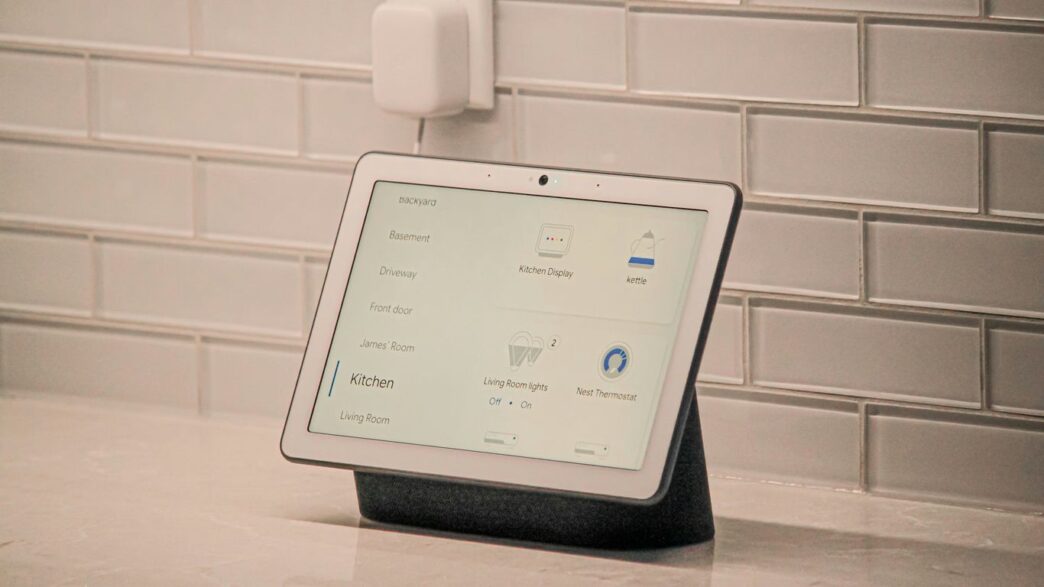
Looking for some smart home ideas? You’ve come to the right place. We’ve been digging through Reddit to see what people are actually using and recommending for their homes. It turns out there’s a lot of good advice out there, from setting up security to making sure all your gadgets play nice together. Let’s check out some of the best smart home ideas Reddit users are talking about.
Key Takeaways
- Many Reddit users suggest starting with a solid smart home security system, with brands like Ring and Nest frequently mentioned.
- DIY installation is a popular choice for many, but compatibility between devices is a common concern that needs careful consideration.
- Professional home monitoring is still a preferred option for those seeking extra peace of mind, despite the added cost.
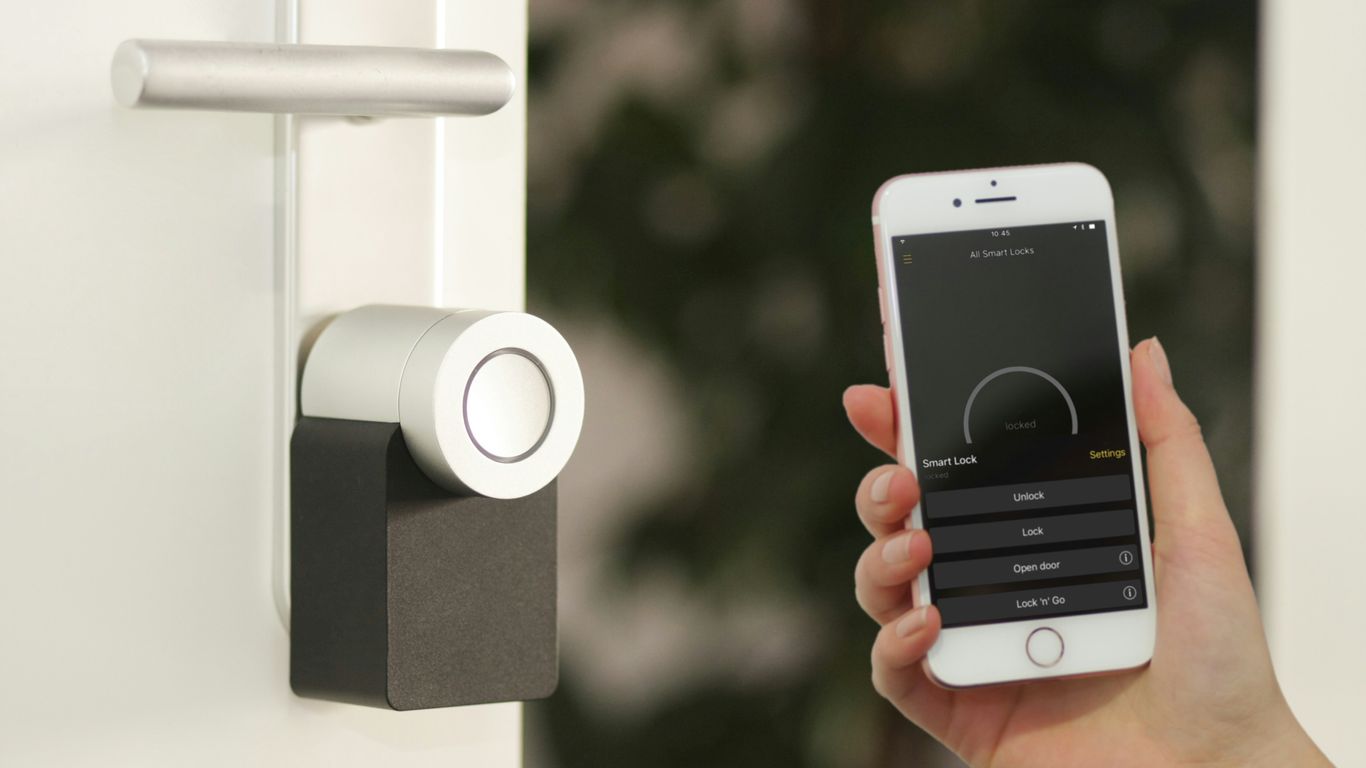
- Managing visitor access, especially with smart locks, is a frequently discussed topic, with users sharing tips on temporary codes and app control.
- The importance of good Wi-Fi, sometimes even a Wi-Fi 6 hotspot, is highlighted for a smooth smart home experience, especially with multiple connected devices.
1. Smart Home Security Systems
When we talk about smart homes, security is usually one of the first things that comes to mind. It’s not just about having a fancy alarm that goes off if someone breaks in, though. Modern systems connect to your Wi-Fi, letting you keep an eye on things from your phone, no matter where you are. You can get alerts, check live video feeds, and even arm or disarm the system remotely. It’s a pretty big change from the old days of just a noisy siren.
There are a few main ways these systems work:
- Self-Monitored Systems: You get all the alerts and decide what to do. This is usually cheaper because there’s no monthly fee.
- Professionally Monitored Systems: A company watches your system 24/7 and contacts the authorities if something happens. This costs more but offers extra peace of mind.
- On-Demand Monitoring: Some services let you pay only when you’re away, like on vacation, for extra protection.
The core idea is that components talk to each other and follow custom rules you set up. For instance, you could have the lights turn on if a motion sensor is triggered, or have a camera start recording when a door opens. Many systems offer apps that act as a central hub, letting you manage everything from arming the system to checking video. Some even use your phone’s location to automatically arm or disarm as you come and go. If you’re looking for ways to automate your living space, exploring these smart home ideas can be a good starting point.
When picking a system, think about what you need. Do you want something simple to install yourself, or are you okay with a professional setup? How much are you willing to spend monthly? These questions will help narrow down the options. It’s also worth checking if your home insurance provider offers discounts for having a security system, as many do.
2. DIY Installation
Putting in your own smart home security system might sound a little intimidating, but honestly, it’s often way simpler than you think. Most of the systems you can buy these days are designed with the average person in mind. They usually come in kits, and you can pick one that fits what you need right now. The biggest perk is definitely saving money on installation fees. Plus, you get to set it up exactly how you want it.
Here’s a general idea of how it goes:
- Unboxing and Setup: You’ll get a main hub, which is like the brain of the system, and then various sensors for doors, windows, or motion. The instructions are usually pretty clear.
- Placing Components: Most sensors stick on with strong double-sided tape, so you don’t need to drill holes everywhere. Just figure out where you want them – on your main doors, ground-floor windows, or in high-traffic areas.
- Connecting to Wi-Fi: The hub will need to connect to your home internet. This usually involves downloading an app on your phone and following the steps to link the hub.
- Pairing Devices: Once the hub is online, you’ll pair each sensor with it. This is often as simple as pressing a button on the sensor or entering a code from the app.
- Customizing Settings: Through the app, you can name your sensors (like "Front Door" or "Living Room Motion"), set up alerts, and decide if you want professional monitoring.
It’s not like building a computer from scratch or anything. If you can follow a recipe or assemble IKEA furniture, you can probably handle installing a DIY security system. And if you decide you need more later, like an extra camera or a different type of sensor, you can usually just buy it and add it to your existing system in minutes.
3. Smart Home Compatibility
So, you’ve got a few smart gadgets already, maybe a smart speaker here, a smart light bulb there. That’s great! But when you start thinking about a smart home security system, the big question pops up: will it play nice with everything else you’ve got?
This is where smart home compatibility really matters. You don’t want to end up with a bunch of cool tech that just sits there, unable to talk to each other. Imagine your smart lock not telling your smart lights to turn on when you unlock the door, or your security camera not triggering your smart speaker to announce a visitor. That’s just not smart.
When you’re looking at security systems, check what protocols they use. Things like Z-Wave and Zigbee are common for smart home devices, and if your system supports them, it’s a good sign. Also, see if it works with popular voice assistants like Amazon Alexa or Google Assistant. Most systems these days will list this out pretty clearly.
Here’s a quick look at what to keep an eye out for:
- Voice Assistant Support: Does it work with Alexa, Google Assistant, or others you use?
- Protocol Support: Look for Z-Wave, Zigbee, or Wi-Fi compatibility to connect with other devices.
- IFTTT Integration: Services like IFTTT (If This Then That) let you create custom automations between different smart devices, which can be super handy.
- Direct Integrations: Some systems have built-in connections with specific brands, like Yale locks or other Google Nest products. This can make things really smooth if you’re already invested in that ecosystem.
It can get a bit confusing, honestly. Some systems are really good at connecting with a wide range of other gadgets, while others are more locked down, only working with their own brand or a very limited selection. It’s worth spending a little time figuring this out before you buy, so you don’t end up with a system that feels isolated.
4. Professional Home Monitoring
When you think about smart home security, you might picture yourself setting it all up. But what if you don’t want to deal with wires, apps, and troubleshooting? That’s where professional home monitoring comes in. Instead of you keeping an eye on things, a dedicated team does it for you, 24/7.
Here’s how it generally works:
- Alarm Triggered: If a sensor detects motion, a door opens unexpectedly, or a smoke alarm goes off, the system alerts the monitoring center.
- Verification Process: A monitoring agent will typically try to contact you first, often through the system’s control panel or your phone. This is to make sure it’s not a false alarm.
- Emergency Dispatch: If they can’t reach you or confirm it’s a real emergency, they’ll contact the appropriate authorities, like the police or fire department, to be sent to your home.
This service usually comes with a monthly fee, and it’s a big reason why professionally installed systems can cost more upfront and over time compared to DIY options. However, for many people, the peace of mind knowing someone is always watching is well worth the expense. Companies like ADT, SimpliSafe, and Vivint are known for their professional monitoring services. It’s a different approach than just getting alerts on your phone; it’s about having a backup plan that involves real people ready to act.
5. Customer Service
When you’re setting up a smart home, things don’t always go perfectly. Sometimes you’ll run into a snag, or maybe a piece of equipment just isn’t working right. That’s where customer service comes in. It’s easy to forget about this part when you’re excited about new gadgets, but it’s pretty important.
Good customer service can make or break your experience with a smart home system. If you can’t get help when you need it, that fancy new thermostat or security camera might just end up gathering dust.
Based on what people are saying on Reddit, here’s what to look for:
- Availability: Can you actually reach someone when you have a problem? Look for companies that offer phone support, live chat, or at least responsive email.
- Knowledge: Do the support staff know what they’re talking about? It’s frustrating to explain your issue multiple times to different people who don’t seem to understand the technology.
- Resolution: Did they actually fix your problem? This is the big one. A company might have great support staff, but if they can’t solve your issue, it’s not much help.
Some systems require a monitoring plan, which often includes access to their support team. While this can be good, make sure you understand what’s covered. You don’t want to find out later that a simple fix costs extra.
It’s also worth checking out reviews specifically about customer service. Sometimes a product gets a good rating, but the support is a whole different story. A quick search on Reddit for "[Company Name] customer service" can give you a real-world idea of what to expect.
6. Wi-Fi 6 Hotspot
So, you’re looking to beef up your home security, but what if your current Wi-Fi is a bit… meh? That’s where some of the newer systems really shine. We’re talking about devices that don’t just keep an eye on your house, but also give your internet a serious upgrade. The Ring Alarm Pro, for example, packs a built-in Wi-Fi 6 mesh router. This is pretty neat because it means you can potentially get better signal strength and faster speeds throughout your home, all while having a security system running.
Think about it: you’re getting a two-for-one deal here. You set up your security sensors, and at the same time, you’re improving your home network. This is especially helpful if you’ve got dead spots where your Wi-Fi just doesn’t reach. The Eero 6 router that’s integrated can work with other Eero devices to create a mesh network, covering more ground.
Here’s a quick rundown of why this combo is a good idea:
- Better Coverage: Wi-Fi 6 is designed to handle more devices at once and offers improved range compared to older standards.
- Faster Speeds: For streaming, gaming, or just browsing, a Wi-Fi 6 connection can make a noticeable difference.
- Integrated Solution: You’re not juggling multiple devices and setups; it’s all part of the same system.
- Backup Internet: Some of these systems even offer cellular backup for your internet if your main connection goes down, which is a big plus for security.
It’s a smart move if you’re planning to upgrade your router anyway. Instead of buying a separate security system and a new router, you can get a device that does both jobs. This can simplify your setup and potentially save you some cash in the long run, especially if you’re already invested in a particular smart home ecosystem like Ring’s.
7. Visitor Access Management
Letting people into your home when you’re not there can be a real headache. Smart home tech has some pretty neat solutions for this, though. Think about smart locks that you can control from your phone. You can grant temporary access to a dog walker, a repair person, or even a friend who needs to grab something. It’s way better than hiding a key under the mat, right?
Some systems let you create unique codes for different people. This is super handy because you know exactly who is coming and going. Plus, you can disable those codes anytime. This level of control really makes managing who enters your home much simpler.
Here’s a quick look at how it generally works:
- Grant Access: Use your smartphone app to give someone access. You can often set specific times or durations for this access.
- Monitor Entry: Get notifications when someone uses their code or when the lock is engaged/disengaged.
- Revoke Access: Easily remove access for anyone at any time through the app.
This kind of system is a big step up from traditional methods. It gives you peace of mind and a lot more flexibility. If you’re curious about what people are doing online in your home, you can even monitor website visits on your Wi-Fi network to see what devices are connecting and when.
8. Ring Device Users
If you’re already invested in the Ring ecosystem, adding more Ring devices just makes sense. It’s like having a whole family of gadgets that talk to each other.
The biggest perk is how well everything integrates. Your Ring cameras can trigger your Ring Alarm, or your doorbell can start recording when motion is detected. It creates a pretty cohesive security setup without much fuss.
Here’s a quick look at what you can expect:
- Unified App Control: Manage all your Ring cameras, doorbells, and alarms from a single app. No more jumping between different interfaces.
- Interconnectivity: Devices can work together. For example, a Ring Motion Detector can trigger a Ring Floodlight Cam to turn on.
- Shared Power Features: Some Ring systems, like the Ring Alarm Pro, can even act as a Wi-Fi router, providing internet for other devices.
For those already deep into the Ring world, it’s a straightforward path to expanding your smart home security. You can find some of the most positively reviewed smart doorbells based on Reddit discussions here.
It’s worth noting that while the integration is great, some users on Reddit mention that the sheer number of Ring devices can sometimes lead to app clutter. Still, for a unified experience, it’s hard to beat if you’re a Ring fan.
9. Nest Users
If you’re already in the Google Nest ecosystem, then sticking with Nest Secure for your smart home security makes a lot of sense. It’s designed to play nice with other Nest products, which can make setup and daily use pretty straightforward. Think of it like this: your Nest thermostat already knows when you’re home or away, and your Nest cameras can keep an eye on things. Nest Secure can tie into all that.
The biggest draw here is the integration. You get a unified app experience, and your devices can work together. For example, if a Nest Protect smoke alarm goes off, Nest Secure can automatically arm itself. It also supports voice commands through Google Assistant, so you can arm or disarm your system without lifting a finger.
However, it’s not all sunshine and roses. Some users have pointed out that certain components can get a bit pricey, especially if you need to expand beyond the basic kit. Also, if you want professional monitoring, you’ll need to pay for it upfront, and sometimes, access to the mobile app is tied to that monitoring plan. It’s worth checking the specifics before you commit.
Here’s a quick look at what people seem to like and dislike:
- Pros:
- Easy to get up and running.
- Works really well with other Google Nest gear.
- Voice control is handy.
- Connects using Wi-Fi, cellular, Z-Wave, and Bluetooth.
- Cons:
- Some parts can be expensive.
- Monitoring costs money and is often required upfront.
- App access might depend on your monitoring subscription.
10. Multipurpose Sensors
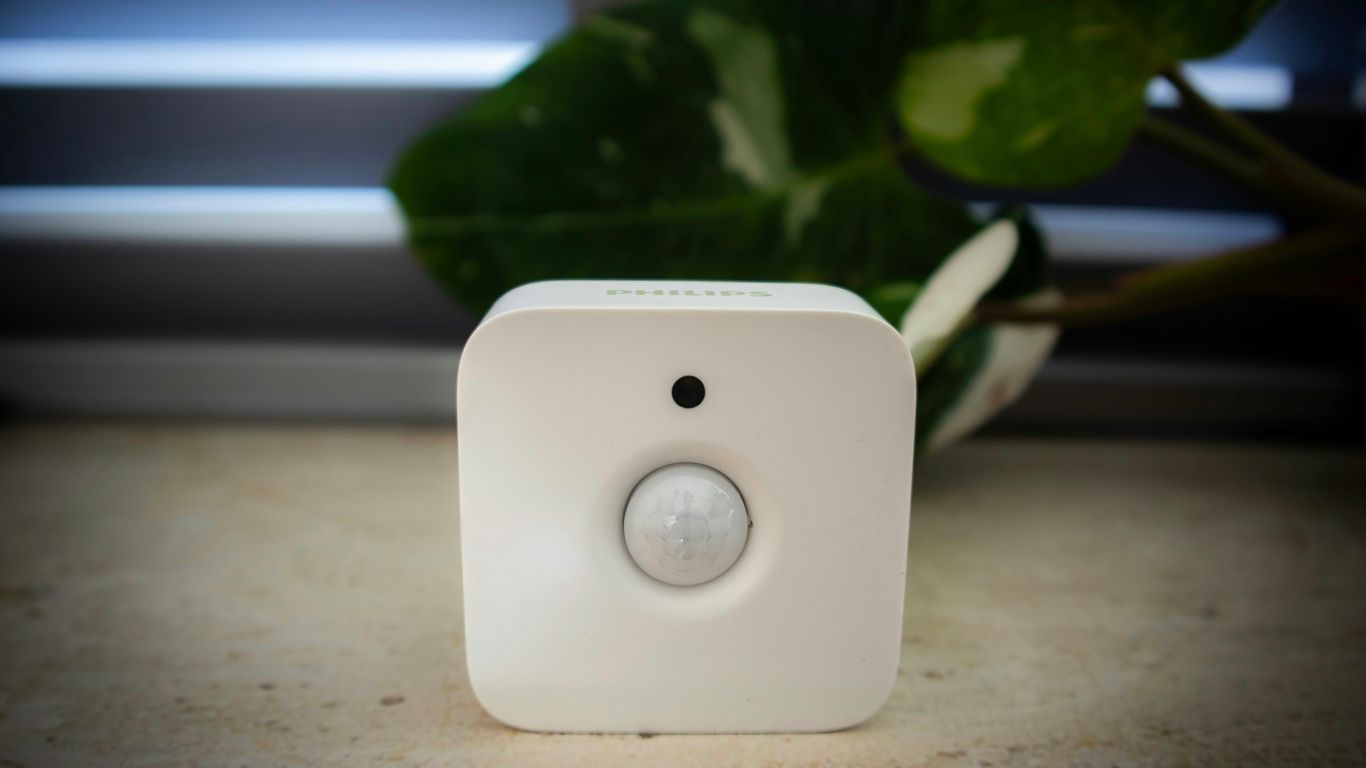
Okay, so you’ve probably seen those little white boxes that stick to your doors and windows. Those are contact sensors, and they’re pretty basic. But what if one little gadget could do more? That’s where multipurpose sensors come in.
These clever devices can track a lot more than just whether a door is open or closed. Think about it: a single sensor could potentially monitor temperature, humidity, light levels, and even motion, all at once. This means you can get a much richer picture of what’s happening in your home without cluttering it up with a bunch of individual sensors.
Why would you want all this info? Well, it opens up some cool automation possibilities:
- Climate Control: Imagine your smart thermostat automatically adjusting the temperature if a multipurpose sensor detects a sudden drop in heat near a drafty window. Or, if the humidity spikes in the bathroom after a shower, a fan could kick on.
- Energy Savings: You could set up rules to turn off lights in a room if the sensor detects enough natural light coming in, or if no motion is detected for a certain period.
- Safety Alerts: Beyond just knowing if a door is open, a sensor could alert you if the temperature in your basement drops too low, potentially preventing frozen pipes, or if it detects unusual motion when you’re away.
Some of these sensors even have features like cellular backup or power outage protection, so they keep working even if your Wi-Fi goes down or the power flickers. It’s like having a tiny, vigilant guardian for different aspects of your home, all rolled into one.
Wrapping It Up
So, there you have it. We’ve looked at a bunch of cool smart home ideas that people are actually using and talking about online. It’s pretty clear that making your home a bit smarter doesn’t have to be super complicated or cost a fortune. Whether you’re just starting out with a smart plug or going all-in on a security system, there are tons of options out there. The best part is seeing how these little tech upgrades can make everyday life just a little bit easier and maybe even more fun. Keep exploring, and happy smart-homing!
Frequently Asked Questions
What are the best smart home security systems?
Based on reviews and testing, some top smart home security systems include Abode, SimpliSafe, and Vivint. Others like ADT, Arlo, and Ring are also highly rated and worth considering for protecting your home and family.
Can I install a smart home security system myself?
Yes, many smart home security systems are designed for easy DIY installation. You can set them up yourself without needing professional help, which can save you money.
Do smart home security systems work with other devices?
Absolutely! A big plus of smart home security is compatibility. Many systems can connect with other smart gadgets like lights and thermostats, making your whole home work together smoothly.
What is professional home monitoring?
Professional home monitoring means a security company watches over your system 24/7. If an alarm goes off, they can contact you or emergency services to help out.
How do I manage visitors with a smart home system?
Smart home systems offer great ways to manage visitors. You can often use smart locks and cameras to see who’s at the door and grant access remotely through an app, even when you’re not home.
What are multipurpose sensors used for?
Multipurpose sensors are handy little devices that can do more than one thing. They can detect things like motion, temperature changes, or if a door or window is opened, adding extra layers of security and awareness to your home.