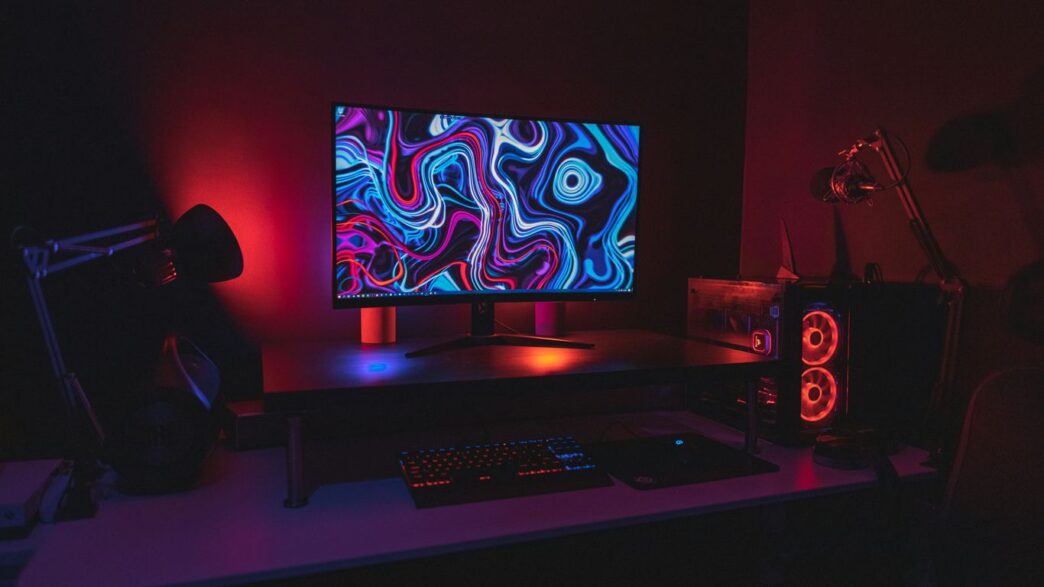
Building a solid gaming PC for under $1000 in 2026 is a bit of a challenge, honestly. Prices for parts like graphics cards, RAM, and storage have really shot up. It’s not quite as easy as it was a few months ago. But hey, that doesn’t mean you can’t get a good machine! You might need to stretch your budget a tiny bit, but with the right choices, you can still put together a gaming rig that handles most new games pretty well. This guide is all about getting you the best bang for your buck.
Key Takeaways
- Building a gaming PC under $1000 in 2026 is tougher due to rising component prices, especially for GPUs.
- While prices are up, a budget of around $1000 can still get you a capable gaming PC for 1080p gaming at high settings.
- This build focuses on a balance of performance and value, using parts like the AMD Ryzen 7 5800XT and RTX 5060.
- Fast loading times are a given with the 1TB NVMe SSD included in this setup.
- The chosen components offer good performance for modern games, but some AAA titles might require minor setting adjustments for optimal frame rates.
1. Asus Dual GeForce Rtx 5060 8Gb Gddr7 Oc Edition
Alright, let’s talk graphics cards. For our sub-$1000 build in 2026, we’re looking at the Asus Dual GeForce RTX 5060 with 8GB of GDDR7 memory. This card really hits that sweet spot for gamers who want modern features without breaking the bank. It’s a solid choice for 1080p gaming and even dips its toes into 1440p with a little help.
What makes the RTX 5060 stand out is its support for technologies like DLSS and Frame Generation. These can seriously boost your frame rates in games that support them, sometimes by a huge margin. Ray tracing is also on the table, offering some nice visual upgrades in games that use it well, though don’t expect miracles at the highest settings. The 8GB of GDDR7 VRAM is pretty decent for most games at 1080p and even some at 1440p. If you’re aiming for super high resolutions, you’d need to look elsewhere, but for this budget, it’s a smart pick.
Here’s a quick rundown of what you can expect:
- Resolution Sweet Spot: Primarily targets 1080p gaming with high frame rates, but capable of 1440p with settings adjustments.
- Key Technologies: Supports DLSS and Frame Generation for significant performance uplifts.
- Cooling: The dual-fan design from Asus is generally good at keeping temperatures in check without getting too loud.
- Power Efficiency: It’s more power-efficient than older cards in a similar price bracket.
When you’re looking at graphics cards, it’s easy to get lost in all the specs. But for a build like this, the RTX 5060 offers a great balance of performance, features, and price. It’s a card that will keep you gaming well into the future, especially if you’re playing at 1080p. You can often find good deals on cards like this, for example, the ASUS Prime GeForce RTX 4060 Ti 8GB GDDR7 OC Edition is a similar option that sometimes sees price drops.
2. Amd Ryzen 7 5800Xt 8-Core 16-Thread
When building a gaming PC under $1000 in 2026, the CPU choice is super important. We’ve landed on the AMD Ryzen 7 5800XT, and honestly, it’s a solid pick. This chip packs 8 cores and 16 threads, which is plenty for pretty much any game you throw at it right now. Plus, it means your PC won’t feel sluggish if you’re trying to stream or have a bunch of stuff running in the background while you game.
What’s really cool about this CPU is its 3D V-Cache technology. It gives it a massive L3 cache – 96MB total, with 64MB of that being the special 3D V-Cache. This really helps speed up games that can take advantage of it, making everything feel smoother. It’s a smart way to get high-end gaming performance without breaking the bank, especially since the AM4 platform is so mature and affordable.
Here’s a quick look at what the Ryzen 7 5800XT brings:
- Cores: 8
- Threads: 16
- Max Boost Speed: Up to 4.5GHz
- L3 Cache: 96MB (including 64MB 3D V-Cache)
- TDP: 105W
While there are newer CPUs out there, the 5800XT on the AM4 platform offers a fantastic balance of performance and value for a sub-$1000 build. It’s a reliable workhorse that won’t hold back your GPU.
3. Corsair Vengeance Lpx Ddr4 Ram 16Gb 3600Mhz
When building a PC, especially one aiming for top performance without breaking the bank, RAM is a component you can’t overlook. For our sub-$1000 build in 2026, we’re going with the Corsair Vengeance LPX DDR4 RAM, specifically a 16GB kit running at 3600MHz. This speed is a really good match for AMD Ryzen processors, as they tend to perform better with faster memory. It’s like giving your CPU a clearer path to access data, which can make a noticeable difference in games and other demanding tasks.
This kit comes as a dual-channel setup (likely 2x8GB sticks), which is important for getting the most out of modern CPUs. While 32GB is becoming more common, 16GB is still perfectly fine for most games right now, and it helps keep the cost down. Plus, the Vengeance LPX series is known for its low-profile design. This is a big deal because it means you won’t have any clearance issues with your CPU cooler, especially if you’re using an AIO like the one we’ve picked out. The timings on this RAM are CL18, which is a solid balance between speed and cost. You could go for tighter timings, but the real-world performance gain for gaming is usually pretty small, and the price jump isn’t always worth it. If you’re looking for RAM that offers a good mix of performance and looks, you might want to check out the Corsair Vengeance RGB Pro line, though for this build, the LPX keeps things streamlined and budget-friendly.
4. Msi Pro B550M-Vc Wifi Proseries
When building a PC, the motherboard is like the central nervous system, connecting everything. For our sub-$1000 build, the MSI PRO B550M-VC WIFI is a solid choice. It packs in the features you actually need for gaming without costing an arm and a leg.
One of the best things about this board is the built-in Wi-Fi. This is super handy if you can’t run an Ethernet cable to your gaming spot. No need to buy a separate Wi-Fi card, which saves both money and a bit of hassle.
This board also supports PCIe 4.0. That means your graphics card and your fast NVMe SSD will run at their full speed, which is important so nothing holds your system back. It’s got enough USB ports for your accessories and good power delivery for the CPU, so things should run smoothly.
Here’s a quick look at what it offers:
- Built-in Wi-Fi: No extra adapter needed.
- PCIe 4.0 Support: For faster graphics and storage.
- Reliable Power Delivery: Keeps the CPU happy.
- Good Connectivity: Plenty of ports for your needs.
It’s a no-nonsense board that gets the job done, letting you focus on getting the most out of your gaming experience.
5. Kingston Nv3 1Tb M.2 Nvme Ssd
When you’re building a PC, especially one that needs to perform well without breaking the bank, storage speed is a big deal. That’s where the Kingston NV3 1TB M.2 NVMe SSD comes in. This drive offers a great balance of speed and capacity for its price point.
Loading up games and your operating system used to take ages. With NVMe technology, things are way faster. This Kingston drive uses the NVMe interface, which is a huge step up from older SATA SSDs. You’ll notice it right away when you boot up your PC or when games start loading.
Here’s a quick look at what you get:
- Capacity: 1TB – Plenty of room for Windows, your favorite games, and some applications.
- Interface: M.2 NVMe – This means it plugs directly into your motherboard and uses fast PCIe lanes.
- Speed: Up to 6000 MB/s read speeds – This is pretty zippy and helps cut down on load times significantly.
For a gaming rig under $1000, getting a full terabyte of fast storage is a solid win. It means you won’t be constantly juggling game installs or worrying about running out of space too quickly. While there are faster, more expensive drives out there, for the average gamer, the performance jump from a SATA drive to something like this Kingston NV3 is really noticeable and worth it.
6. Cooler Master Mwe Gold 750 V2 750W Psu
When building a PC, especially one that needs to perform well without breaking the bank, the power supply unit (PSU) is often overlooked. But it’s super important. The Cooler Master MWE Gold 750 V2 is a solid choice for our sub-$1000 build.
This 750-watt unit provides more than enough juice for our current components, and importantly, it gives us plenty of room to grow. Think about future upgrades – maybe a more powerful graphics card down the line? With this PSU, you won’t need to swap it out. Plus, it runs efficiently. The 80+ Gold rating means it’s better at converting wall power into usable energy for your PC. This translates to less wasted electricity, lower energy bills, and less heat being thrown around inside your case. Less heat is always a good thing for component longevity.
Here’s why it’s a good fit:
- Efficiency: The 80+ Gold certification means it’s efficient, saving you a bit on electricity costs and generating less heat.
- Headroom: 750W is a good amount of power. It means the PSU isn’t working overtime, which is better for its lifespan, and it leaves space for upgrades.
- Modularity: This is a fully modular PSU. That means you only plug in the cables you actually need. This makes cable management way easier, leading to a cleaner build and better airflow. Seriously, building with modular cables is a game-changer compared to dealing with a mess of unused wires.
- Reliability: Cooler Master has a decent reputation for making reliable power supplies, and this MWE Gold series is generally well-regarded.
7. Nzxt H5 Flow 2024 Compact Atx Mid-Tower Case
When you’re putting together a gaming PC, the case might not seem like the most exciting part, but it’s super important. The NZXT H5 Flow 2024 is a solid choice for our build. It’s a mid-tower ATX case, which means it’s not too big but still has plenty of room to work with. The standout feature here is its airflow design.
This case has a mesh front panel. Think of it like a big intake for cool air. This is way better than cases that just look pretty but choke your components with heat. Keeping things cool is key for performance, especially during long gaming sessions. It also means your parts might last longer.
Here’s a quick look at what makes it work:
- Airflow Focus: The mesh front and strategically placed vents help move air through the case efficiently. This is a big deal for keeping your CPU and GPU from getting too hot.
- Space for Cooling: It can fit a 360mm AIO cooler, which is what we’re using in this build. There’s also room for cable management, which helps with airflow too.
- Build Friendly: NZXT usually makes their cases pretty easy to build in. This one has features that help keep things tidy, making the building process less of a headache, even if you’re new to this.
- Aesthetics: It has a clean, modern look that won’t be an eyesore on your desk. It’s not overly flashy, but it looks good.
While it’s a compact mid-tower, it doesn’t feel cramped. You get good access to components, and it supports standard ATX motherboards, fitting right into our build plan. It’s a practical choice that balances looks with function.
8. Thermalright Fw360 Se Argb V2 360Mm Aio Cooler
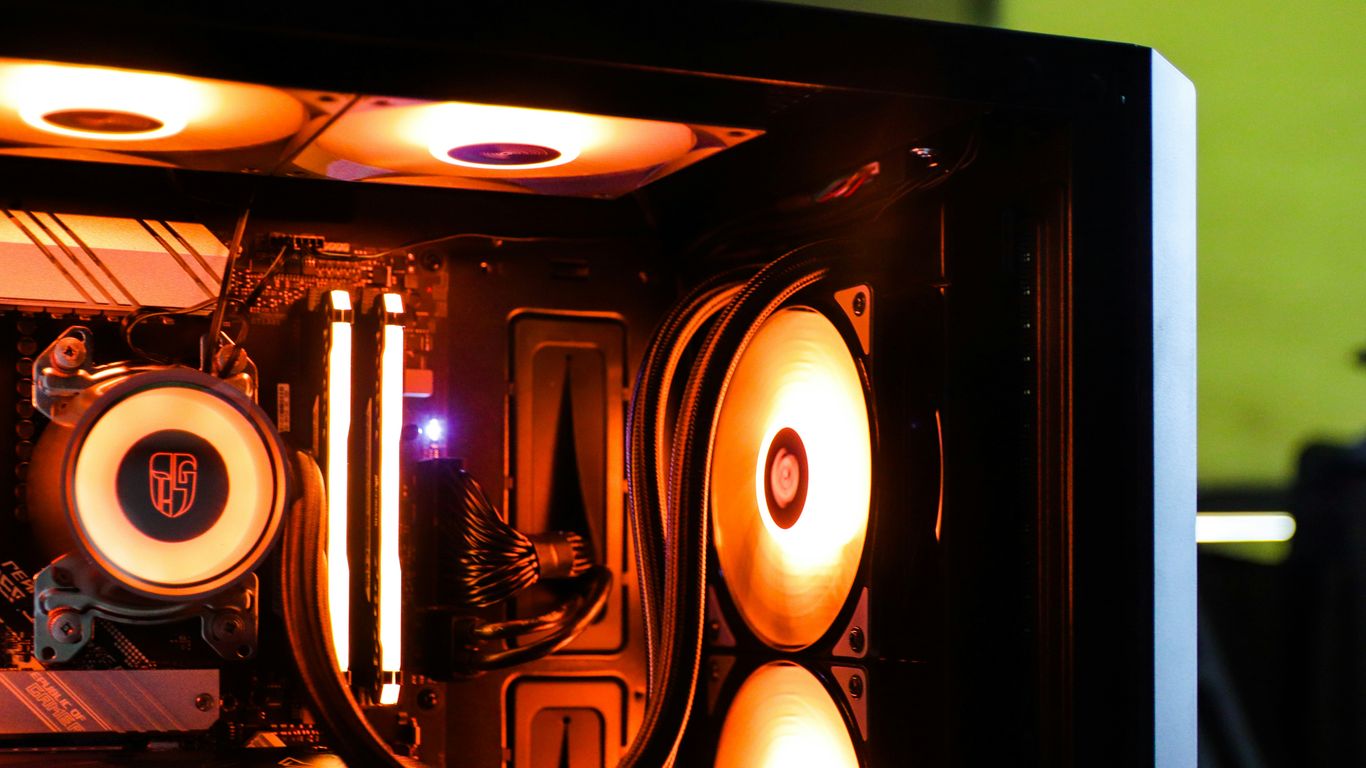
Keeping that AMD Ryzen 7 5800XT cool is pretty important, especially when you’re deep into a gaming marathon. That’s where the Thermalright FW360 SE ARGB V2 comes in. It’s a 360mm All-In-One liquid cooler, which basically means it uses a radiator and fans to move heat away from your CPU.
This cooler is a solid choice because it offers more cooling power than most air coolers you’d find in this price range. A bigger radiator like this one helps the CPU stay at lower temperatures, even when it’s working hard. This can mean better performance over time, as the CPU can keep its boost speeds up for longer. Plus, the fans on these larger radiators often don’t have to spin as fast to get the job done, which can lead to a quieter system. It also has ARGB lighting, so you can add some cool visual flair to your build if that’s your thing. Installation is pretty straightforward for an AIO, though you’ll want to take your time with it.
9. Asiahorse Cosmiq 120Mm Pc Rgb Fans
To really make your build pop, we’re adding some Asiahorse Cosmiq 120mm RGB fans. These aren’t just for looks, though. Good airflow is super important for keeping your components cool, especially during those long gaming sessions. These fans help move air through the NZXT H5 Flow case, working with the 360mm AIO cooler to make sure everything stays at a good temperature. Plus, the RGB lighting adds a nice touch of personality to the whole setup. It’s a simple addition that makes a difference in both performance and style.
Here’s a quick look at what they bring:
- Aesthetic Appeal: Customizable RGB lighting to match your build’s theme.
- Airflow Improvement: Helps to create a consistent flow of air within the case.
- Noise Level: Generally designed to be quiet, so they don’t distract from your game.
- Compatibility: Standard 120mm size fits most cases, including the NZXT H5 Flow.
10. Cyberpowerpc Rtx 5060 Gaming Pc
Look, not everyone wants to spend their weekend wrestling with tiny screws and confusing manuals. That’s where prebuilt PCs like this CyberpowerPC RTX 5060 Gaming PC come into play. It’s a solid option if you’d rather just plug it in and start playing, or if you feel better knowing there’s a warranty on the whole thing. While it might not offer the absolute best bang for your buck compared to a custom-built rig, it still packs a punch for its price point.
This machine aims to get you into gaming without the hassle. It’s designed to hit that sub-$1000 mark while still giving you a decent experience, especially at 1080p. It’s a good way to get a capable gaming machine without needing to be a PC building expert.
Here’s a quick look at what you’re generally getting with a CyberpowerPC like this:
- Graphics Card: NVIDIA GeForce RTX 5060 (8GB GDDR7) – Good for 1080p gaming, handles modern titles with features like DLSS.
- Processor: Often an Intel Core i5 (like the 13400F) or a comparable AMD Ryzen chip – Provides enough power for gaming and everyday tasks.
- Memory: Typically 16GB of DDR5 RAM – Sufficient for most games currently, though 32GB is becoming the new standard.
- Storage: Usually a 1TB NVMe SSD – Offers fast load times for your operating system and favorite games.
While this prebuilt is a convenient choice, remember that the components might not be the absolute top-tier versions you’d pick yourself. For instance, the motherboard might be a more basic model, and the RAM speed could be a step down from what’s optimal for the CPU. Still, for someone who wants a straightforward gaming setup, this CyberpowerPC is a reasonable contender.
Wrapping Up Your Budget Build
So, building a solid gaming PC for under a grand in 2026? It’s definitely a challenge, but not impossible. We’ve seen how prices for things like RAM and graphics cards have really jumped up, making it tougher than it was just a few months ago. The build we talked about, with parts like the AMD Ryzen 7 5800XT and the RTX 5060, is a good way to get decent performance for your money. It might push the budget a little depending on sales, but it’s a strong contender for playing most new games at 1080p. Remember, PC parts prices change all the time, so keeping an eye out for deals is key. Even with the higher prices, you can still get a machine that handles today’s games well without breaking the bank.
Frequently Asked Questions
Is it still possible to build a good gaming PC for under $1000 in 2026?
Building a top-notch gaming PC for $1000 is tougher now than it was a few months ago. Prices for parts like graphics cards, memory, and storage have gone up quite a bit. While it’s harder, it’s not impossible! You might need to stretch your budget a little or be very smart about finding deals to get the best bang for your buck.
What kind of games can I play with this $1000 build?
This PC build is designed to handle most of today’s popular games, even the really big ones, at good settings. You can expect smooth gameplay at 1080p resolution, and it can even handle some games at 1440p if you adjust the graphics settings a bit. It’s a solid machine for playing all sorts of games without major issues.
Why have PC part prices increased so much?
Several things are causing prices to go up. Graphics card prices are high because lots of people want them for gaming and also for AI work, which uses similar computer chips. Memory and storage prices have also increased. Plus, sometimes there aren’t enough parts available because of how they are made and shipped, making them more expensive.
Is it better to build a PC myself or buy a pre-built one for under $1000?
Building your own PC usually gives you more control over the parts and often better value for your money. However, pre-built PCs like the CyberPowerPC mentioned can be a good option if you prefer not to build it yourself or want the convenience of a warranty. While the pre-built might not offer the same level of value as a custom build, it’s still a capable machine.
Can I upgrade this PC later if I want more power?
Absolutely! This build is set up so you can upgrade parts later on. For example, you can easily swap out the graphics card for a more powerful one or even upgrade the processor to a newer model without needing to replace the whole motherboard. This makes it a good starting point for a PC that can grow with your needs.
What does ‘overclocking’ mean for this PC build?
Overclocking means making your computer’s parts run faster than their normal speed. Some parts in this build, like the processor, are ‘unlocked,’ meaning they can be safely pushed a bit harder to get more performance. You might also need to enable a setting called XMP in the computer’s basic settings (BIOS) to make sure your RAM runs at its fastest speed.