Understanding The Robot’s Anatomy
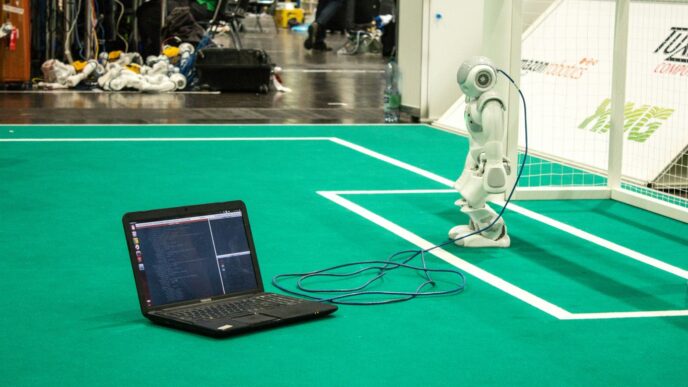
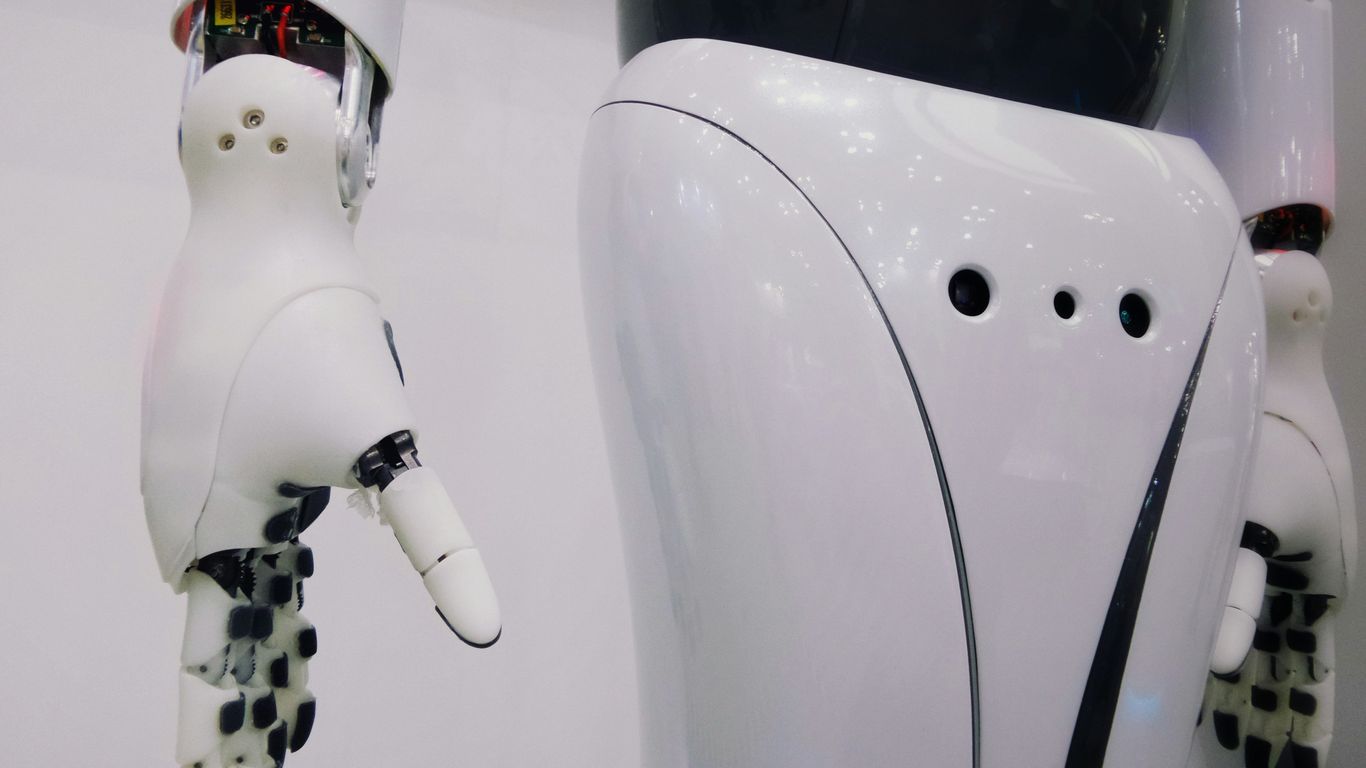
When we think about robots, it’s easy to imagine them as these complex, almost magical machines. But really, they’re built from some pretty straightforward parts that work together. Think of it like building with really advanced LEGOs. At the heart of any robot’s movement are its joints and actuators. The actuators, often motors, are what make things move, and the joints are where these movements happen, allowing different parts of the robot to bend or rotate relative to each other. These connections are what give a robot its form and its ability to interact with the physical world.
Then you have the robot’s links. These are the rigid pieces – think arms, legs, or even just sections of a manipulator – that are connected by those joints. They’re the structural elements that the actuators move. The length and shape of these links, along with how they’re connected, define the robot’s reach and workspace.
Finally, at the very end of a robot’s arm or manipulator, you’ll find the end effector. This is the part that actually does the work. It could be a gripper for picking things up, a welding tool, a camera, or anything else designed for a specific task. It’s the robot’s hand, its tool, its way of touching and changing the world around it.
Here’s a quick breakdown:
- Joints & Actuators: The ‘muscles’ and ‘hinges’ that enable movement.
- Links: The ‘bones’ or rigid structures connecting the joints.
- End Effector: The ‘tool’ or ‘hand’ that interacts with the environment.
Perceiving The World: Robot Sensors
Robots aren’t just dumb machines following orders; they need to understand what’s going on around them. That’s where sensors come in. Think of them as the robot’s eyes, ears, and even its sense of touch. Without them, a robot would be bumping into walls and generally flailing around.
Sensors as the Robot’s Eyes and Ears
Basically, sensors are devices that detect and respond to some type of input from the physical environment. This input could be light, heat, motion, moisture, pressure, or pretty much anything else. The robot’s controller then takes this raw data and figures out what it means. It’s how a robot knows if it’s near an object, if something is moving, or even what color something is. This information is super important for making decisions about what to do next.
Types of Sensors for Environmental Awareness
Robots use a whole bunch of different sensors, depending on what they need to do. Here are a few common ones:
- Cameras (Vision Sensors): These are like the robot’s eyes. They can see shapes, colors, and even read text. Advanced cameras can also detect depth, helping the robot understand how far away things are.
- LiDAR (Light Detection and Ranging): This uses lasers to measure distances and create a 3D map of the surroundings. It’s great for robots that need to navigate complex spaces, like self-driving cars or warehouse robots.
- Infrared (IR) Sensors: These detect heat. They can be used to find warm objects or to sense proximity by detecting reflected infrared light.
- Ultrasonic Sensors: These use sound waves to measure distance. They send out a sound pulse and measure how long it takes for the echo to return, giving the robot a sense of how close objects are.
- Tactile Sensors: These are like a robot’s sense of touch. They can detect pressure and texture, which is useful for robots that need to handle delicate objects.
Integrating Sensor Data for Decision Making
Just having sensors isn’t enough. The real magic happens when the robot’s brain (the controller) takes all the information from these different sensors and puts it together. This process is called sensor fusion. For example, a robot might use its camera to see a wall and its ultrasonic sensor to gauge the distance. By combining this data, it can decide to slow down and turn before it gets too close. It’s a bit like how we use our eyes and ears together to understand our surroundings. The more sensors a robot has and the better it can combine their data, the smarter and more capable it becomes.
The Robot’s Central Nervous System
When you look at a robot doing its thing, it can seem almost magical. But really, what’s running the show is a combination of hardware and software that work together to process info and get things moving. It’s like the nervous system in our own bodies: picking up signals, figuring out what those signals mean, and then making something happen. Let’s break it down.
The Controller: The Robot’s Brain
- The controller is where all decisions get made. It’s the main hub that ties everything together—sort of like the conductor for the orchestra that is a robot.
- It takes in data from sensors, runs that through some code (which you or someone else writes), and sends out the right commands to the mechanical parts.
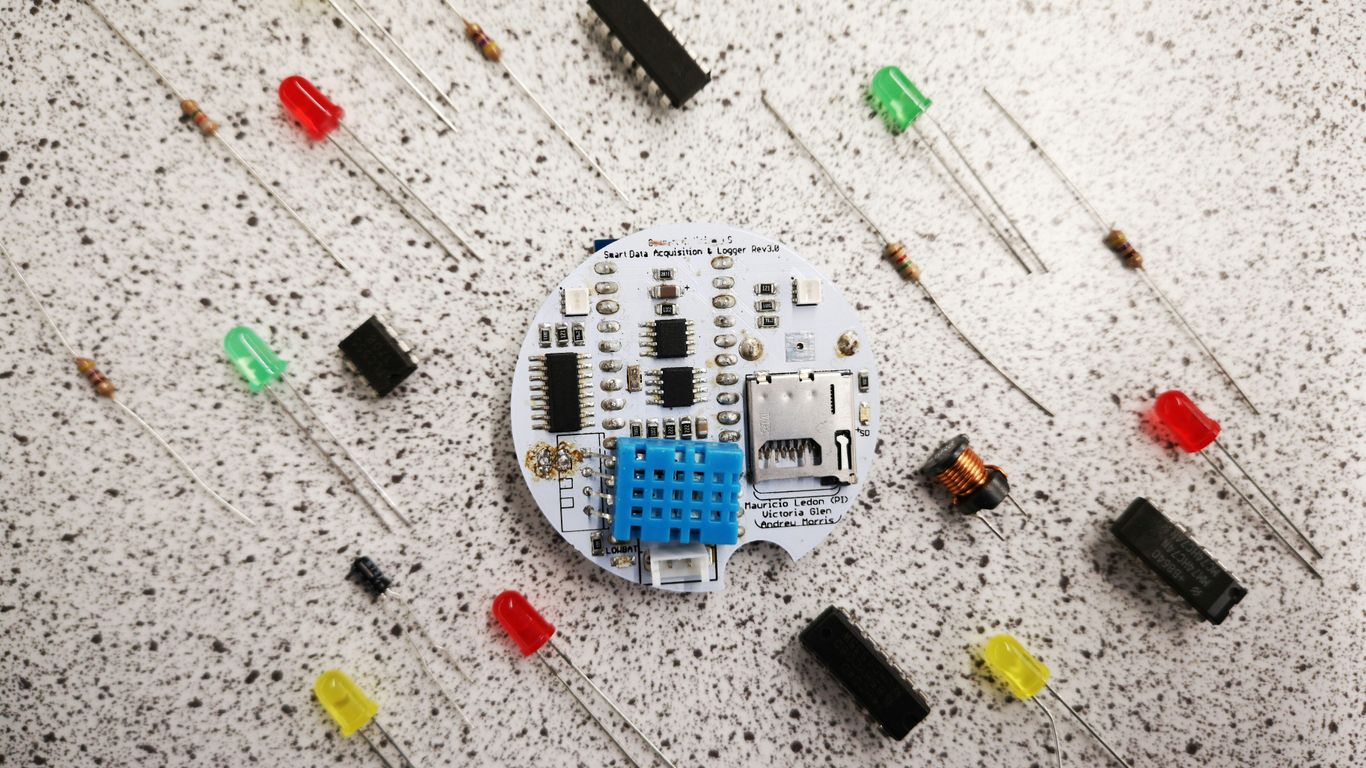
- Think of it as the robot’s brain, quietly keeping track of what needs to happen next. Microcontrollers and single-board computers (like Raspberry Pi or Jetson boards) are common here, with more complex robots often featuring more powerful boards.
| Controller Type | Typical Use Case |
|---|---|
| Microcontroller | Simple robots |
| Single-board computer | Advanced robots |
| PLC (Programmable Logic Controller) | Industrial robotics |
Processing Sensor Input
- Robots are always gathering info about what’s happening around them: “Is someone talking to me?” “Did my arm bump into something?”
- Processing means the raw data from the sensors doesn’t just sit there; it’s sorted, cleaned up, and understood by the controller. This can be simple (like, "Did I bump into a wall?") or tricky (like, “Is that object in front of me a cup or a book?”).
- The cleaner the data is, the better the decisions the robot can make. Sometimes, the process involves:
- Filtering out noise (random signals that don’t matter)
- Combining information from different sensors
- Running calculations or even a bit of AI to make sense of it
Commanding Actuators for Movement
- Once the brain has processed all the info and made a call, it sends out electrical signals to the actuators (motors, servos, etc.), telling them how to move.
- There’s a loop here: the robot senses, thinks, then reacts by moving, and then senses again to see what happened next.
- Some steps in commanding movement:
- Turning software commands into actual voltage/current to drive motors
- Making sure two or more actuators work together (for example, arms and hands)
- Continuously updating actions based on new info from the environment
In real life, when your robot is clumsily reaching for a cup and changes direction at the last second, that’s this whole system—controller, sensors, and actuators—working in real time. Not magic, just a whole lot of wires and code coordinating together.
Enabling Motion: Mechanical Components
Robots don’t just magically move; there’s a whole lot of mechanical wizardry going on behind the scenes. Think of it like a car – you’ve got the engine, the transmission, the wheels, all working together. Robots are similar, but often way more complex.
Motors and Their Role in Robot Movement
At the heart of any robot’s motion are its motors. These are the workhorses that convert electrical energy into rotational force. Without motors, a robot would just be a static sculpture. Different types of motors exist, each suited for specific tasks. For instance, DC motors are common for general movement, while servo motors offer precise control over angle, which is handy for robotic arms that need to position themselves just right. The power and speed of these motors directly impact how quickly and forcefully a robot can move.
Gears, Shafts, and Power Transmission
Motors rarely connect directly to wheels or joints. That’s where gears and shafts come in. Gears are like the transmission in a car, allowing the robot to change the speed and torque (rotational force) coming from the motor. A small gear driving a larger gear will slow down the rotation but increase the force, which is great for lifting heavy things. Shafts, often called axles, are the rods that connect these gears, motors, and the parts they move, like wheels or robotic fingers. The way these components are arranged dictates how power is transferred and how the robot’s movements are coordinated.
Chassis and Structural Integrity
All these moving parts need a solid frame to hold them together. This is the chassis, the robot’s skeleton. It needs to be strong enough to support the weight of all the components and withstand the stresses of movement, especially if the robot is going to be bumping around or carrying things. Materials can range from simple plastic and aluminum to more robust metals, depending on the robot’s intended use. A well-designed chassis ensures that the robot stays stable and doesn’t fall apart during operation. Think of it as the foundation – if it’s shaky, nothing else will work right.
Intelligence and Decision Making
Programming Robot Behavior
So, how do we get a robot to actually do things? It’s not magic, it’s programming. At its simplest, you can give a robot a list of commands, like "move arm to position X, then grab object Y." This is like giving it a recipe to follow. But robots are getting smarter, and we need ways to tell them what to do that are more flexible than just a rigid list of steps. We want them to figure things out a bit on their own.
Policies: Guiding Robot Actions
Think of a "policy" as the robot’s decision-making guide. It’s basically a set of rules or a function that tells the robot what action to take based on what it’s sensing right now. For example, a robot vacuum’s policy might be: if it sees dirt, go towards it; if it bumps into a wall, turn left. It’s a way to map the robot’s current situation to the best next move. These policies can get pretty complex, especially when the robot needs to handle lots of different situations.
AI and Machine Learning Integration
This is where things get really interesting. Artificial Intelligence (AI) and Machine Learning (ML) are what allow robots to learn and adapt. Instead of us programming every single possible scenario, we can use ML to train robots. This training involves showing the robot lots of examples – what worked well, what didn’t – and it adjusts its policy to get better over time. It’s like teaching a kid by showing them how to do something and giving feedback. The goal is for the robot to get good enough to make smart decisions on its own, even in situations it hasn’t seen before. This is a big step towards robots that can handle the messy, unpredictable real world.
Interaction and Communication
So, how does a robot actually talk to us, or even understand what we’re saying? It’s all about interaction and communication, and it’s getting pretty wild.
Voice Recognition and Natural Language Processing
Think about talking to your smart speaker at home. Robots are getting similar abilities. They can use microphones to pick up your voice, even if you’re not right next to them. Then, they use something called Natural Language Processing (NLP) to figure out what you mean. It’s not just about hearing words; it’s about understanding the intent behind them. This allows for commands like ‘pick up that red block’ or questions like ‘what’s the temperature?’ to be processed. This tech is still getting better, but it’s already pretty impressive how well some robots can follow spoken instructions.
Multimodal Interaction Capabilities
But what if you want to do more than just talk? Multimodal interaction means the robot can use different ways to communicate and understand. This could involve looking at what you’re pointing at, reading text you type, or even understanding gestures. Imagine a robot that can see you’re frustrated (maybe through your facial expression, though that’s advanced!) and adjust its actions. It can also handle interruptions – if you suddenly need to tell it to stop, it can process that mid-task. This makes interacting with robots feel a lot more natural, like talking to another person.
Human-Robot Collaboration
This is where things get really interesting for workplaces and even homes. Instead of robots just doing tasks alone, they can work with people. This means a robot might handle the heavy lifting or repetitive parts of a job, while a human does the fine-tuning or complex decision-making. For this to work, the robot needs to be predictable and safe, and humans need to be able to guide and correct the robot easily. It’s about building a team where both humans and robots play to their strengths. This kind of collaboration can make tasks faster and safer, and it’s a big part of the future of how we’ll use robots.
Wrapping It Up
So, we’ve taken a look at what makes a robot tick. It’s not just one thing, right? You’ve got the parts that move, like the joints and motors, the bits that hold it all together, and then the stuff that lets it ‘see’ and ‘hear’ the world. All of that is hooked up to a brain, the controller, that makes the decisions. It’s pretty wild when you think about how all these pieces have to work together just right for a robot to do its job. Whether it’s a simple task or something super complex, it all comes down to these core components playing their part. It’s a whole system, and understanding these basics is the first step to really getting what robots are all about.