So, you want to buy a gaming PC, huh? It’s a big step, and honestly, it can feel like a lot. There are tons of options out there, and the tech talk can get pretty confusing pretty fast. Whether you’re just looking to play some casual games or you’re aiming to be the next big streamer, figuring out what kind of machine you actually need is the first hurdle. This guide is here to break it all down, making it simpler to find the right gaming PC without all the headache.
Key Takeaways
- Figure out what kind of games you play and how seriously you play them to know what specs you need. Casual gamers might not need the most powerful setup, while those playing the latest big games will.
- Set a clear budget before you start looking. Gaming PCs can range from a few hundred dollars to several thousand, so knowing your limit helps narrow down your choices.
- When you buy a gaming PC, the graphics card (GPU) is super important for how good games look and run. The processor (CPU) and RAM also play big roles in how fast everything works.
- Prebuilt gaming PCs are often the easiest way to get a good machine. They come put together by pros, saving you time and hassle, and usually come with a single warranty.
- Always check out what other people say about a vendor and the PCs they sell. Reading reviews and looking at performance tests can tell you a lot about reliability and customer service.
Understanding Your Gaming Needs
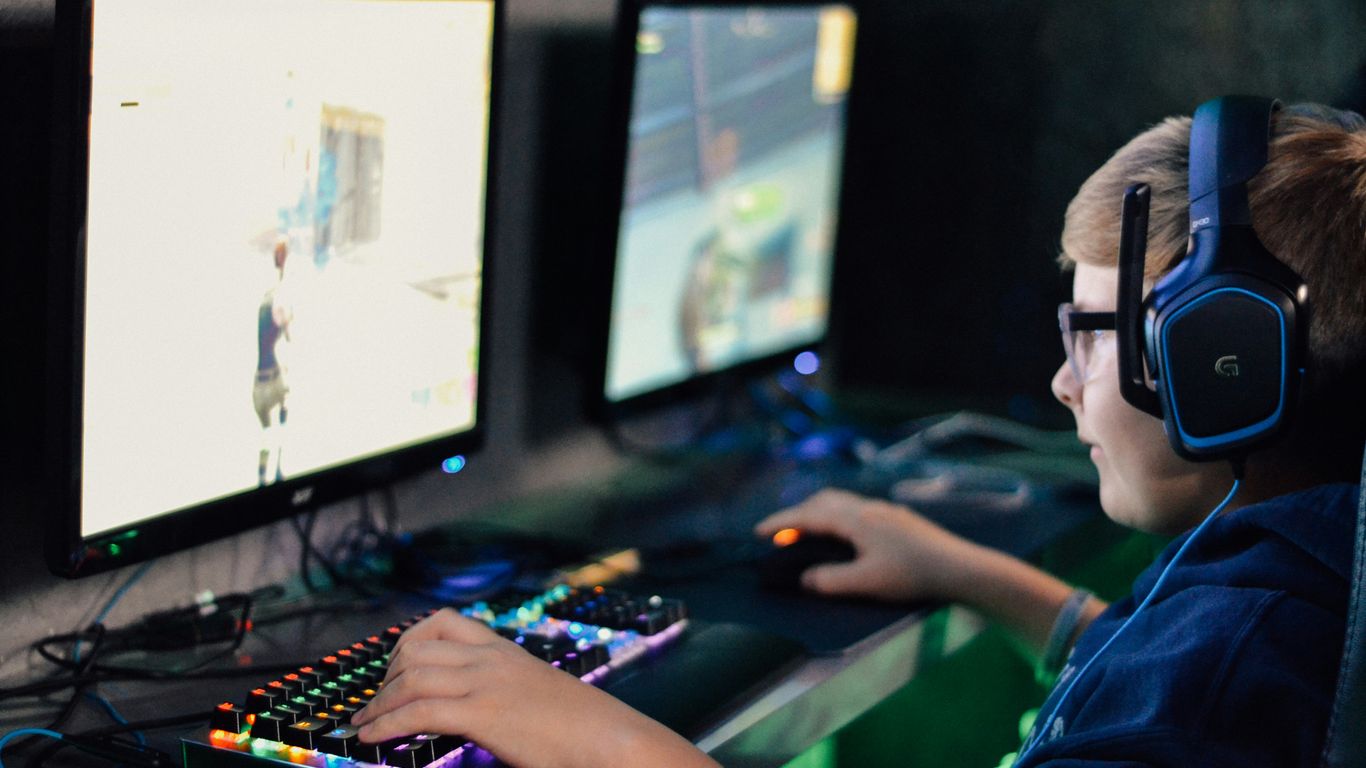
Alright, so you’re looking to get a gaming PC. That’s awesome! But before you start clicking around and looking at shiny boxes, we gotta figure out what you actually need. It’s not a one-size-fits-all deal, you know? What works for your buddy who plays esports all day might be total overkill for you, or vice versa.
Casual Versus Hardcore Gaming
Think about how you play. Are you someone who hops on for a quick match of something chill after work, maybe an indie game or an older favorite? If that sounds like you, you probably don’t need the absolute top-of-the-line gear. A solid, but not crazy expensive, PC will handle those kinds of games just fine. You’ll still get a good experience without breaking the bank.
On the flip side, if you’re all about diving into the latest AAA blockbusters with all the graphics cranked up, or maybe you’re into virtual reality, then yeah, you’re going to need some serious horsepower. We’re talking about a machine that can keep up with those demanding titles without stuttering or making things look like a slideshow. This is where investing in a more powerful rig really pays off.
Matching Specs to Game Genres
Different games like different things from your computer. It’s kind of like how different cars are built for different purposes.
- Fast-Paced Shooters (FPS): These games need quick reactions. You want a processor and graphics card that can push out high frame rates and keep input lag super low. Every millisecond counts when you’re trying to get that headshot.
- Big Open-World RPGs: These games often have massive worlds to explore, tons of characters, and lots of little details. They tend to need more RAM to keep everything loaded smoothly and plenty of storage space for all the game files and any mods you might add.
- Strategy Games (RTS/Grand Strategy): These can be CPU-intensive, especially when you’ve got hundreds of units on screen. A good balance between your processor and graphics card is key here, along with enough memory to handle complex simulations.
- Simulation Games: Think flight sims or complex city builders. These can also be very demanding on the CPU and require a good amount of RAM to run smoothly.
Determining Your Desired Resolution
What kind of picture quality are you aiming for? This is a big one that directly impacts how powerful your graphics card needs to be.
- 1080p (Full HD): This is the standard for many gamers. It’s a good balance between visual quality and performance, and most mid-range PCs can handle this resolution well for a lot of games.
- 1440p (QHD): Stepping up from 1080p, you get a sharper image. Games will look noticeably better, but it requires a more powerful graphics card to maintain smooth frame rates.
- 4K (UHD): This is the highest common resolution for gaming right now. It looks absolutely stunning, but it’s incredibly demanding. You’ll need a high-end graphics card, and even then, you might have to make some compromises in settings for the smoothest experience.
So, before you even look at specific models, take a moment to think about what you’ll be playing and how you want it to look. It’ll make the rest of the process way easier.
Setting Your Gaming PC Budget
Alright, let’s talk about the big one: money. Figuring out how much you can spend on a gaming PC is probably the most important first step. It’s not just about picking the cheapest option; it’s about finding the sweet spot where your budget meets your gaming desires. You don’t want to end up with a rig that can barely run Solitaire, but you also don’t need to take out a second mortgage for a machine that plays games from 2010. We’ve broken it down into a few common price ranges to give you a clearer picture.
Entry-Level Gaming PC Options
If you’re just dipping your toes into PC gaming or mostly play less demanding titles like indie games, older classics, or esports favorites such as League of Legends or Valorant, an entry-level machine is your friend. You’re typically looking at a budget between $500 and $800. These PCs will get the job done, but don’t expect to max out settings on the latest AAA blockbusters. Think of it as a solid starting point that lets you enjoy PC gaming without breaking the bank. You’ll likely be playing games at 1080p resolution with medium to low graphics settings, which is still perfectly playable and fun.
Mid-Range Gaming PC Value
This is where a lot of gamers find their happy place. For around $800 to $1,500, you can get a PC that offers a fantastic balance of performance and price. These rigs are usually capable of running most modern games at 1080p with high settings, and many can even handle 1440p gaming at respectable frame rates. If you want to play the newest games without constantly worrying about turning down the graphics, this is likely the tier for you. It’s a great investment for a few years of solid gaming.
High-End Gaming PC Investments
Now we’re talking serious power. If you’re aiming for the absolute best experience, want to play games at 1440p or even 4K resolutions with all the bells and whistles turned on, or you’re into demanding tasks like streaming and content creation, you’ll be looking at spending $1,500 and up. These machines are built with top-tier components designed for maximum performance and longevity. They’re not just for playing games; they’re for experiencing them at their absolute best and future-proofing your setup for years to come. Think of it as an investment in premium performance and bragging rights.
Key Components for Your Gaming PC
Alright, let’s talk about what actually makes a gaming PC tick. It’s not just some magic box; it’s a collection of parts that work together. Picking the right ones can feel like a puzzle, but once you get it, you’ll know what to look for.
Processor Power: AMD Versus Intel
This is basically the brain of your computer. Both AMD and Intel make good processors, and honestly, for most gaming, you’re going to be happy with either. AMD’s Ryzen chips and Intel’s Core processors are the main players. When you’re looking, you’ll see numbers like "cores" and "clock speed." More cores generally mean it can handle more tasks at once, which is nice if you’re doing stuff in the background while gaming. A faster clock speed means it can process instructions quicker. For gaming, a good balance is usually what you want.
Graphics Card: The Heart of Your Rig
If the processor is the brain, the graphics card (GPU) is like the eyes and artistic talent. This is probably the most important part for gaming performance. Games look good and run smoothly because of the GPU. NVIDIA’s GeForce cards and AMD’s Radeon cards are the big names here. You’ll see different models with different amounts of VRAM (video memory). More VRAM is better for higher resolutions and more detailed textures. Don’t skimp on the GPU if you want good graphics.
RAM and Storage Considerations
RAM, or random access memory, is like your computer’s short-term memory. It’s where the games load up the stuff they need quick access to. For basic gaming, 8GB used to be okay, but these days, 16GB is pretty much the standard for a smooth experience. If you multitask a lot or play really demanding games, you might even consider 32GB.
Storage is where your games and operating system live. You’ve got two main types: SSDs (Solid State Drives) and HDDs (Hard Disk Drives). SSDs are way faster. They make your computer boot up quicker and load games much faster. HDDs are slower but cheaper and offer more space. A lot of people go for a smaller SSD for the operating system and frequently played games, and then a larger HDD for everything else. Getting at least a 500GB SSD is a good starting point.
The Advantages of Prebuilt Gaming PCs
Okay, so you’re looking for a gaming PC, and maybe the idea of building one yourself feels a bit… much. That’s totally understandable. Building a PC can be a real headache, like trying to assemble IKEA furniture without the instructions, but with tiny screws and a risk of electrocution. That’s where prebuilt gaming PCs come in. They’re basically the ready-to-go solution for getting into PC gaming without all the fuss.
Convenience and Professional Assembly
Think about it: you order a prebuilt PC, it shows up at your door, you plug it in, and boom – you’re gaming. No hunting for individual parts, no worrying if you plugged the right cable into the right slot (seriously, that’s a thing). These machines are put together by people who do this for a living. They know how to manage all those messy cables inside the case so they don’t block airflow, and they make sure everything is seated correctly. It’s like getting a professionally catered meal instead of trying to cook a five-course dinner for the first time.
- Ready to play right out of the box. Just connect your monitor and peripherals.
- Neat internal build. Good cable management helps keep things cool.
- No compatibility headaches. The manufacturer already made sure all the parts work together.
Access to Latest Hardware
Sometimes, getting your hands on the newest graphics cards can feel like trying to snag concert tickets on a bad day. They sell out fast, and prices can get wild. Prebuilt PC companies often buy components in bulk, which can sometimes give them an edge in securing stock. This means you might actually be able to get a system with that hot new GPU you’ve been eyeing, even when individual parts are scarce. It’s a way to jump into the latest games without waiting months for hardware to become available.
Unified Warranties and Support
This is a big one. When you build your own PC, and something goes wrong, you have to figure out which component failed. Then you have to contact that specific manufacturer for a replacement, which can be a whole process. With a prebuilt, you have one company to call. If your graphics card fries or your power supply gives up the ghost, you contact the PC vendor. They handle the troubleshooting and the warranty claim. It simplifies things a lot and gives you peace of mind, knowing there’s a single point of contact if anything goes sideways with your new rig.
Choosing a Trusted Gaming PC Vendor

Alright, so you’ve figured out what kind of gaming PC you need and how much you’re willing to spend. Now comes the part where you actually pick who to buy from. This is a pretty big purchase, so you don’t want to just go with the first name you see. Think of it like picking a mechanic for your car – you want someone reliable, right?
Brand Reputation and Reliability
When you’re looking at different companies, see what people generally say about them. Have they been around for a while? Do they have a history of making solid machines that don’t break down after a few months? Some brands have been in the gaming PC game for years and have built up a name for themselves. They often put their systems through pretty rigorous testing before they ship them out, which is good to know. It’s not just about the flashy lights; it’s about whether the thing will actually work when you plug it in and keep working.
Customer Reviews and Benchmarks
This is where you get the real dirt. Forget the marketing talk for a second and check out what actual users are saying. Look for reviews on independent sites, forums, or even YouTube. Do people mention how fast the PC is in real-world gaming? Are there common complaints about things failing? Benchmarks are also super helpful. These are tests that show how a PC performs in specific games or tasks compared to others. You can often find these on tech review sites. It gives you a more objective idea of what you’re getting for your money.
Here’s a quick look at what to consider:
- User Reviews: Real-world experiences, good and bad.
- Professional Reviews: Expert opinions and standardized tests.
- Benchmarks: Performance data for specific games and applications.
Warranty and Technical Support
Okay, this is a big one. What happens if something does go wrong? A good warranty is your safety net. Look into how long it lasts – a year is pretty standard, but some offer more. Also, check what it covers. Does it cover parts? Labor? What about accidental damage? Beyond the warranty, think about their tech support. Are they easy to reach? Do they have 24/7 support? Can you actually talk to a human who knows what they’re talking about, or are you stuck in an automated phone tree forever? Some companies even offer lifetime labor support, which is pretty sweet if you plan on keeping the PC for a long time and might need help with upgrades down the road.
Aesthetics and Cooling for Your Rig
So, you’ve picked out the brains and the brawn for your new gaming PC. Awesome! But let’s talk about how it looks and, more importantly, how it stays cool under pressure. Because let’s be real, a PC that overheats is about as useful as a screen door on a submarine.
Sleek Designs and Customizable Options
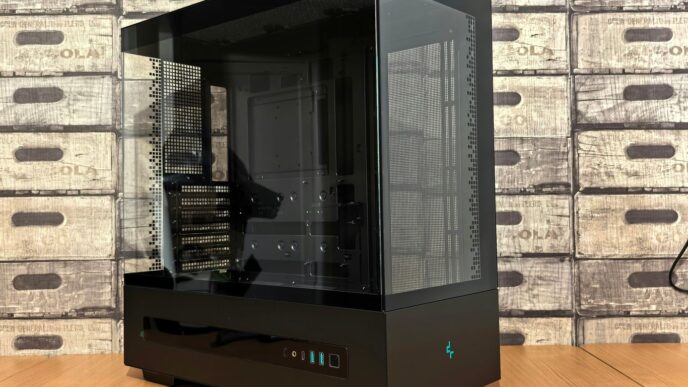
Nobody wants a beige box sitting on their desk anymore, right? Gaming PCs have come a long way. You can find cases in all sorts of styles now, from minimalist and clean to downright aggressive and futuristic. Many come with tempered glass side panels so you can actually see all those fancy components you paid for. And then there’s the RGB lighting. Oh, the RGB lighting. You can get strips, fans, and even RAM that all glow in pretty much any color you can imagine. It’s all about making your rig feel like yours. Some companies even let you get custom artwork printed on the case, which is pretty neat if you want something truly unique.
Ensuring Optimal Airflow and Cooling
This is where things get serious. All those powerful parts inside your PC generate a ton of heat, especially when you’re deep into a gaming marathon. If that heat doesn’t go somewhere, your PC will start to slow down, or worse, shut off. That’s why good airflow is super important. Think of it like your own body – you need to breathe, and so does your PC. Good cases are designed with vents and fan mounts to create a clear path for cool air to come in and hot air to go out. You’ll often see systems with:
- Intake Fans: Usually at the front or bottom, pulling cool air into the case.
- Exhaust Fans: Typically at the back or top, pushing hot air out.
- CPU Cooler: This can be a big heatsink with a fan (air cooling) or a more complex system with a pump and radiator (liquid cooling). Liquid cooling is generally better for keeping really hot CPUs chill.
- GPU Cooling: Most graphics cards have their own built-in fans, but the case’s airflow helps them do their job better.
High-end builds often use liquid cooling, which can be really effective at moving heat away from the CPU and GPU. It might sound complicated, but many prebuilt systems come with these advanced cooling setups already installed and tested. The goal is to keep those components running at their best without sounding like a jet engine taking off.
Personalizing Your Gaming Setup
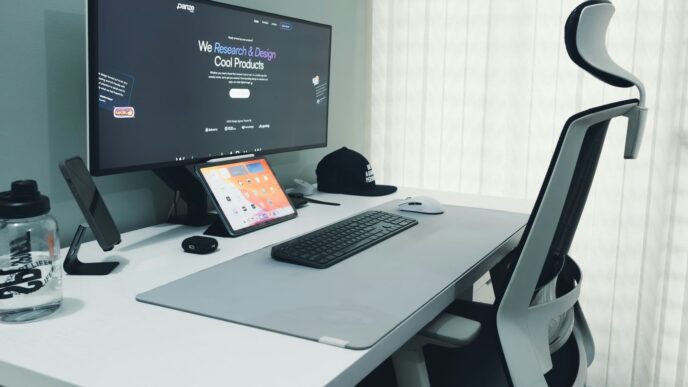
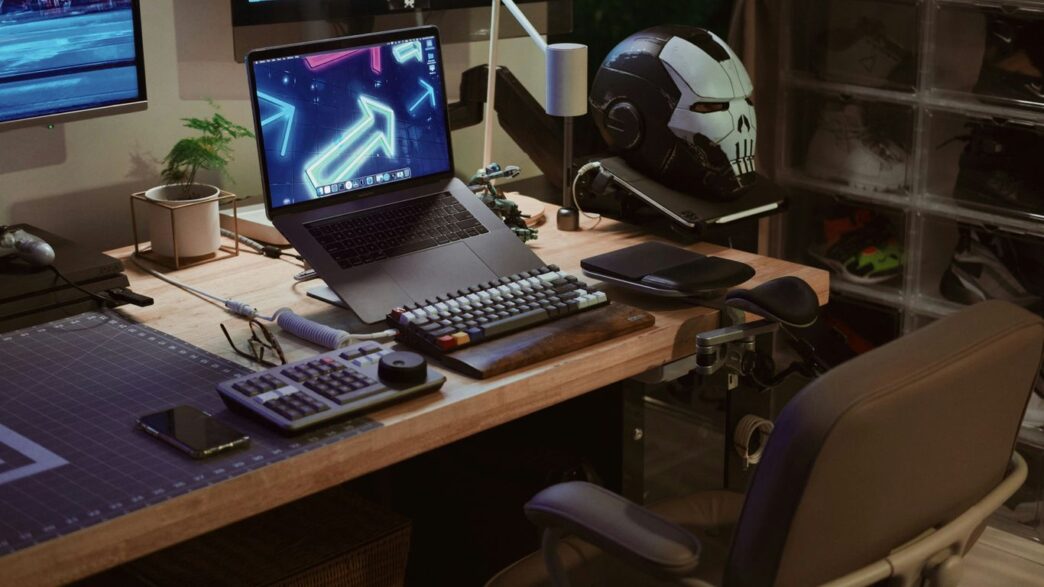
Beyond just the PC itself, think about the whole vibe. Do you want a clean setup with just a few subtle RGB accents, or are you going for the full rainbow explosion? Cable management plays a big role here too. When builders do a good job of tucking away all those wires, it not only looks way better but also helps with airflow. You can get custom cables, different colored fan frames, or even unique keycaps for your keyboard to match. It’s all about creating a space that feels comfortable and inspiring for your gaming sessions. Don’t forget about the desk mat, mousepad, and even the monitor stand – these little things can tie the whole look together.
Ready to Game On?
So, finding the right gaming PC doesn’t have to be a huge headache. We’ve gone over what to look for, from figuring out if you need a beastly machine for the latest AAA titles or something a bit more chill for indie games, to setting a budget that works for you. Remember, a good gaming PC is all about balancing what you want to play with what you can spend. Whether you decide to go prebuilt for ease or build your own for that custom touch, the most important thing is that it gets you into the games you love. Happy gaming!
Frequently Asked Questions
What’s the difference between a casual and a hardcore gaming PC?
A casual gaming PC is fine for games that don’t need super-fancy graphics, like older games or simple indie titles. A hardcore gaming PC, on the other hand, is built to handle the latest, most demanding games with amazing graphics and smooth action, often including virtual reality experiences.
How much should I spend on a gaming PC?
Gaming PCs come in different price ranges. Entry-level ones, usually around $500-$800, are good for basic gaming. Mid-range PCs ($800-$1,500) offer a great balance for playing most games at good settings. High-end PCs, costing $1,500 and up, are for those who want the absolute best graphics and performance, especially for 4K gaming or streaming.
What are the most important parts of a gaming PC?
The graphics card (GPU) is super important because it handles all the visuals. The processor (CPU) is like the brain, making everything run fast. You also need enough RAM (memory) so your PC can juggle multiple tasks and games smoothly, and storage (like an SSD) for quick loading times.
Are prebuilt gaming PCs good?
Yes, prebuilt gaming PCs are a great option, especially if you’re new to PC gaming. They come already put together by experts, saving you the hassle of building it yourself. Plus, they usually come with a single warranty for the whole system, making support easier if something goes wrong.
How do I know if a company is a good place to buy a gaming PC from?
Look for companies with a good reputation among gamers. Reading customer reviews and checking independent reviews or benchmarks can tell you a lot about how reliable their PCs are and how well they perform. Also, make sure they offer good customer support and a solid warranty.
Does the way a gaming PC looks matter?
While looks aren’t everything, they can be a big part of the fun! Many gaming PCs have cool designs with customizable lights (RGB) and see-through panels. It’s also important that the case has good airflow to keep the parts from getting too hot, ensuring your PC runs well even during long gaming sessions.