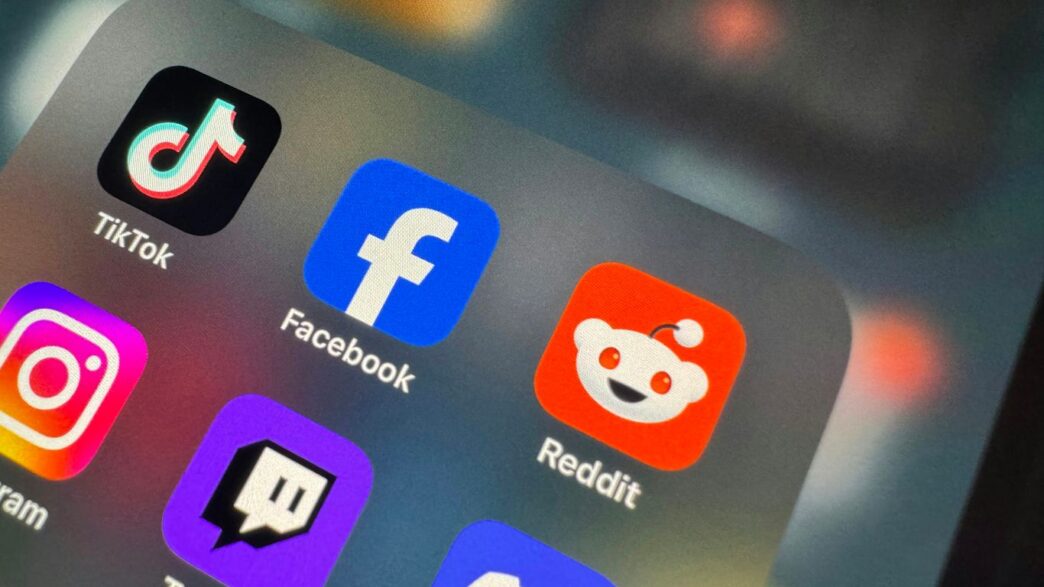
Social media has gotten pretty wild lately, right? With new platforms popping up and old ones changing names, keeping track of it all can feel like a full-time job. If you’re trying to run a business or even just a personal brand, managing all your different social media application accounts can get messy fast. You don’t want to be stuck logging into five different apps just to post one thing. That’s where a good social media management tool comes in. These apps can really help you stay organized and make sure your message gets out there without you losing your mind. So, what should you be looking for in a social media application in 2026? Let’s break down the top features.
Key Takeaways
- AI Content Generation: Look for social media application features that use AI to help draft posts, suggest captions, and even repurpose existing content, saving you time and sparking ideas.
- Multi-Platform Support: A good social media application should let you manage most, if not all, of your social accounts from one place, including newer ones like Threads and Bluesky alongside the usual suspects.
- Powerful Scheduling Tools: Being able to plan and schedule your posts in advance across all your platforms from a single dashboard is a game-changer for staying consistent.
- Detailed Analytics: Understanding how your content performs is key. Your social media application should provide clear reports on engagement, reach, and audience growth.
- Social Inbox Management: Keeping track of comments, messages, and mentions across all your networks in one unified inbox makes customer interaction much simpler and more efficient.
1. AI Content Generation
Alright, let’s talk about AI content generation for social media in 2026. It’s not just a buzzword anymore; it’s becoming a pretty standard part of how people manage their online presence. Basically, these tools can help you whip up posts, captions, and even video ideas without you having to stare at a blank screen for hours. Think of it as having a junior copywriter on call 24/7.
These AI assistants can do a few key things:
- Drafting Posts: You give it a topic, a link, or even just a few keywords, and it spits out a few different post options. Some are better than others, of course, but it’s a great starting point.
- Repurposing Content: Got a killer blog post or a long video? AI can chop it up into smaller, social-media-friendly snippets. This is a huge time-saver if you’re always trying to figure out how to get more mileage out of your existing content.
- Suggesting Ideas: Stuck on what to post next? AI can look at trending topics or your past performance and suggest new content angles.
- Optimizing for Platforms: The really smart ones know the difference between a TikTok caption and a LinkedIn post. They’ll tweak the length, suggest relevant hashtags, and even throw in appropriate emojis.
The biggest win here is speed and overcoming writer’s block. It frees up your time to focus on strategy or engaging with your audience, rather than just churning out words. While it’s not going to replace human creativity entirely, it’s definitely a powerful tool to have in your corner.
2. Multi-Platform Support
Okay, so you’ve got this killer post idea, right? You want it to hit everywhere – X, Threads, maybe even Bluesky or Mastodon. In 2026, just posting to one place feels like shouting into the void. You need a tool that gets your message out to all your audiences without you having to manually tweak it for each one.
Think about it. Each platform has its own vibe. What works as a quick tweet might need to be a longer thread on X, or a more visual post on Threads. Trying to do this by hand for every single update? It’s a recipe for burnout. Good social media tools now understand this. They can take your core content and intelligently adapt it. This means resizing images, splitting up longer text into digestible chunks, and even suggesting platform-specific hashtags. It’s about making your content feel like it belongs, no matter where it lands.
Here’s what you should be looking for:
- Smart Repurposing: The tool should automatically adjust your content for different platforms. This isn’t just copy-pasting; it’s about making it fit the character limits, aspect ratios, and general style of each network.
- Native Feel: Your posts shouldn’t scream "I was posted from a scheduler." The best tools ensure your content looks and feels like it was created directly on the platform.
- Customizable Rules: You might want certain hashtags on X but not on Threads, or maybe you tag different people. The ability to set these custom rules per platform saves a ton of time.
- Unified Posting: Being able to schedule and publish to multiple networks from one dashboard is the whole point. You shouldn’t have to log in and out of different apps all day.
Basically, you want your social media management tool to do the heavy lifting of cross-posting. This frees you up to focus on creating great content and actually talking to your followers, instead of wrestling with formatting issues. It’s a huge time-saver, and honestly, it just makes managing your online presence way less of a headache.
3. Powerful Scheduling Tools
Spending hours each week manually posting to social media is a thing of the past, or at least it should be. Juggling different platforms, time zones, and content types can really eat into your creative time. Thankfully, there are tools that let you plan and publish your content across all your accounts from one spot, automatically. This means you can set up posts for the whole week, or even month, and then forget about them until they go live.
The right scheduling tool can make your social media efforts way more consistent and save you a ton of time. Most of these tools let you see all your planned posts in a calendar view, which is super helpful for spotting gaps or planning campaigns. You can usually drag and drop posts around to rearrange your schedule easily. Plus, many now offer features like content recycling, where they can re-share your evergreen posts automatically, keeping your profiles active without you having to do anything extra.
When you’re looking for a scheduler, think about these things:
- Platform Support: Make sure it actually works with all the social networks you use. Some tools are great for Facebook, Instagram, and X, but might not support newer platforms like Threads or TikTok directly. Always check this first.
- Content Calendar: A visual calendar is a must-have. It should let you see your posts at a glance and make it easy to move things around.
- Bulk Uploading: If you create a lot of content at once, being able to upload posts using a CSV file can be a massive time-saver.
- Team Features: If you work with others, look for tools that allow multiple users, different permission levels, and approval workflows.
Don’t just pick the first one you see. Most offer free trials, so take advantage of them. Connect your actual accounts, schedule a few posts, and see how it feels. A tool that’s clunky during a trial will only get more annoying later on. The goal is to find something that fits your workflow and helps you be more strategic, not just busy.
4. Detailed Analytics
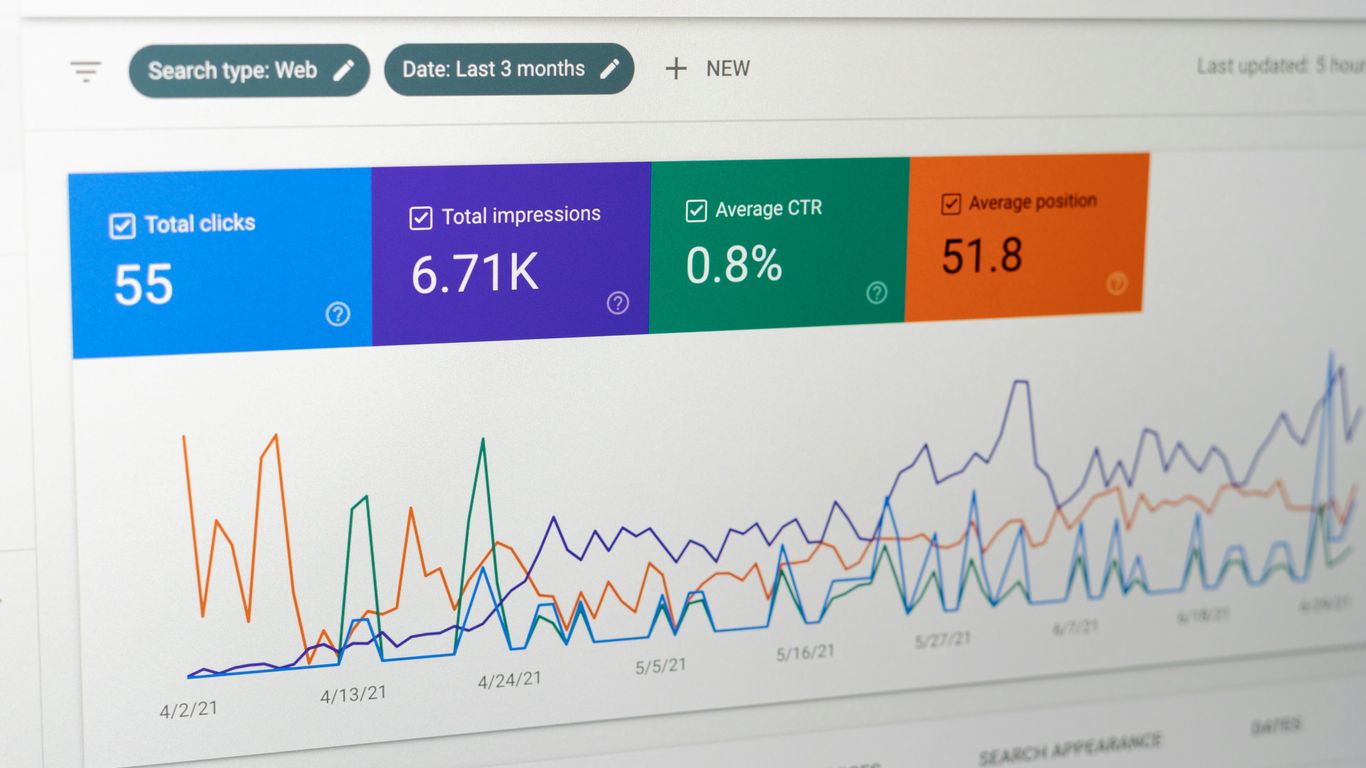
Okay, so you’ve put your content out there, maybe you’ve even scheduled it all out. Now what? You gotta see how it’s doing, right? That’s where analytics come in. It’s not just about knowing how many likes you got; it’s about understanding the why behind the numbers.
Good analytics tools show you who’s actually looking at your stuff and what they’re interested in. Think about it: if you’re selling handmade dog sweaters, knowing that your posts are being seen by people who work in IT versus people who own dogs is a pretty big difference. Platforms like LinkedIn, for example, give you a look at follower demographics like job titles and industries, which is super helpful if you’re trying to reach a specific crowd. It’s like getting a peek behind the curtain.
Here’s what you should be looking for:
- Audience Insights: Who are these people? Where are they from? What are their interests? The more detail, the better.
- Content Performance: Which posts are actually hitting the mark? Which ones are falling flat? You want to see metrics like reach, engagement rate, and click-throughs for each piece of content.
- Competitor Benchmarking: How do you stack up against others in your space? Seeing what your competitors are doing and how their content performs can give you ideas or show you where you can improve.
- Trend Spotting: Are there patterns emerging in your data over time? Analytics can help you spot seasonal trends or shifts in audience behavior.
Knowing this stuff helps you tweak your strategy. You don’t want to waste time creating content that nobody sees or cares about. It’s all about making smarter decisions based on real data, not just guessing. For instance, Meta Business Suite offers native insights for Facebook and Instagram, which is a solid starting point for understanding your audience on those platforms. Being able to track this information helps you adapt your strategy to stay ahead in the evolving digital landscape.
5. Social Inbox Management
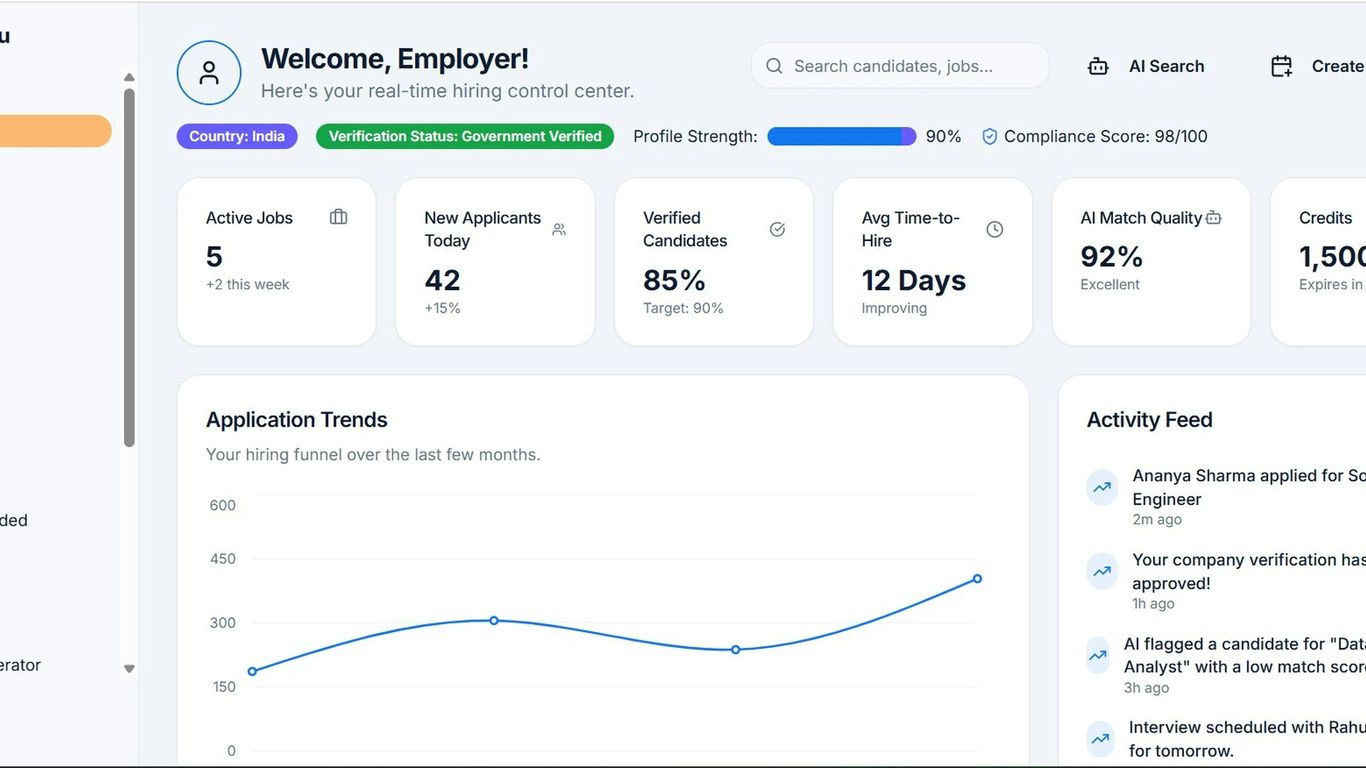
Okay, so you’ve got your content scheduled, your analytics are looking good, but what about actually talking to people? That’s where the social inbox comes in. Think of it as your central command center for all the comments, direct messages, and mentions coming your way across different platforms. Trying to keep up with five separate apps, each with its own notification system, is a recipe for missed messages and frustrated followers. A unified social inbox is a game-changer for staying on top of conversations.
It’s not just about seeing everything in one place, though. The real magic happens when you can actually do something with those messages efficiently. Some tools let you tag messages, assign them to team members, or even set up quick replies for common questions. This is super helpful if you’re juggling multiple accounts or working with a team. You don’t want messages falling through the cracks, right?
Here’s what makes a good social inbox:
- Centralized View: See comments, DMs, and mentions from Facebook, Instagram, X, LinkedIn, and more, all in one feed.
- Quick Actions: Respond, like, hide, or delete comments directly from the inbox.
- Team Collaboration: Assign messages to specific team members or flag them for follow-up.
- Filtering and Sorting: Easily find specific conversations based on platform, sender, or status.
For businesses that get a lot of interaction, tools like Sprinklr and Sprout Social offer robust inbox features that can handle high volumes. They often include smart filters and even AI-powered suggestions for responses, which can really speed things up. It means less time spent hunting for messages and more time actually engaging with your audience. Plus, it helps keep your brand looking responsive and on the ball.
Wrapping It Up
So, as we look ahead to 2026, it’s clear that social media management is getting more complex, but also more powerful. The platforms themselves are changing, and the tools we use to manage them need to keep up. Whether you’re a small business owner trying to stay on top of things or part of a larger team, finding the right app with features like broad network support, smart scheduling, and good analytics is key. Don’t forget about AI – it’s not just a buzzword anymore, it’s becoming a real helper in creating content and understanding what works. The best approach is often a mix of what these management apps offer and the unique AI features built right into platforms like Instagram or TikTok. By picking the right tools, you can spend less time wrestling with different apps and more time actually connecting with your audience. It’s all about working smarter, not harder, in this ever-changing social media world.
Frequently Asked Questions
What is AI content generation in social media apps?
AI content generation means the app uses artificial intelligence to help you create posts. It can suggest ideas, write captions, or even create images, making it faster to get your content ready.
Why is multi-platform support important for social media apps?
Multi-platform support lets you manage all your social media accounts, like Instagram, Facebook, and TikTok, from one place. This saves you time and makes it easier to post consistently everywhere.
How do powerful scheduling tools help with social media?
Scheduling tools let you plan and set your posts to go live automatically at a future date and time. This means you can create a bunch of content at once and let the app handle publishing it, so you don’t have to remember to post every day.
What kind of information do detailed analytics provide?
Detailed analytics show you how well your posts are doing. You can see things like how many people saw your post, how many liked it, and where your followers are coming from. This helps you understand what your audience likes.
What is a social inbox and why is it useful?
A social inbox is a place within the app where you can see all the messages and comments from your different social media accounts. It’s useful because you can reply to people quickly and keep track of conversations without checking each app separately.
Are AI features becoming standard in social media apps?
Yes, AI features are becoming very common. Most new social media apps include AI to help with writing, creating content, or figuring out the best times to post. It’s a big trend to make managing social media easier.