
Augmented Reality (AR) and Virtual Reality (VR) are changing how we do things, from playing games to learning new skills. It’s not just science fiction anymore; these technologies are here and making a big impact. We’re seeing them pop up in all sorts of places, making everyday tasks more interesting and opening up new possibilities. Let’s take a look at some of the cool ar and vr apps that are leading the way.
Key Takeaways
- AR and VR are blending digital elements with the real world or creating entirely new virtual spaces.
- Apps like Pokémon GO show how AR can bring games into our everyday surroundings.
- Headsets like Oculus Quest and HTC Vive offer deep dives into virtual worlds for gaming and training.
- Tools like InkHunter and Quiver let you visualize digital creations in the real world before committing.
- Platforms like Unity and Unreal Engine are the building blocks for creating these immersive ar and vr apps.
1. Pokémon GO
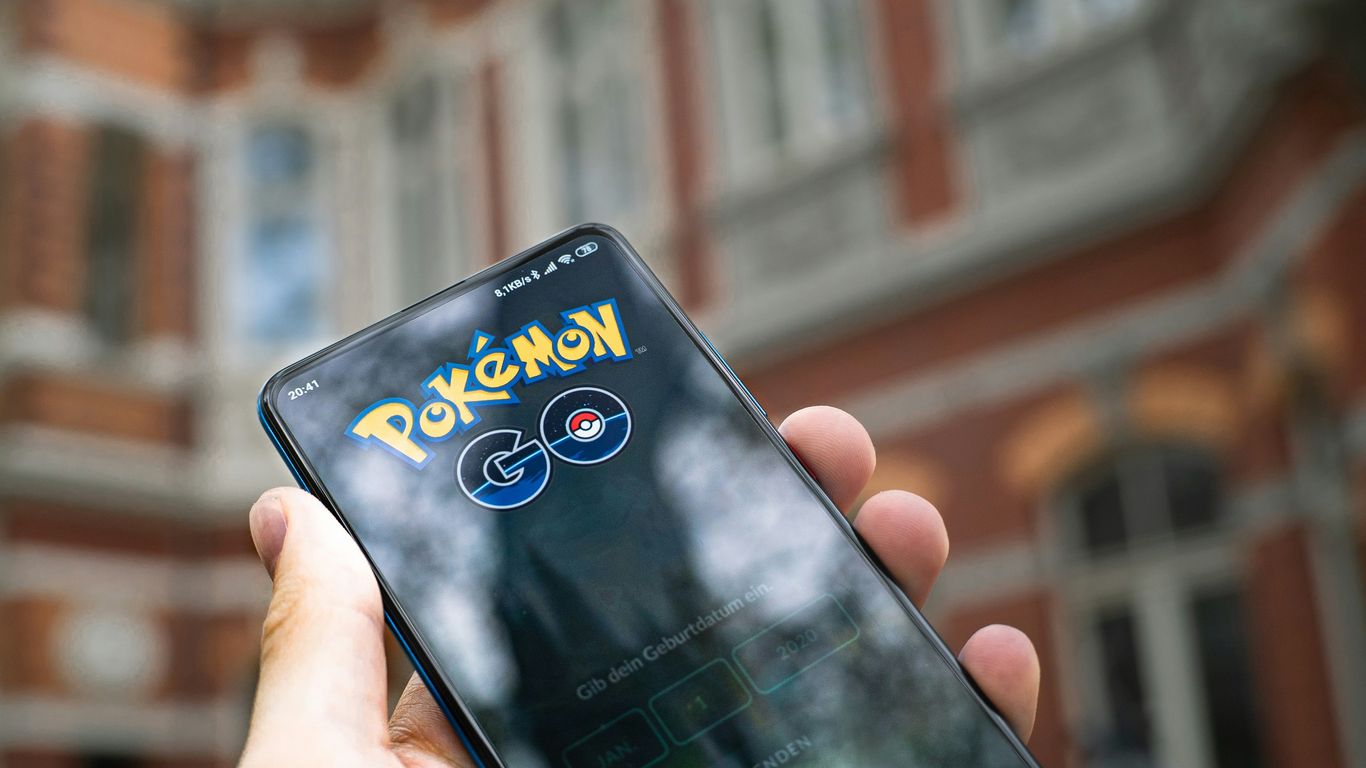
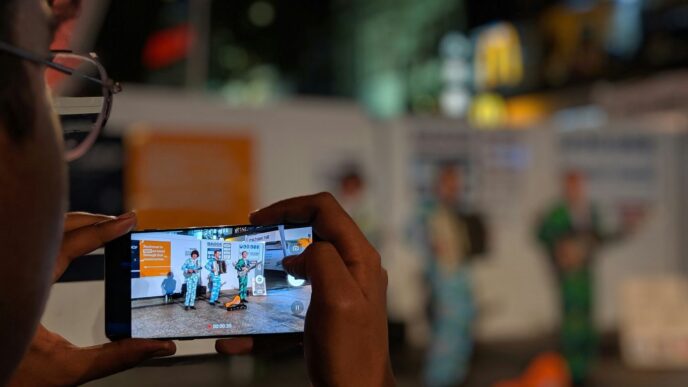
Remember when everyone suddenly started walking around with their phones glued to their faces, staring intently at sidewalks and parks? That was Pokémon GO. Launched in July 2016, this game was a massive hit and really brought augmented reality (AR) into the mainstream. It’s not just about catching Pokémon, though. The game uses your phone’s camera and GPS to overlay digital creatures onto the real world, encouraging players to explore their surroundings.
Think about it: you’re walking down the street, and suddenly a Pikachu appears on your screen, right there on the pavement. You have to physically move to find PokéStops and Gyms, which are often located at real-world landmarks. It’s a pretty neat way to get people outside and interacting with their environment in a new way.
Here’s a quick look at what made it so popular:
- Location-based gameplay: Uses GPS to place virtual elements in real-world locations.
- Augmented Reality: Overlays digital creatures and items onto your phone’s camera view.
- Social Interaction: Encourages players to meet up at specific locations for raids and battles.
- Collection and Progression: Players collect Pokémon, level them up, and battle to gain experience.
While it might seem like just a game, Pokémon GO showed us what AR could do. It proved that AR wasn’t just a gimmick; it could be used to create engaging experiences that blend the digital and physical worlds. It really paved the way for a lot of the AR apps we see today.
2. Oculus Quest
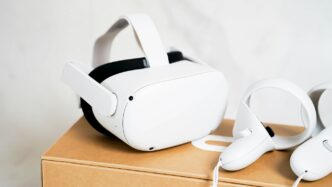
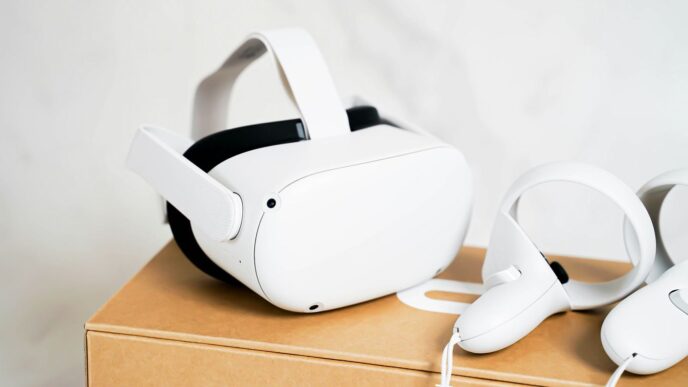
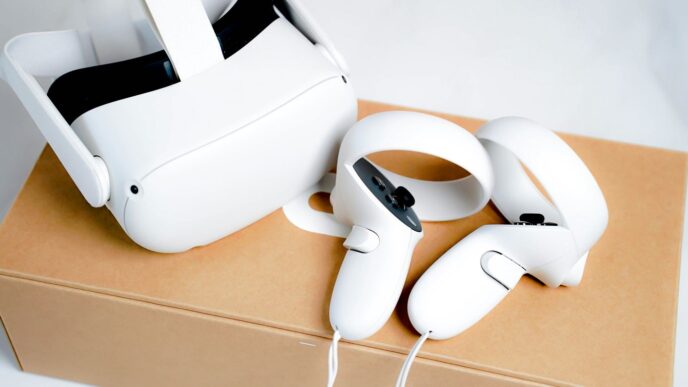
Okay, so let’s talk about the Oculus Quest, or as it’s known now, the Meta Quest. This thing really changed the game for virtual reality. Before, you often needed a super powerful computer hooked up to your headset, which was a whole hassle and pretty expensive. But the Quest? It’s a standalone device. That means everything is built right in – no extra wires, no PC needed. You just put it on and you’re in another world.
It’s made VR way more accessible for regular folks. You can jump into games, explore virtual places, or even try out some cool apps without needing a tech degree. The convenience of a self-contained unit is a huge deal for getting more people into VR.
Think about it: no more tripping over cables or worrying about your computer specs. You can literally take it anywhere. This has opened up VR for more than just hardcore gamers. People are using it for fitness, social hangouts, and even educational experiences. For example, you can explore the human body in 3D with apps like 3D Organon XR, which is pretty wild.
Of course, it’s not perfect. Battery life can be a bit of a bummer sometimes, and you might still get a little motion sick if you’re not used to it. Plus, while the graphics are good, they’re not quite at the level of a top-tier PC VR setup. But for what it offers and the price point, it’s a fantastic entry into the world of virtual reality. It’s really paving the way for what’s next in immersive tech.
3. HTC Vive
When we talk about high-end virtual reality, the HTC Vive often comes up. It’s one of those systems that really pushed the boundaries early on, especially with its room-scale tracking. You know, the kind where you can actually walk around in a virtual space instead of just sitting or standing in one spot. This level of immersion made a huge difference for games and simulations.
Originally, the Vive required a pretty beefy PC to run, which was a bit of a barrier for some folks. But they’ve kept updating the hardware. The newer Vive Pro models, for instance, offer sharper displays and better audio, making those virtual worlds feel even more real. It’s not just for gaming, either. Businesses have been using Vive systems for training, like simulating complex machinery operations or practicing surgical procedures in a safe, virtual environment. It’s pretty wild to think about how far VR has come, and the Vive has definitely been a big part of that journey.
4. InkHunter
Ever thought about getting a tattoo but weren’t sure how it would look? That’s where InkHunter comes in. This app is pretty neat because it lets you try on different tattoo designs right on your skin using augmented reality.
Here’s how it generally works:
- First, you pick a tattoo design from their collection or upload your own.
- Then, you place a special marker, usually a simple three-line smiley face, on your skin where you want the tattoo.
- Finally, you open the app, point your phone’s camera at the marker, and voilà! You can see a realistic preview of the tattoo in the chosen spot.
It’s a fantastic way to visualize permanent body art before you commit. This app really helps you make a more informed decision, saving you from potential regrets. It’s like having a personal tattoo artist in your pocket, ready to show you possibilities. You can check out InkHunter to see how it turns your ideas into art.
5. Quiver

Remember those coloring books you loved as a kid? Quiver takes that simple joy and adds a serious dose of modern tech. This app lets you bring your colored creations to life right before your eyes. You download special coloring pages from their website – think animals, dinosaurs, or even robots. After you’ve finished coloring them in, you point your phone or tablet at the page, and bam! Your drawing pops up in 3D, moving and interacting right there on your screen. It’s pretty neat to see your own artwork jump off the page.
Here’s how it works:
- Download and print a Quiver coloring page.
- Color it in however you like.
- Open the Quiver app and scan the colored page.
- Watch your creation animate!
It’s a fantastic way for kids (and let’s be honest, adults too) to engage with art and see technology in action without needing any fancy equipment, just a smartphone or tablet. It really makes coloring feel like more than just a flat picture on paper.
6. Magic Plan
Ever needed to quickly sketch out a floor plan for a room, maybe to see if that new couch will actually fit, or to give someone an idea of the space for an Airbnb listing? Doing it the old-fashioned way with a tape measure and paper can be a real pain. Magic Plan makes this process way simpler.
You just point your phone at the corners of a room, and the app does the rest, creating a pretty accurate floor plan. It’s pretty neat how it works. You can then add furniture and other items to scale, which is super helpful for visualizing changes before you make them. It’s a handy tool for homeowners, renters, or anyone who needs a quick and easy way to map out interior spaces without a lot of fuss. It’s available for both iPhones and Android devices, so most people can give it a try.
7. Instagram Filters
Okay, so Instagram filters. They might seem like just a fun way to make your selfies look a little different, but they’re actually a pretty big deal in the world of augmented reality. Think about it – you point your phone camera at your face, and suddenly you’ve got dog ears, sparkly eyes, or maybe you’re transformed into a cartoon character. That’s AR right there, happening on millions of phones every single day.
These filters aren’t just for laughs, though. They use your phone’s camera and some clever software to map digital elements onto your real-world view. It’s like drawing on top of reality, but the computer knows exactly where your nose, eyes, and mouth are. This technology is getting more advanced all the time, letting creators build really complex effects.
Here’s a quick look at what makes them so interesting:
- Accessibility: You don’t need any special equipment. If you have a smartphone with a decent camera, you can use them. This has put AR into the hands of everyday people.
- Creativity: They let people express themselves in new ways. You can change your appearance, add fun animations, or even create little interactive games that appear around you.
- Platform Growth: For platforms like Instagram, these filters are a huge draw. They keep people engaged and encourage sharing, which is good for everyone involved.
- Testing Ground: Many of the AR tools and techniques used in these filters are also being developed for more serious applications down the line, like virtual try-ons for clothes or seeing how furniture looks in your home. So, next time you slap on a funny filter, remember you’re actually playing with some pretty cutting-edge tech.
8. Unity
When you talk about making AR and VR stuff, Unity just keeps coming up. It’s this really popular game engine, but it’s also become a go-to for all sorts of immersive experiences, not just games. Think of it as a powerful toolkit that lets developers build and put together 3D worlds and interactive applications.
What makes Unity so good for AR and VR is how it handles all the complex stuff. It’s got tools for rendering graphics, managing physics, and even dealing with how users interact in these virtual spaces. Plus, it can push your creations out to a bunch of different devices, from phones to high-end VR headsets. This makes it a pretty flexible choice for creators.
Developers often use Unity for:
- Building virtual reality games and simulations.
- Creating augmented reality apps that overlay digital info onto the real world.
- Designing interactive training modules for businesses.
- Developing virtual tours for real estate or architectural projects.
It’s a platform that supports a wide range of projects, and there’s a huge community around it, which means lots of help and resources are available. If you’re looking to get into developing AR/VR applications, learning Unity is a solid step. You can even develop Android XR applications using Unity with their integrated tools.
9. Unreal Engine
Unreal Engine is a powerhouse when it comes to creating realistic and immersive experiences, especially in the gaming world. It’s a go-to tool for developers looking to build high-fidelity 3D games and other interactive applications. Think incredibly detailed graphics, complex physics, and environments that really pull you in.
While it’s famous for games, Unreal Engine is also making waves beyond that. It’s being used for architectural visualization, letting people walk through buildings before they’re even built. It’s also showing up in film production for virtual sets and in training simulations where realism is key.
Here’s a quick look at what makes it stand out:
- Advanced Rendering: It can create visuals that are almost indistinguishable from reality.
- Cross-Platform Capabilities: Developers can build once and deploy to many different devices, from PCs and consoles to mobile and VR headsets.
- Robust Toolset: It comes packed with tools for everything from level design and animation to scripting and performance optimization.
- Growing Ecosystem: There’s a huge community and marketplace for assets and plugins, making development faster and more accessible.
10. ARCore
ARCore is Google’s platform for building augmented reality experiences. Think of it as the engine that lets your Android phone understand and interact with the real world around it. It’s what makes apps like Magic Plan, which lets you map out rooms, or InkHunter, where you can virtually try on tattoos, actually work.
ARCore uses your phone’s camera and sensors to figure out where you are and what surfaces are around you. It can detect flat surfaces like floors and tables, and even track the position of your phone as you move. This allows digital objects to be placed and appear as if they are really there.
Here’s a quick look at what ARCore enables:
- Motion Tracking: Your phone can understand its position and orientation in the real world. This means virtual objects stay put even when you move your phone around.
- Environmental Understanding: ARCore can detect the size and shape of surfaces, like tables or walls. This helps virtual objects interact realistically with your environment.
- Light Estimation: It figures out the lighting conditions in your room so that virtual objects can match the real-world lighting, making them look more believable.
Essentially, ARCore is the technology that bridges the gap between the digital and physical worlds on many Android devices. It’s a key piece of the puzzle for developers wanting to create AR apps that feel natural and engaging, without needing special glasses. It’s pretty neat how it lets you see digital things overlaid onto your everyday surroundings, just by using your phone.
The Road Ahead
So, we’ve looked at how AR and VR are already changing things, from how we learn and get medical help to how we shop and even play games. It’s pretty wild to think about. While there are still some hurdles, like the cost of gear and making sure everyone doesn’t get dizzy, the future looks really bright. These technologies are getting better fast, and it feels like we’re just scratching the surface of what’s possible. It’s exciting to imagine what new apps and uses will pop up next, making our digital and real worlds blend in ways we can’t quite picture yet.
Frequently Asked Questions
What’s the big difference between AR and VR?
Think of it this way: AR, or Augmented Reality, adds digital stuff to the real world you see, like putting a virtual sticker on your actual room. VR, or Virtual Reality, completely replaces your real world with a totally digital one, like stepping into a video game.
Do I need super expensive gear to try AR and VR?
Not always! While fancy VR headsets cost a lot, you can get a taste of AR with just your smartphone. Many apps let you see digital things in your real world through your phone’s camera.
Can AR and VR really help in school?
Absolutely! Imagine taking a virtual trip to ancient Rome or seeing a 3D model of a human heart right in front of you. AR and VR make learning way more exciting and help you understand things better by actually experiencing them.
Are there any downsides to using VR?
Sometimes, people can feel a bit dizzy or queasy, especially after using VR for a long time. Also, creating cool VR experiences can be tricky and needs special skills. Plus, the equipment can still be pretty pricey for the best stuff.
How is VR used for training in jobs?
VR is amazing for training because it lets people practice real-world tasks in a safe, virtual space. For example, doctors can practice surgery, or mechanics can learn to fix an engine without any risk of breaking something real.
What’s next for AR and VR?
The future looks bright! We’ll likely see AR and VR working together more, becoming even more realistic, and being used in more ways, like for virtual meetings, creating digital art you can walk around, and even helping people with their health.